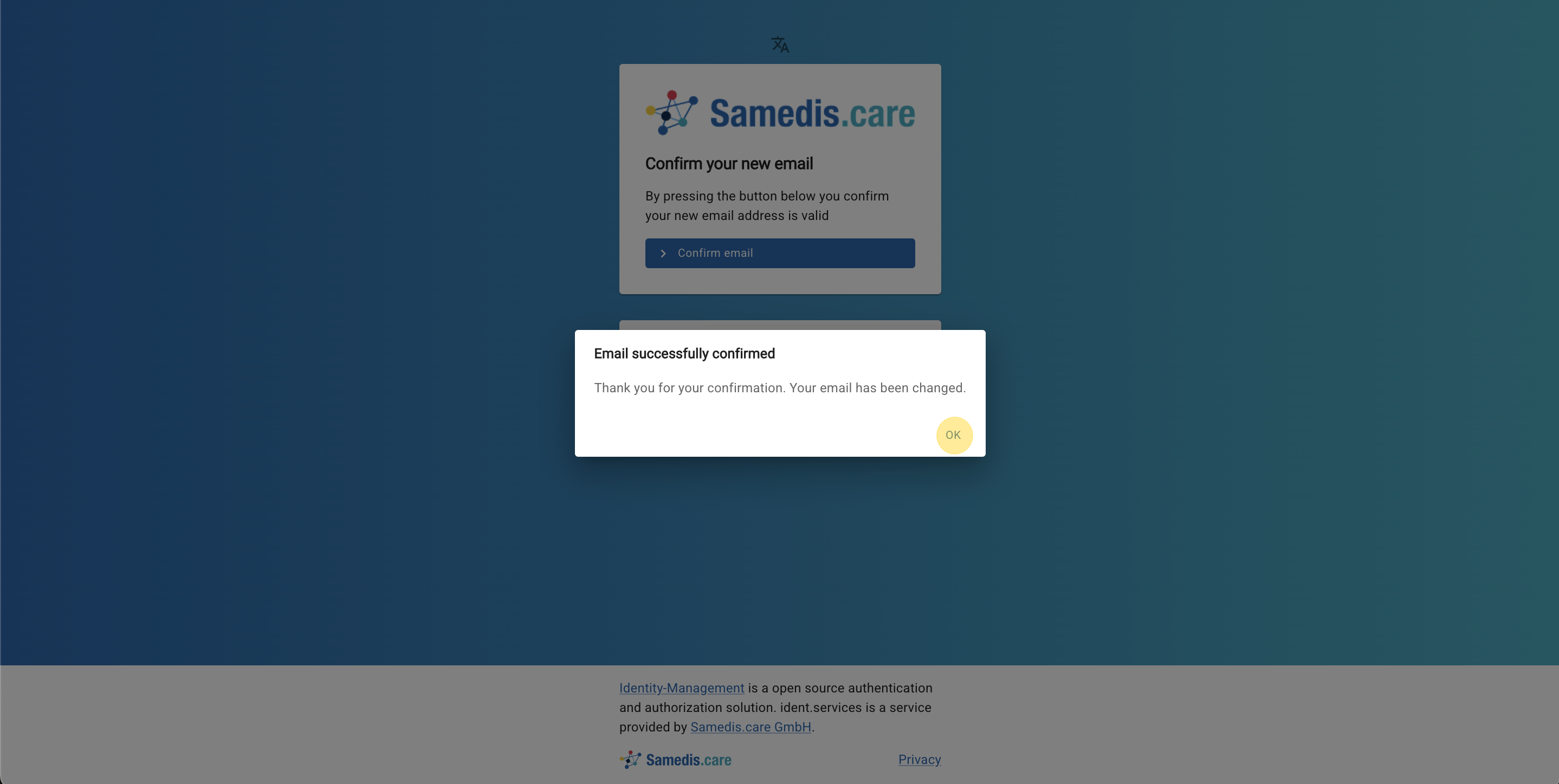
Change email
This tutorial will guide you through the process of updating the email address linked to your Samedis.care account.
1. Account settings
First, log in to your Samedis.care account as usual.
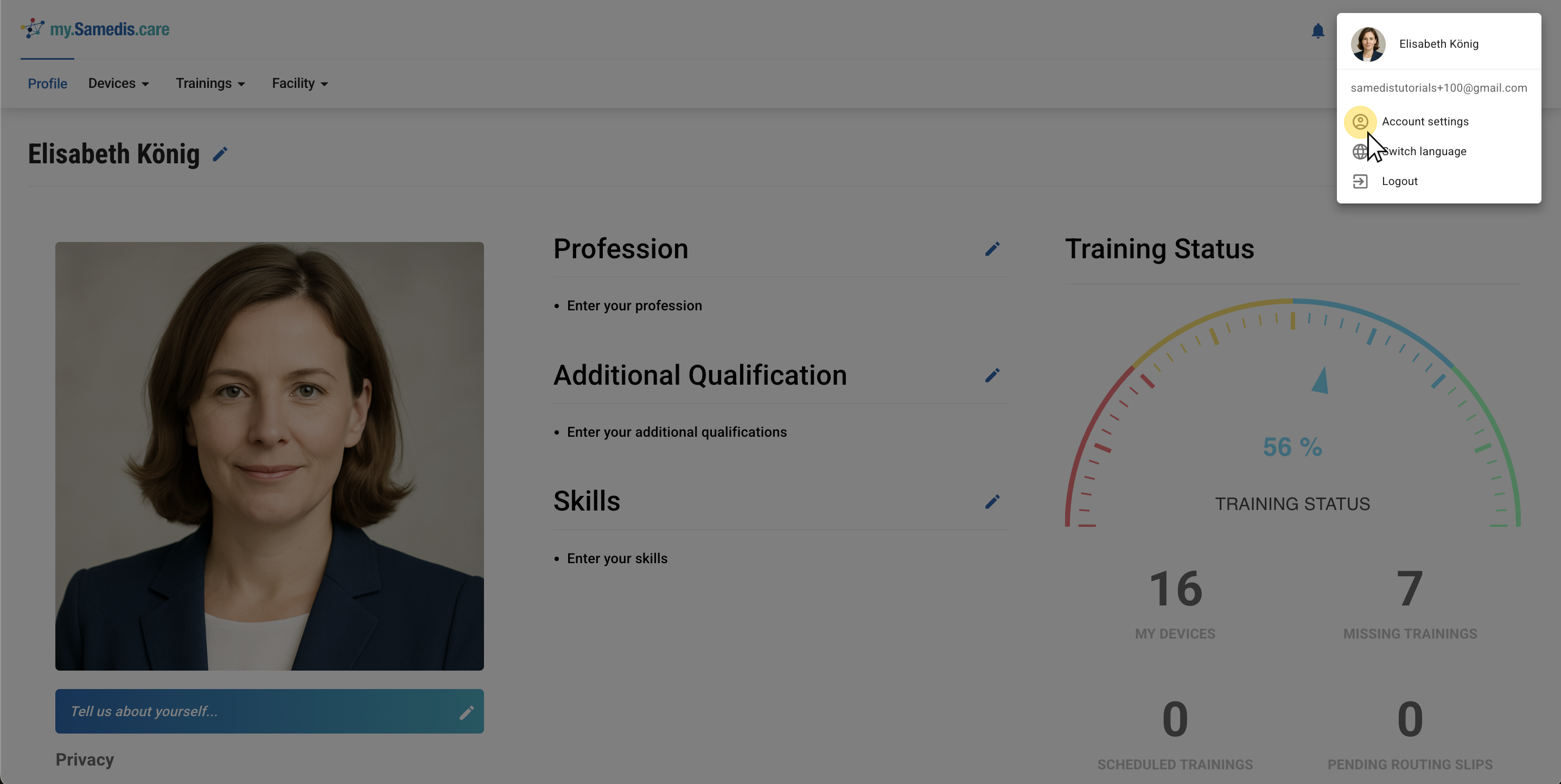
Next, click on your name in the top right corner and select Account Settings to access your profile.
Tip
The path to your account is the same whether you log in to my.samedis.care or app.samedis.care.
2. Change email
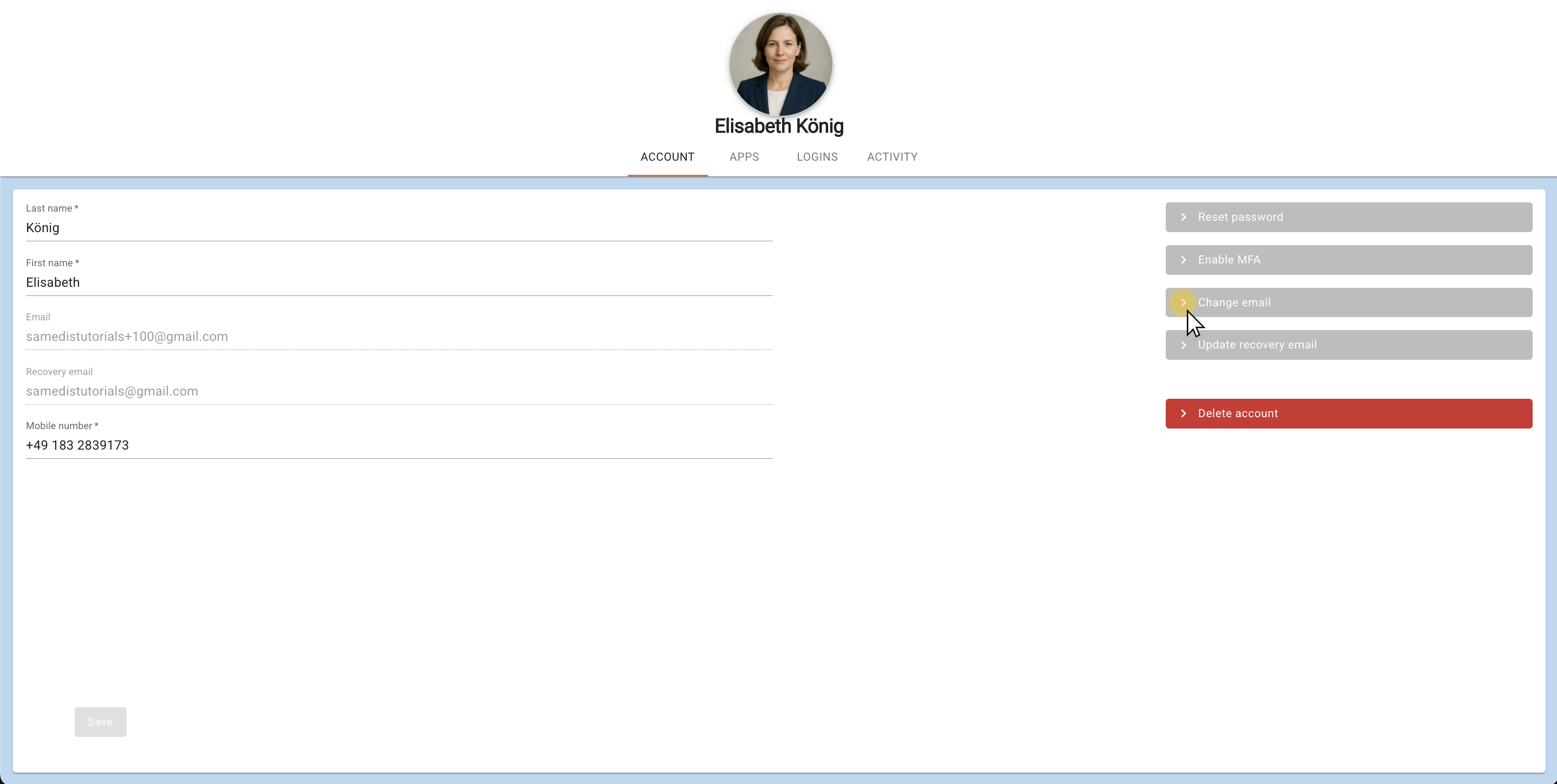
Now click on Change emailand enter your new Email address.
Tip
Note that your password remains the same. Only the email address will be changed.
3. Save
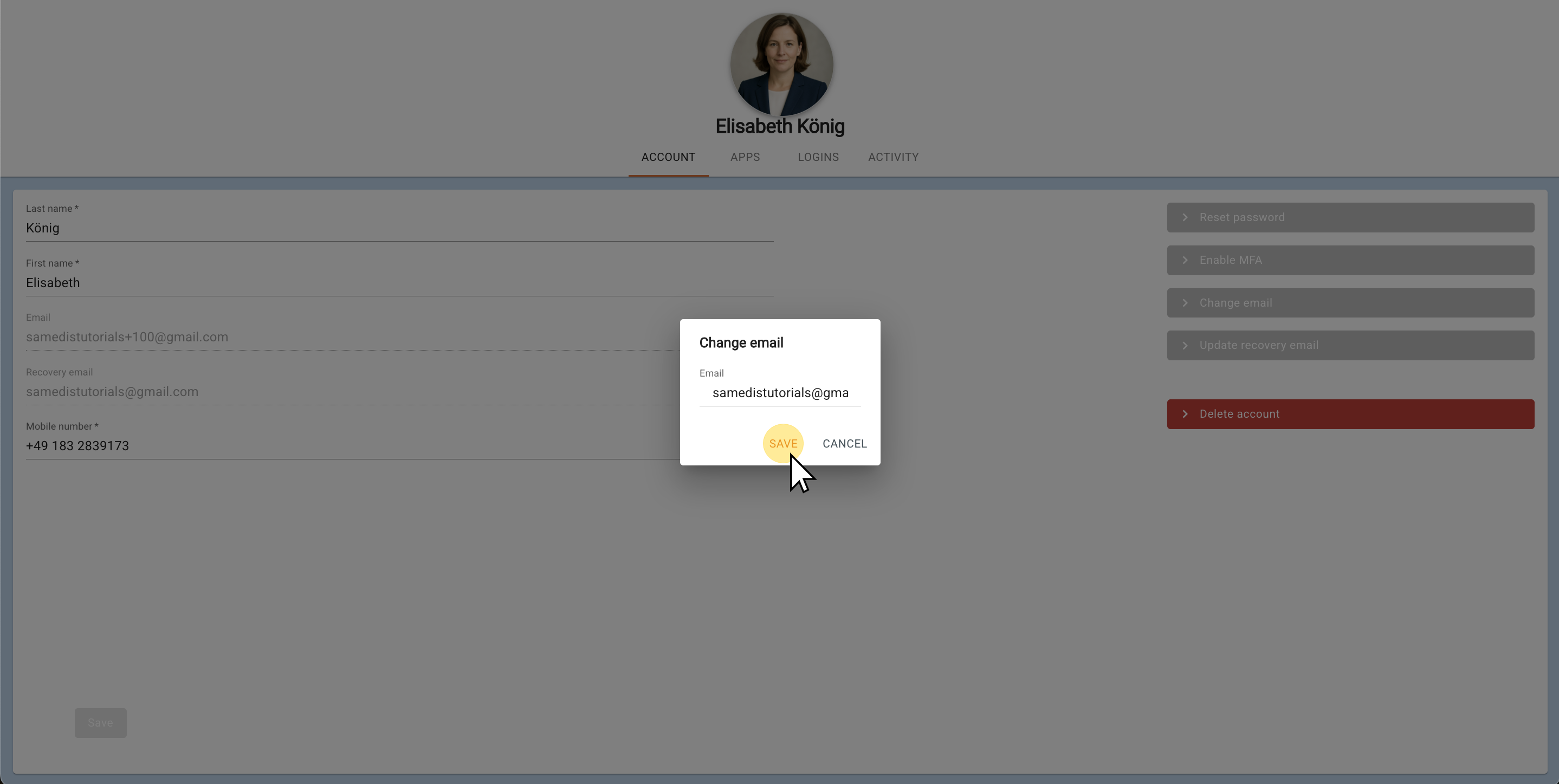
Now click on Save.
Then open your email inbox and click the confirmation link in the email from Samedis.care to verify your email address.
Tip
For security reasons a notification will be sent to your previous email address informing you that it has been changed.
4. Verify email address
Your email address has been successfully updated. You can now log in to Samedis.care using your new email.