Account recovery
When you change your workplace, access to your former work email address may no longer be available. If yourSamedis.care account was registered using that address, logging in to your my.samedis.care profile will no longer be possible. This tutorial will guide you through the process of restoring your account using your designated recovery email address, so you can regain access to your profile.
1. Recovery email
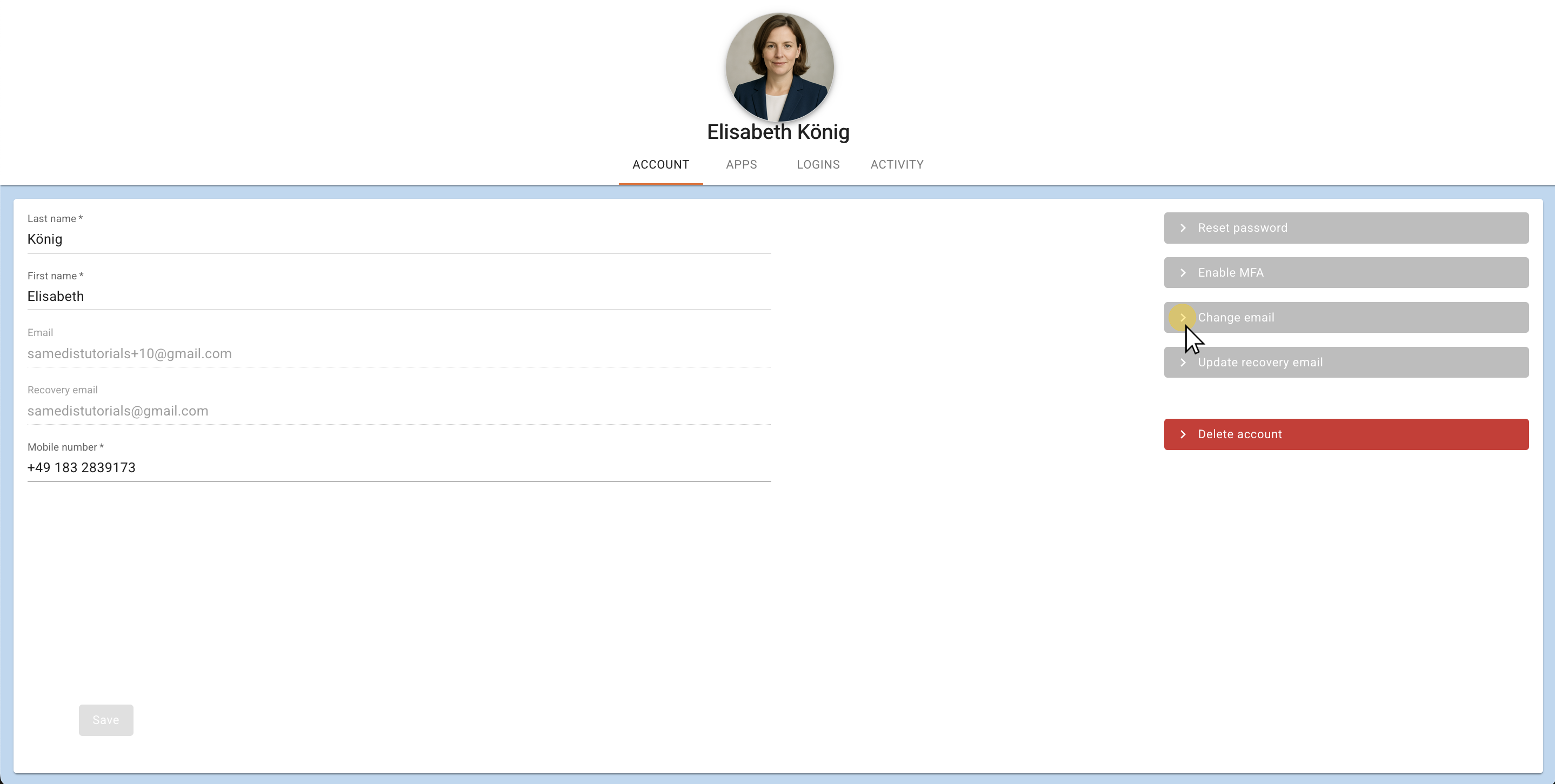
To restore your account, you need access to the Recovery email address you provided.
Tip
All information on how to set up a recovery email address can be found in the tutorial Add recovery email address.
Note
Restoring your account will remove access to all of your current facilities.
2. Recover account
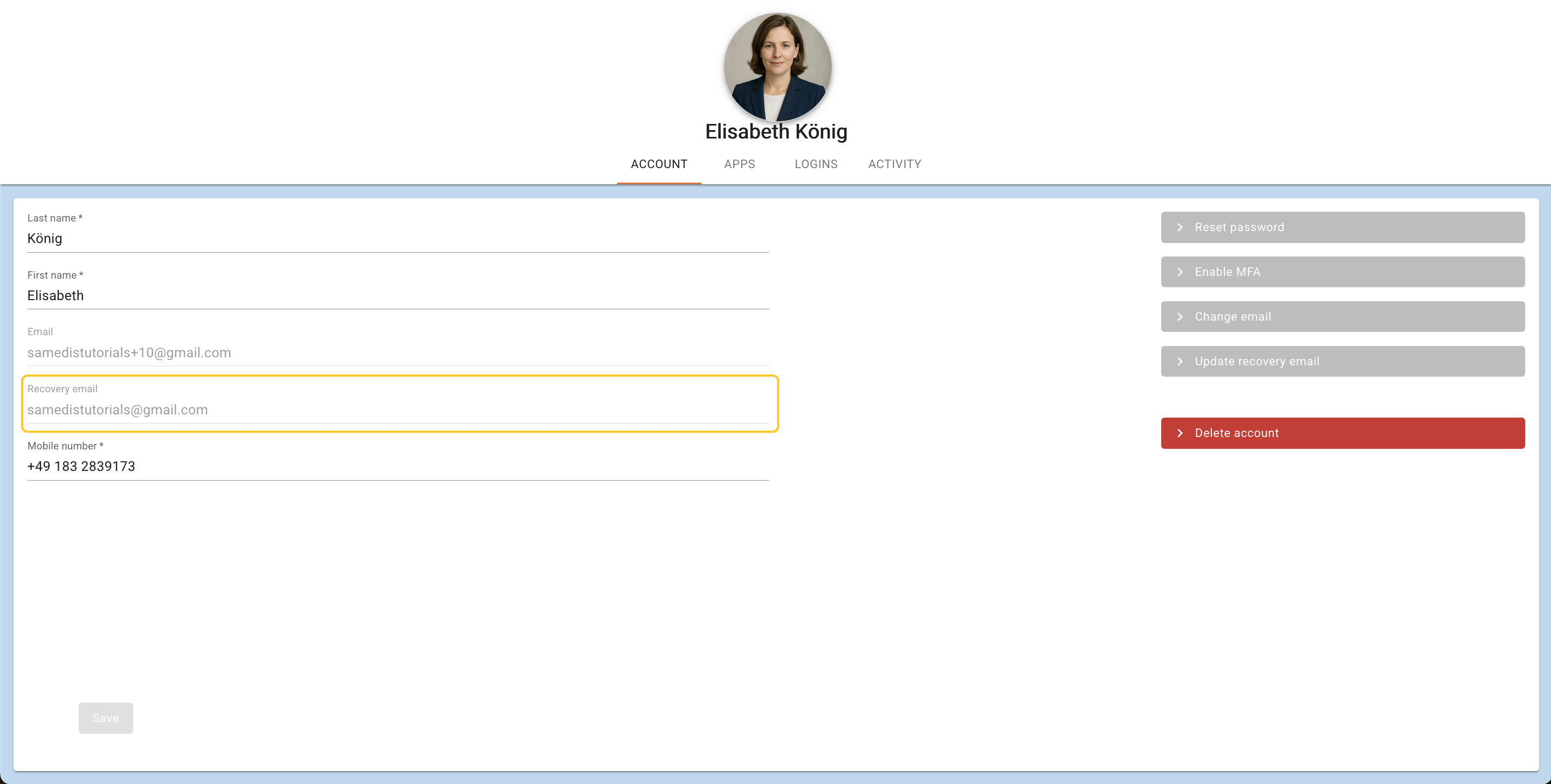
To restore your account, log in as usual and then click on Recover account.
3. Email inbox
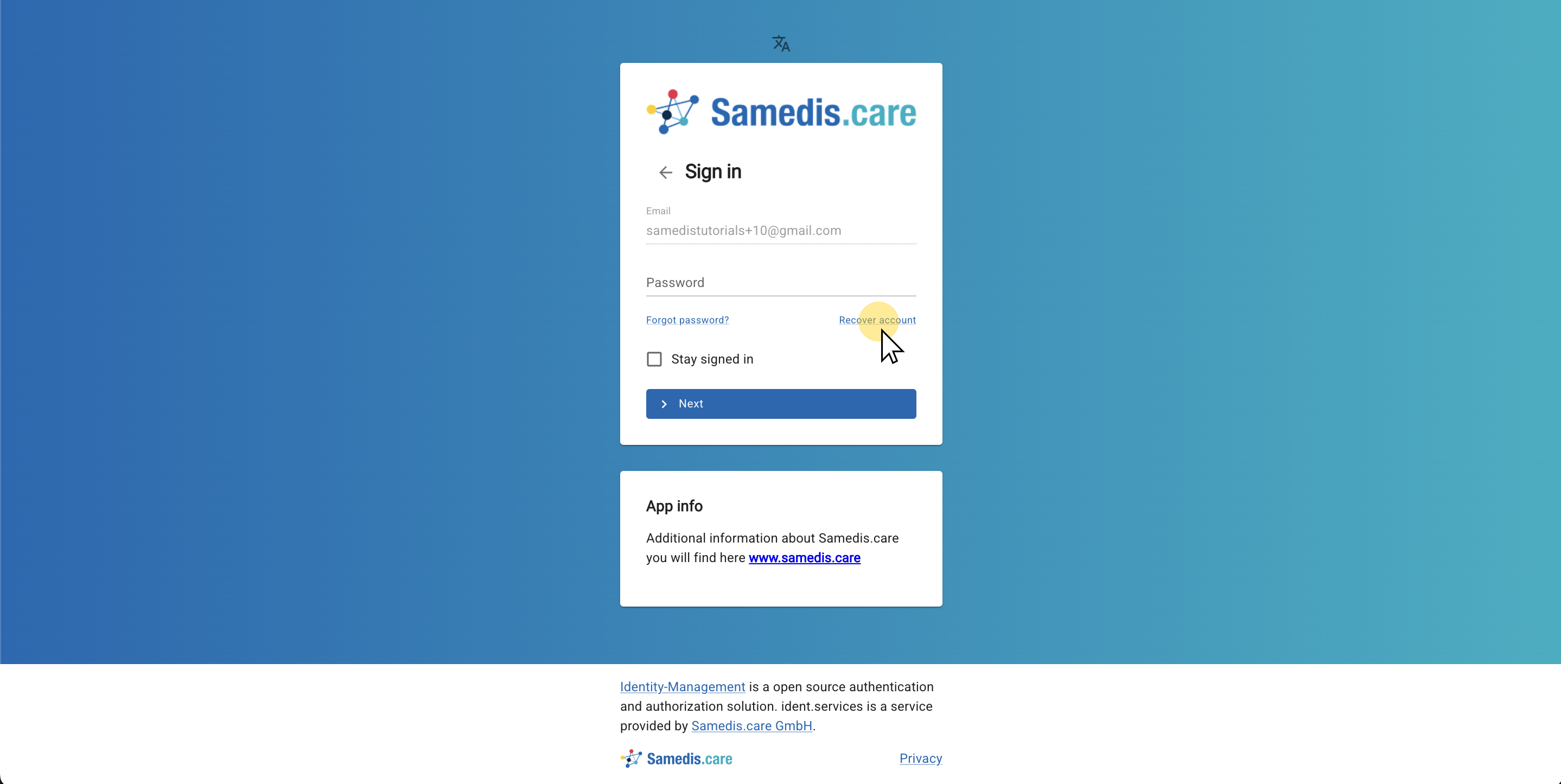
Now open the email account linked to your recovery email address. Then click the link in the email from Samedis.care to Recover your account.
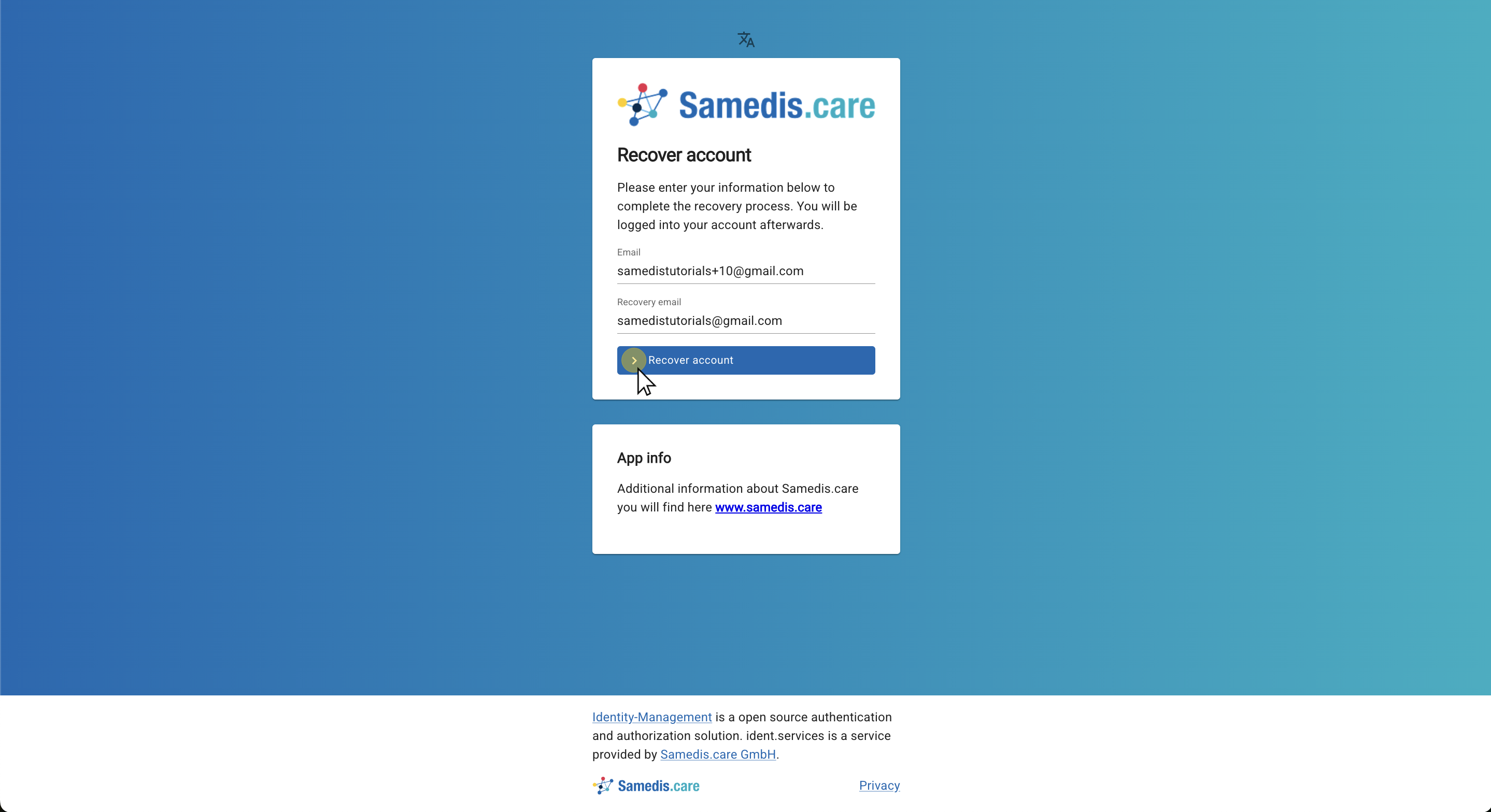
4. Enter your email address
Now enter your previous account email address as well as the recovery email address you provided. Then click on Recover account.
5. My account
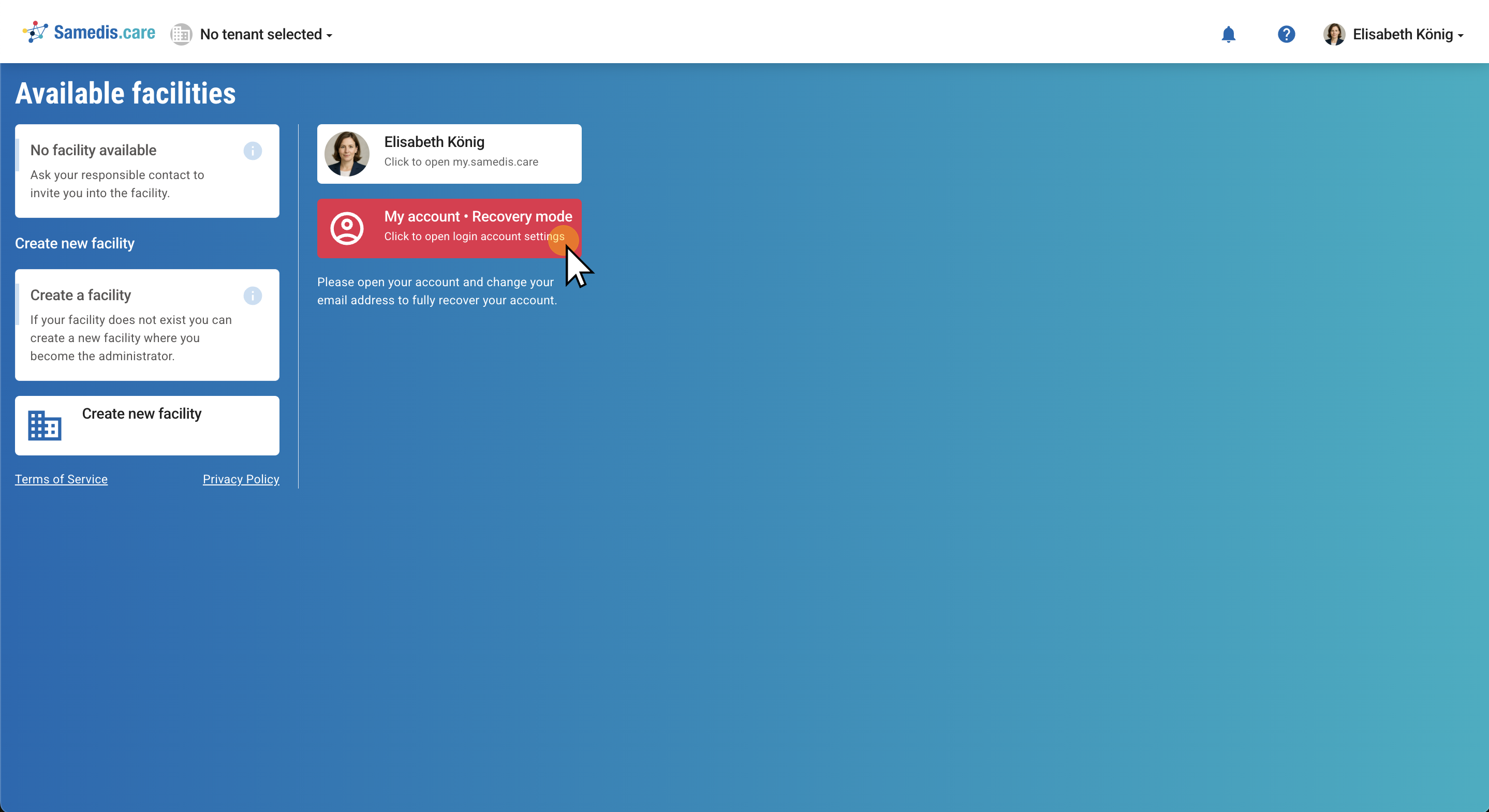
Your account has now been successfully restored.
To change your email address, click on My account.
Tip
To regain access to your facilities, you need to be invited again.
6. Change email
You can now update your email address.