Setup recovery email
You’re registered with your work email address on Samedis.care? Then add a recovery email address to ensure you can still access your Samedis.care account if you change your workplace.
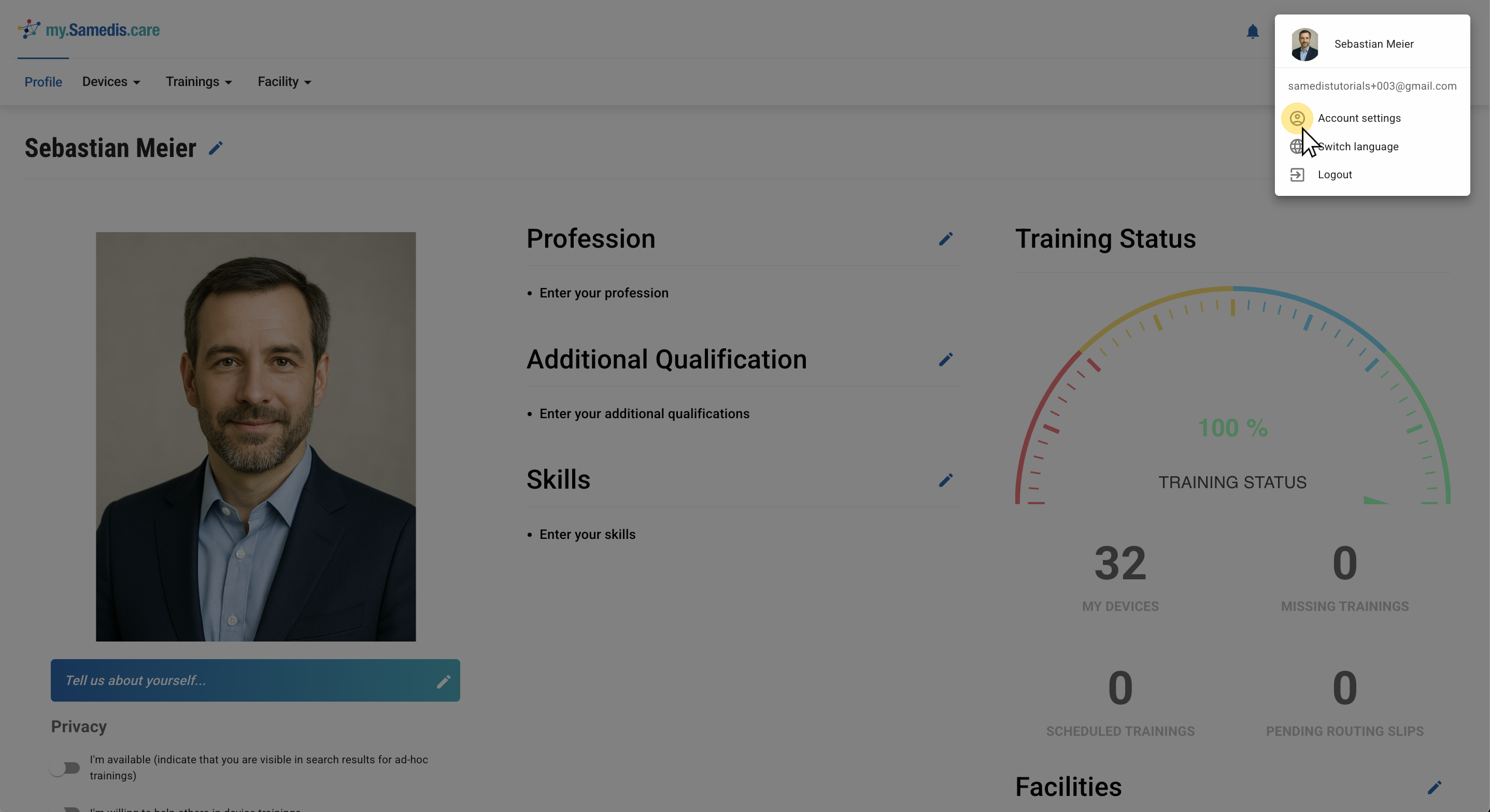
1. Account settings
Go to your Samedis.care Account settings.
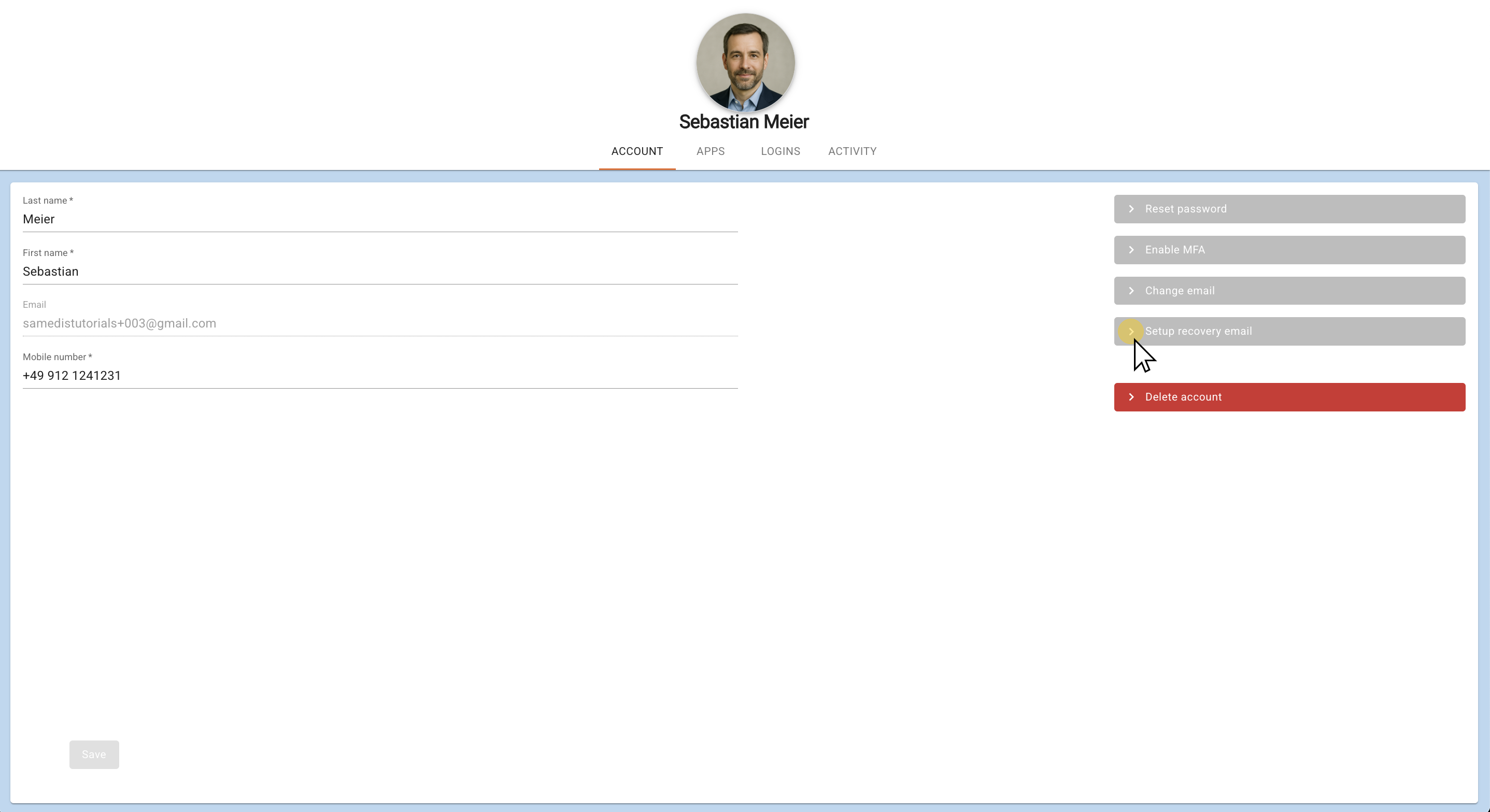
2. Setup recovery email
Click on Setup recovery email and enter an alternative (private) email address.
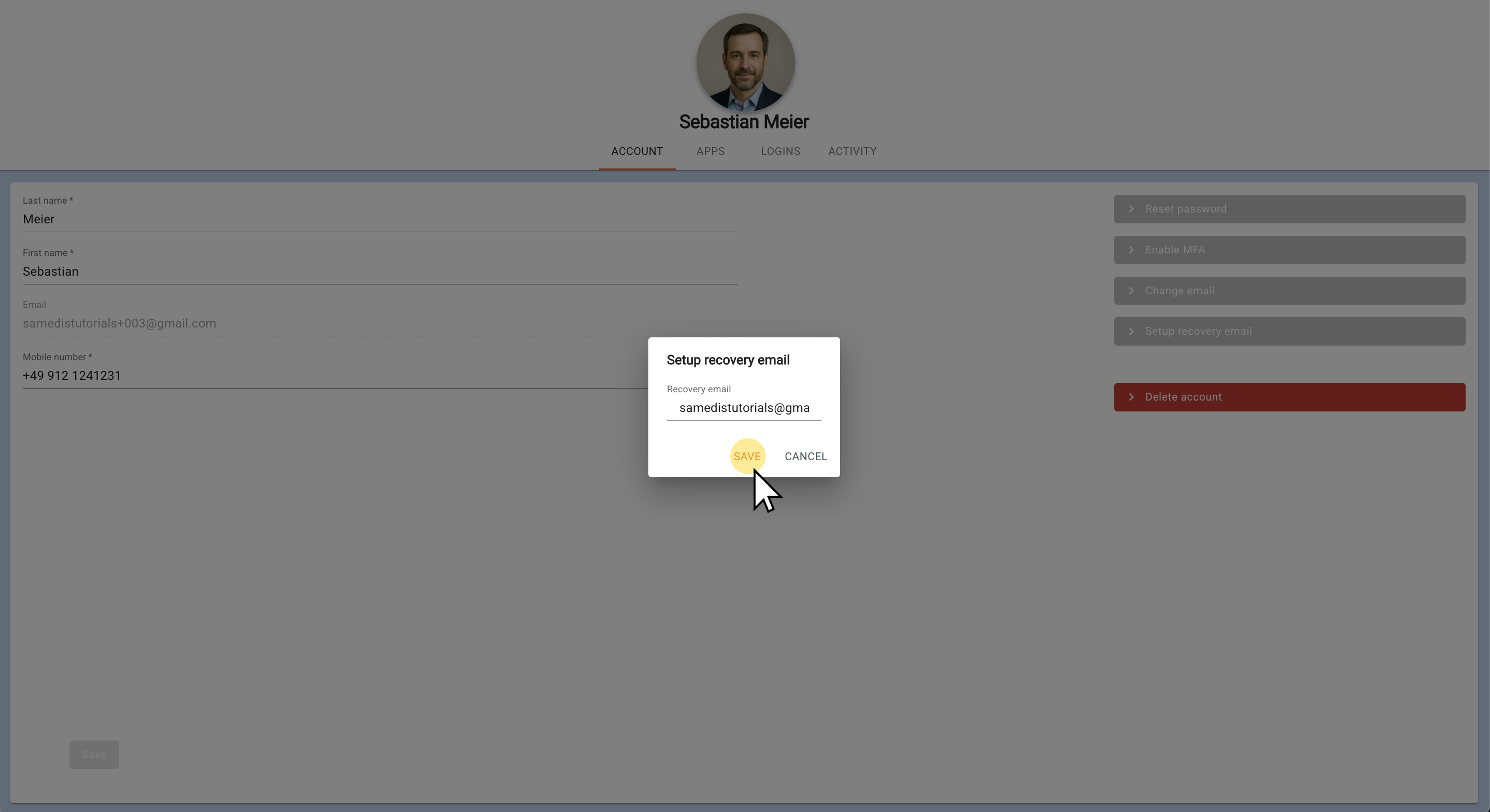
3. Save
Click on Save.
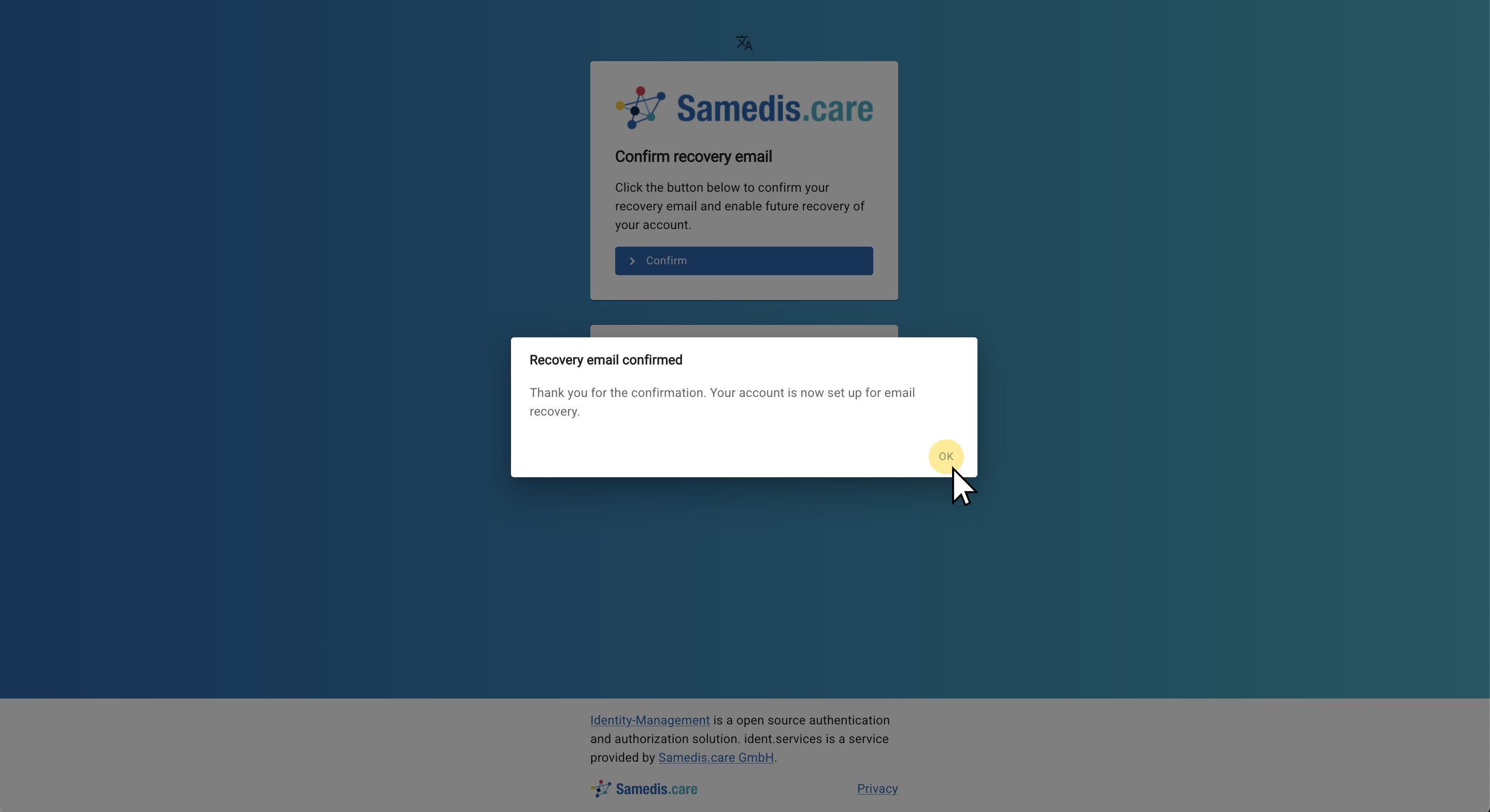
Then open the inbox of the email address you just entered. Samedis.care has sent you a message with a confirmation link to verify your recovery email address.
4. Confirm email
Your recovery emailis now successfully connected to your my.samedis.care account.
Note
You have only 5 minutes to confirm your email address. After that, the link will expire.