Facility
In this tutorial, you’ll learn how to manage your connected facilities and view the status of your device-specific requests.
1. Facilities
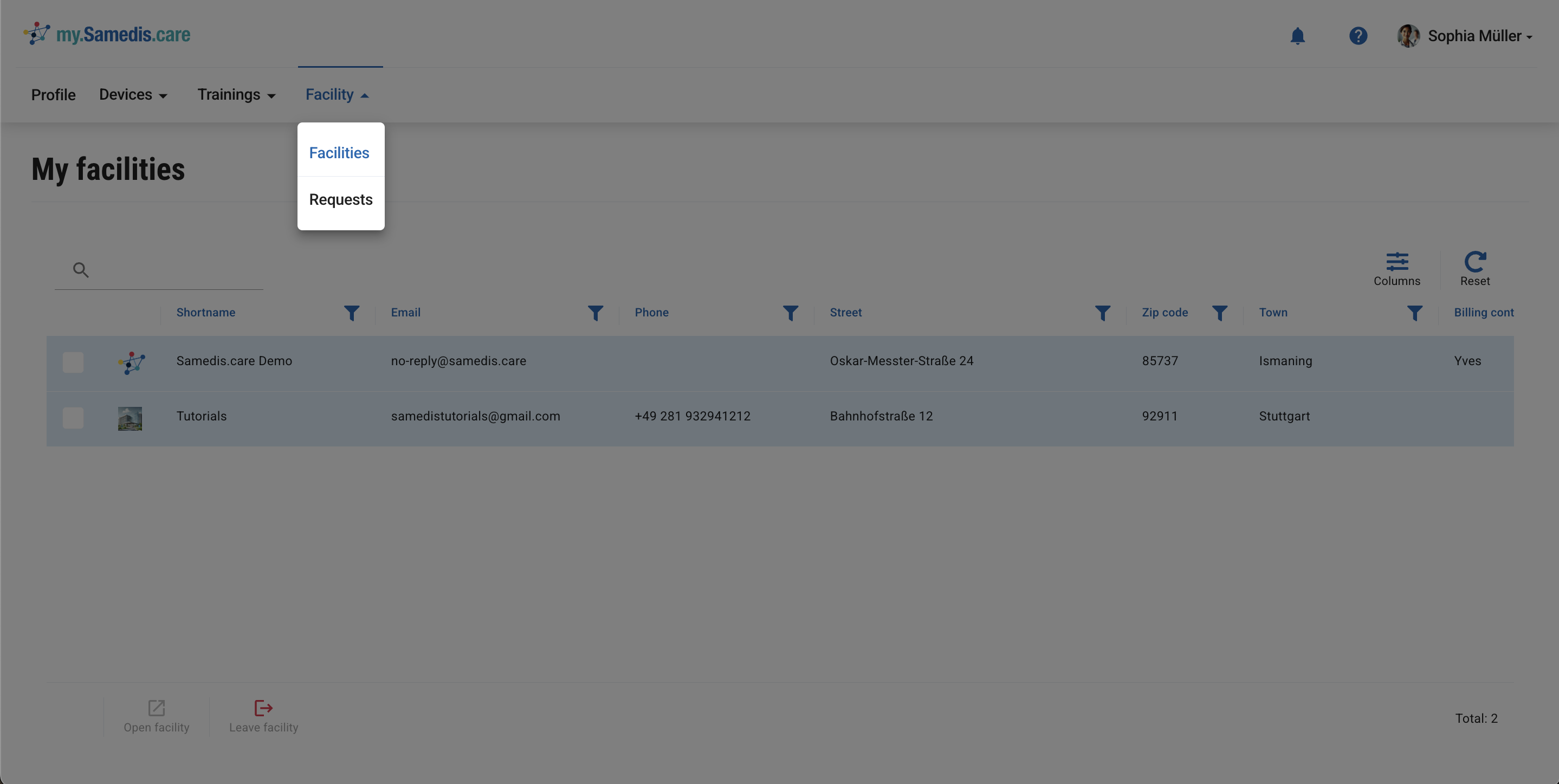
This overview shows all facilities where you’re registered as a team member with your my.samedis.care profile.
If you don’t work at a facility any more, you can remove it from your profile using the Leave facility function.
Note
The Leave facility action cannot be undone.
Tip
Your facility uses Samedis.care but doesn’t appear in the overview?
First of all, contact the person responsible for Samedis.care in your facility. Only they can register you as a team member.
2. Requests
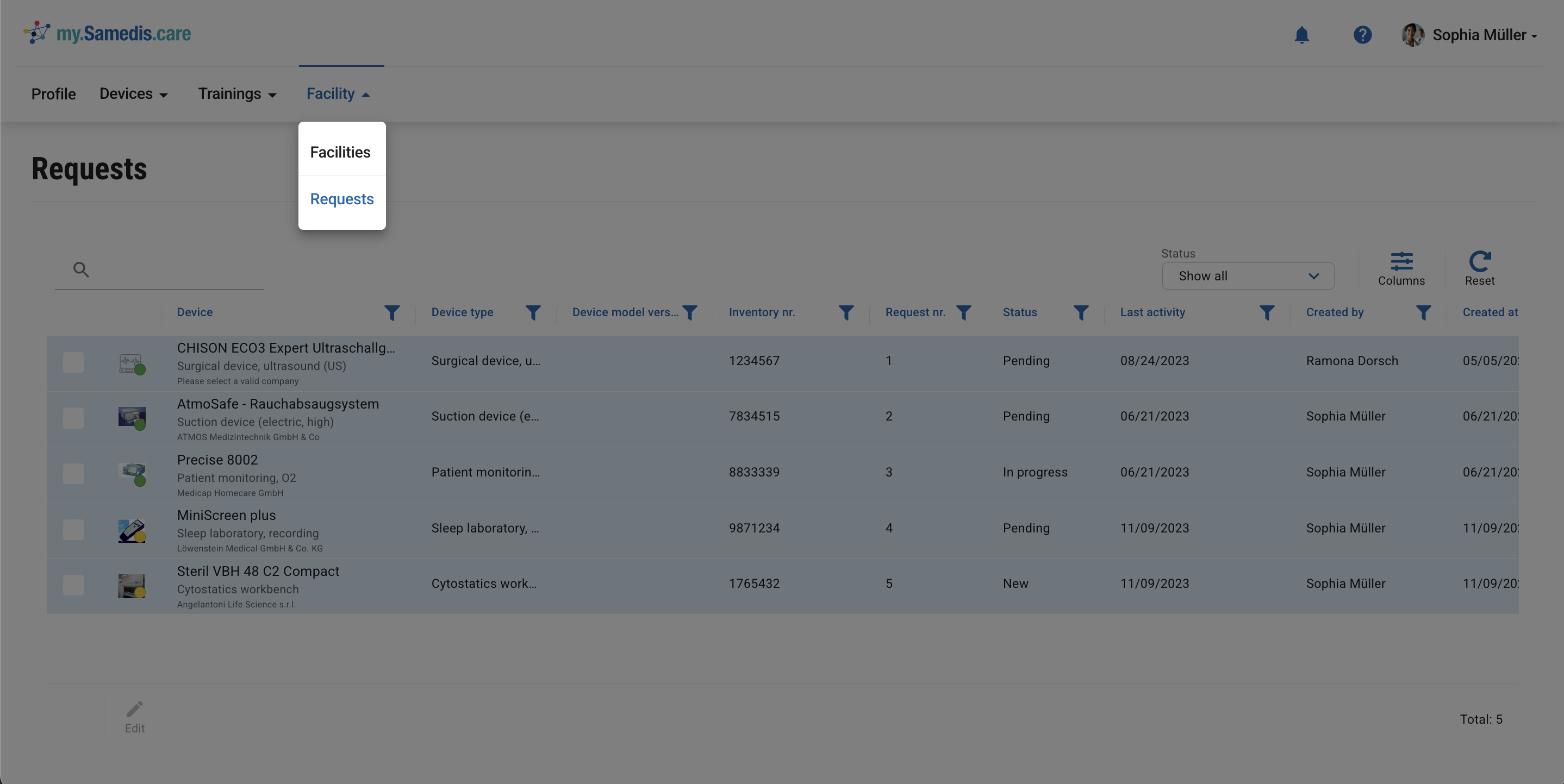
Here you can view the status of the device-specific requests you’ve submitted within your facility.
Tip
Samedis.care notifies you via the 🔔 and by email as soon as there are updates to your requests.