Your trainings
Your my.samedis.care profile helps you keep track of all your device trainings.
You can see which trainings are scheduled, which routing slips are still open and which training records already exist. These records can also be shared with your facility whenever needed.
1. Device trainings
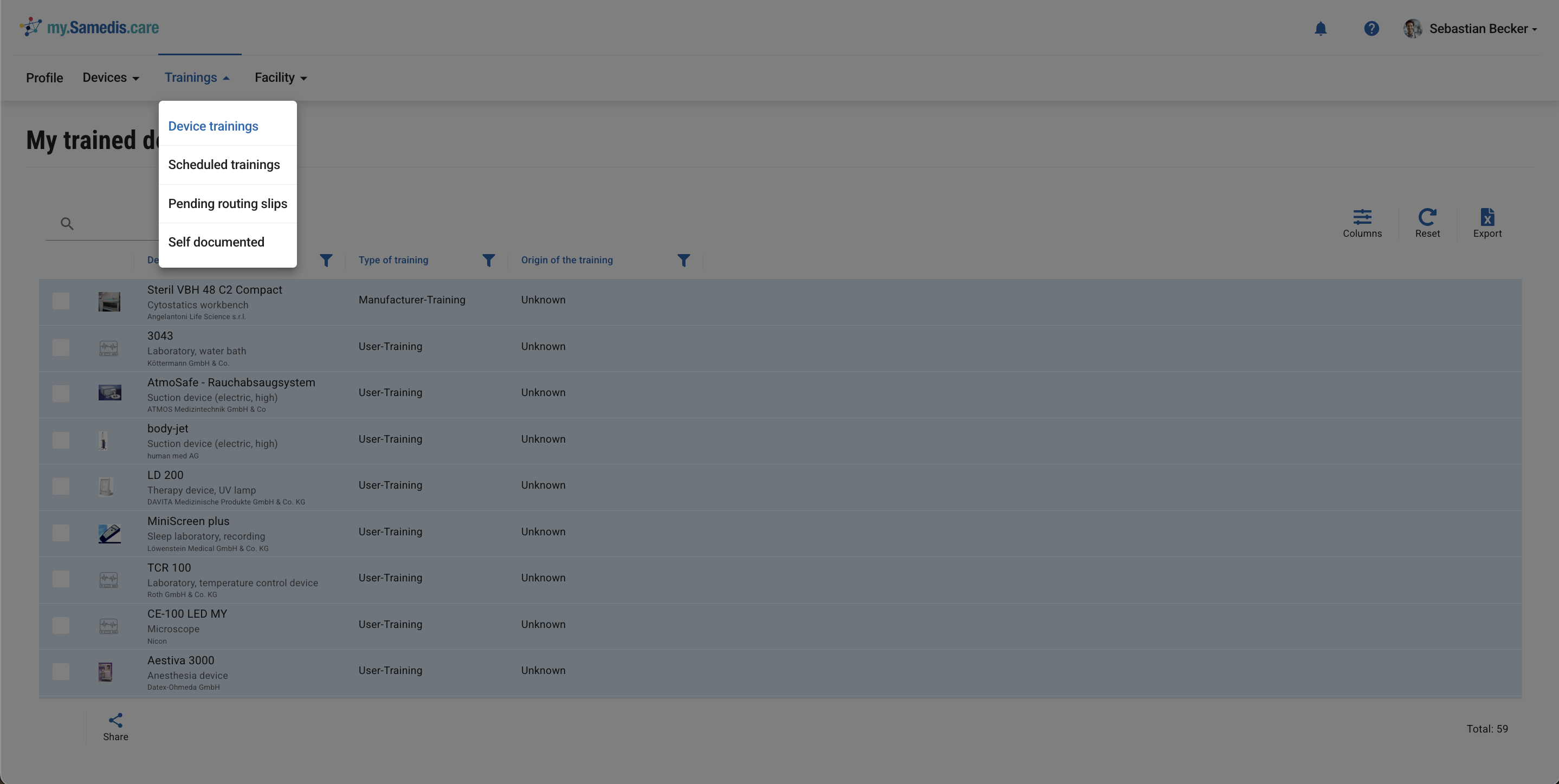
Your my.samedis.care training record gives you access to all your completed device training - whether you attended a session at a facility or uploaded the record yourself.
Tip
You’ll only see trainings from facilities that use Samedis.care and where you’re registered as a team member through your my.samedis.care account.
2. Scheduled trainings
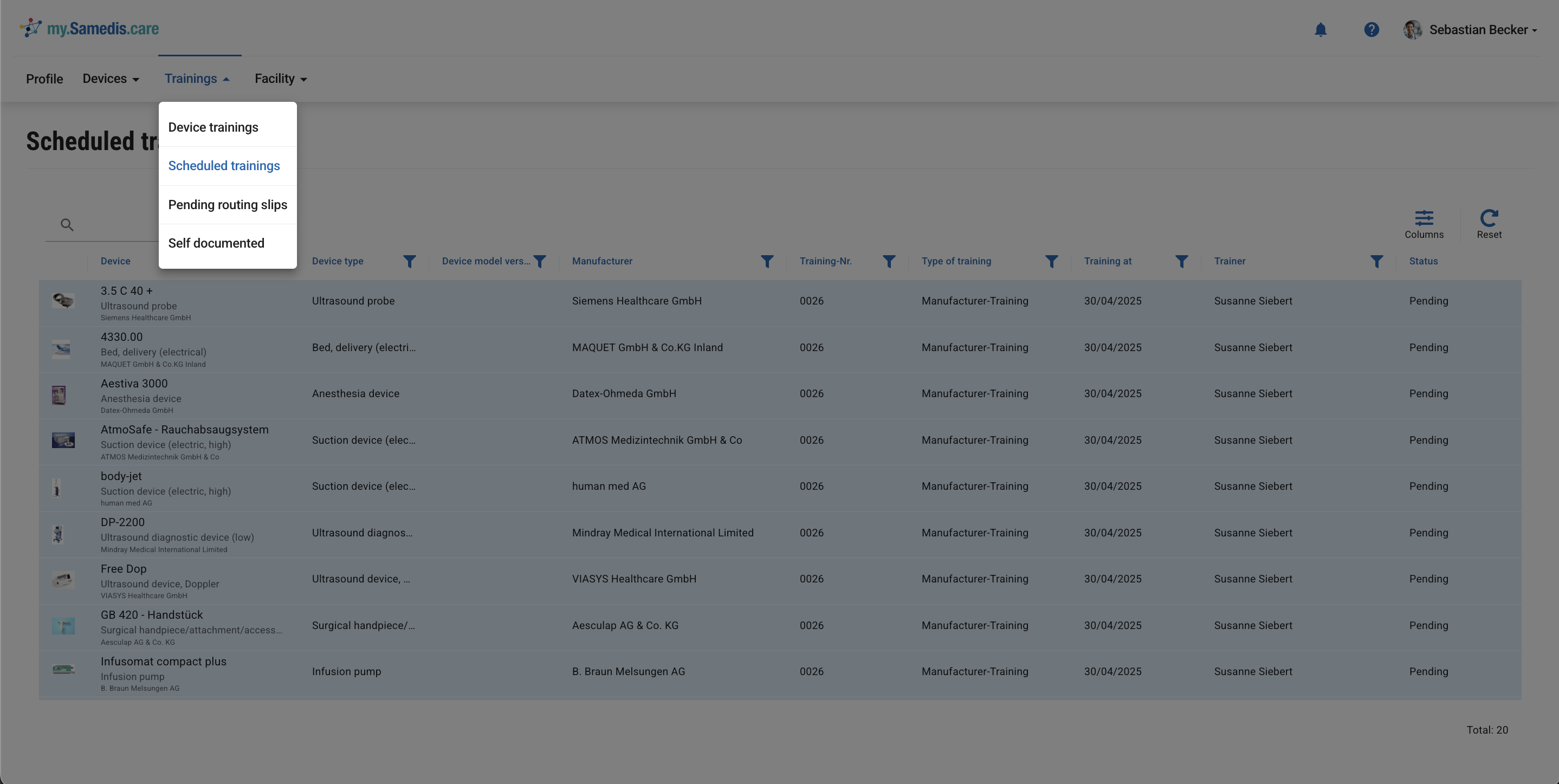
In the Scheduled trainings section, you’ll find all upcoming trainings from your facility where you’re listed as a participant.
This helps you keep track of all your upcoming training appointments.
3. Pending routing slips
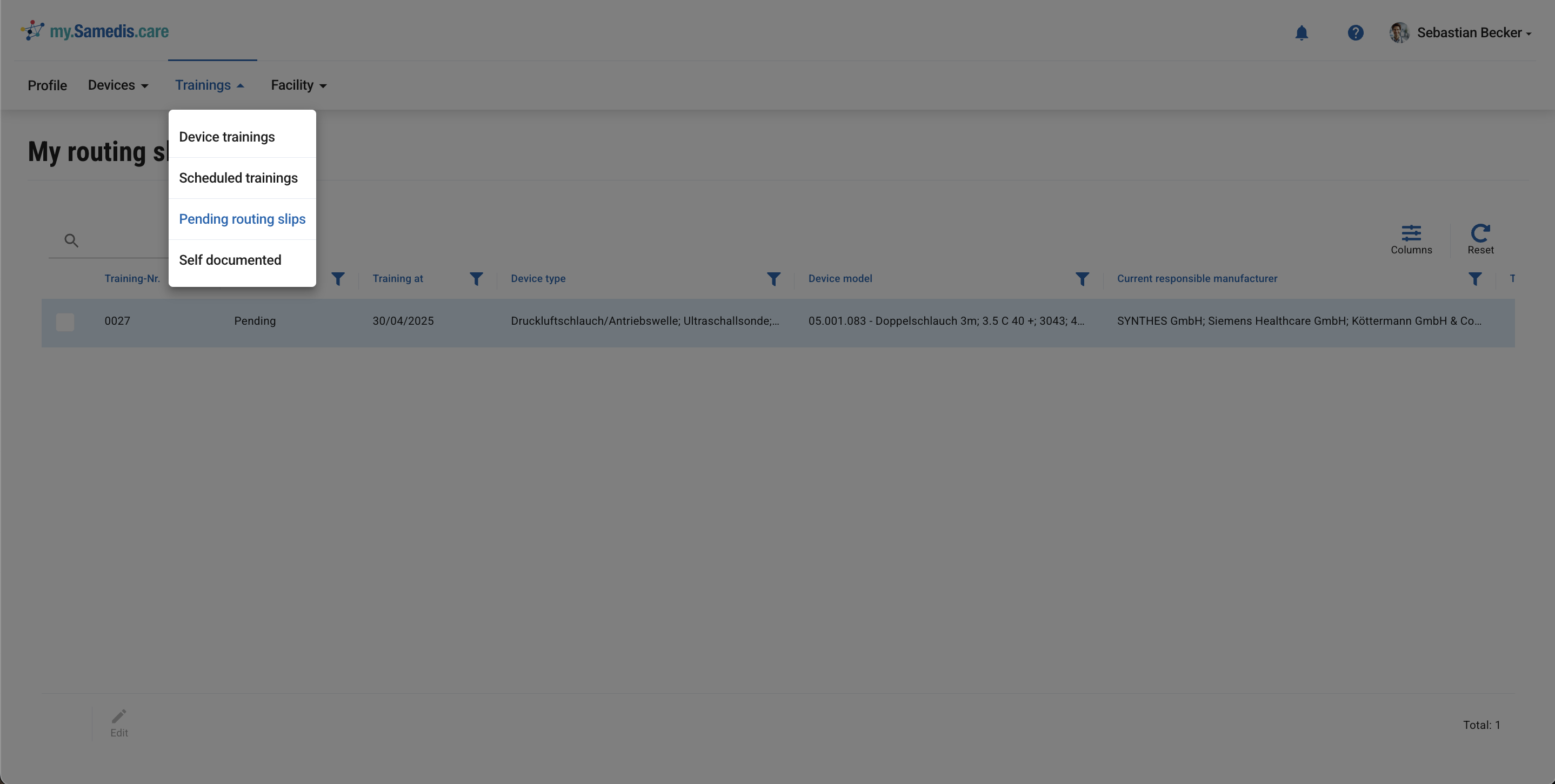
Under Pending routing slips, you’ll find training plans created specifically for you by your facility, which you can now work through fully digitally and without delay.
Open the routing slip and have it signed by the trainer after the training has been completed.
Once you have received all trainings and signatures, you can complete the routing slip, and the trainings will be automatically added to your personal device log.
Tip
Routing slips you’ve completed will only be added to your device record once they’ve been approved by an authorized person from your facility. This ensures that all trainings are properly documented.
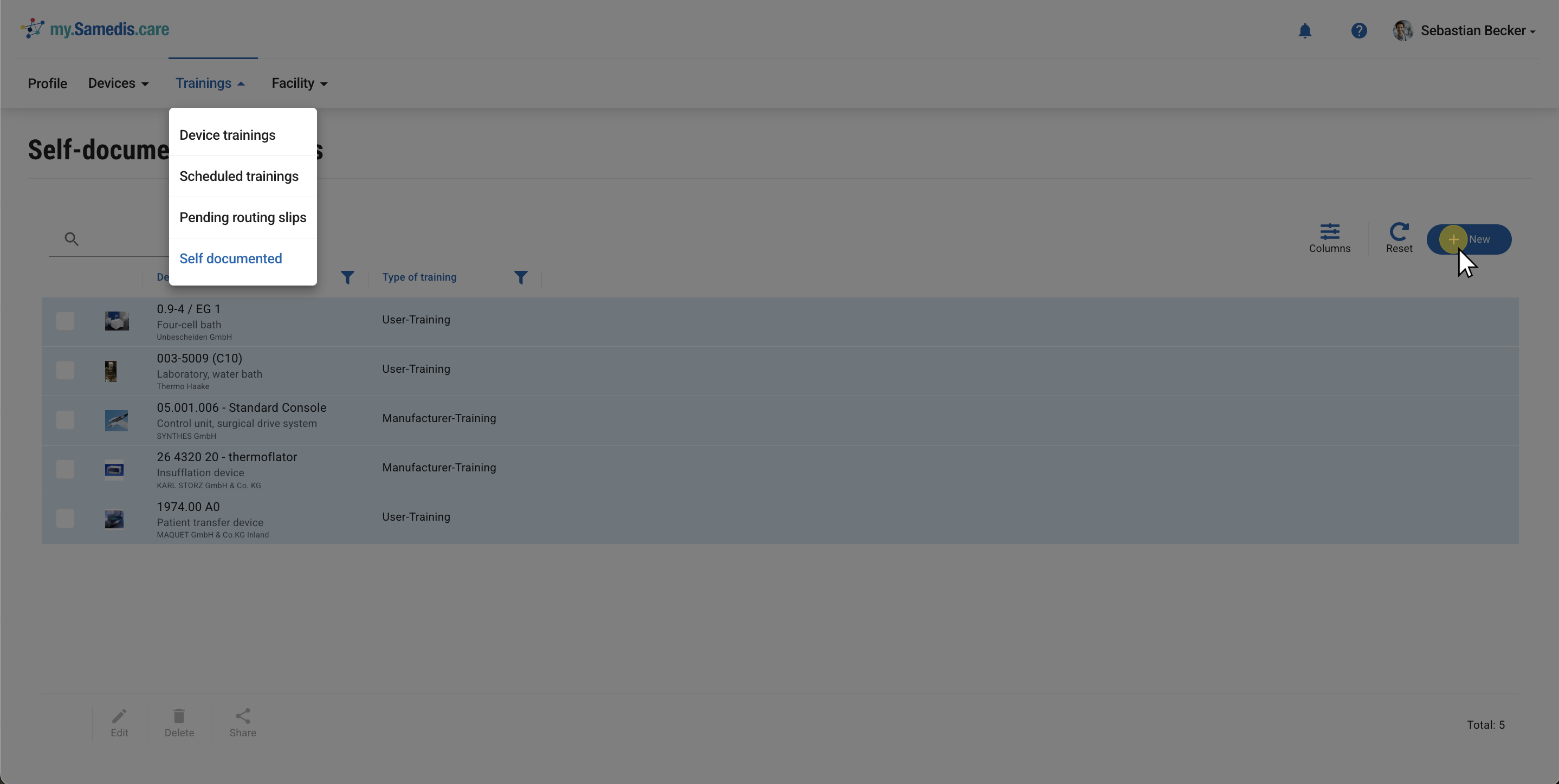
4. Self documented
The Self documented feature can be used to easily add trainings that you’ve already completed but have not yet been recorded in the system.
Click + New to add a training to your training record.
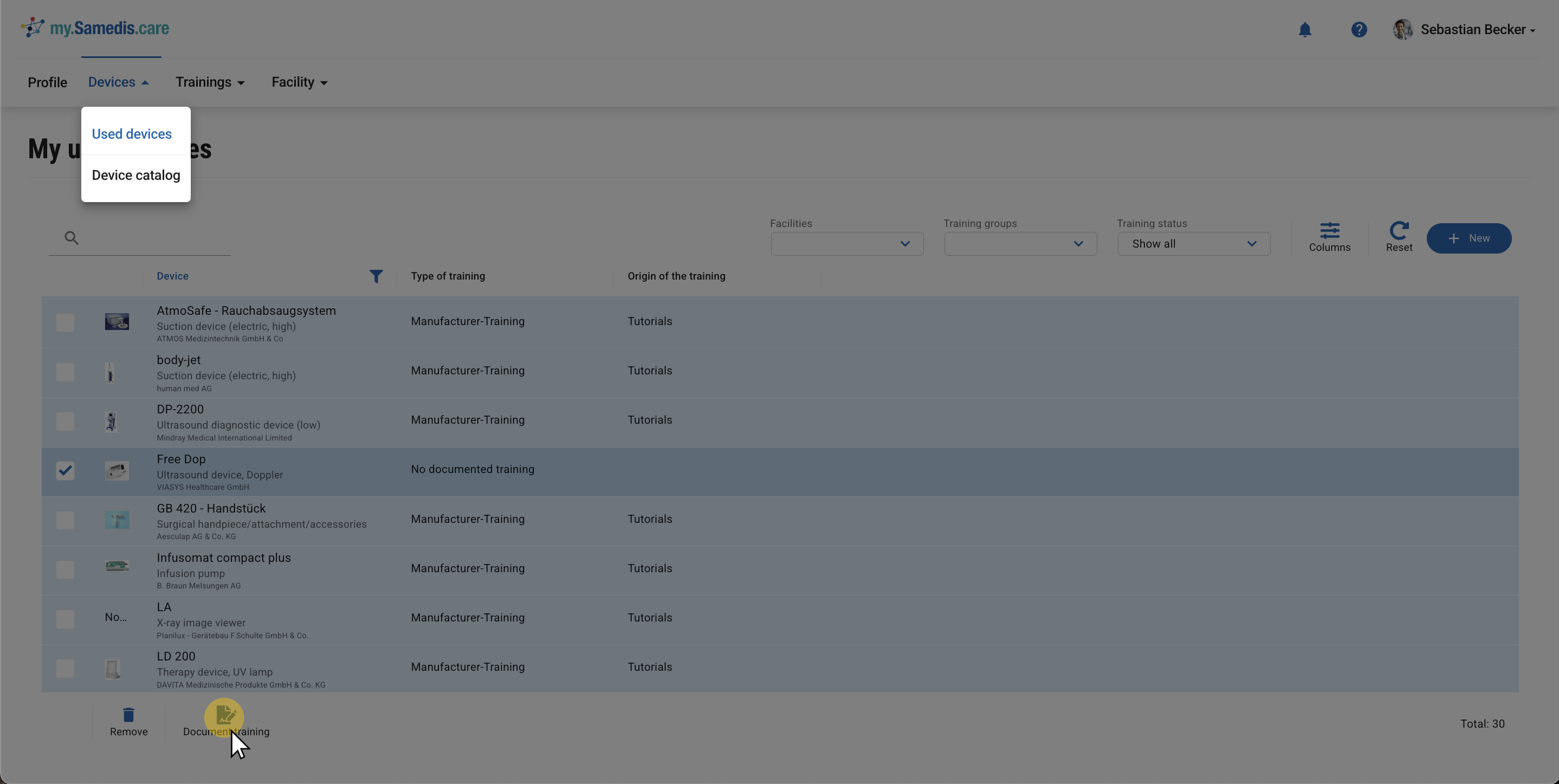
4.1. Document training
You can also document trainings yourself by selecting the relevant device under Used Devices and using the Document training function.
4.2. Sharing trainings
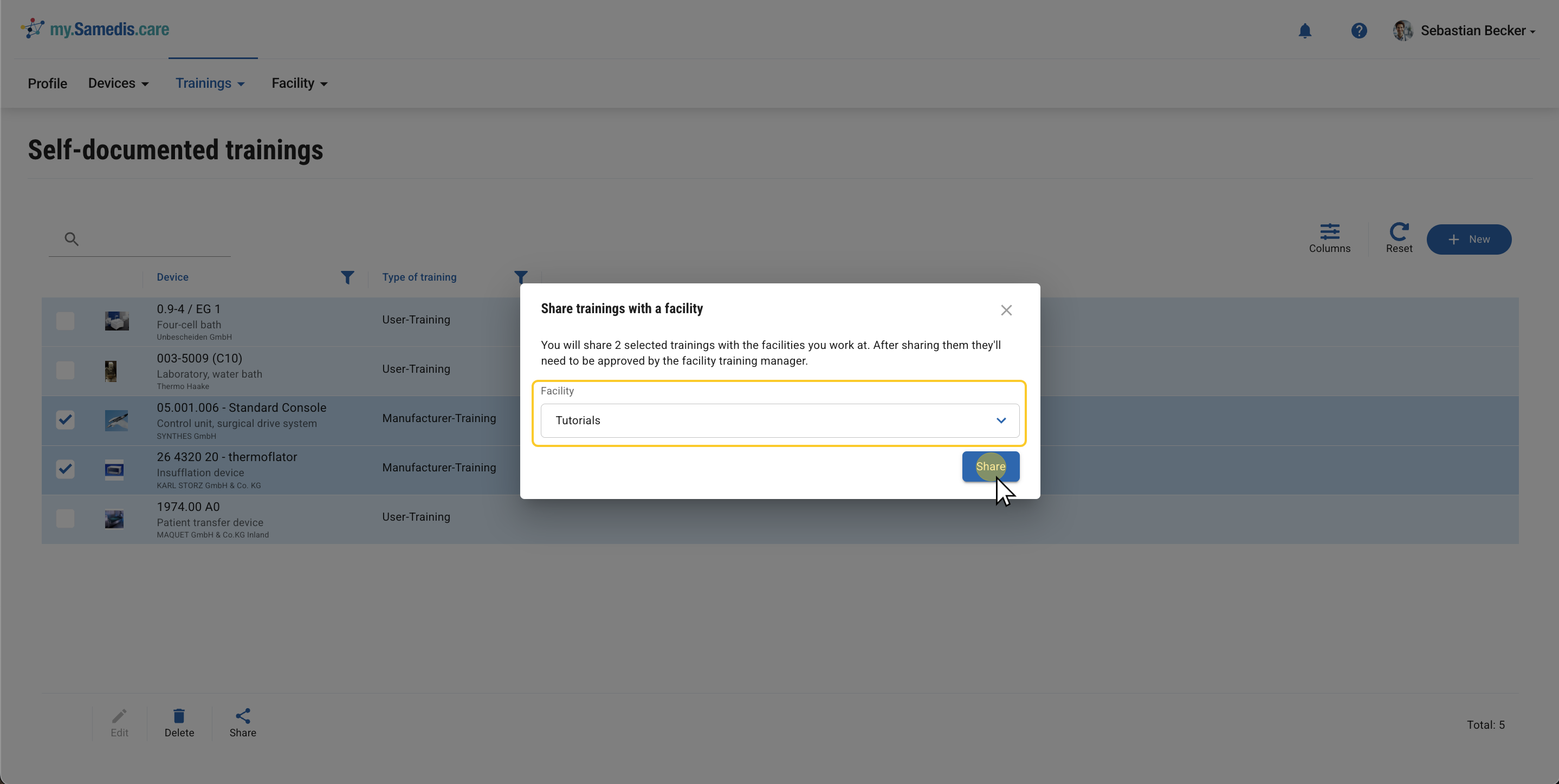
Share your documented trainings with the facilities where you work.
Once they’ve been reviewed and approved by an authorized person at the facility, they will also be included in all evaluations within app.samedis.care.
Tip
The Share option is also available in the Device trainings section.