Home
Set up your profile and get an initial overview of your current training status.
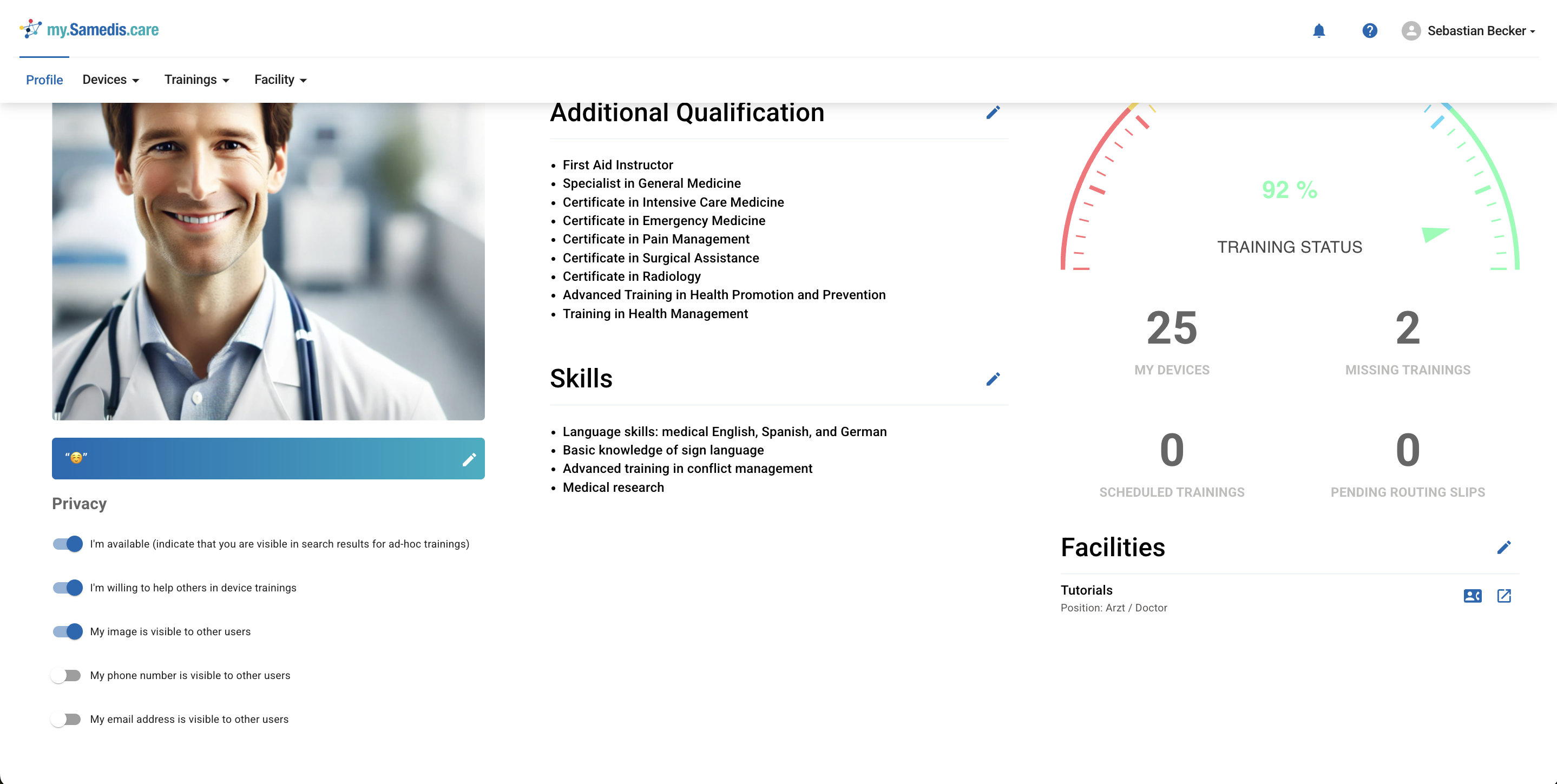
1. Edit profile
Click on the ✏️ next to your name to edit your profile. Here you can upload and adjust your profile picture, name, email address, and phone number.
Additionally, you can enter and update your profession, additional qualifications, and skills in your profile.
Use the Tell us about yourself field to provide additional information about you.
2. Privacy settings
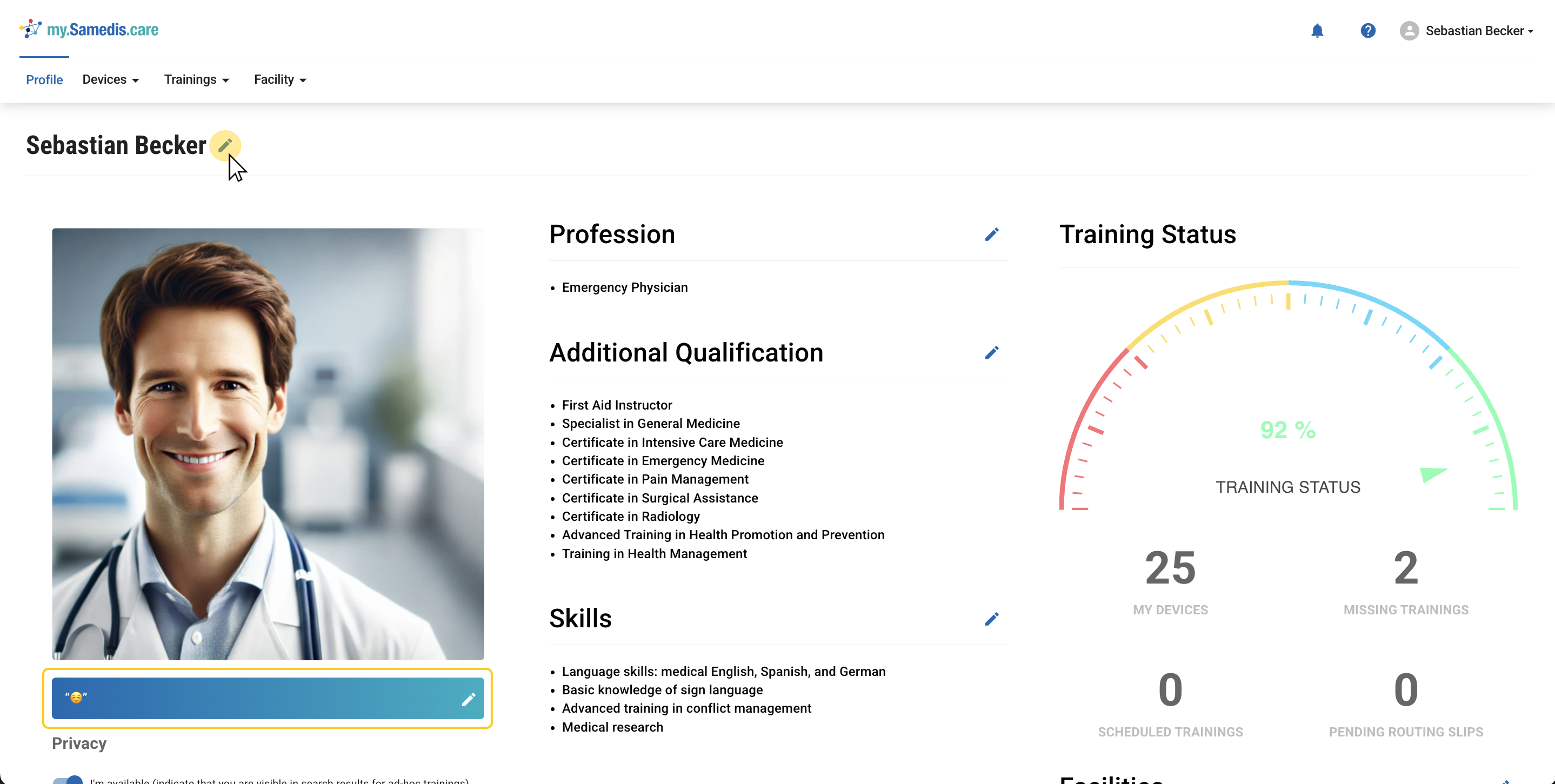
In the Privacy settings, you can determine which of your data should be shared with your facilities and thus visible to other users.
Specify whether you are available to other users for questions and spontaneous user trainings. Decide whether your picture, phone number, or email address should be visible to other users.
Tip
When the slider is blue, the setting is enabled.
3. Training status
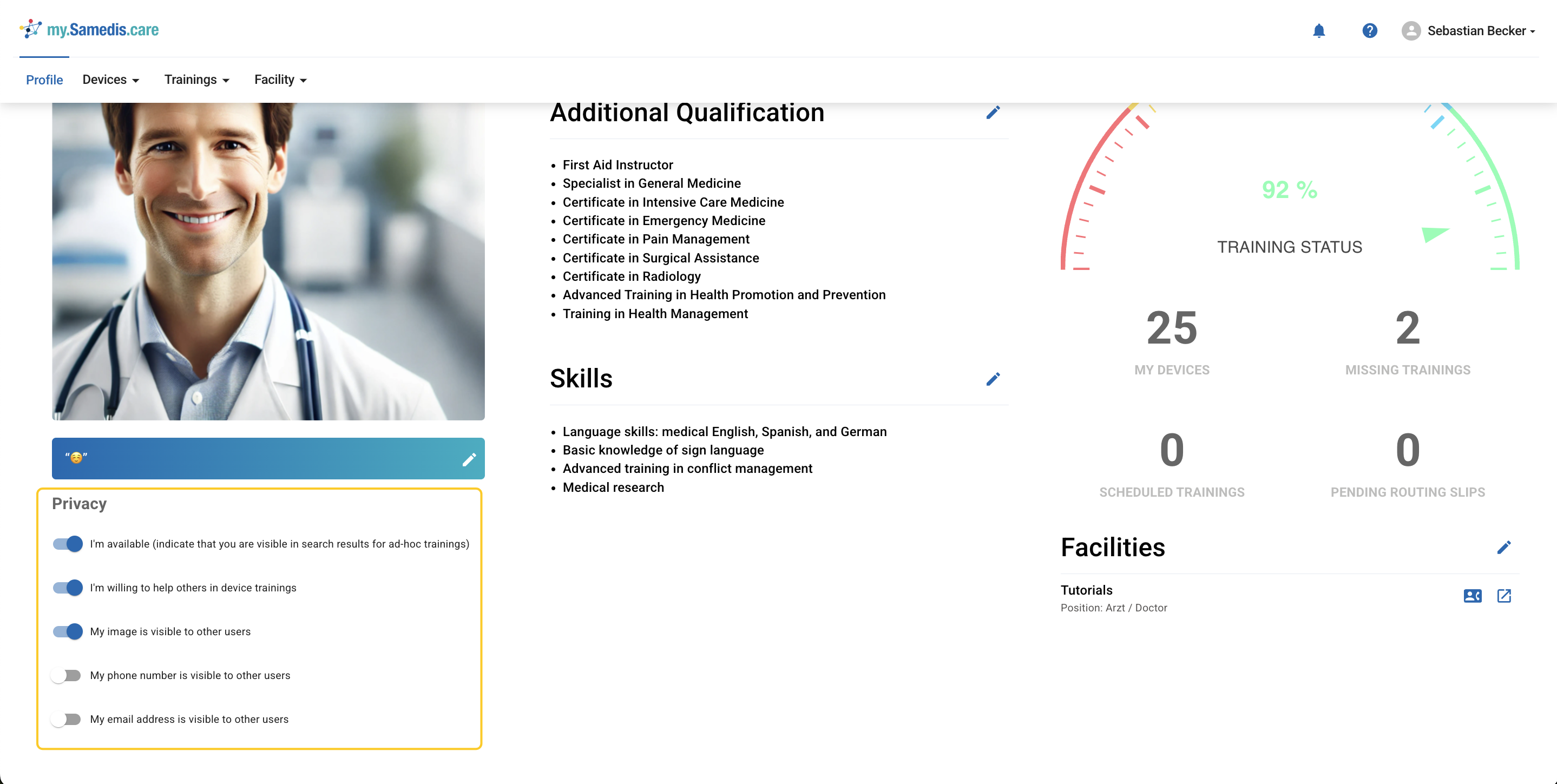
The Training status provides you with a quick overview of your current training status.
It shows you how many devices you use in your facilities, whether there are any trainings planned for you, if there are open routing slips to complete, and how many trainings you still need overall.
4. Facilities
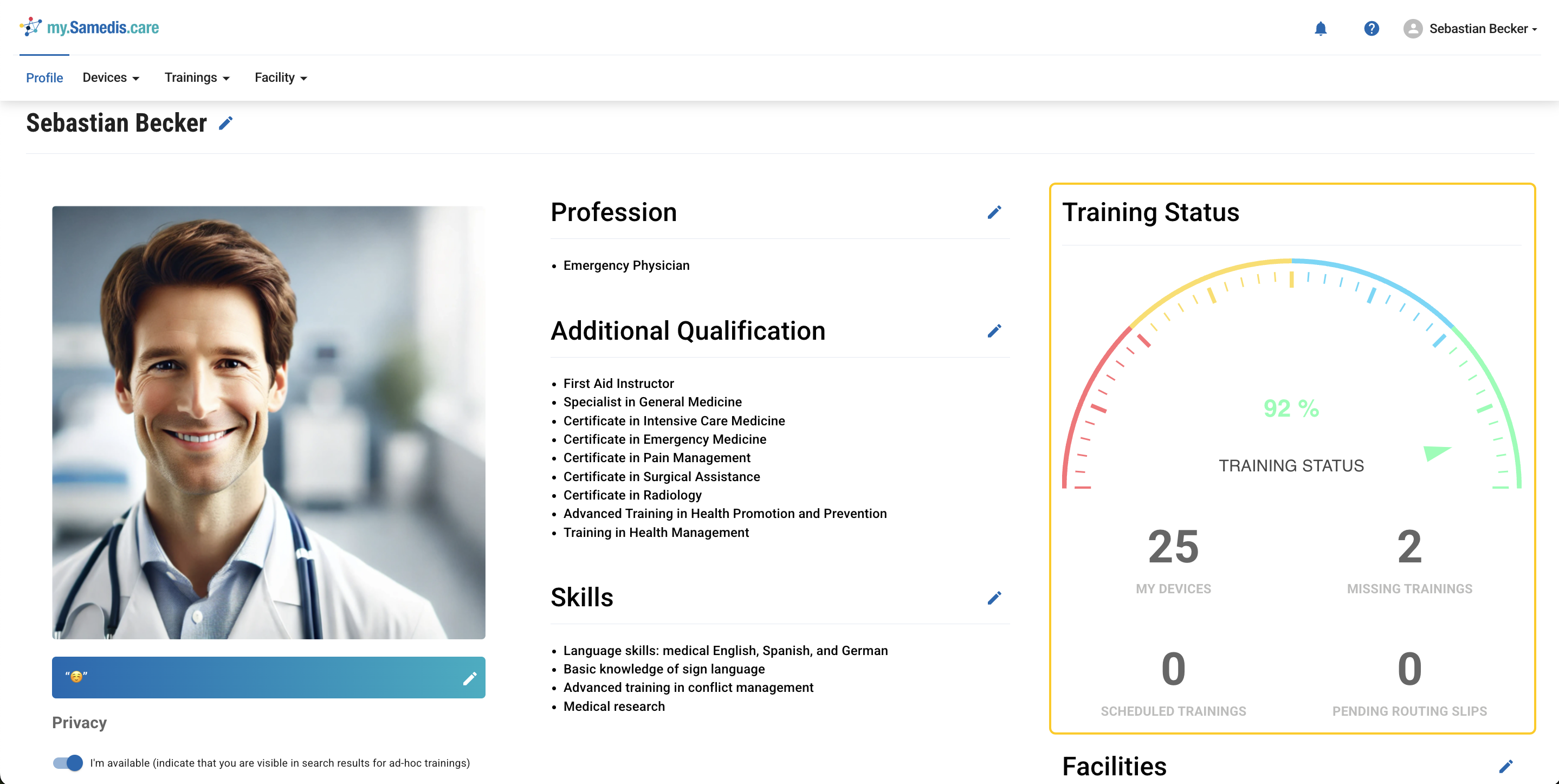
In the Facilities section, you’ll find an overview of the facilities to which your my.samedis.care profile is linked to.
You’ll also see which positions have been assigned to you there.