First steps
Samedis.care offers you the possibility to collect and manage important documents - such as your personal training records - centrally in your my.samedis.care profile and to synchronize them automatically with your facility.
In this tutorial you will learn how to access your personal my.samedis.care profile.
1. my.samedis.care & Login
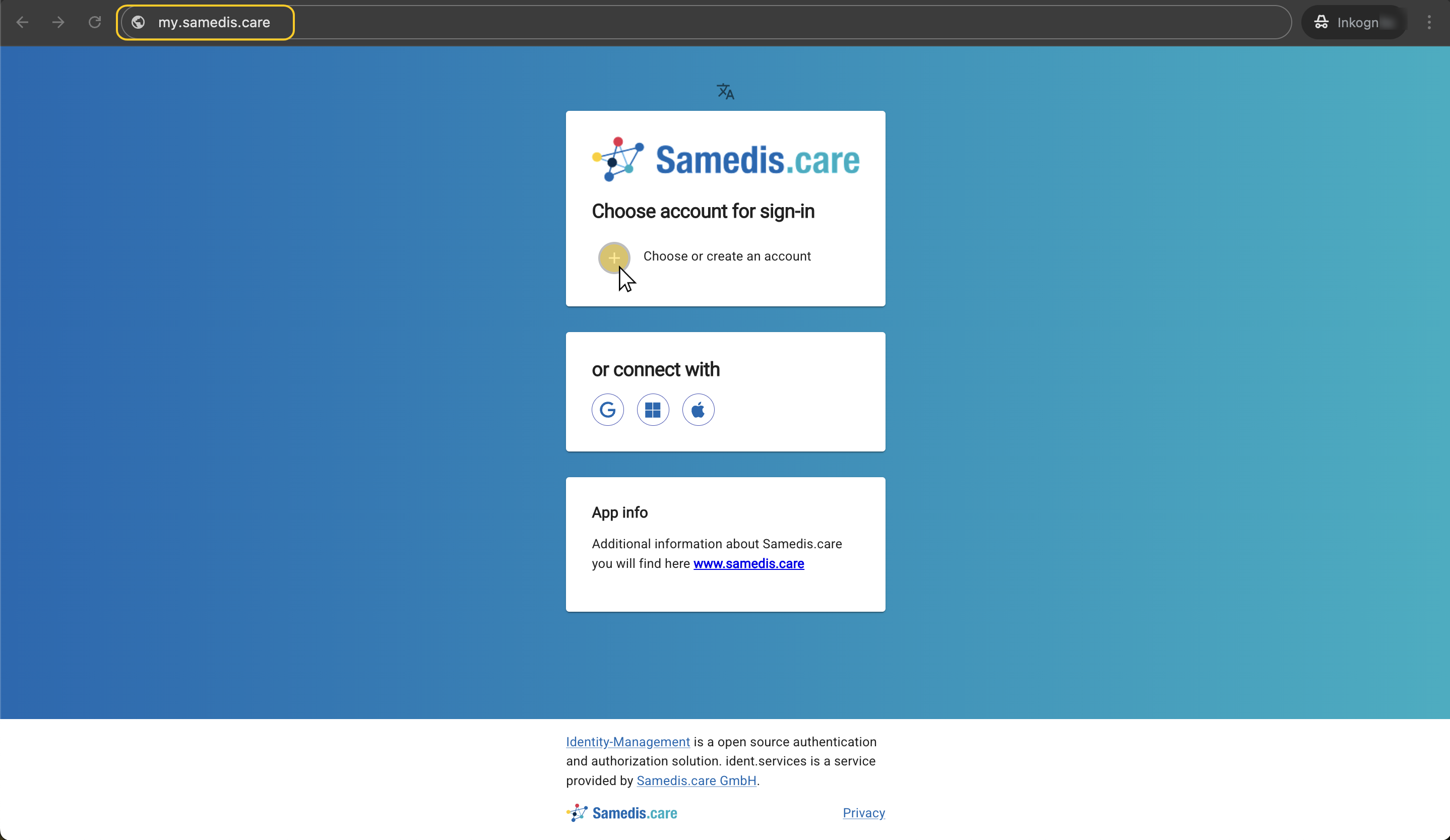
Open a browser of your choice and go to my.samedis.care.
Then log in with your access data.
If you don’t have an account yet, you can create your personal Samedis.care account quickly and easily. You can find step-by-step instructions in the Create account tutorial.
2. Alternative access
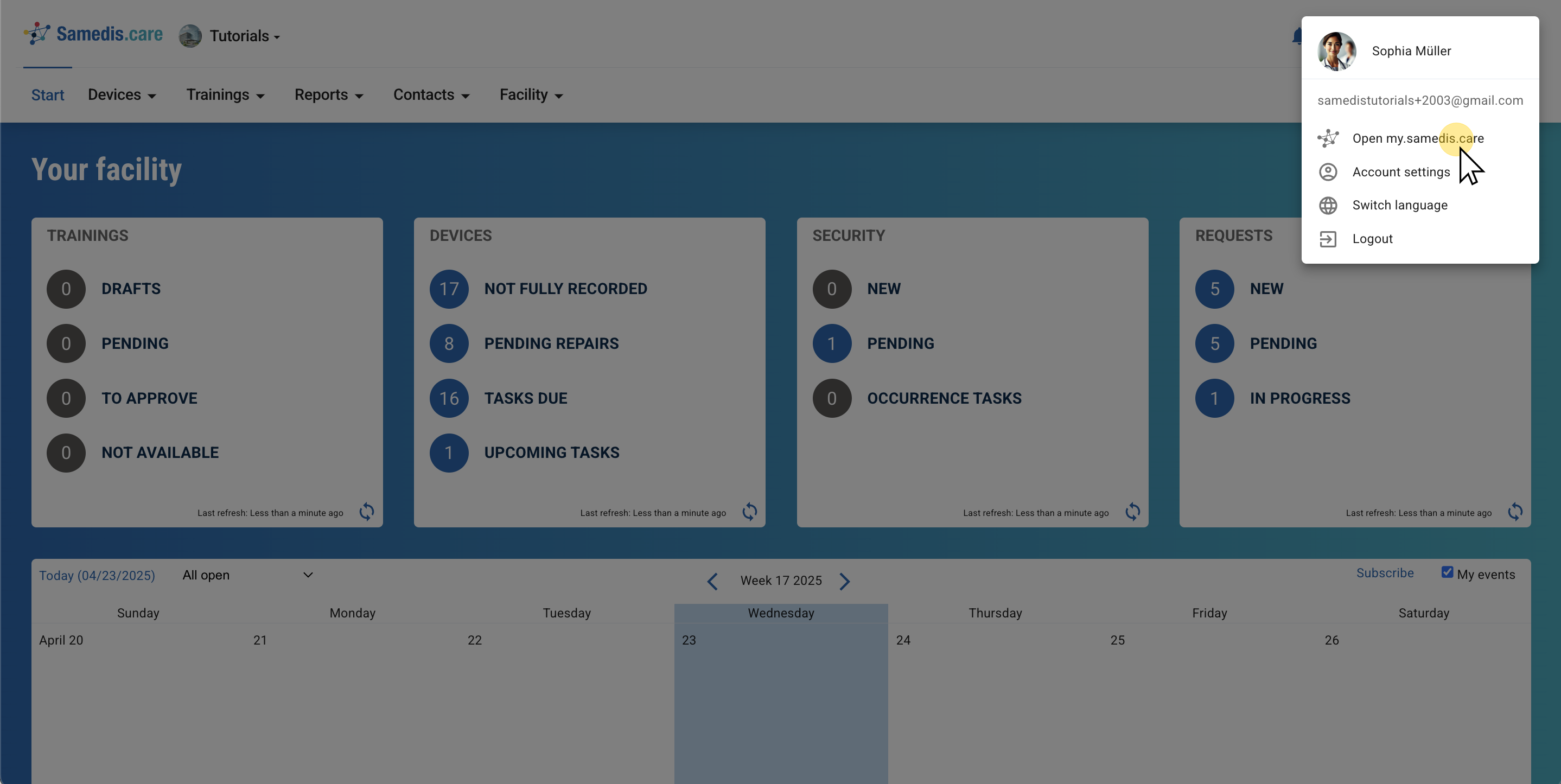
Alternatively, you can also access my.samedis.care directly from your facility at app.samedis.care.
To do this, click on Open my.samedis.care in your profile settings.
Note
This only works if you already have access to your facility in Samedis.care.