New job?
This tutorial guides you through everything you need to do when switching to a new organization in Samedis.care.
1. Digital device pass
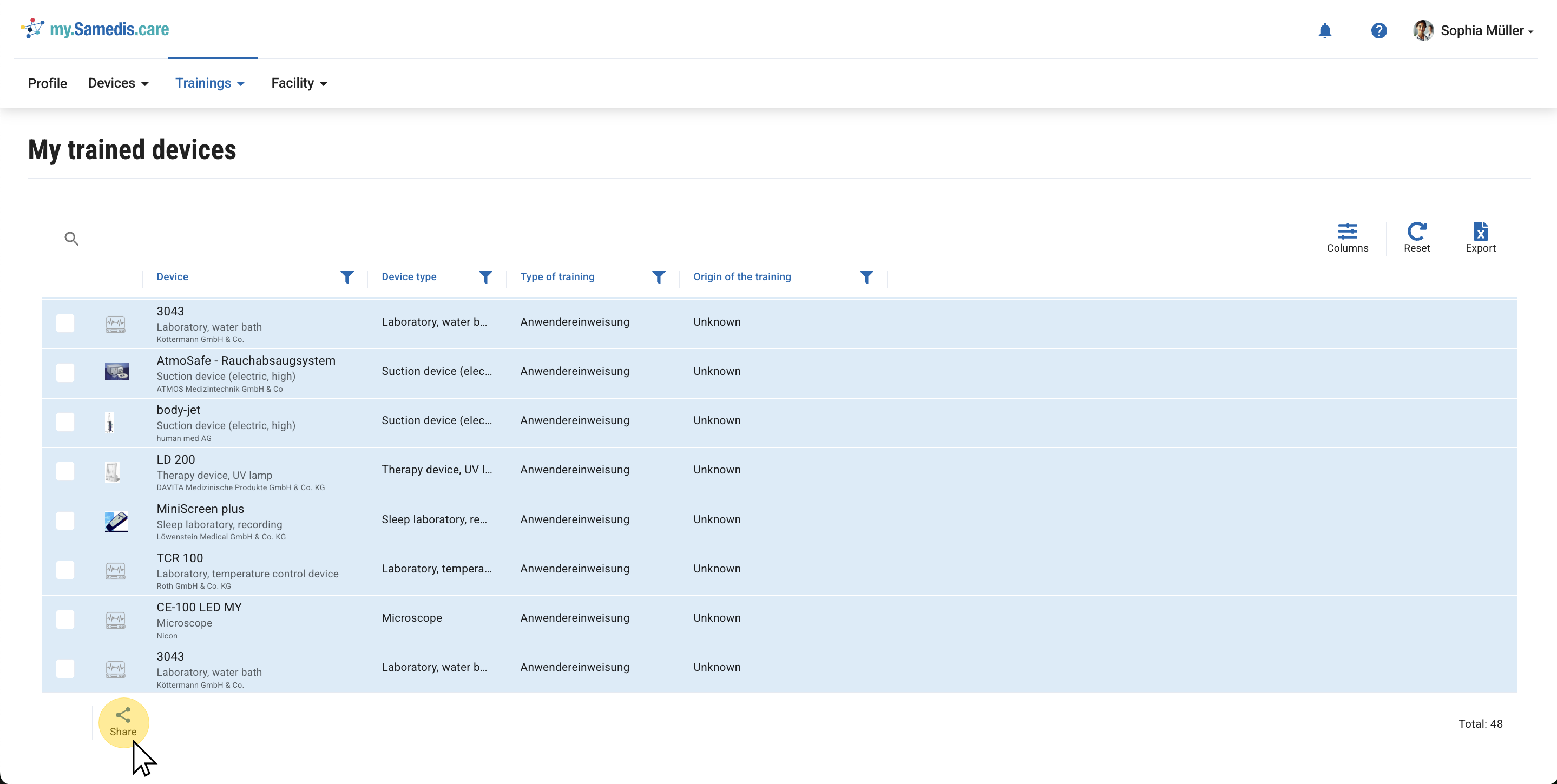
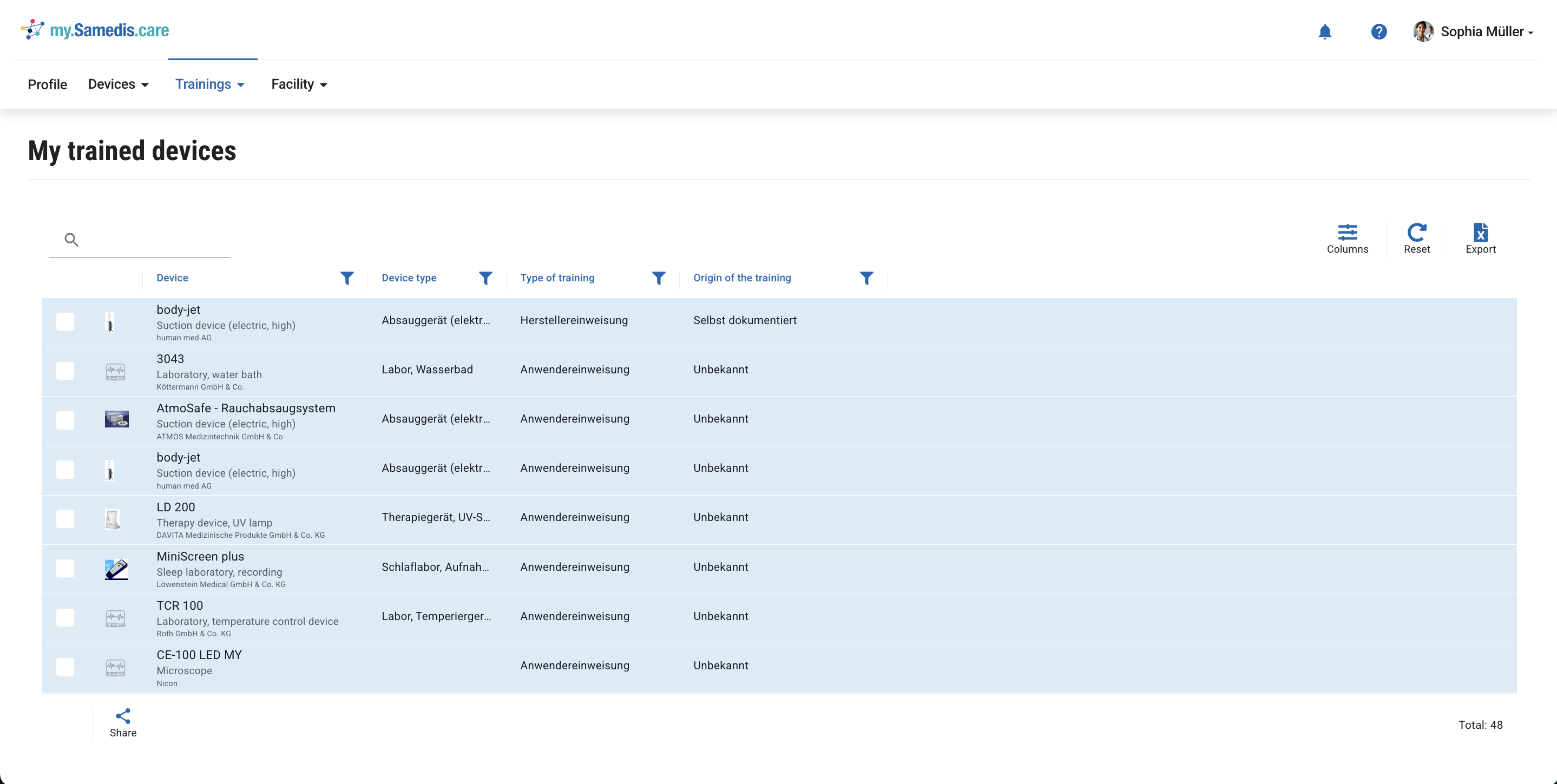
Samedis.care compiles all your documented training sessions in your personal my.samedis.care profile.
This makes it easy for you to take your training records with you to your new workplace.
Tip
For more information, see the tutorial Your trainings.
2. Recovery email set up yet?
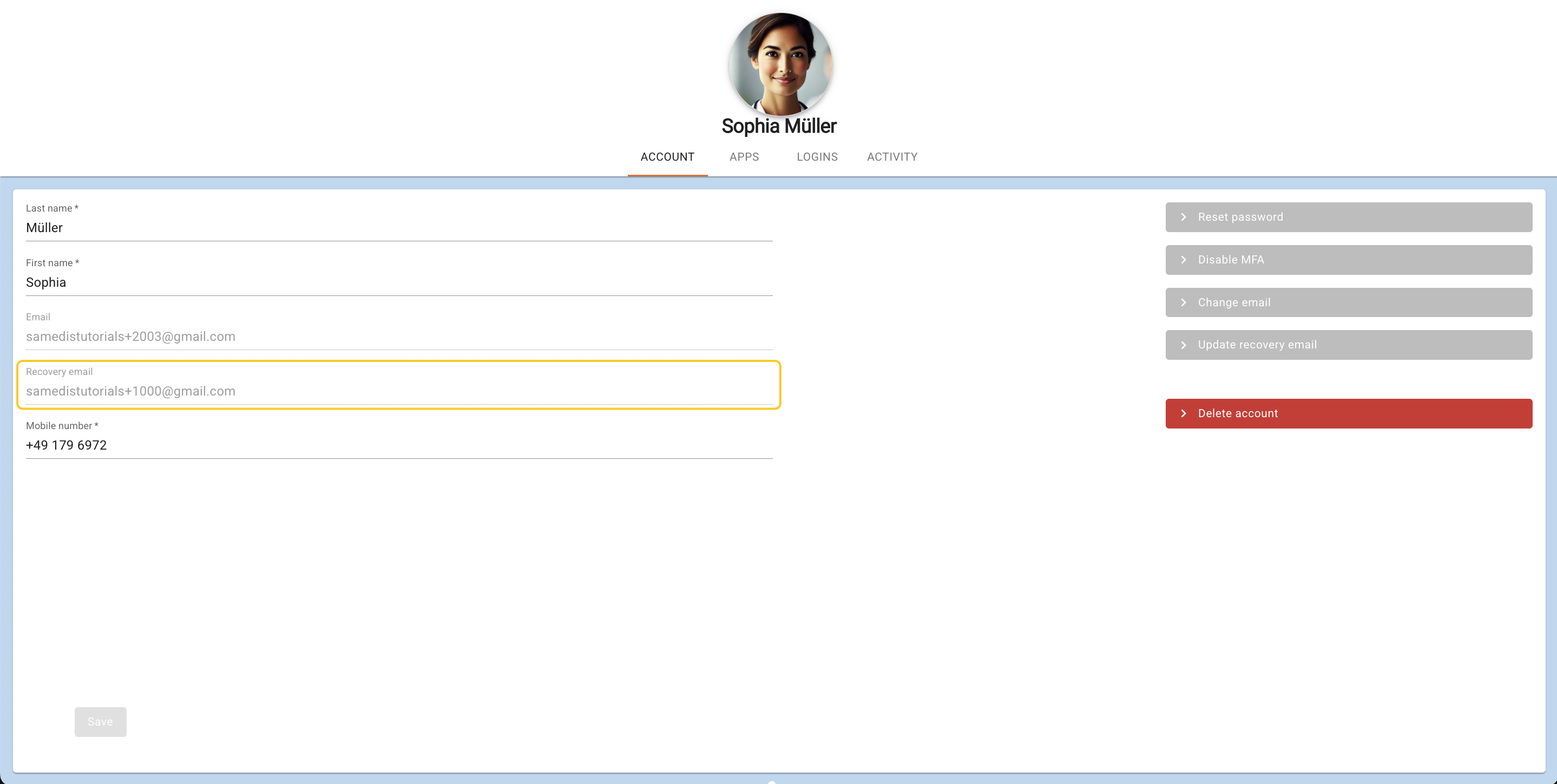
If you created yourSamedis.careaccount using your work email address, you’ll lose access to your account once you can no longer access that email.
That’s why it’s important to first check whether you’ve set up a recovery emailaddress — and restore your account if necessary.
Tip
You can learn how to setup a recovery email here.
The tutorial Account recovery will guide you through the steps to recover your account afterwards.
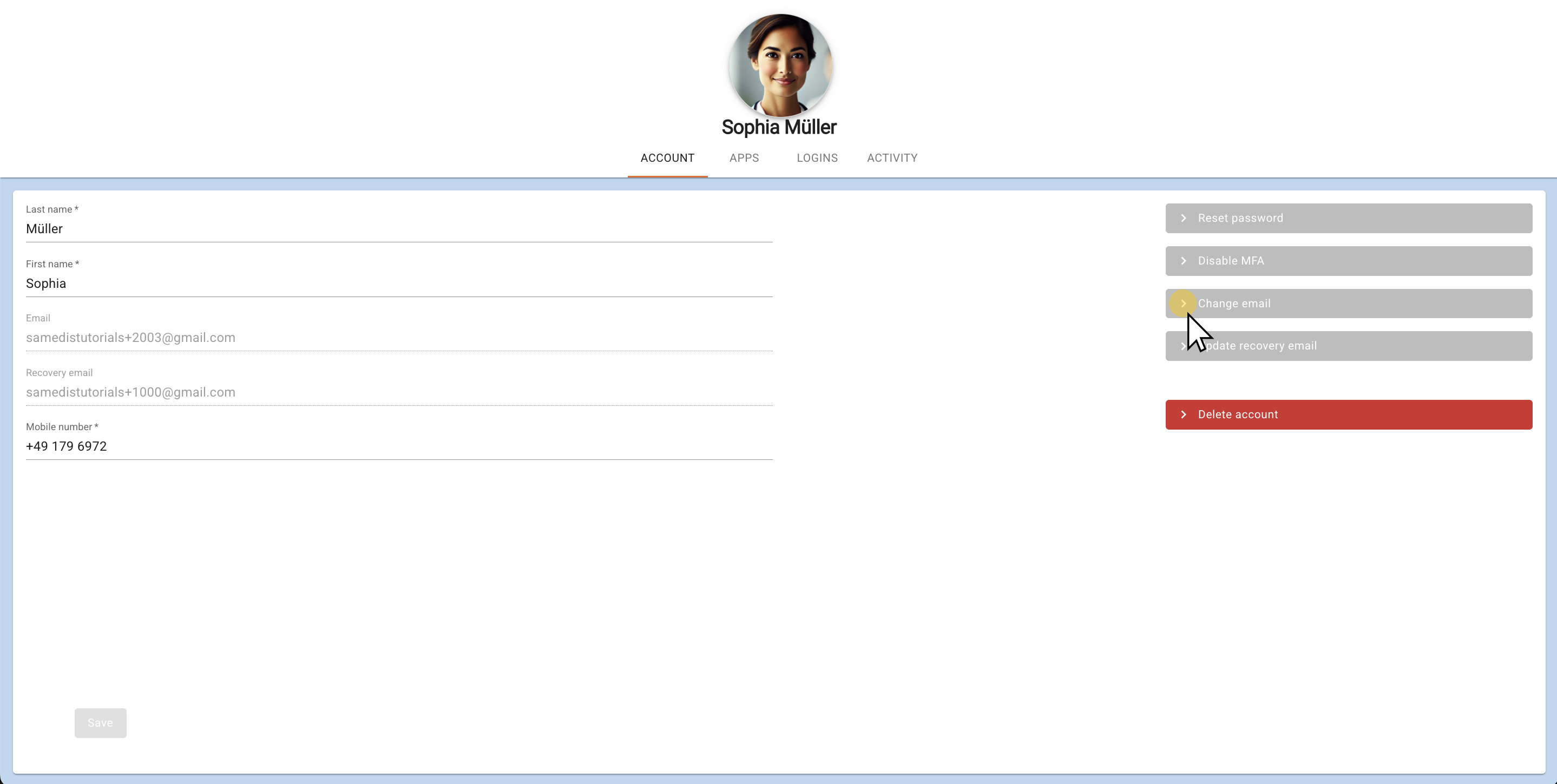
3. Change email
After that, update your email to your new work address. For step-by-step guidance, check out the tutorial Change email.
4. Invitation
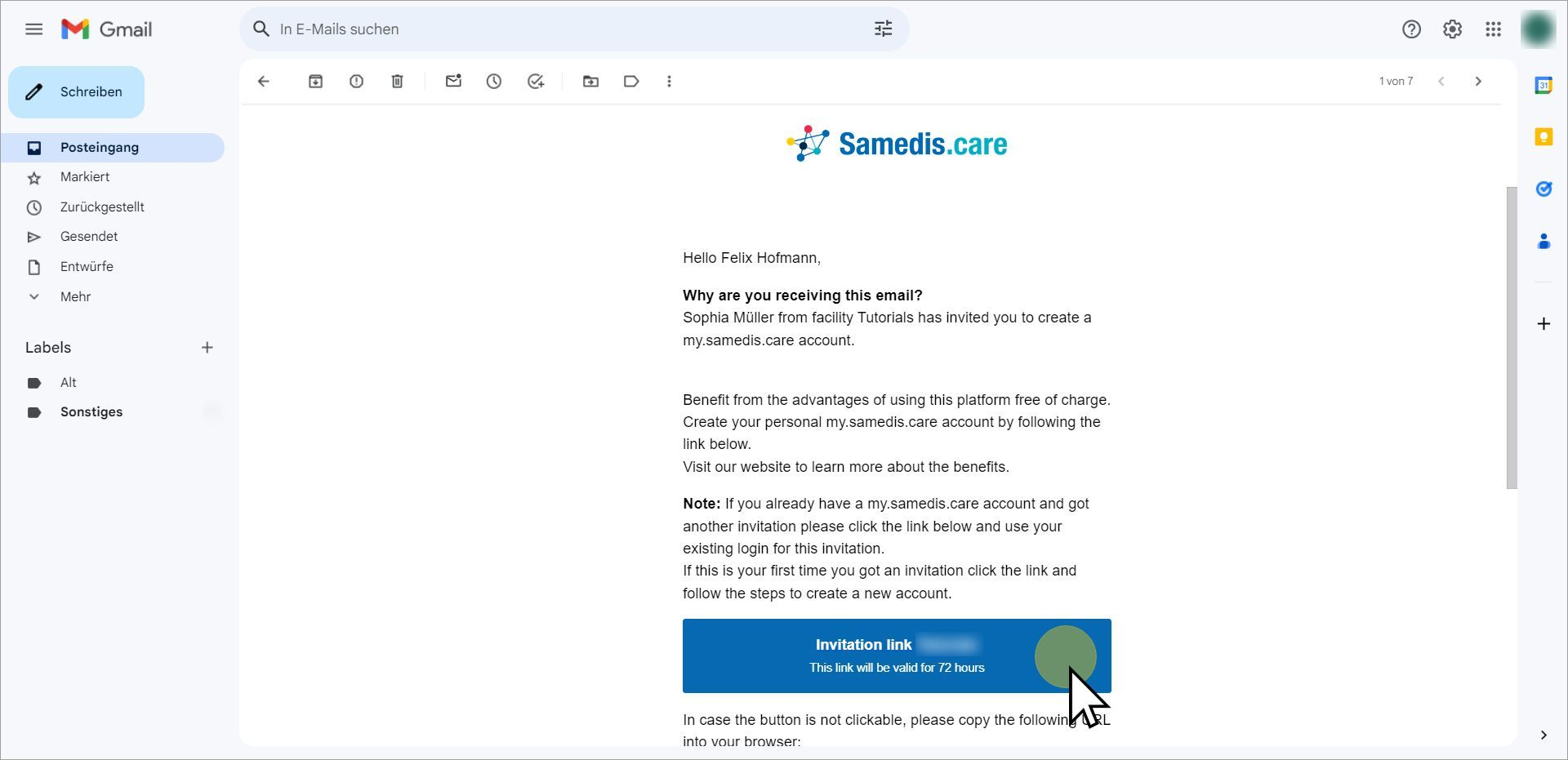
Ask a responsible person in your new organization to invite you to Samedis.care.
You can find out how to accept the invitation and log in here.
5. Share your trainings
Go to your my.samedis.careprofile (see First steps) and open the Trainings section.
You can either select specific device trainings you’d like to share with your new organization or simply click Share. This will automatically share all relevant trainings for devices that also exist in your new organization, allowing you to be marked as trained in their system.