Use training groups
Samedis.care offers you the possibility to create Training groups.
In this tutorial we will show you the added value of training groups and give you practical examples of how to use them effectively.
1. What are the benefits of training groups?
Training groups bring structure, clarity and efficiency to your training management.
They allow you to assign trainings with precision, optimize daily workflows and ensure that all necessary trainings are covered.
Tip
2. Structure
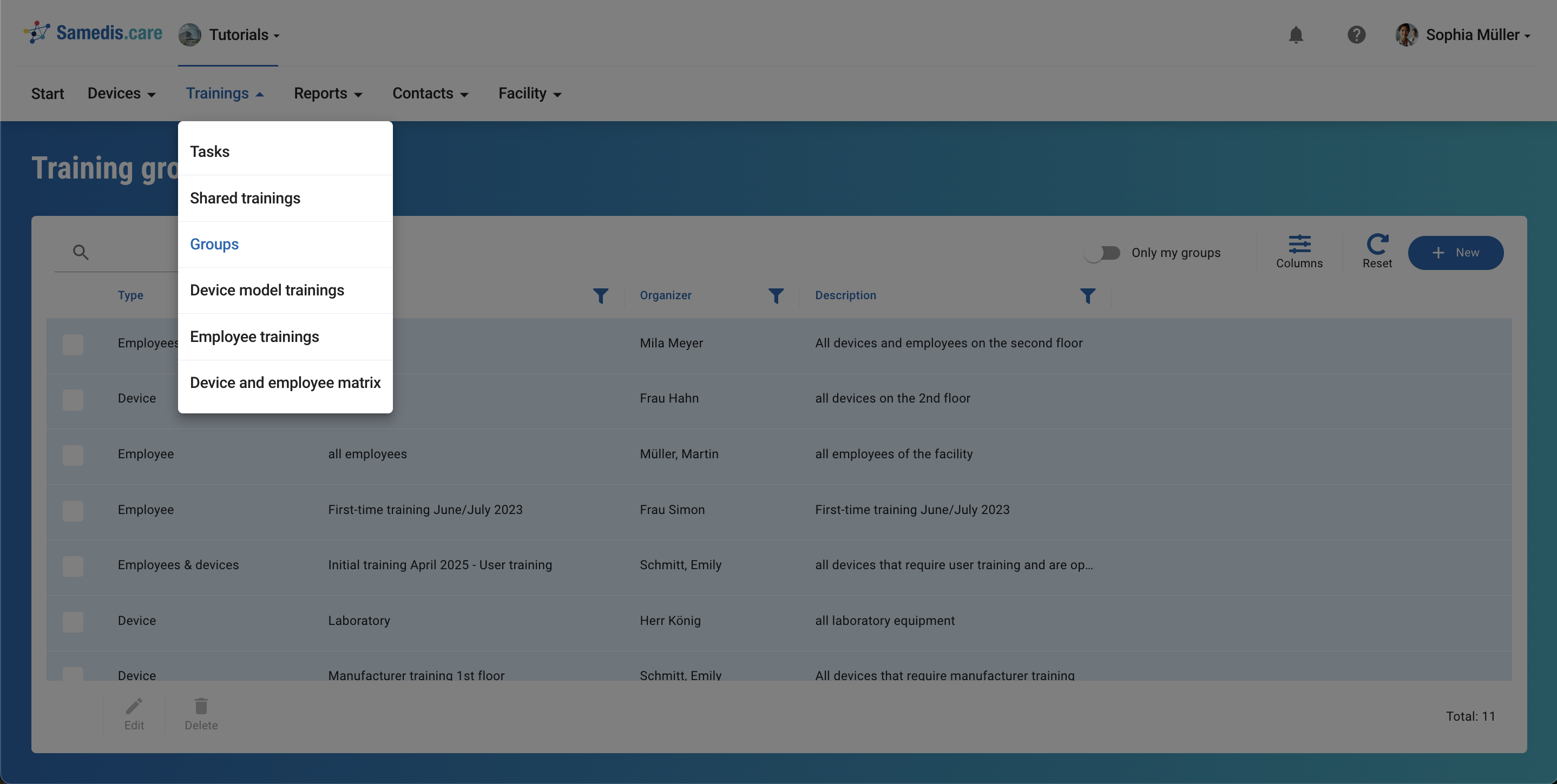
Think about which groups could best support you in your daily work.
You can use the following questions as a guide:
- Are there regular trainings for specific groups of devices?
- Are there employee groups who require the same training? (e.g. trainees, nursing staff, etc.)
- Do you use critical or particularly complex devices that require specific instruction?
Tip
You have full flexibility in how you set up your groups. Create them in a way that best supports your daily work.
3. Example 1: Trainees
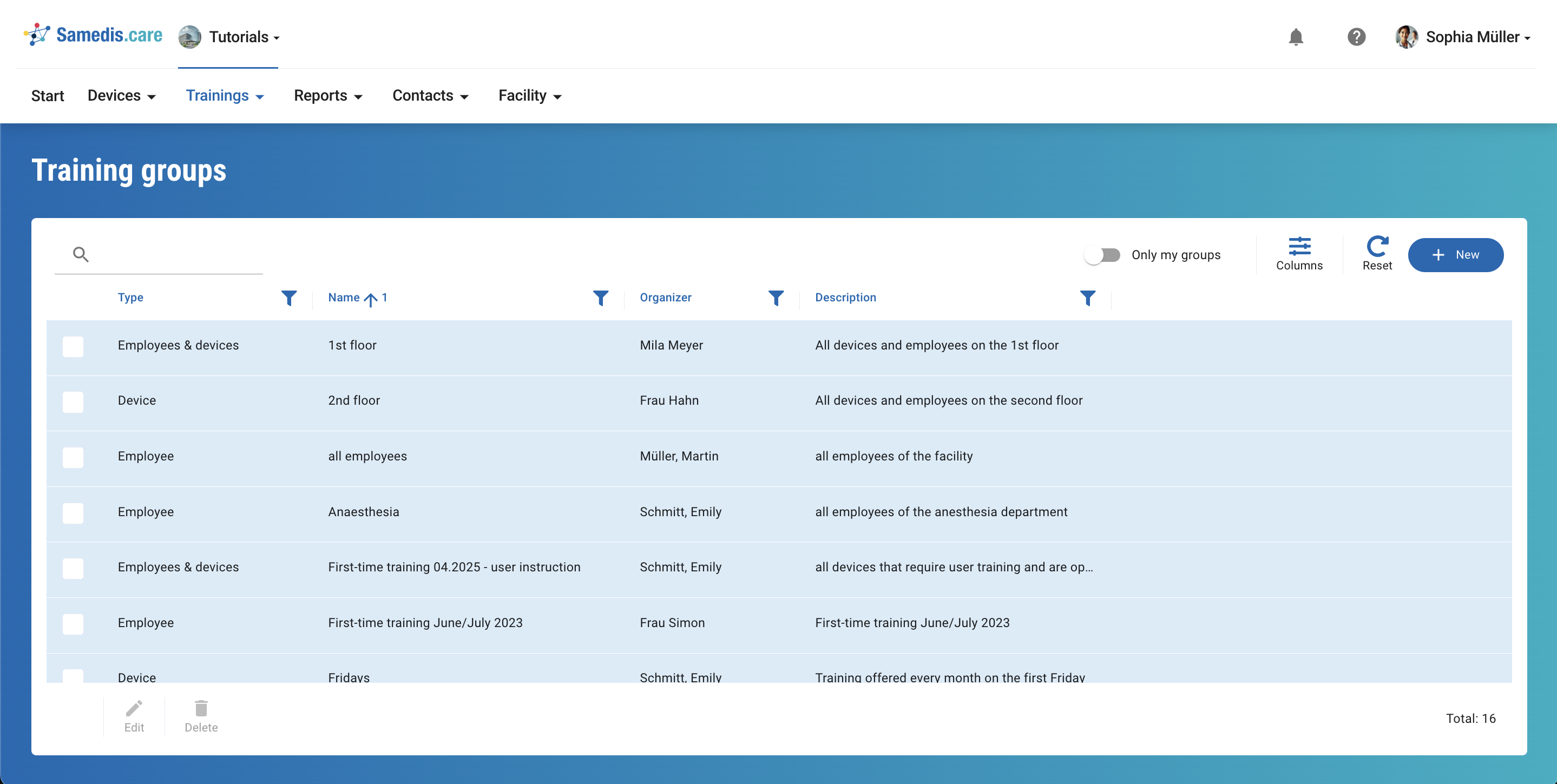
Create a group that includes all your trainees and the devices they use.
Using the Matrix feature, you can quickly identify who still needs training and schedule it accordingly.
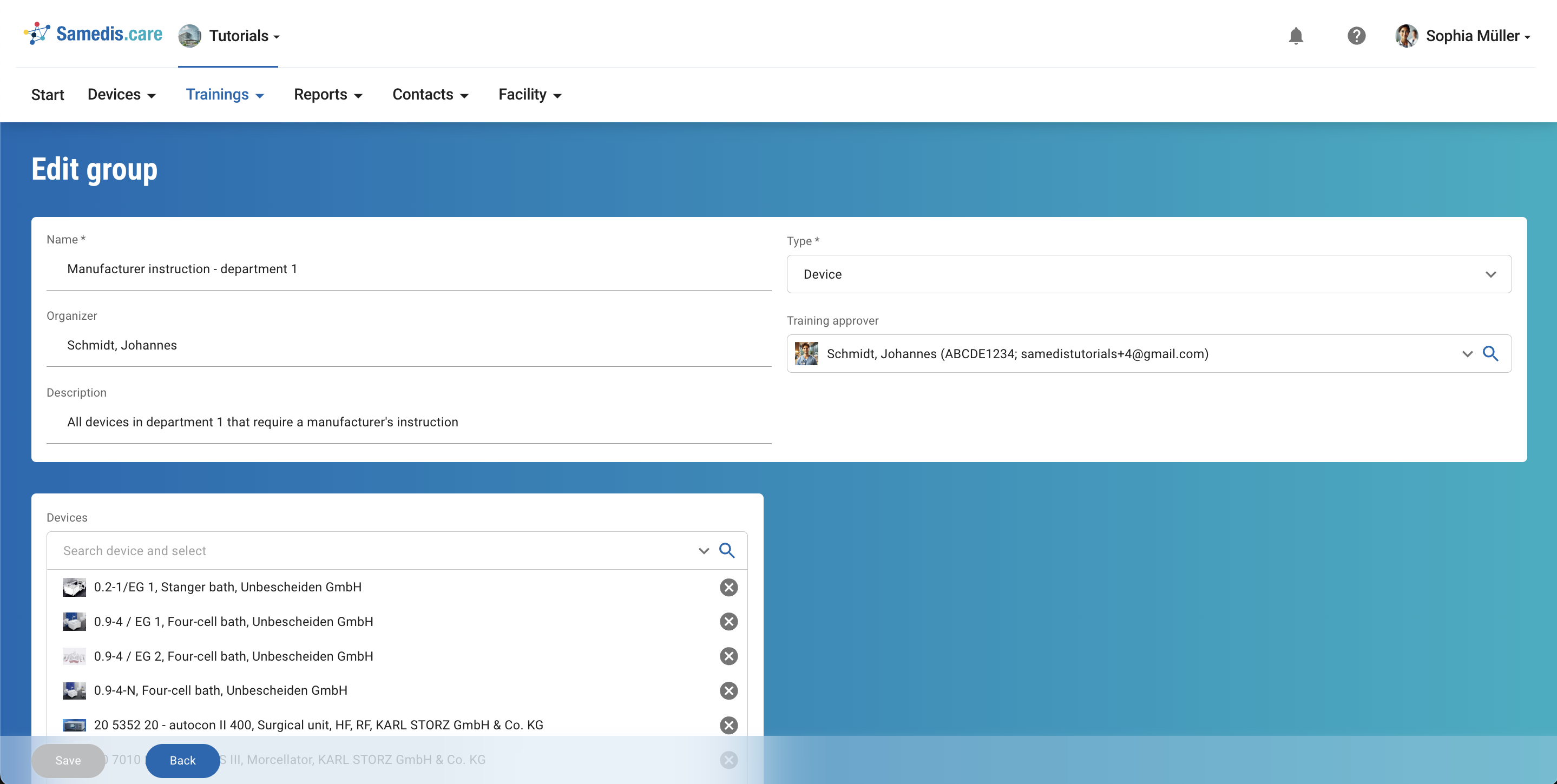
4. Example 2: Critical devices
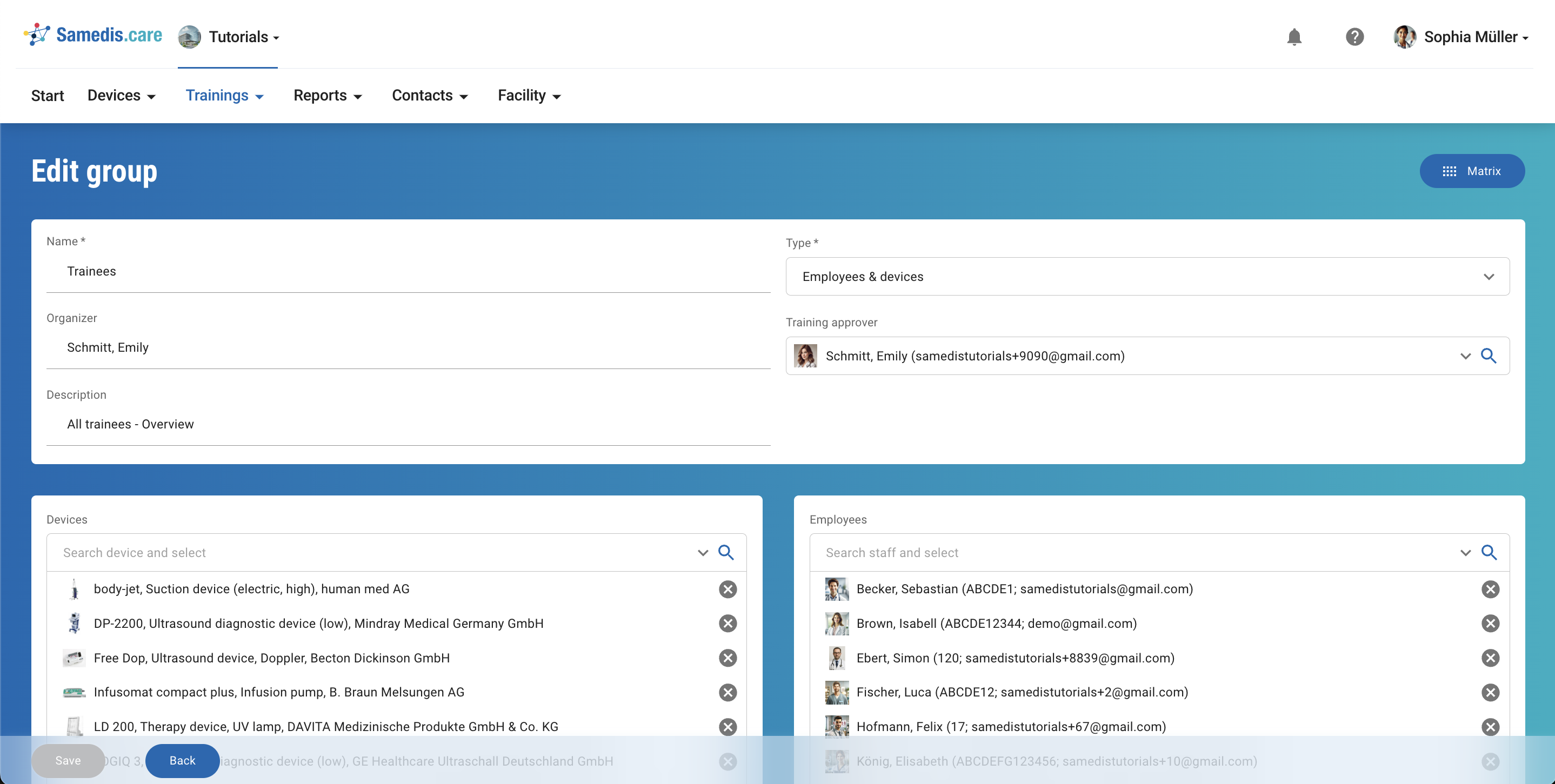
Create a group with all devices requiring manufacturer instruction so that you can quickly check whether your employees have been trained on all relevant devices.
5. Example 3: Recurring training
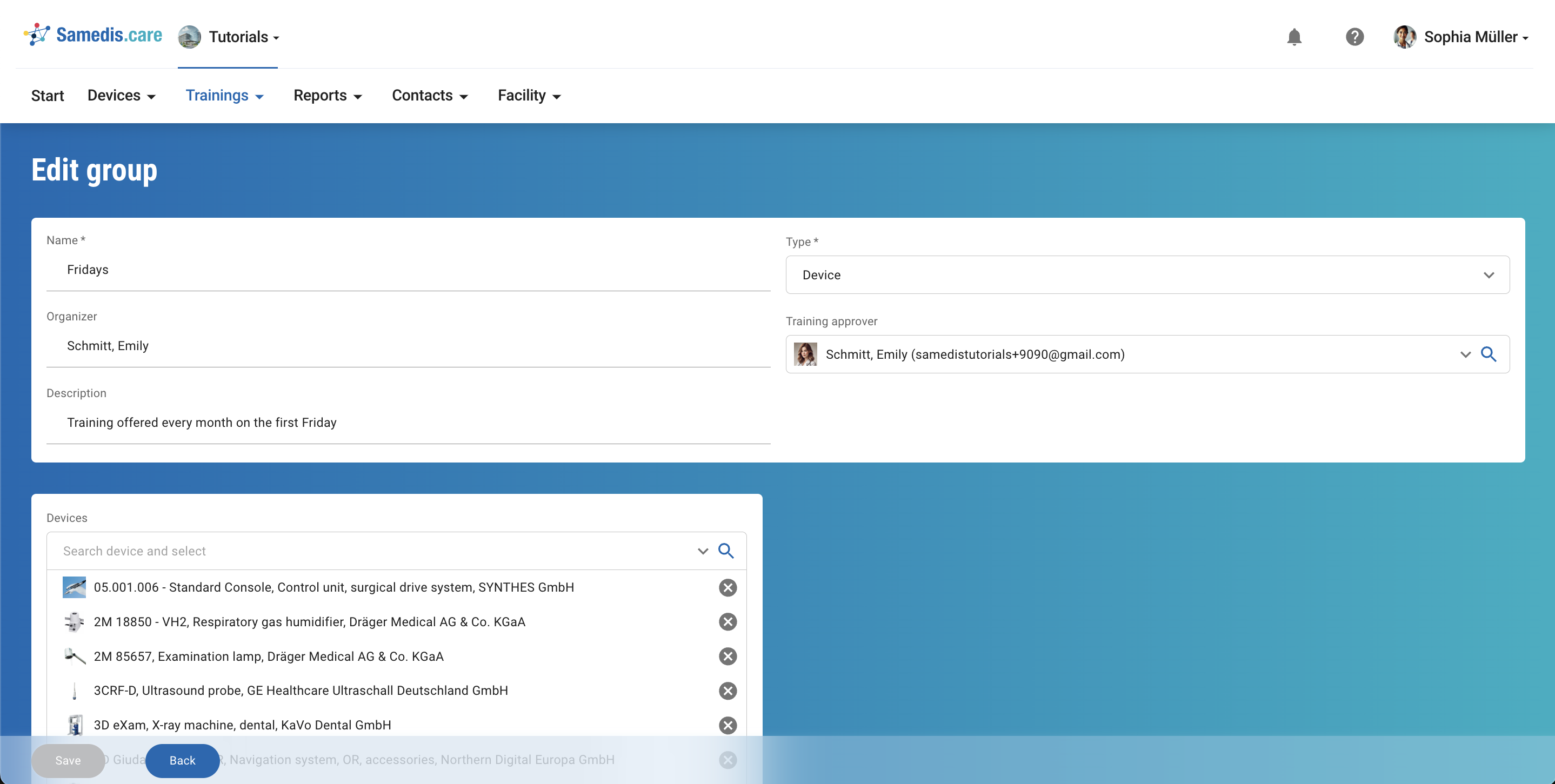
For trainings that occur regularly—such as monthly sessions—it’s helpful to create a separate group. This helps you stay organized and make scheduling more efficient.
6. Example 4: Employee group
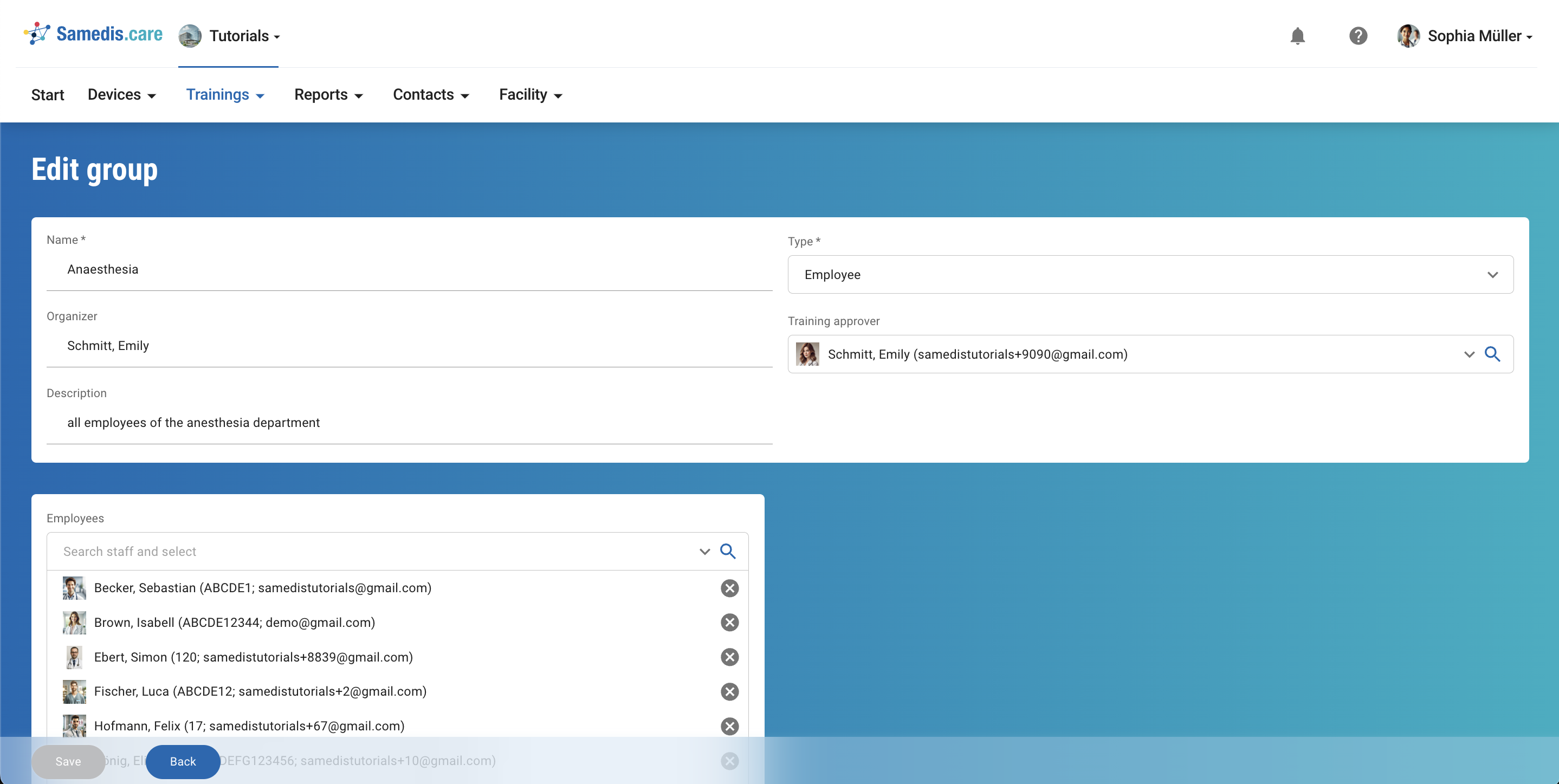
If several employees work in the same area and need similar training, creating a separate group can be helpful.