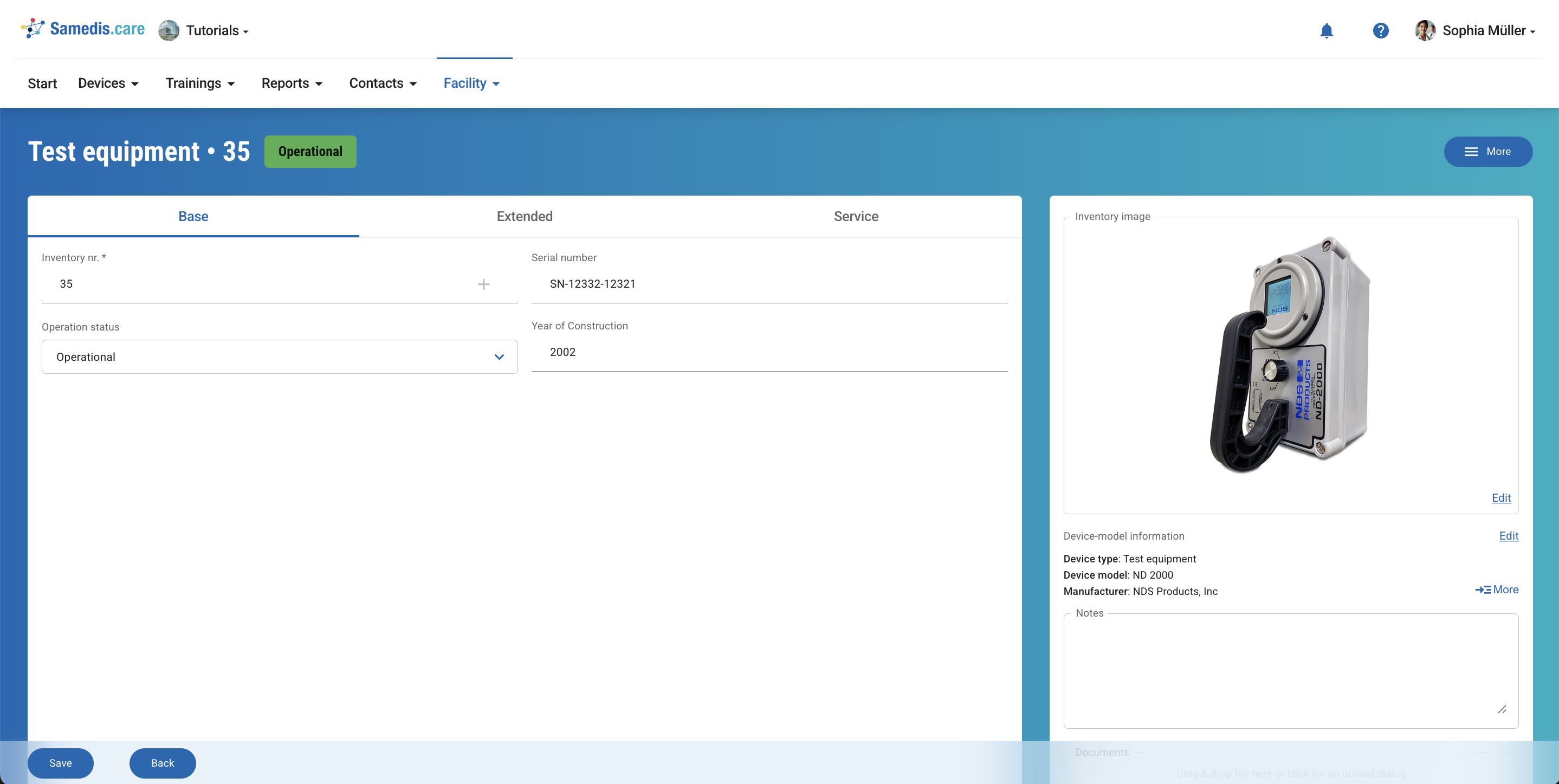
Manage test equipment
To ensure that maintenance and inspections are fully documented, the test equipment used must be recorded and managed here.
1. Test Equipment
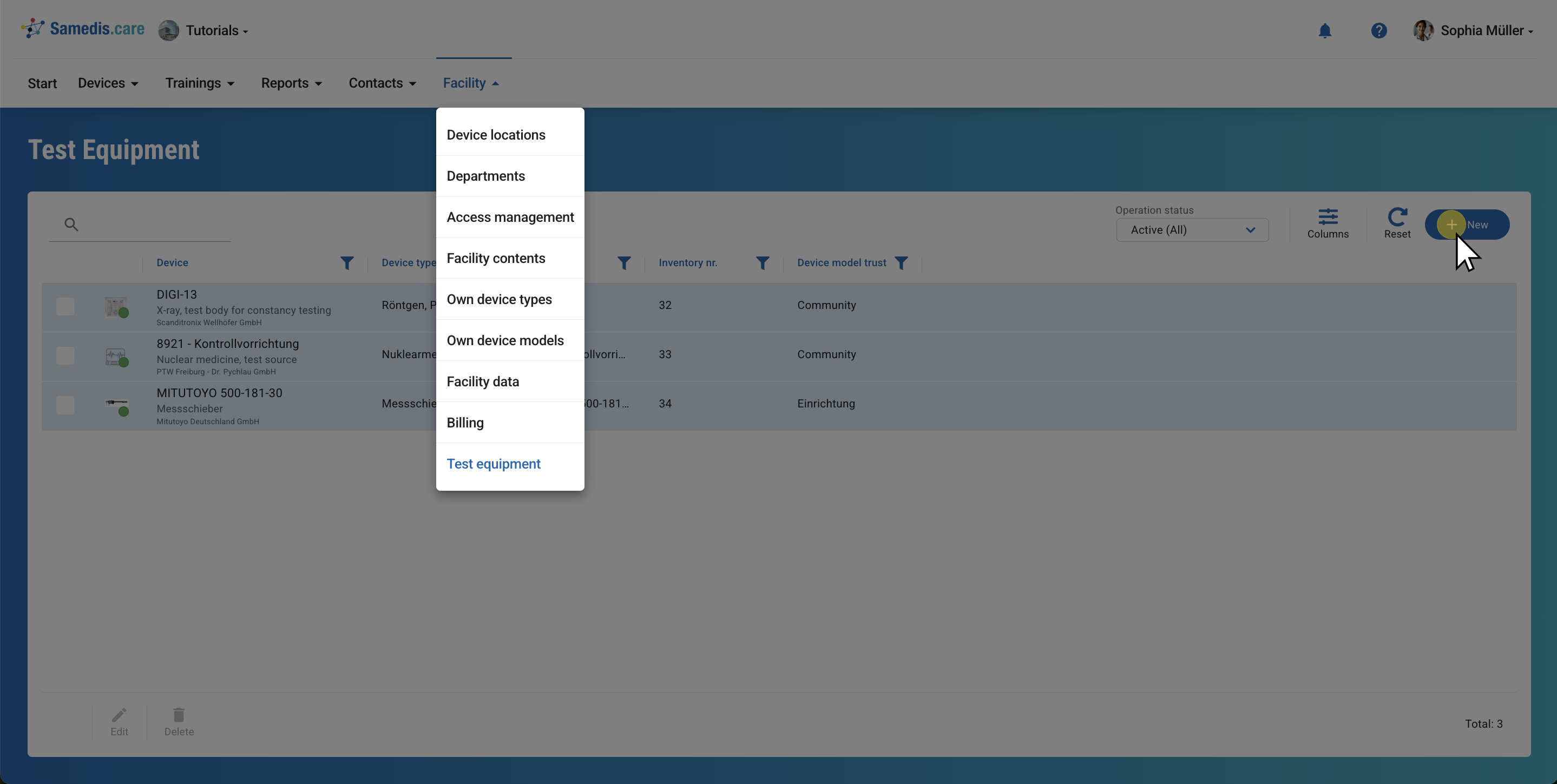
This section displays all previously added test equipment.
Click +New to add a new one.
Tip
You can choose from this test equipment when setting up a task.
2. Add new
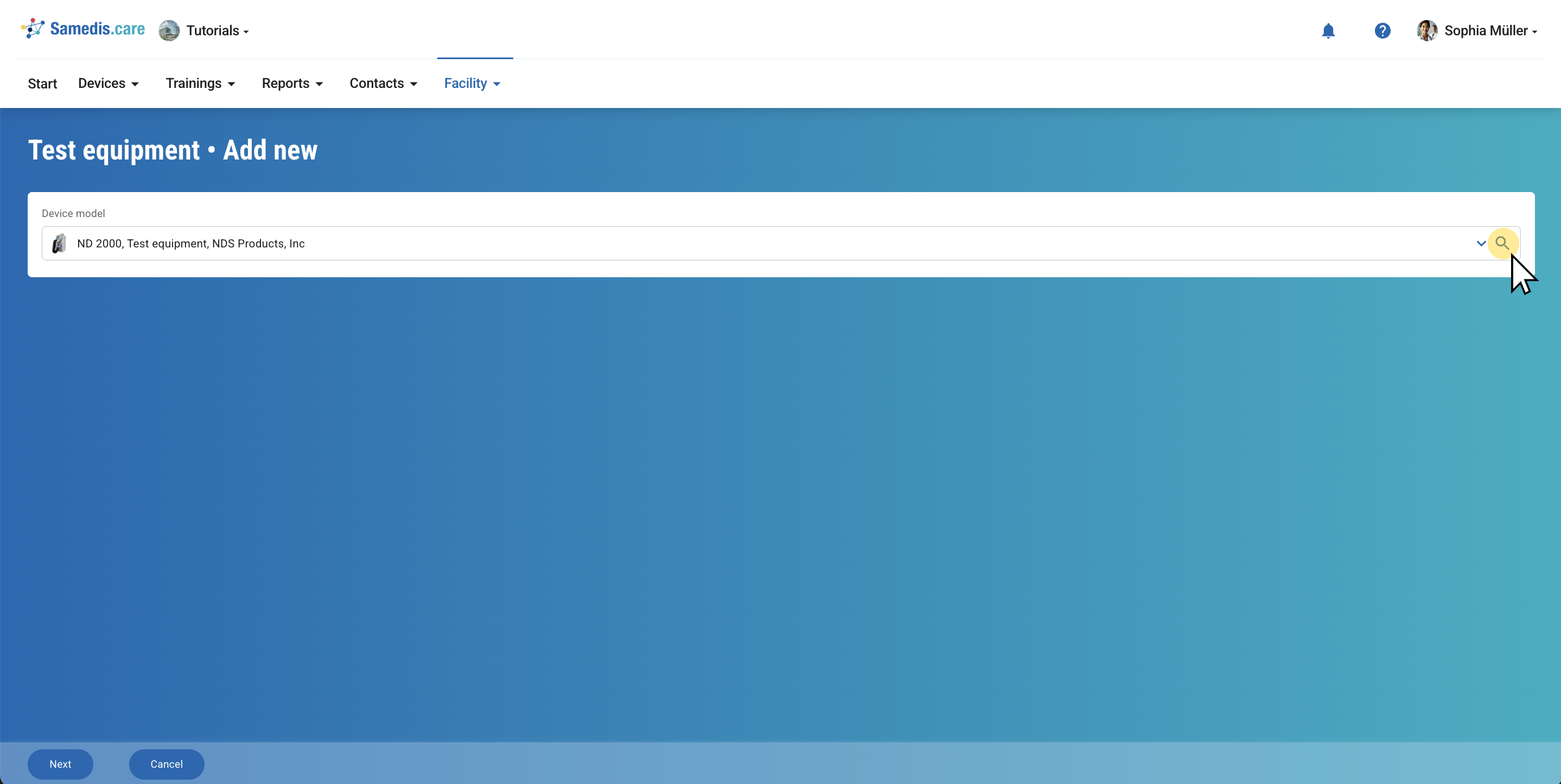
Choose the test equipment and click Next to continue.
Tip
Filter by test equipment in the device catalog to find suitable entries. If your item is missing, you can create it as a new device type.
2.1. Add information
Now enter all available information about the test equipment into the corresponding fields.
Then click Save.
Tip
Test equipment can be managed similarly to your devices. If needed, you can also create tasks and trainings for them.