Create a new device type
Your device type is missing in the catalog? No problem! Here you can find out how to easily create a new device type.
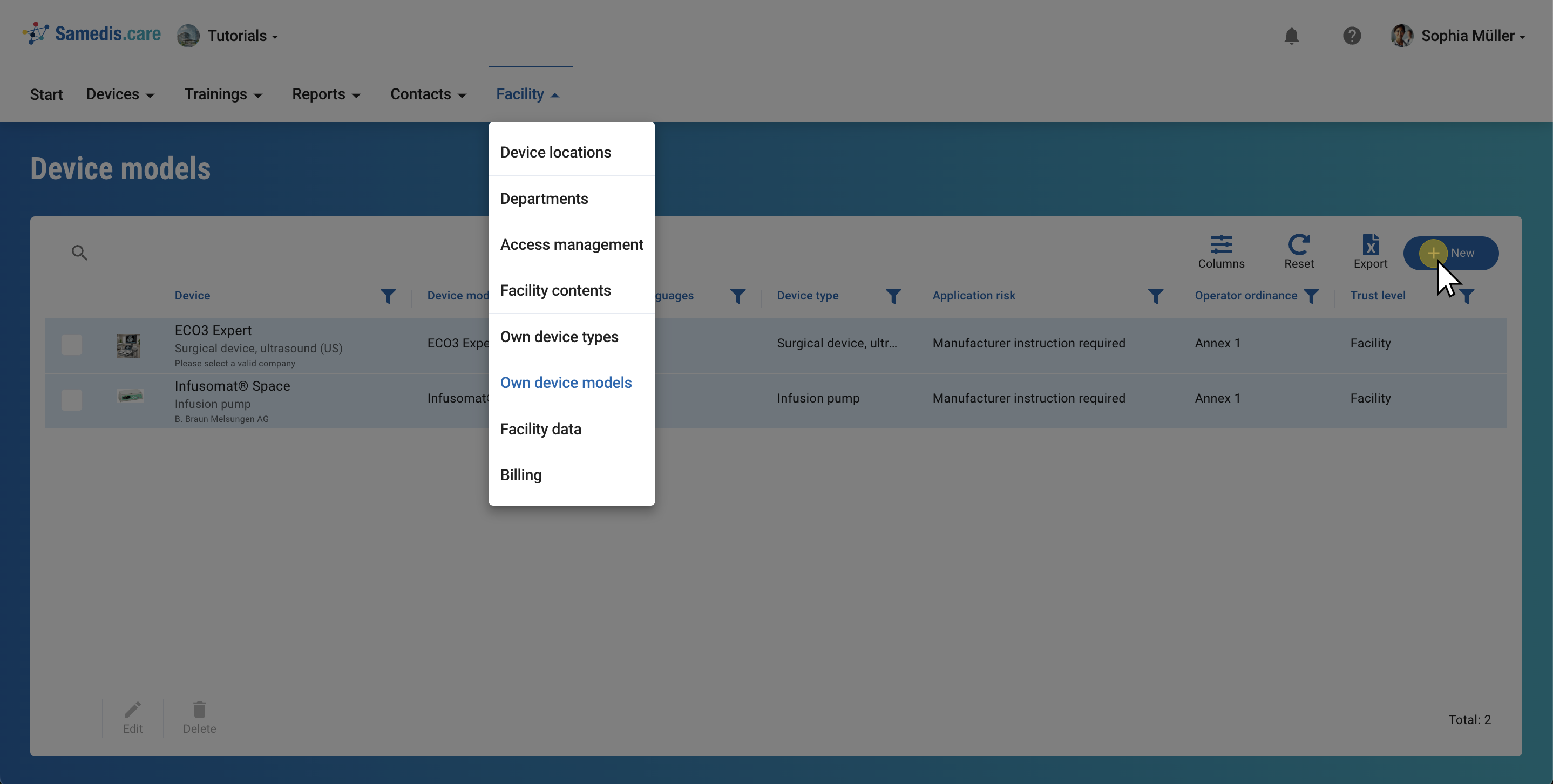
1. Own device models
To create a new device model, go to the Facility area and select Own device models. There you will see all device models that have been created specifically for your facility.
Click on + New to create a new device model.
Note
These device models are not part of our device catalog and are not supplemented by us with additional information.
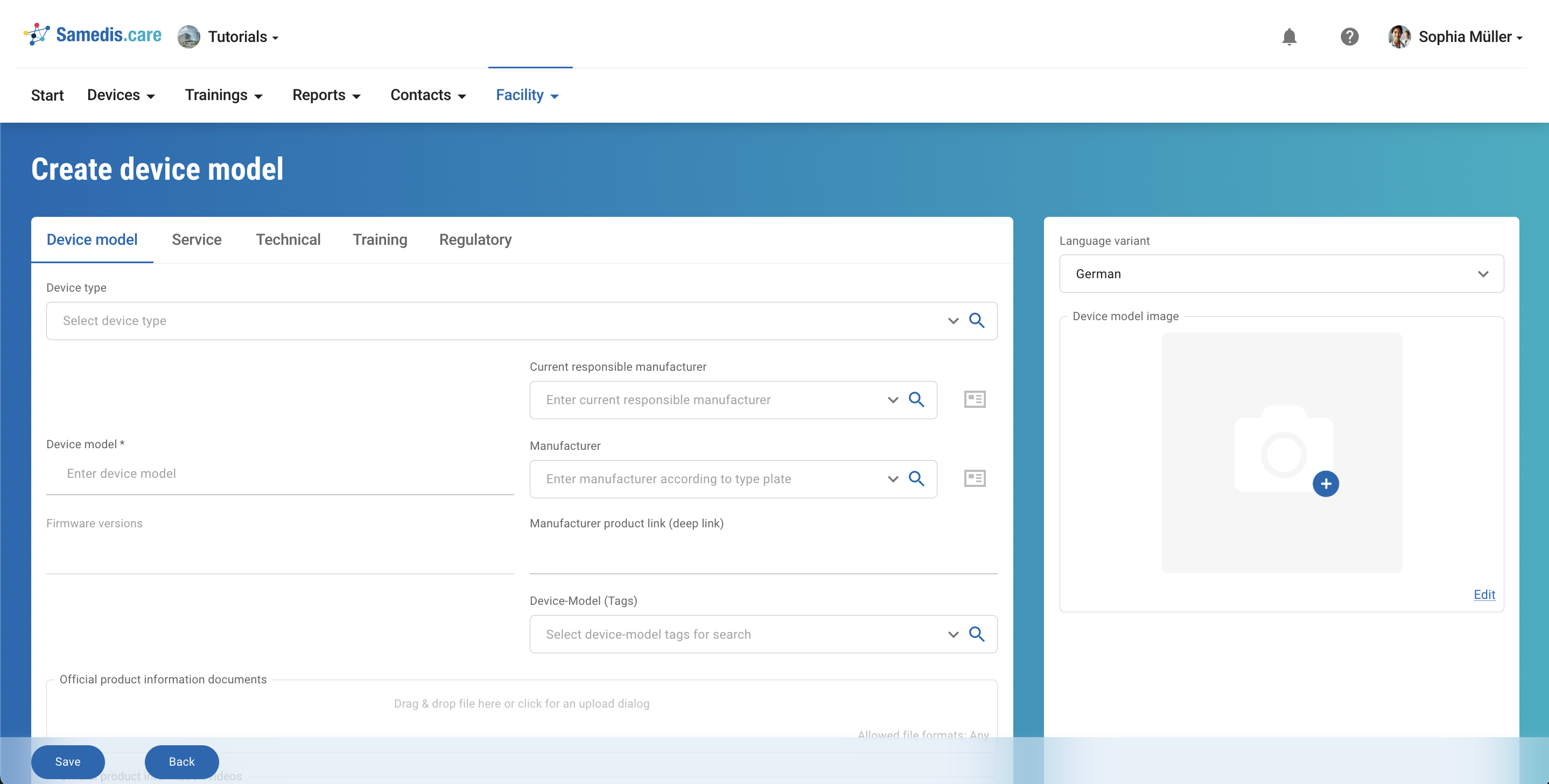
2. Add data
Now add all available information on this device model. You can find much of it directly on the type plate.
Tip
You can adjust and update your device models at any time by editing the corresponding entry.
Note
The fields “Device model”, “Device type”, “Manufacturer” and “Application risk” must be filled in so that the new device type can be saved.
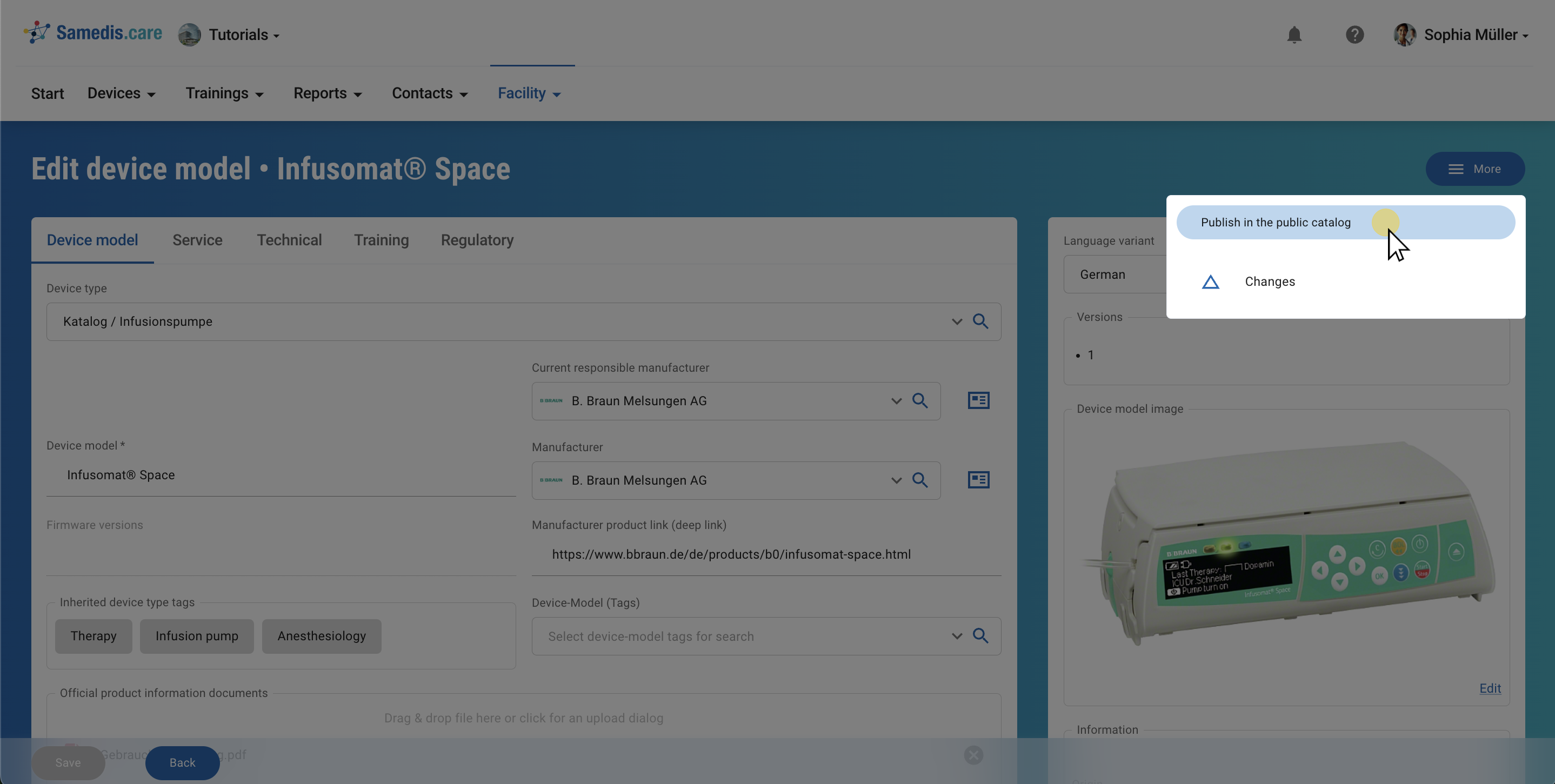
3. Publish
Let us know as soon as you have created a new device type so that we can add it to the catalog.
To do this, select the Publish in the public catalog option under More. We will check your entry as soon as possible and then add it to the catalog.
Note
Make sure that service intervals, existing operating instructions and a product image are stored. Also make sure that the stored data does not contain any data breaches.