Manage departments
Create departments in Samedis.care to better assign and locate your devices.
1. Departments
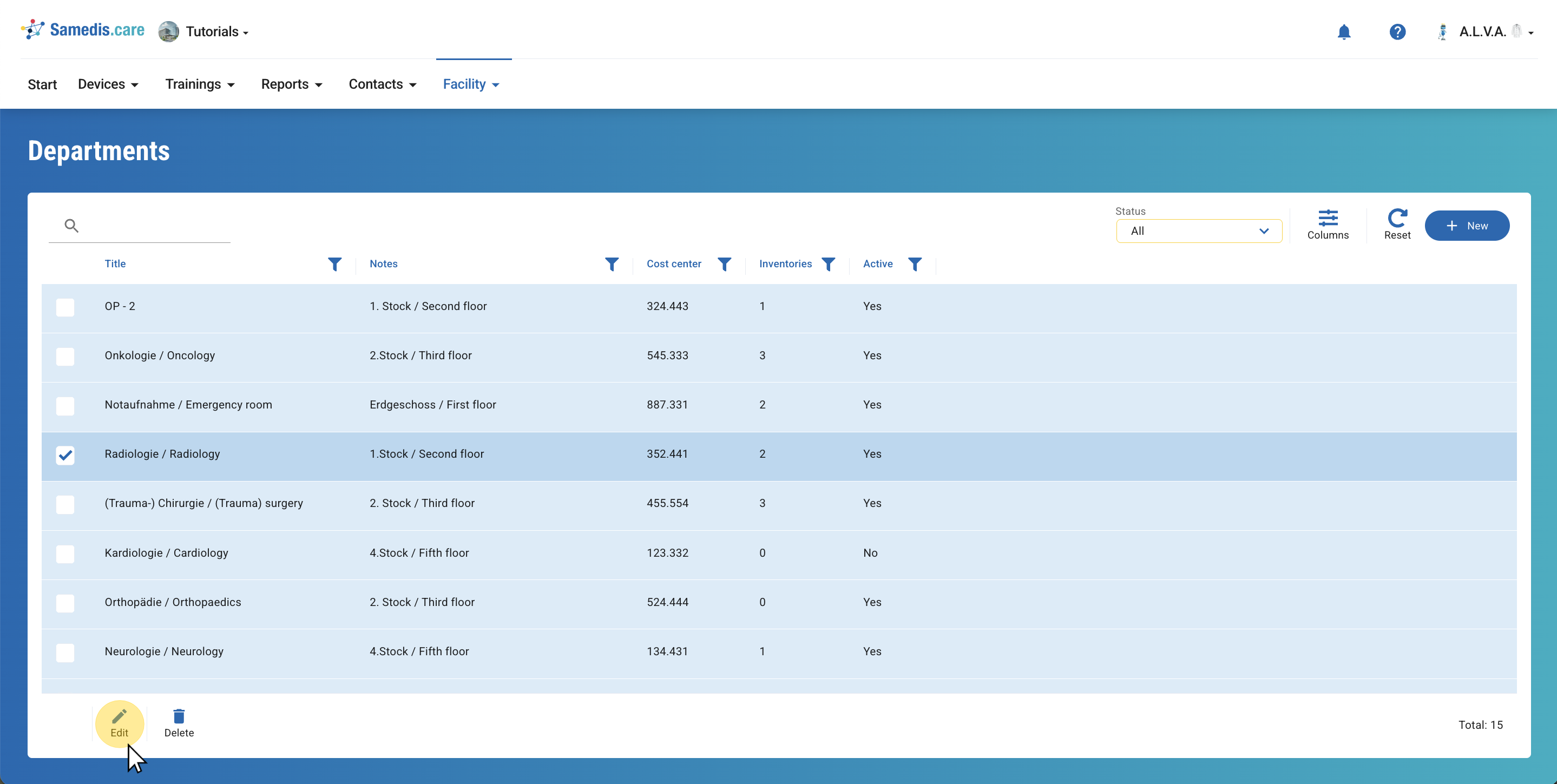
Here you can see all the departments currently entered in the system.
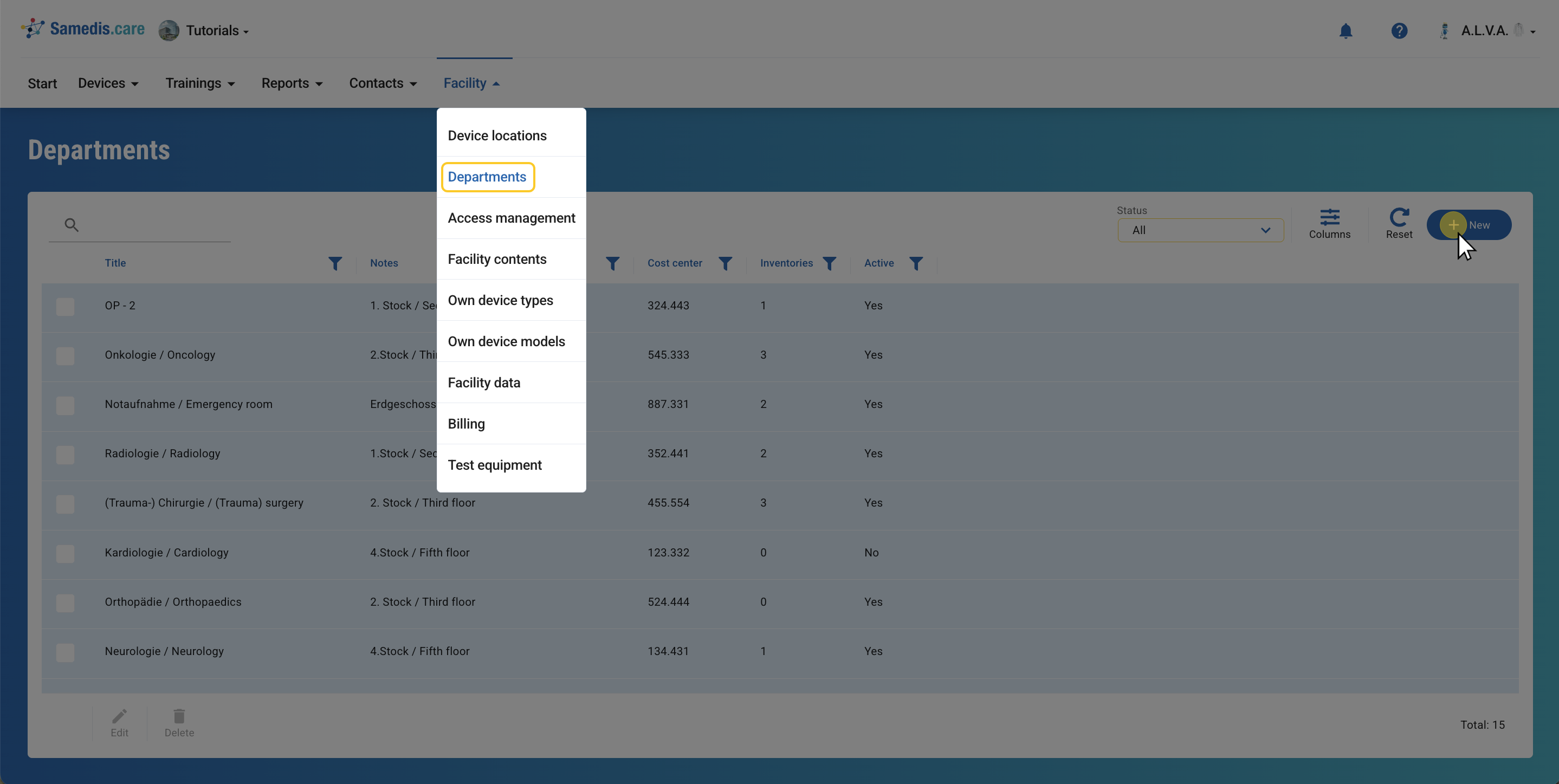
Add a new department by clicking on**+ New**.
Tip
The column Inventories shows you how many of your devices are assigned to this department.
2. Create a new department
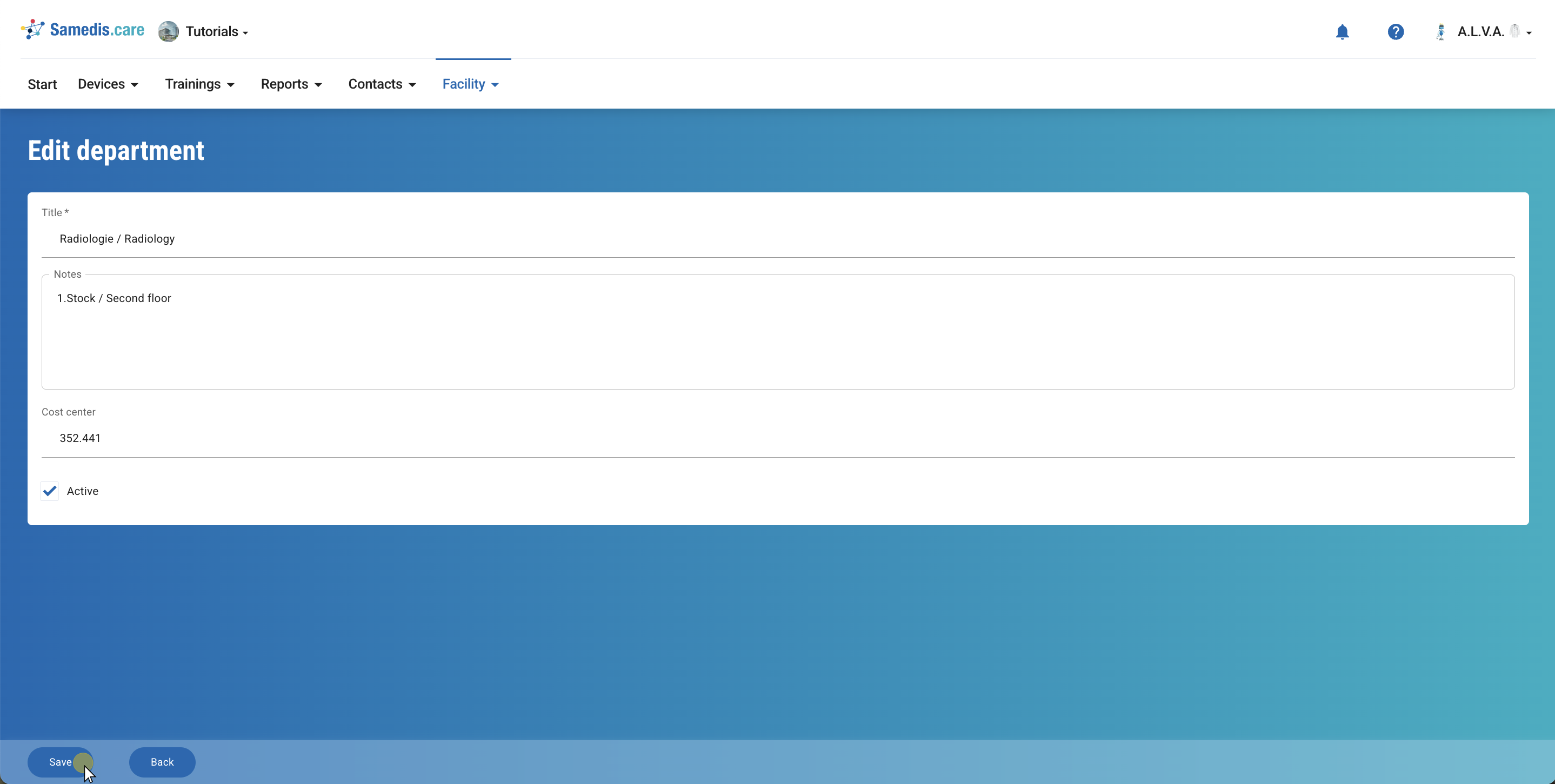
Enter a title and optionally add notes and the cost center.
Specify whether the department is still actively in use. Departments that no longer exist can be marked as inactive.
Finally, click on Save.
3. Edit department
Select a department and click on Edit.
You can now update your department details as needed.