Manage device locations
Manage individual device locations in Samedis.care to assign and locate your devices.
1. Locations
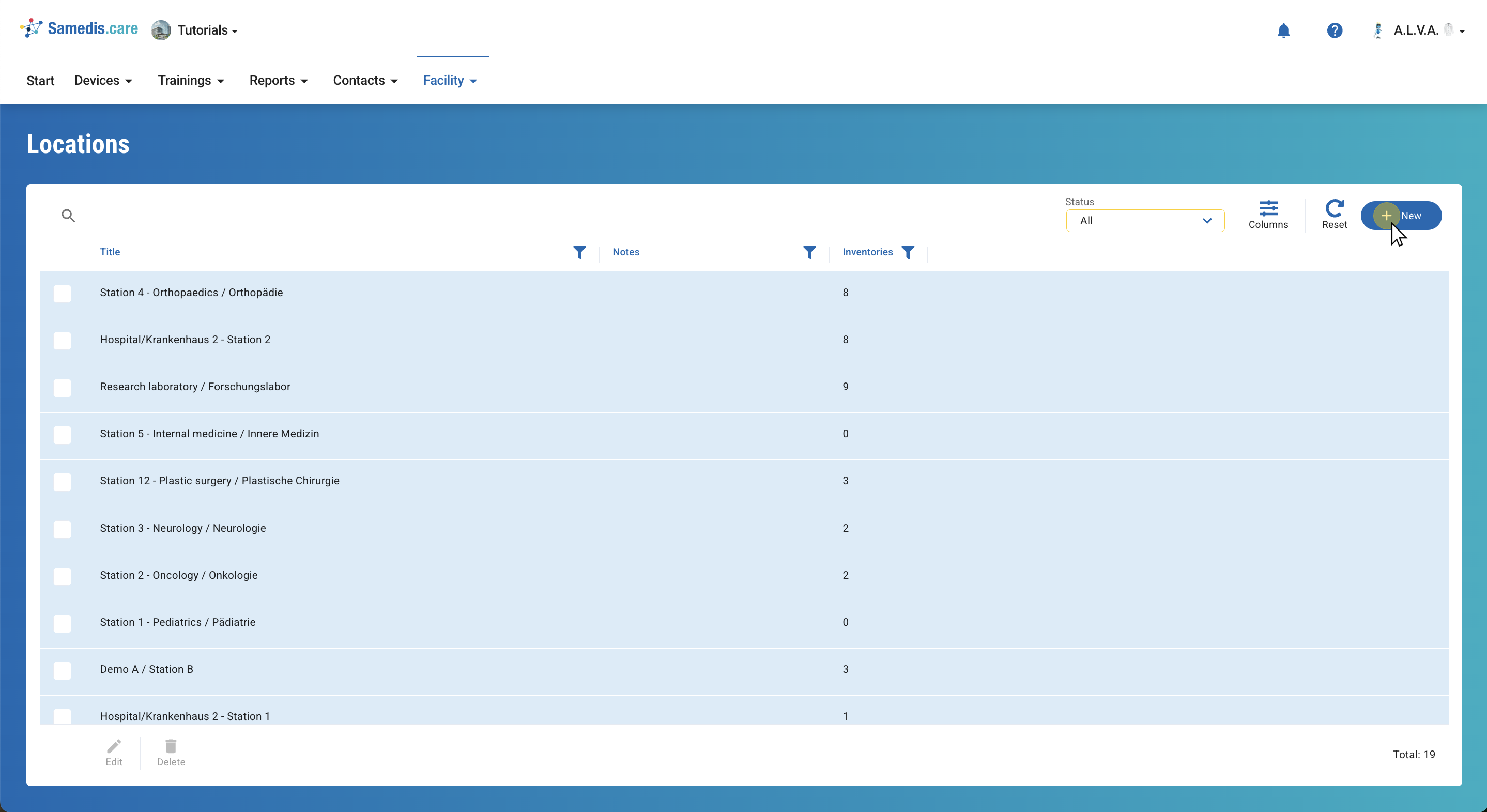
Here you can see all the registered device locations in the system.
To add a new location, click on + New.
Tip
The column Inventories shows how many of your devices are in this location.
2. Create location
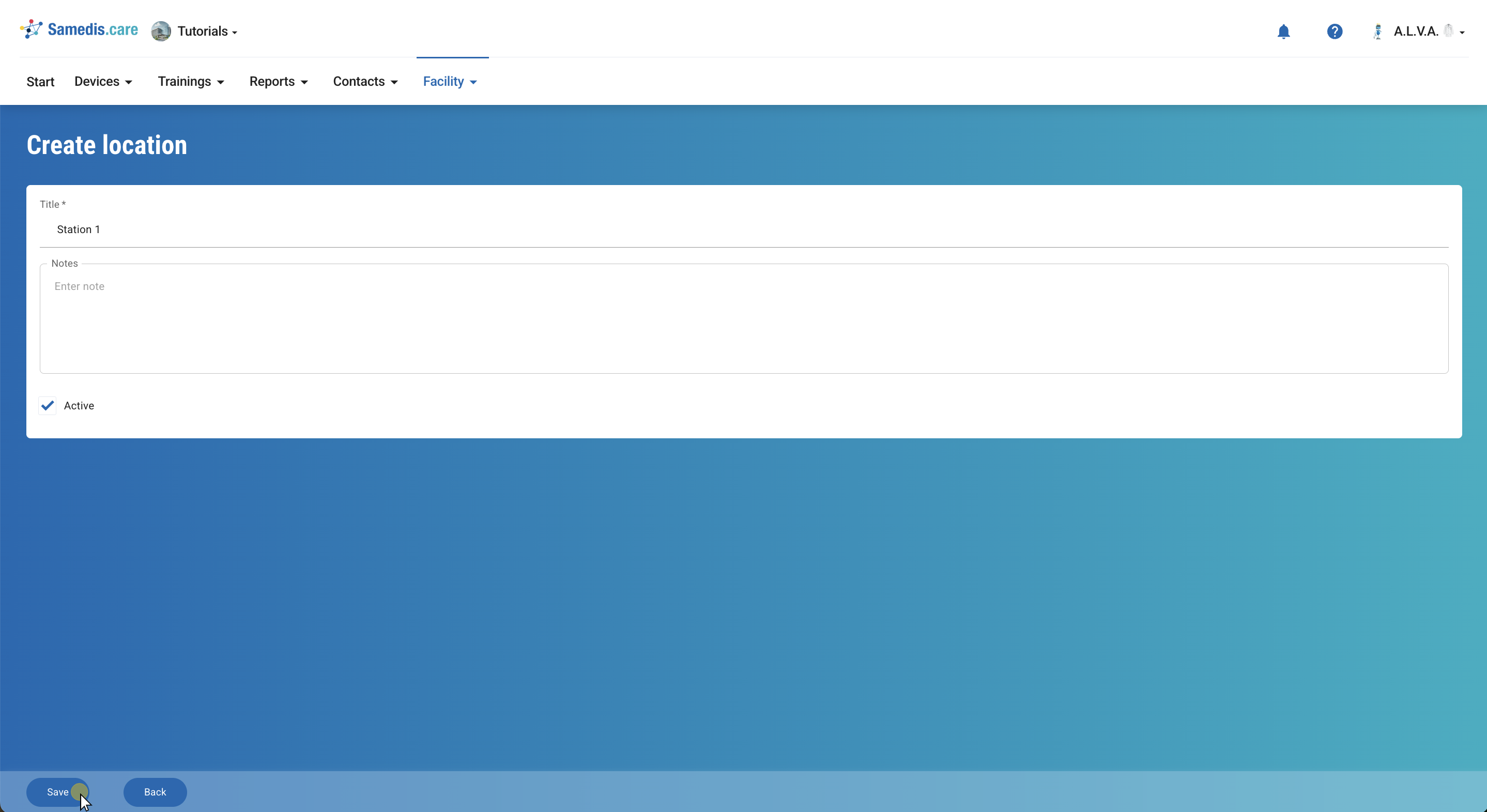
Enter the name of the device location and click on Save.
Tip
Below Notes you can enter additional information about this location.
3. Edit location
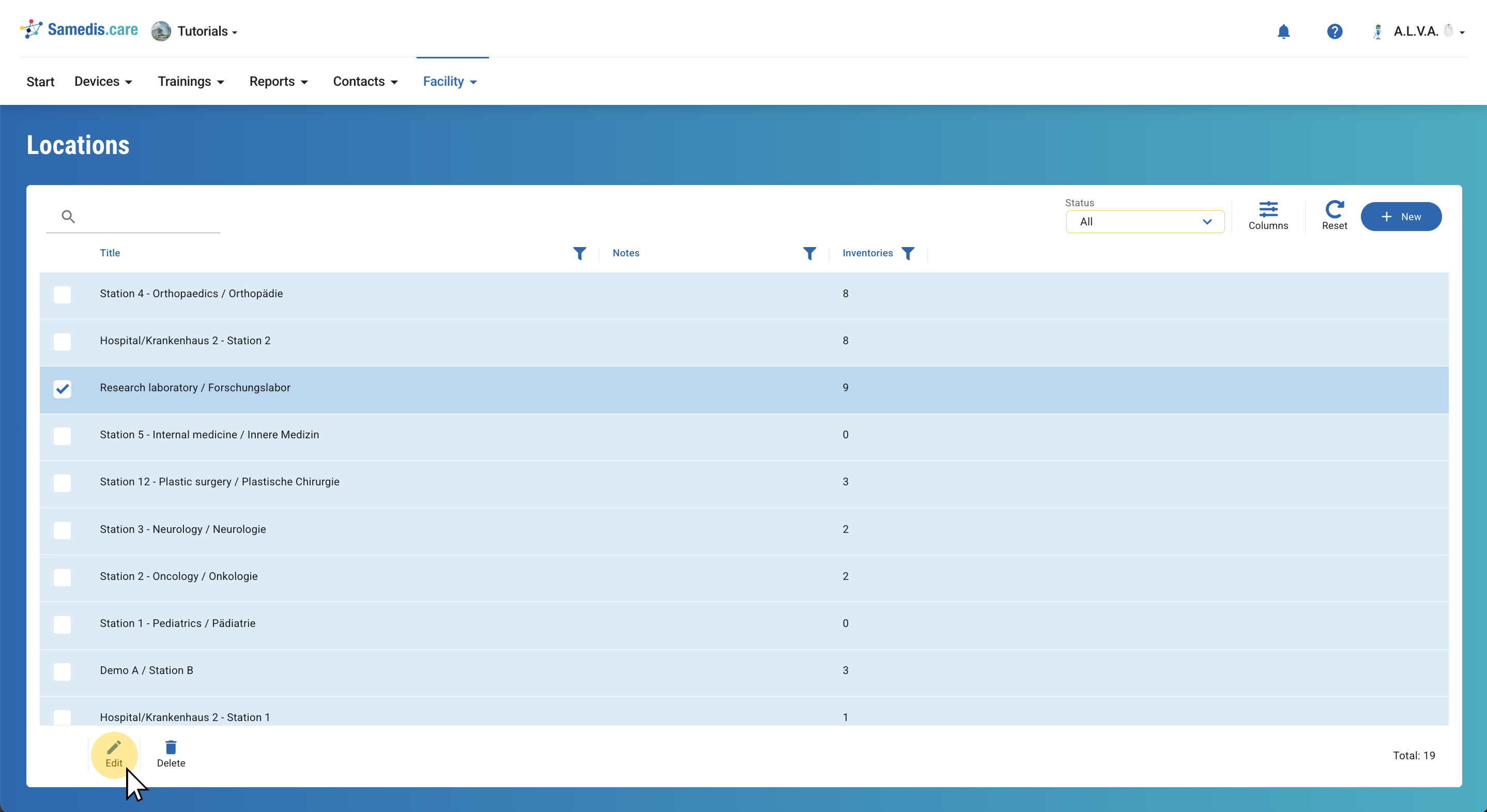
Choose a location and click on Edit.
You can now adjust the title or notes as required. If a location is no longer active but still has devices assigned to it, you can set it to inactive.
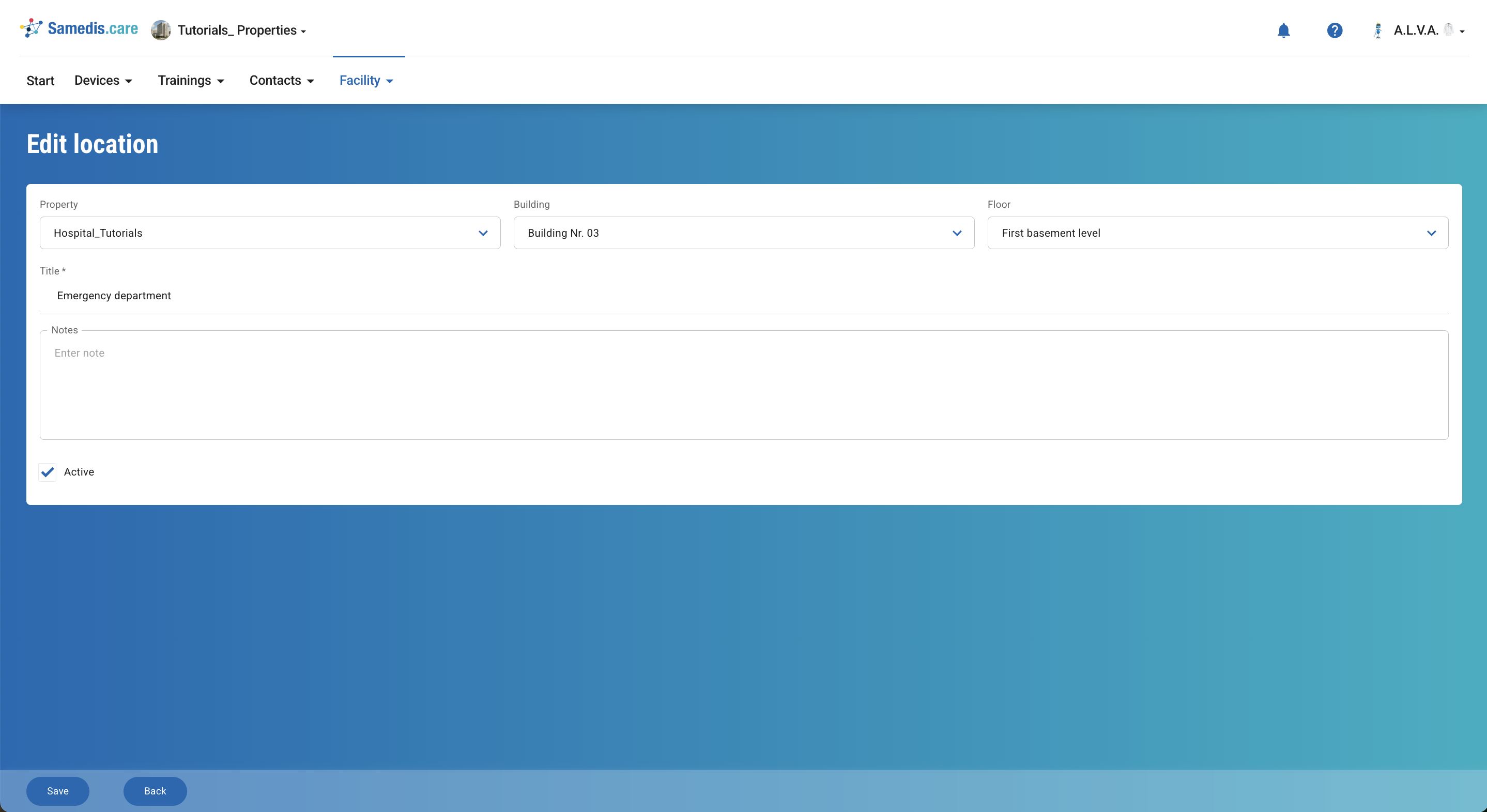
4. Properties
If the Properties feature is activated, you’ll need to specify the associated property, building, and floor when creating a location. For more details, see the tutorial Properties.