Contact person for companies
In this tutorial, we’ll show you how to add contact persons for companies such as manufacturers or service partners within your facility. This ensures that you can quickly find and use their contact information when needed.
1. Contacts
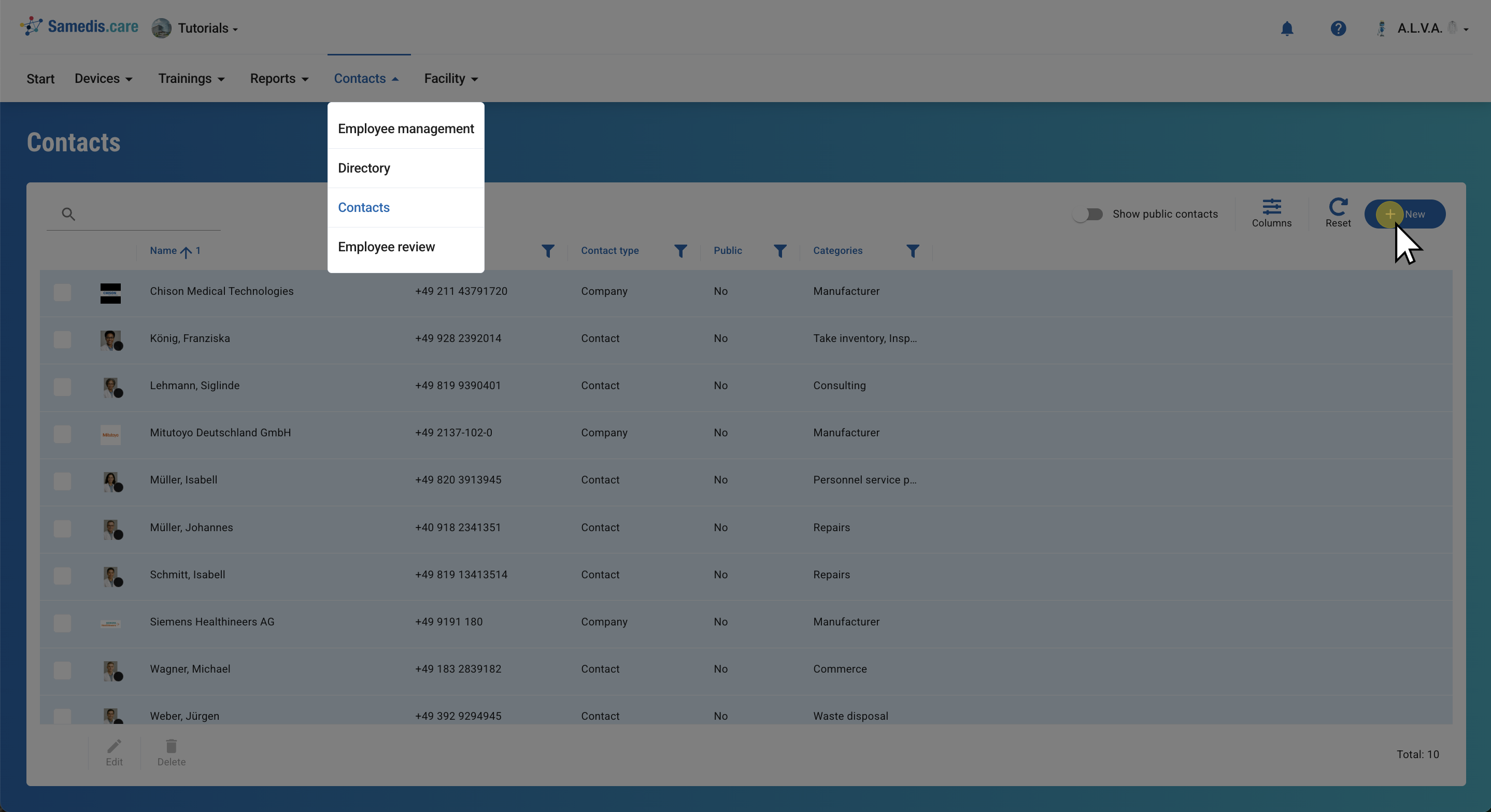
Under Contacts, you’ll find all external contact persons that have already been added.
Click on + New to create a new external contact for your facility in Samedis.care.
Tip
With the Show public contacts option, you can access all manufacturer contacts provided by us.
2. Create new contact
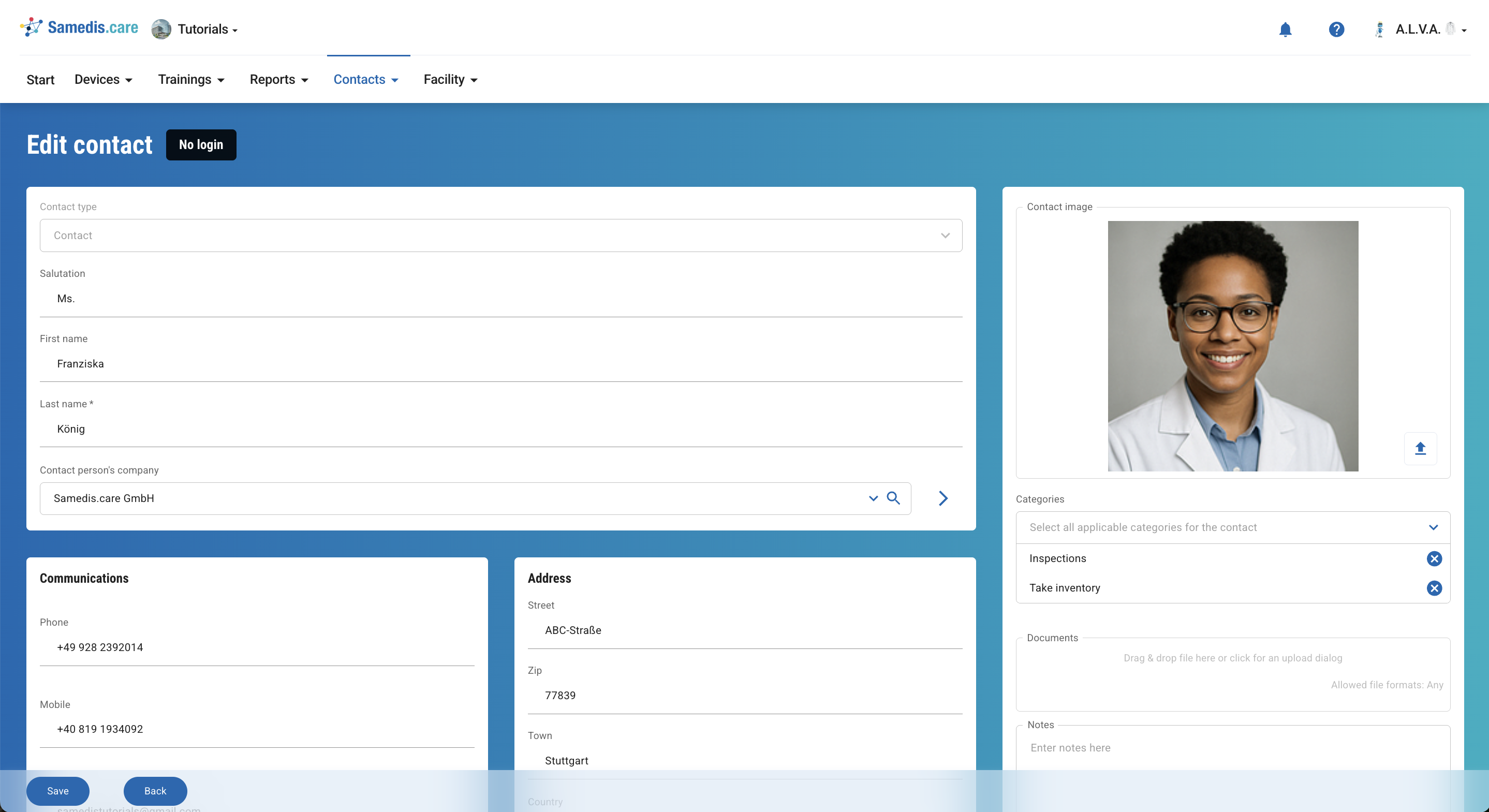
Under Contact type, you can choose between a contact person and a company. If you select a contact person, you can then assign the appropriate company under Contact person’s company.
Fill in all the required fields with the information you have and click Save.
3. Service partner
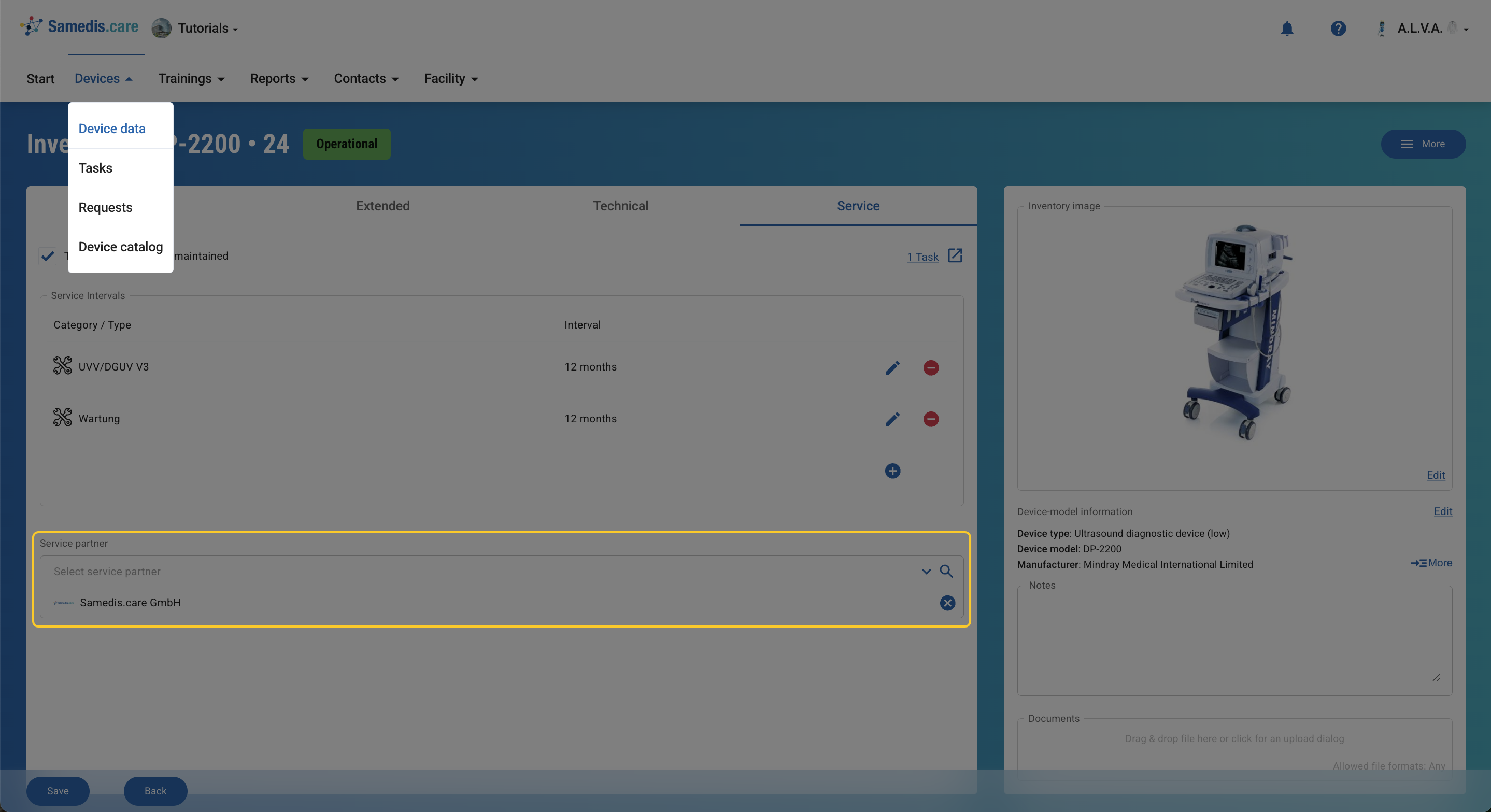
You can assign companies as service partners to your devices. These service partners can then take care of actions related to the device. For more information, see the tutorial Service World.