Employee positions
To better manage individual responsibilities within your facility, you can assign employees different positions in Samedis.care.
1. Positions
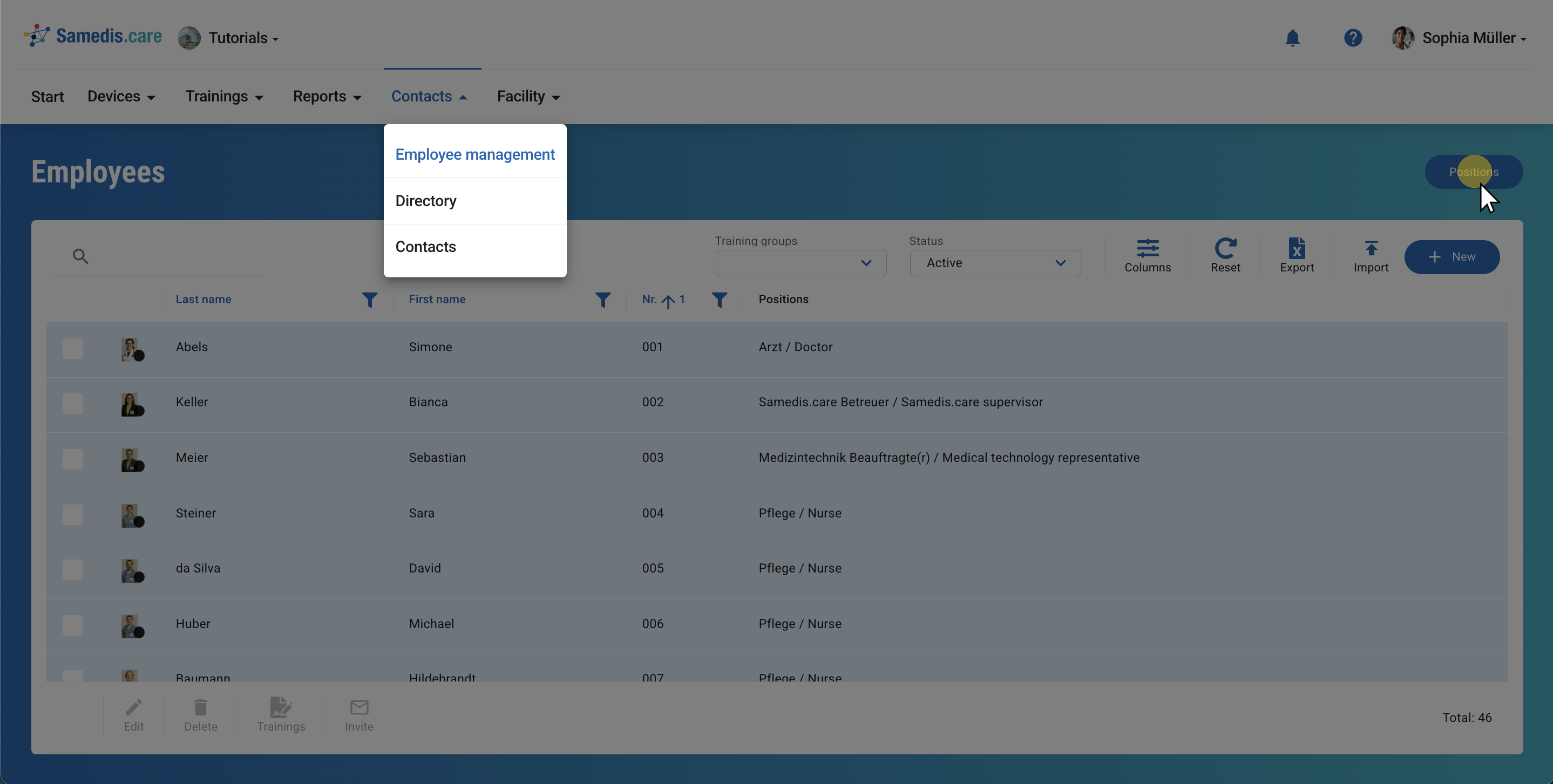
Under Employee management you will find the Positions section. There you can manage and view all previously defined positions.
Tip
Positions are added directly when editing the employee data.
2. Overview
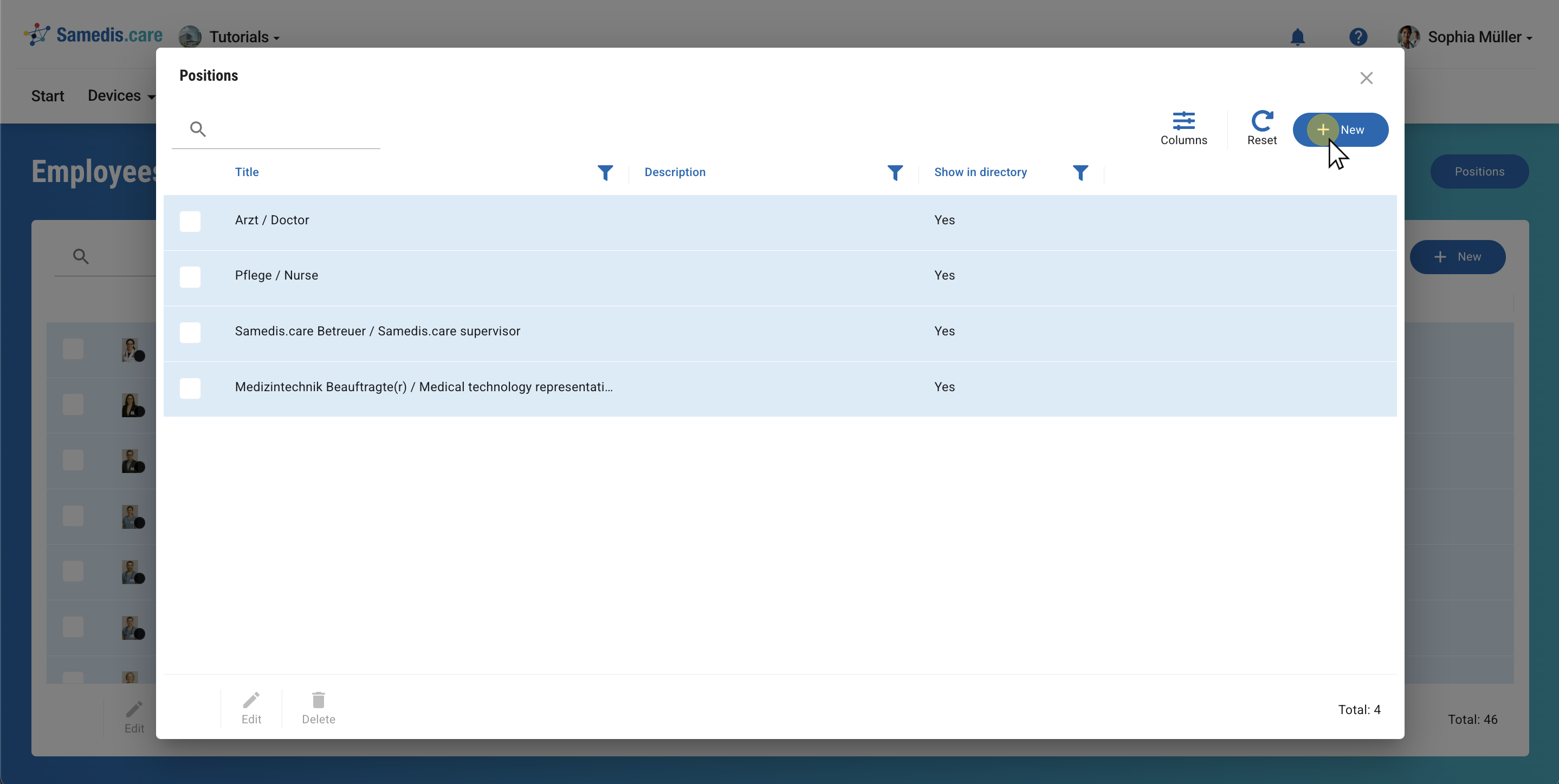
This overview contains all previously defined Positions. It also shows whether these are visible in the employee list.
Click on + New to add a new position.
Tip
If a position is visible in the Employee management, it can be viewed by all users with access to that area. Your own assigned position is also displayed in your personal my.samedis.care account.
3. Create position
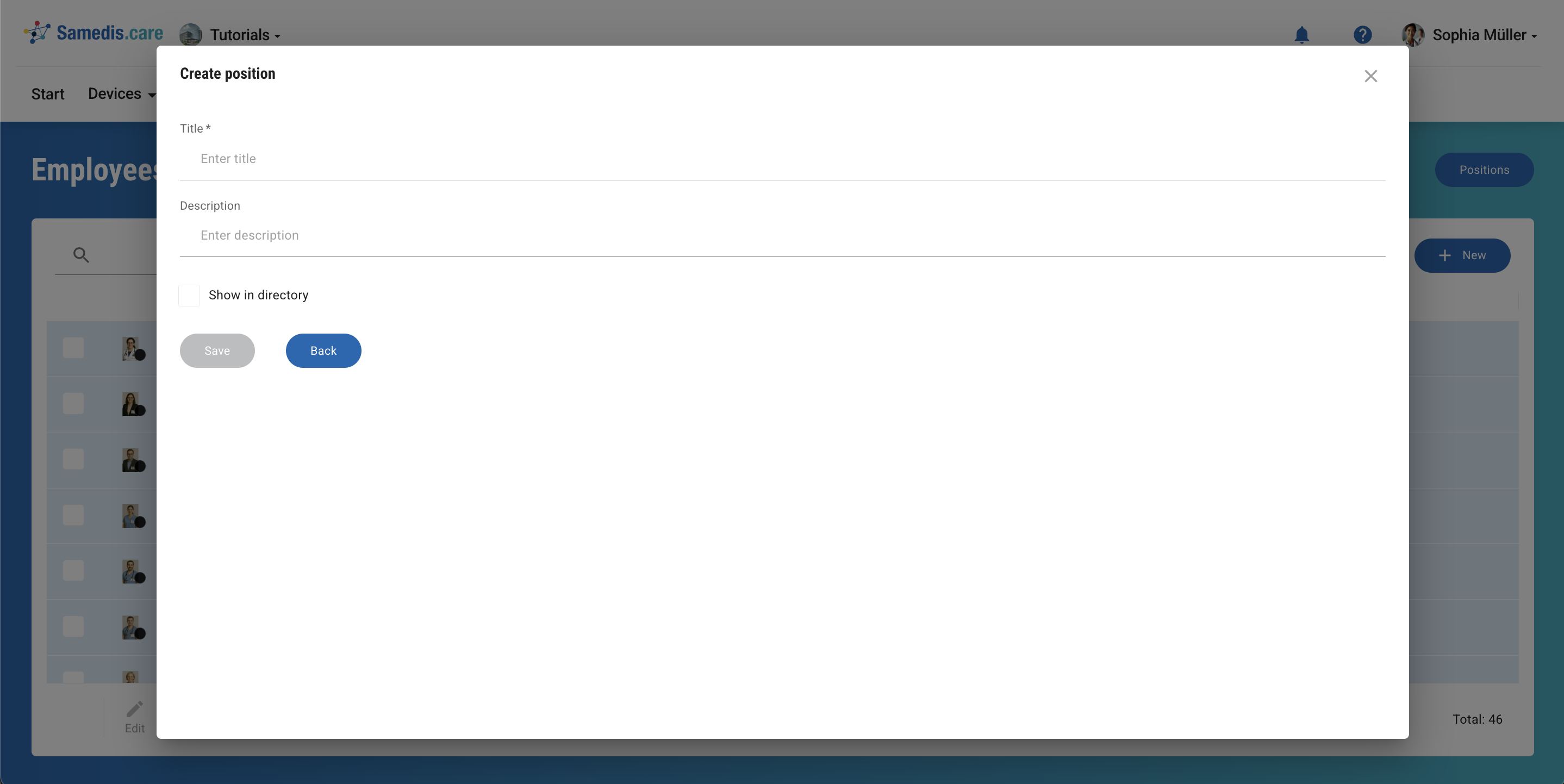
Enter a Title and a Description to clearly assign the created position to a task area in your facility. Then select whether the position should be visible in the directory.
Then click on Save.