Invite employees
Use this function to invite employees to your facility.
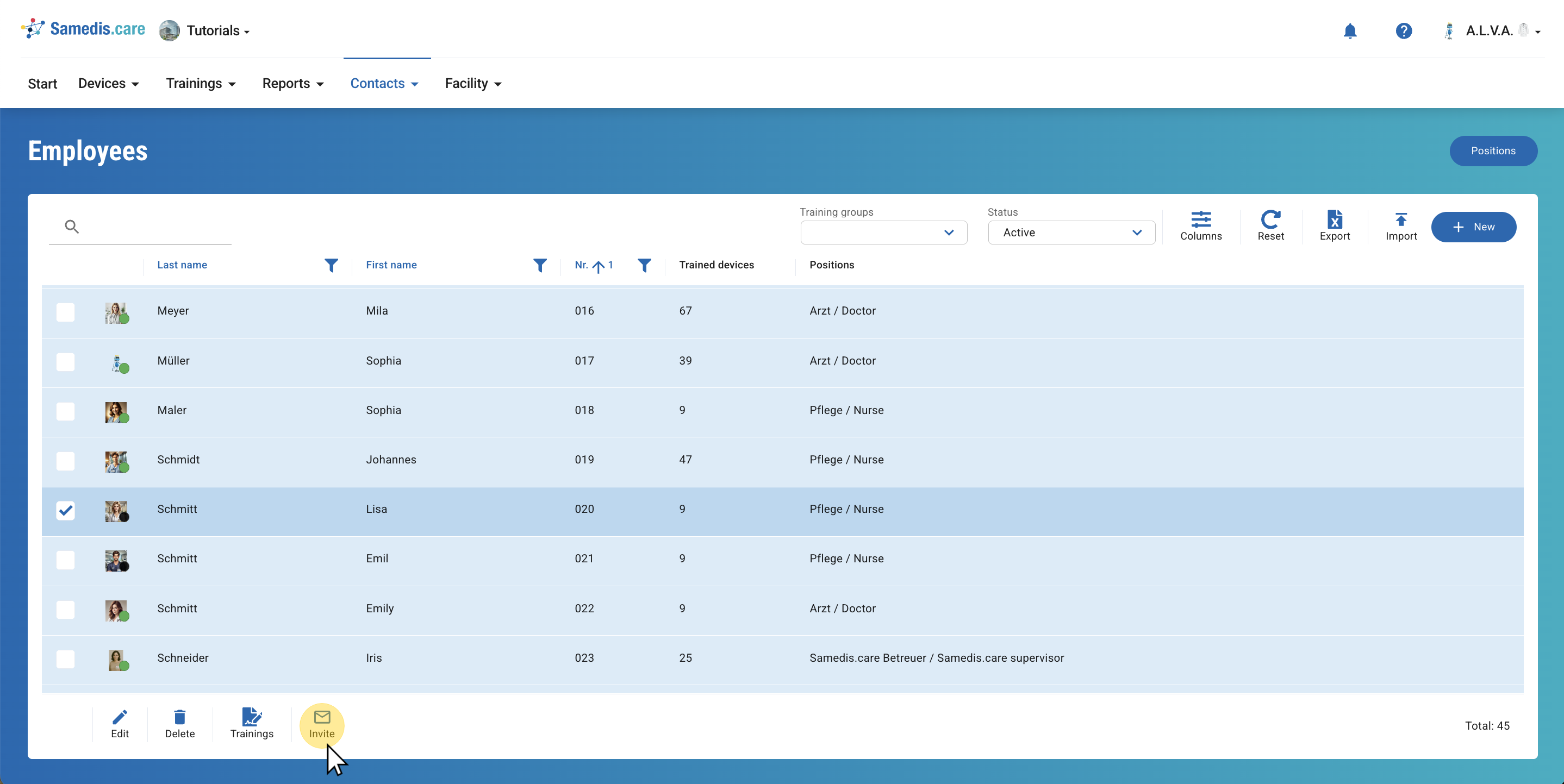
1. Select employees
Select the requested employee and click on Invite.
Tip
You can select multiple individuals at once and invite them to your facility.
2. Invite employees
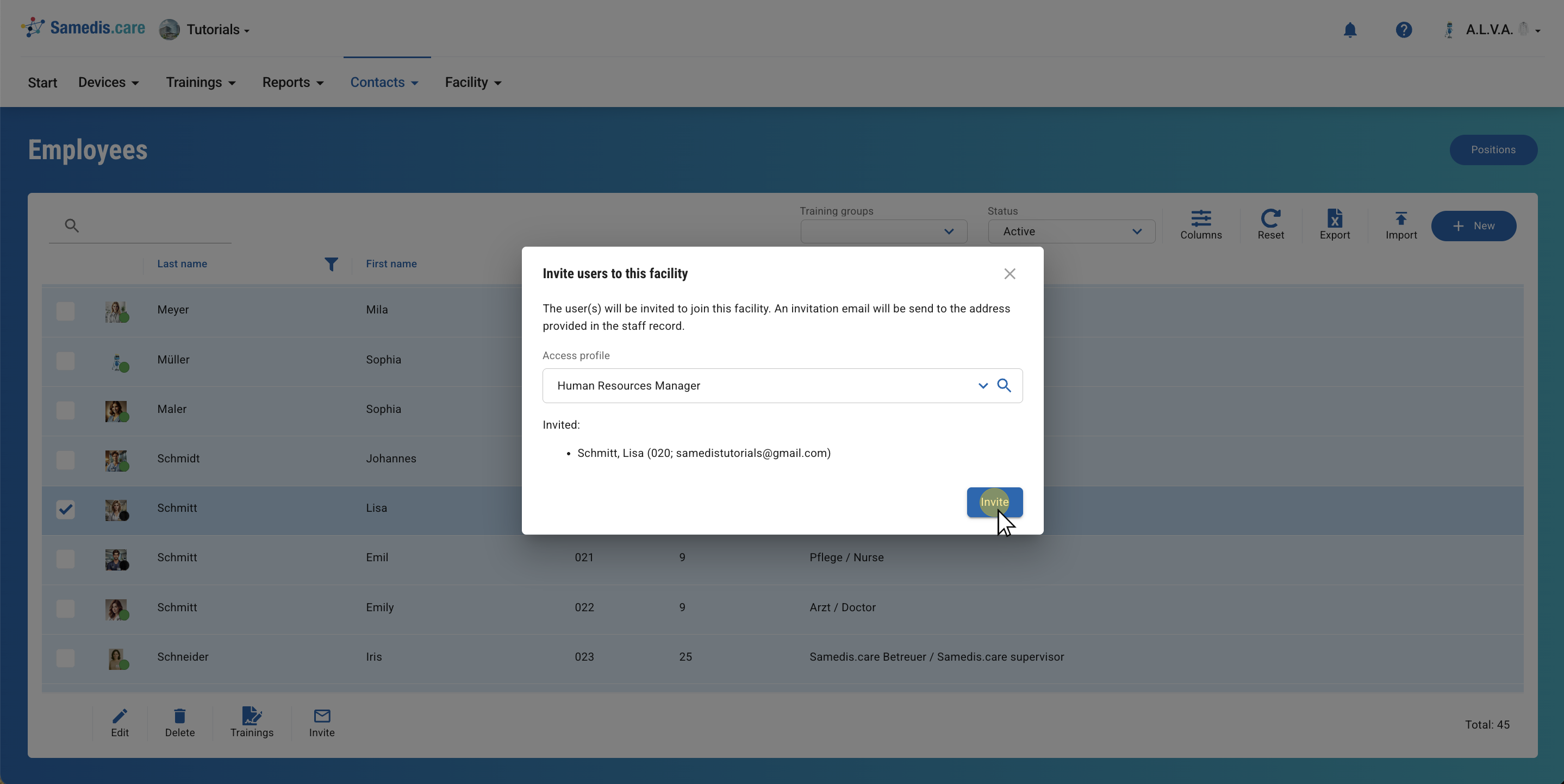
First, select the appropriate access profile. Click on the 🔍 icon to display your profiles.
Then, click on Invite to send the person an invitation link to their email address.
Note
All persons who have access to your facility and can view the employee list are also authorized to invite other users. Invited persons automatically receive the Standard user profile and can then access their training data in my.samedis.care.
For more information about access profiles, click here.
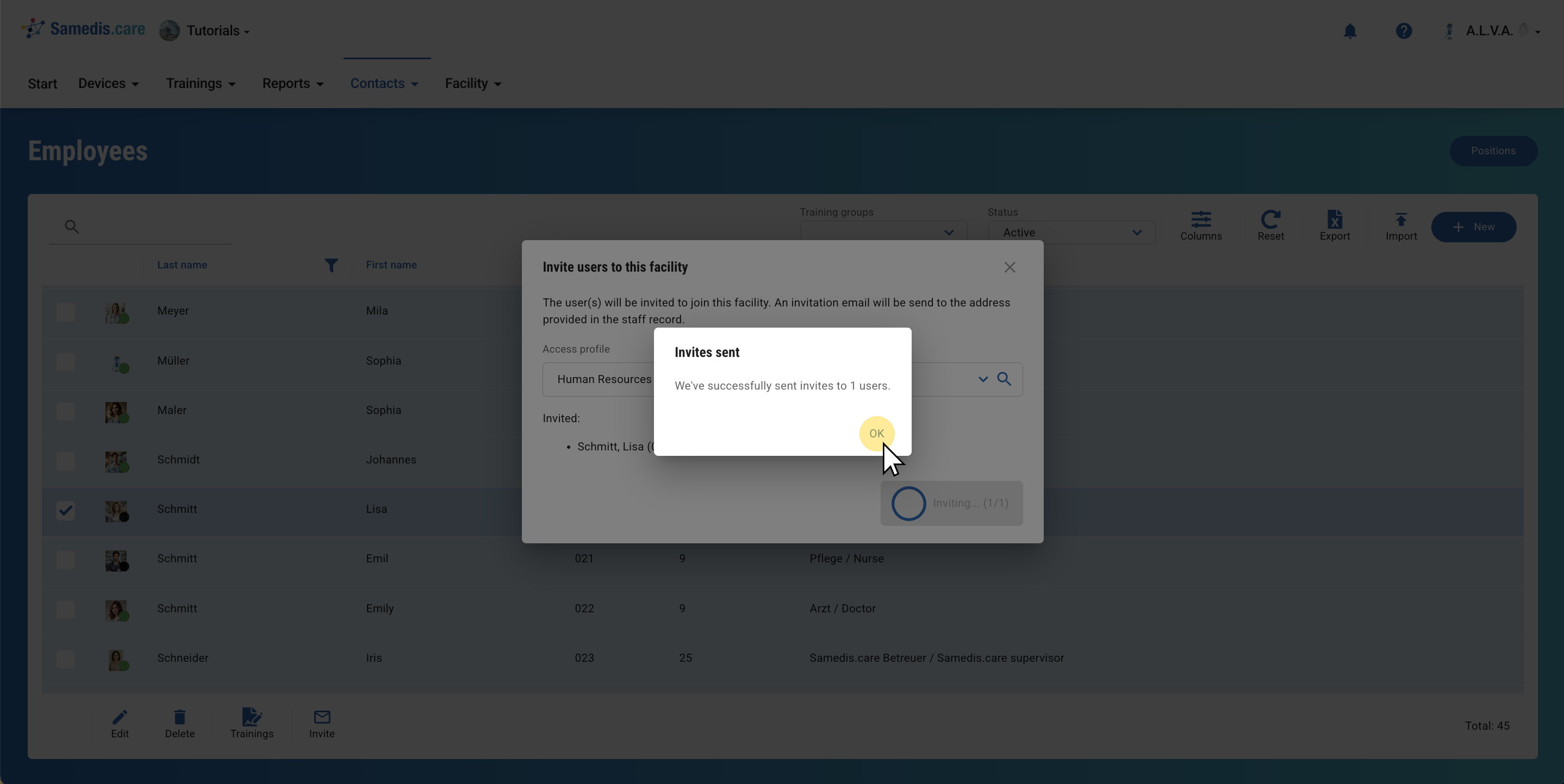
3. Invitation sent
The invitation was sent successfully.