Add new employee
Add all employees of your facility to Samedis.care to manage them centrally and digitally.
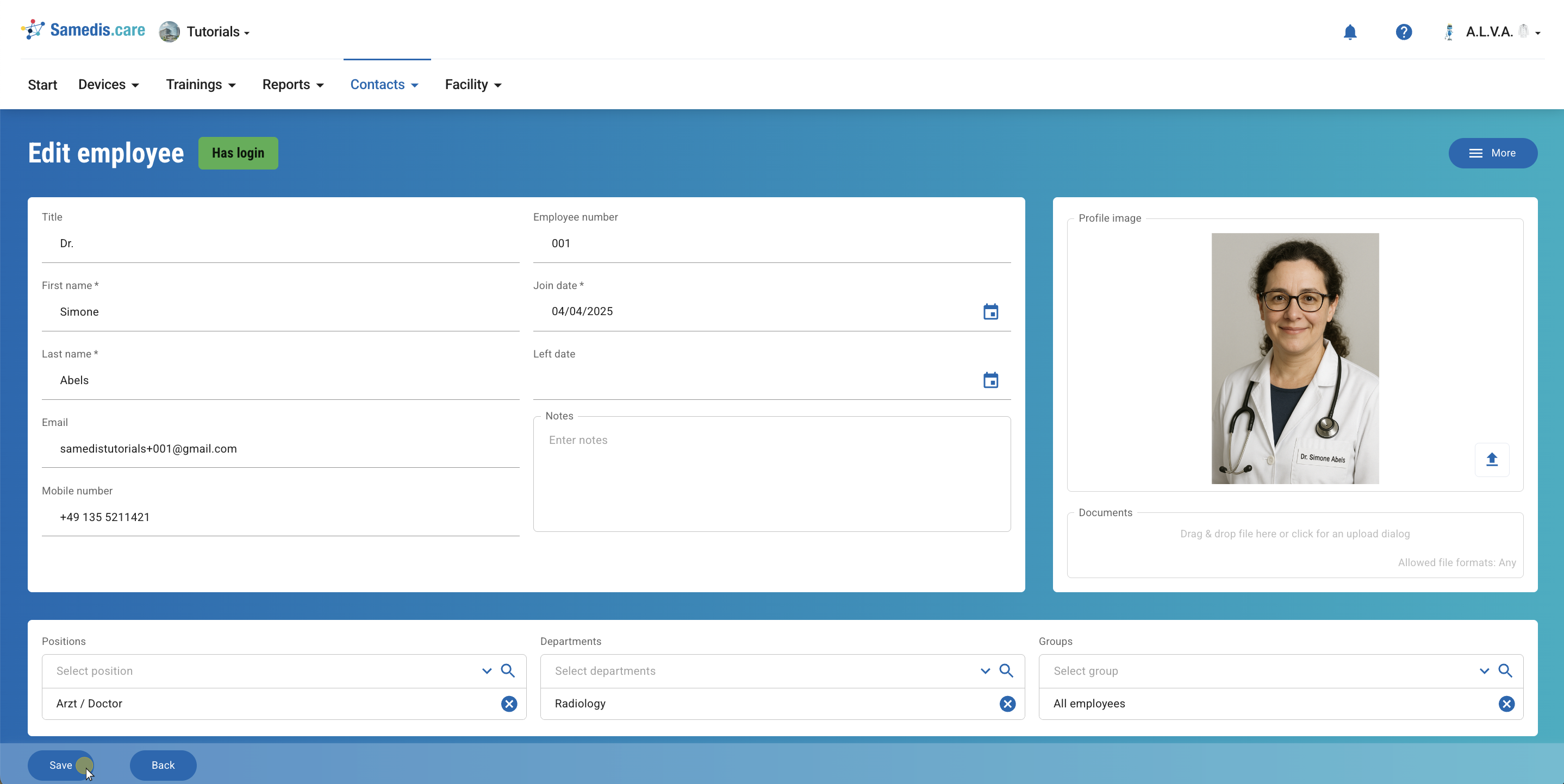
1. + New
Click on + New to add a new employee.
Tip
A green dot indicates that the employee already has a Samedis.care account and access to the facility. A black dot, on the other hand, means that access has not yet been granted.
2. Enter information
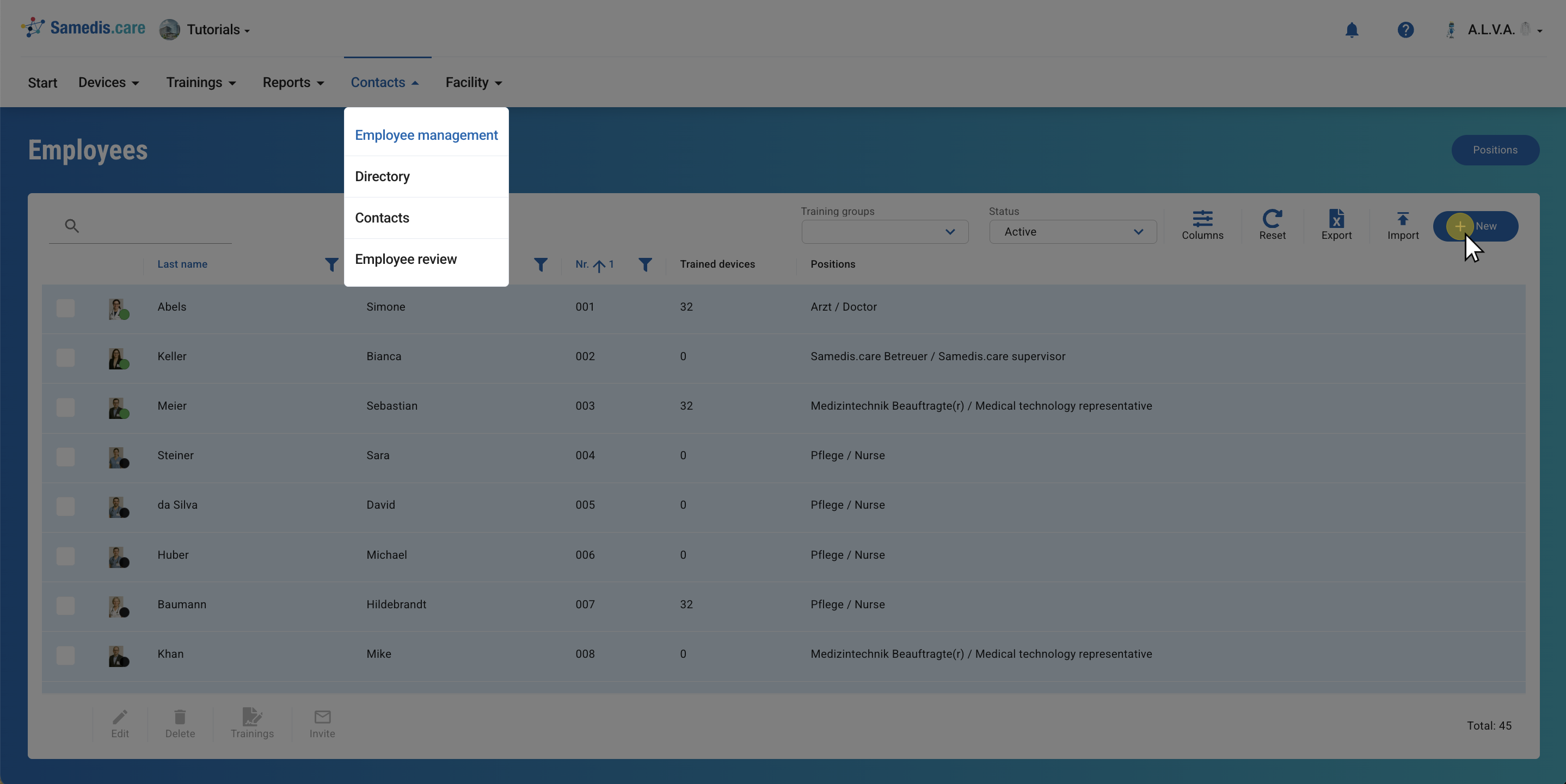
Enter all relevant information about the person.
Tip
You can only invite someone to your Samedis.care facility if their email address has been added.
Note
Fields marked with an * are mandatory.