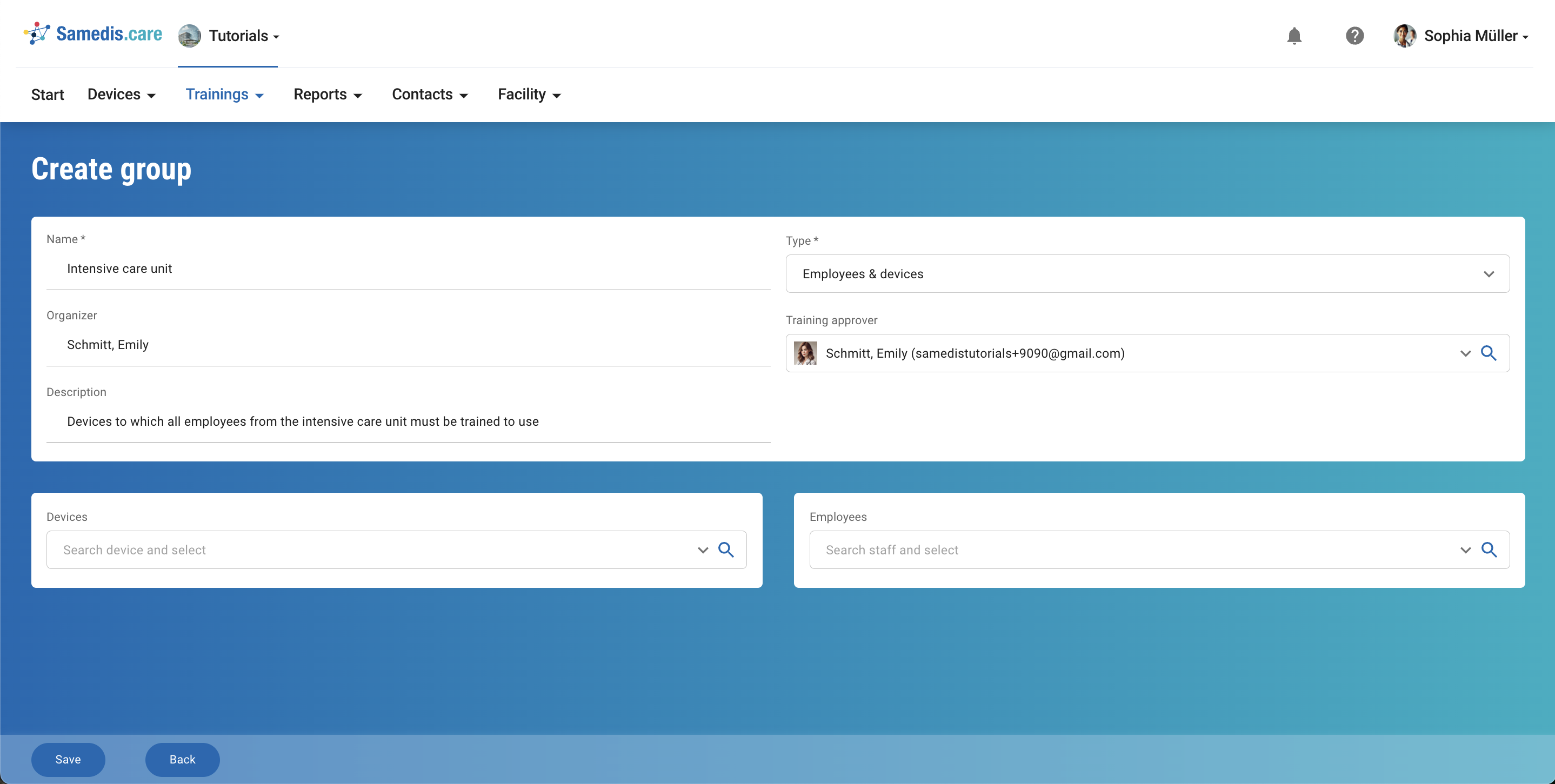
Create training group
Create training groups to improve the clarity and efficiency of training management.
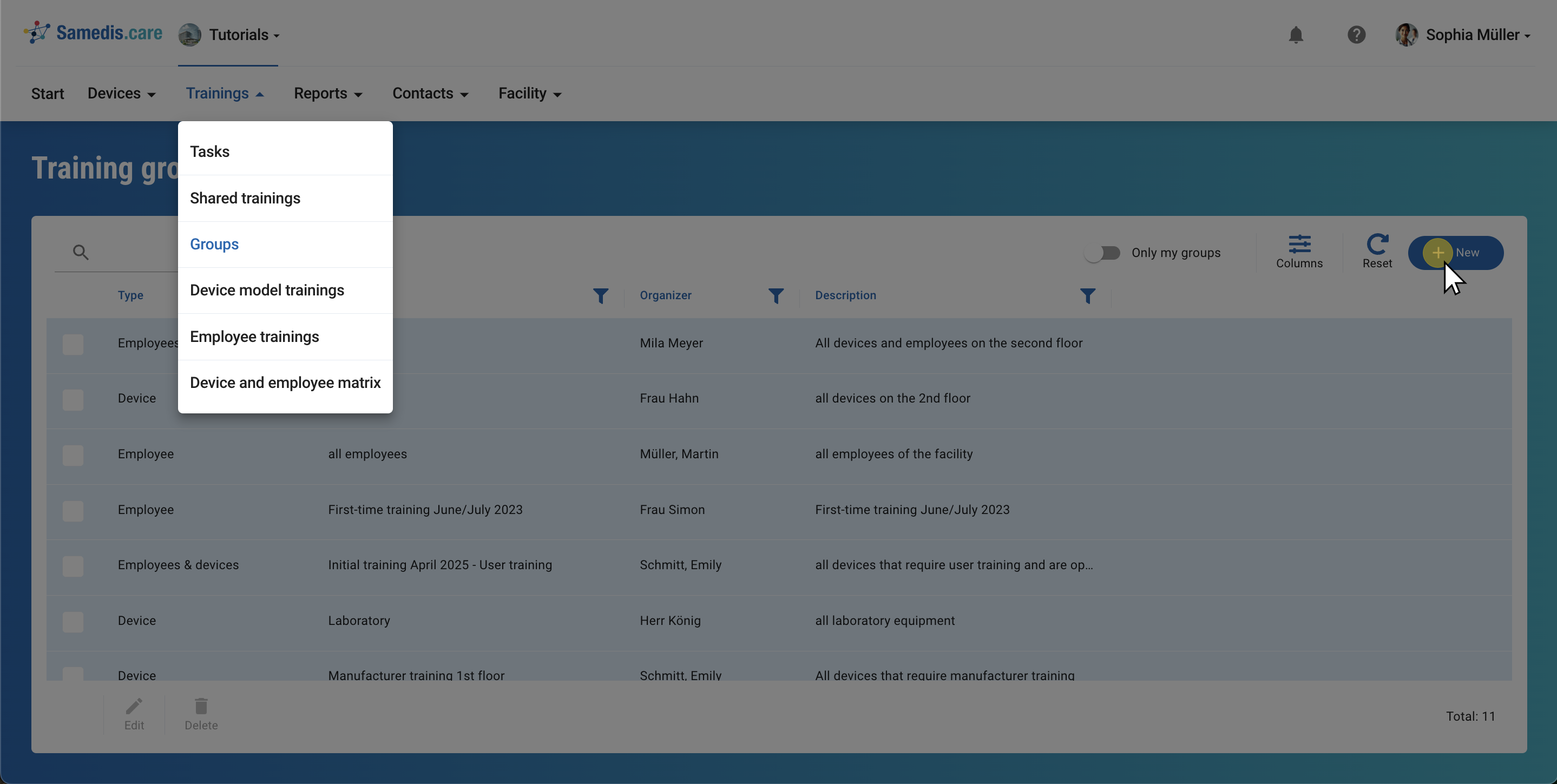
1. + New
Click on**+ New**to create a new training group.
Tip
You can find more information about the use of training groups in our How-To’s.
2. Type & Name
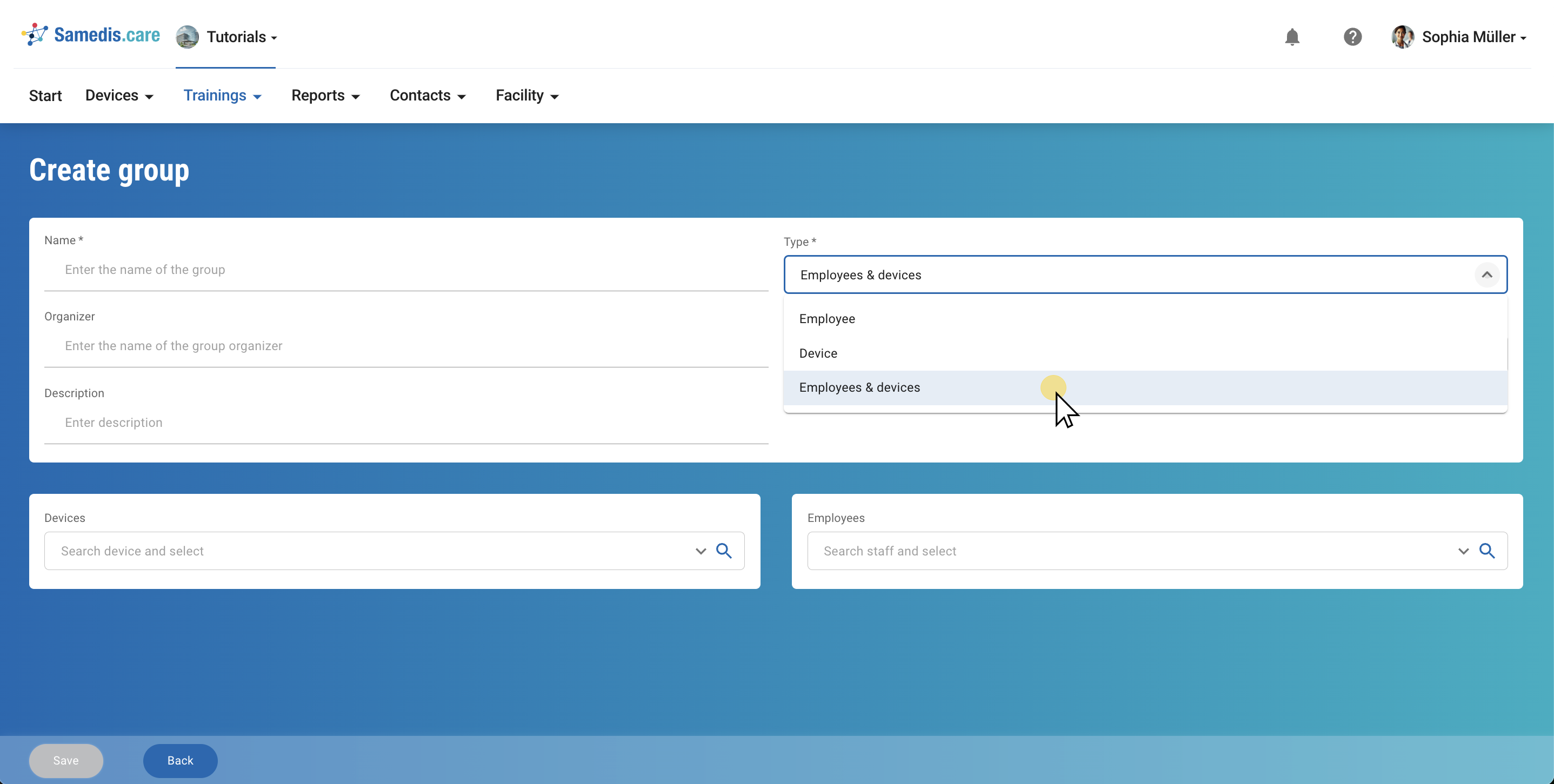
First select what Type of group it is:
- Employee: The group only contains people
- Device: The group only contains devices
- Employees & devices: The group contains both people and devices
Then give the group a Name and add a short Description.
3. Training approver
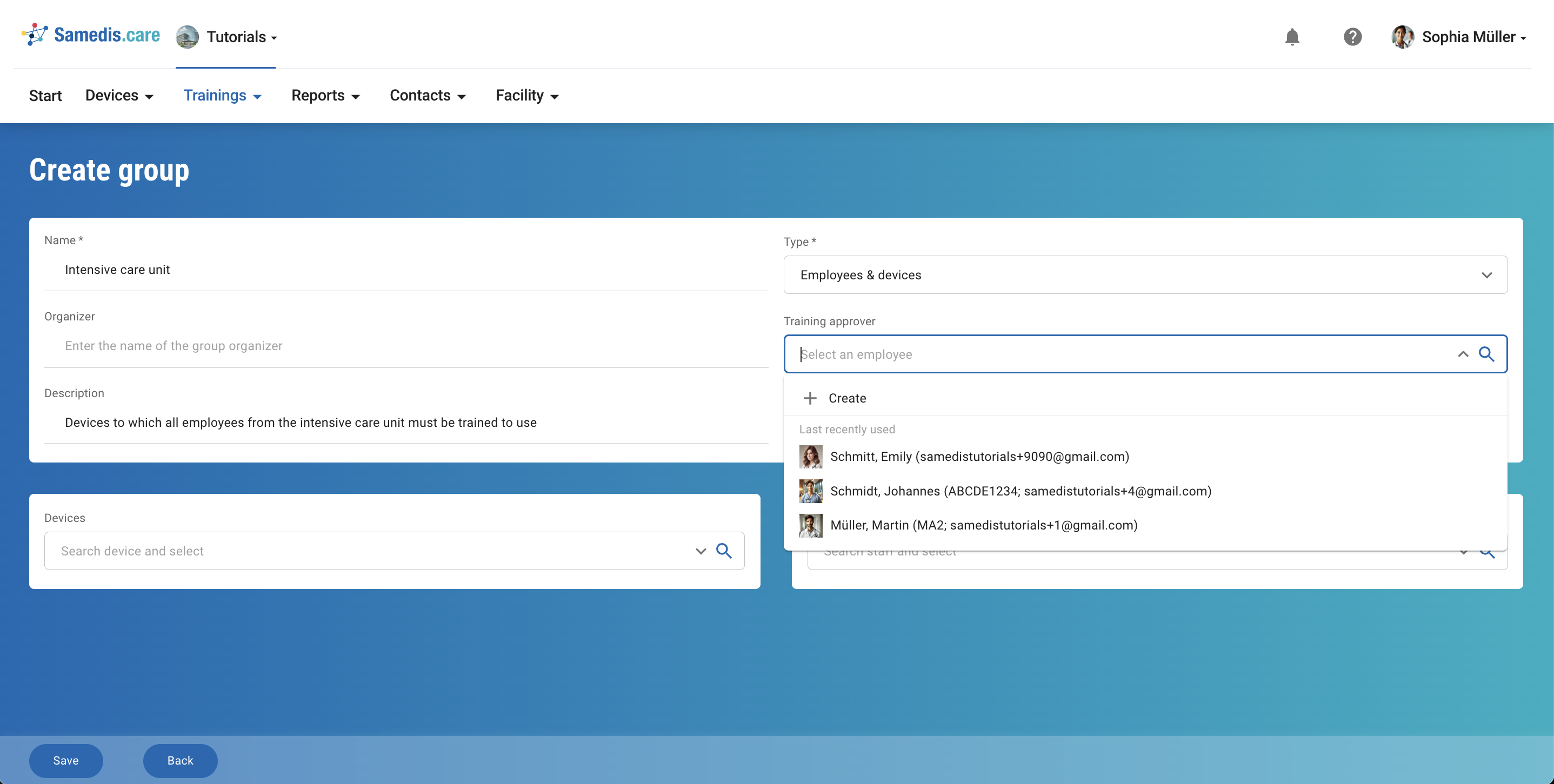
Under Training approver, select the person from your facility who will review and approve the content of the training. If someone else is responsible for organizing the training, you can specify that person under Organizer.
Note
Under Training approver you can only select people who have access to your facility in Samedis.care.
4. Employees & Devices
Now, add the required Employees/Devices to your group and then click Save.
Tip
Selected employees who have left the facility according to the employee data are crossed out in the group. This allows you to easily identify them and remove them from the group if necessary.