Defining the application risk for a device type
Would you like to assign a different application risk to a device type than the one specified in our device catalog? No problem! In Samedis.care, you can define your own risk assessment for your devices.
1. Access management
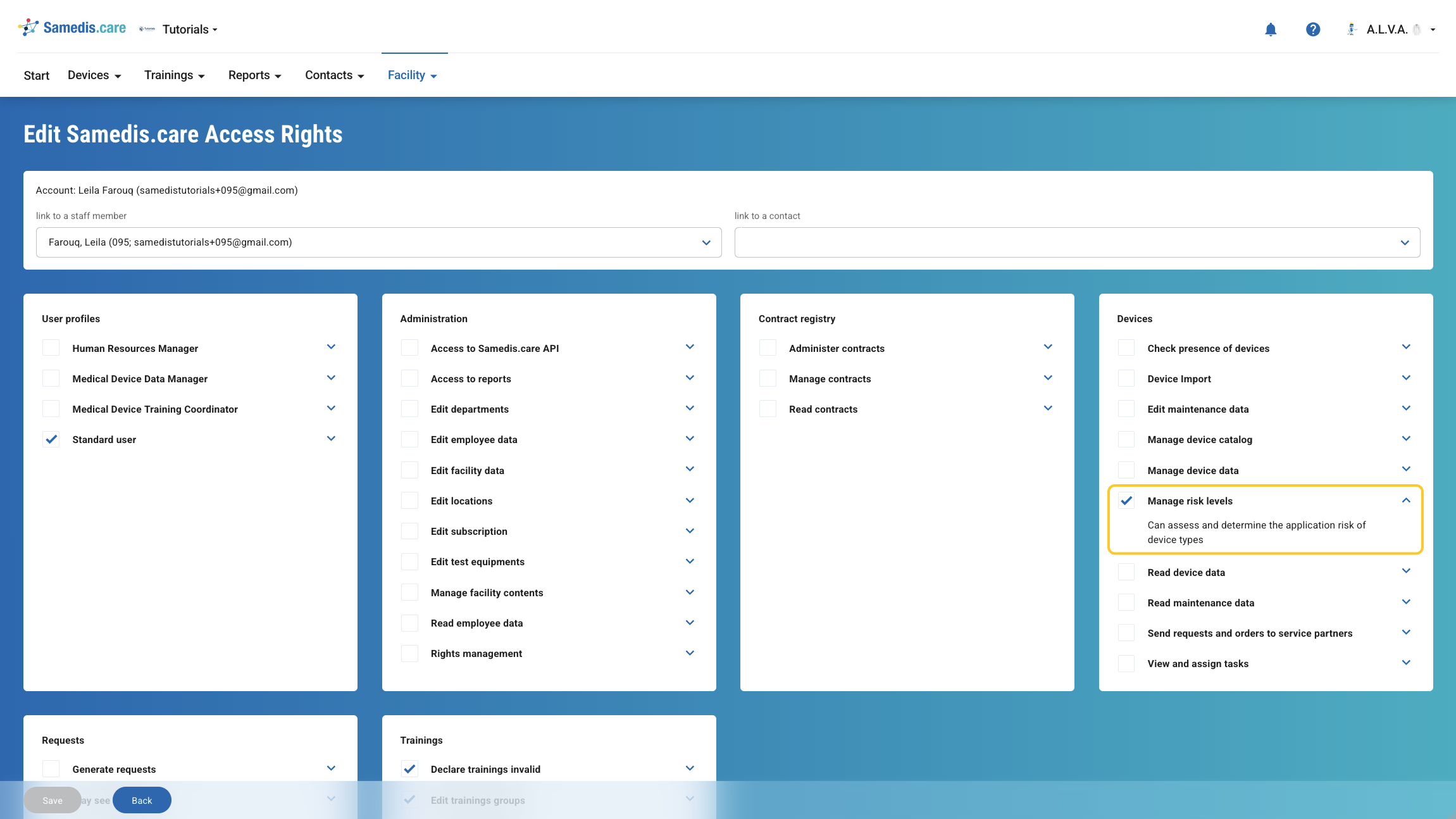
To perform a risk assessment, you need the permission Manage risk levels in your organization’s access management.
2. Open device catalog
First, open the global Device catalog. Then search for the device whose application risk you want to change and open the corresponding entry.
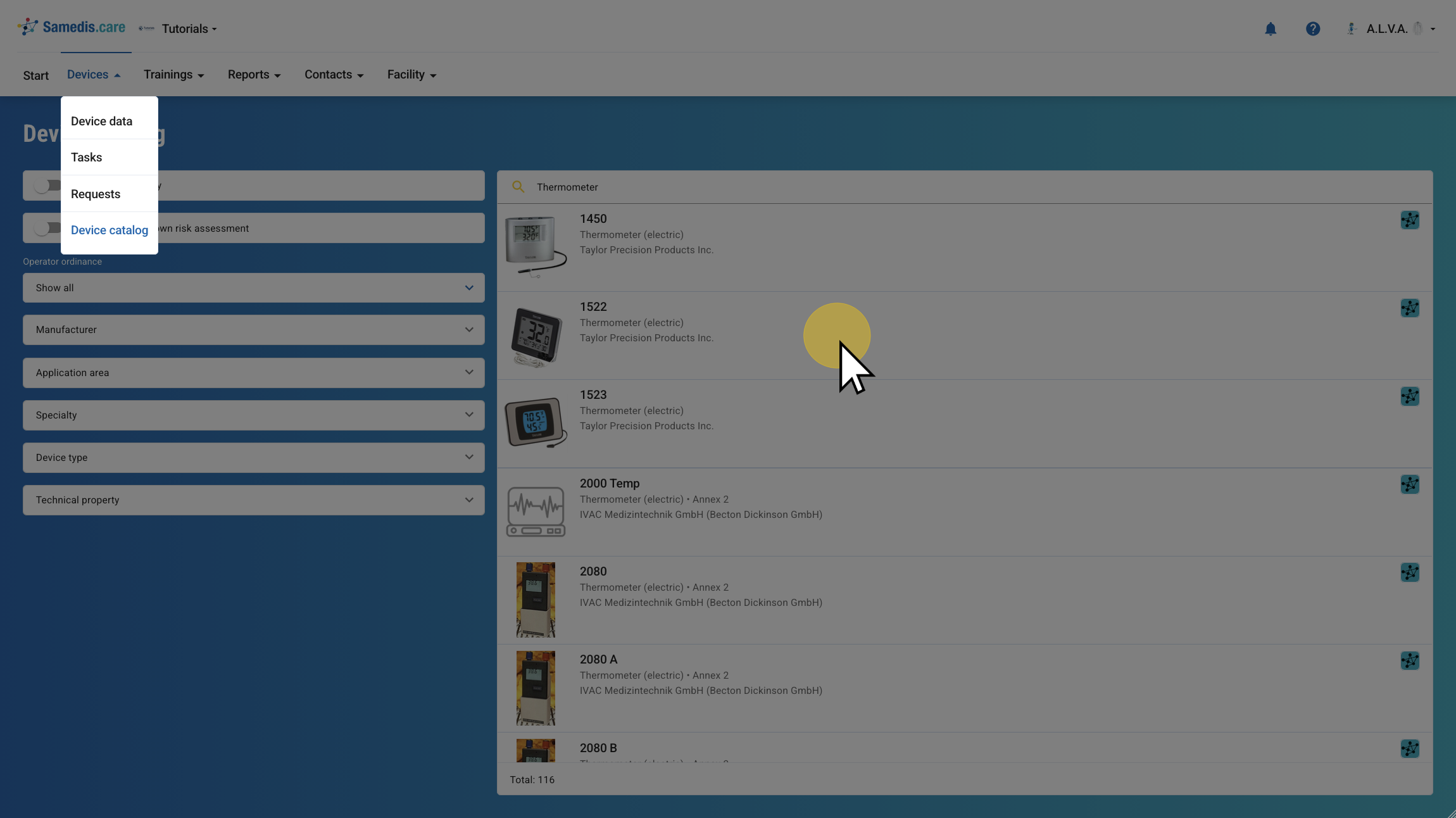
2.1. Select device
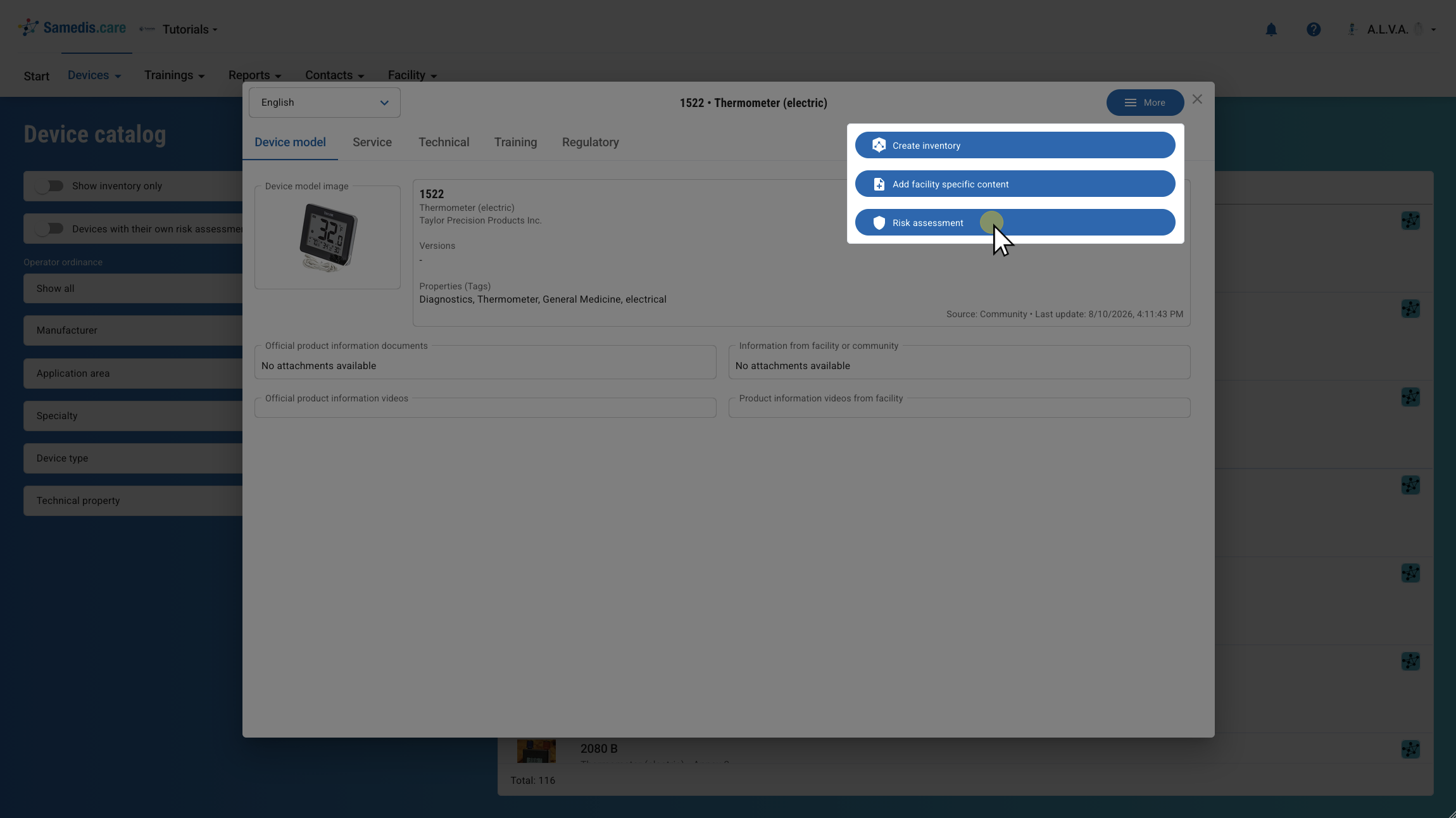
Then click Risk assessment under More.
Warning
The change of the application risk affects several areas, including trainings and the device type overview.
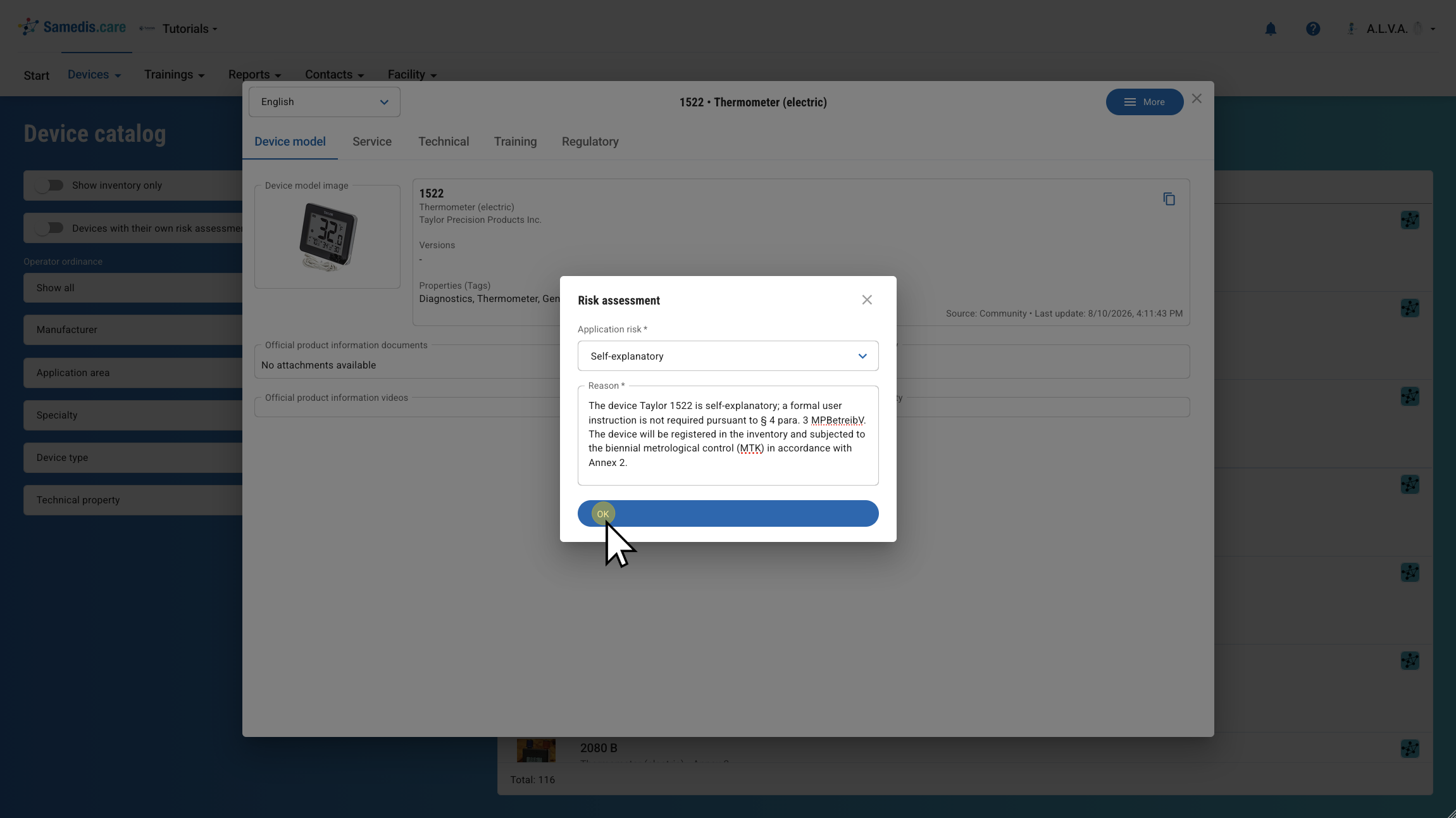
2.2. Risk assessment
Select the appropriate application risk for the device and add a short reason.
Then confirm your entry with OK.
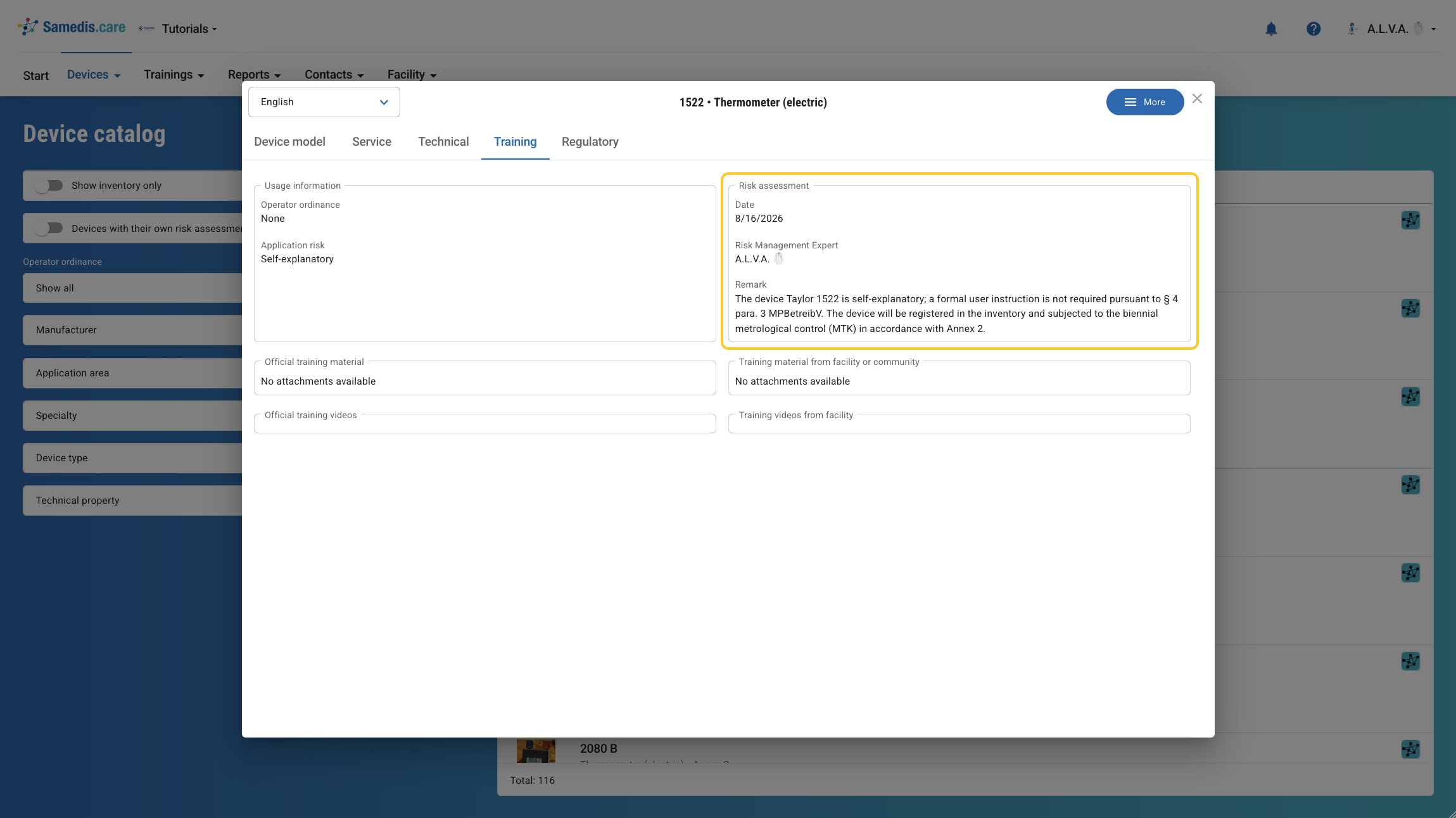
2.3. View risk assessment
After completing the risk assessment, you can see in the Training column who performed the assessment, when it was completed, and which justification was provided.
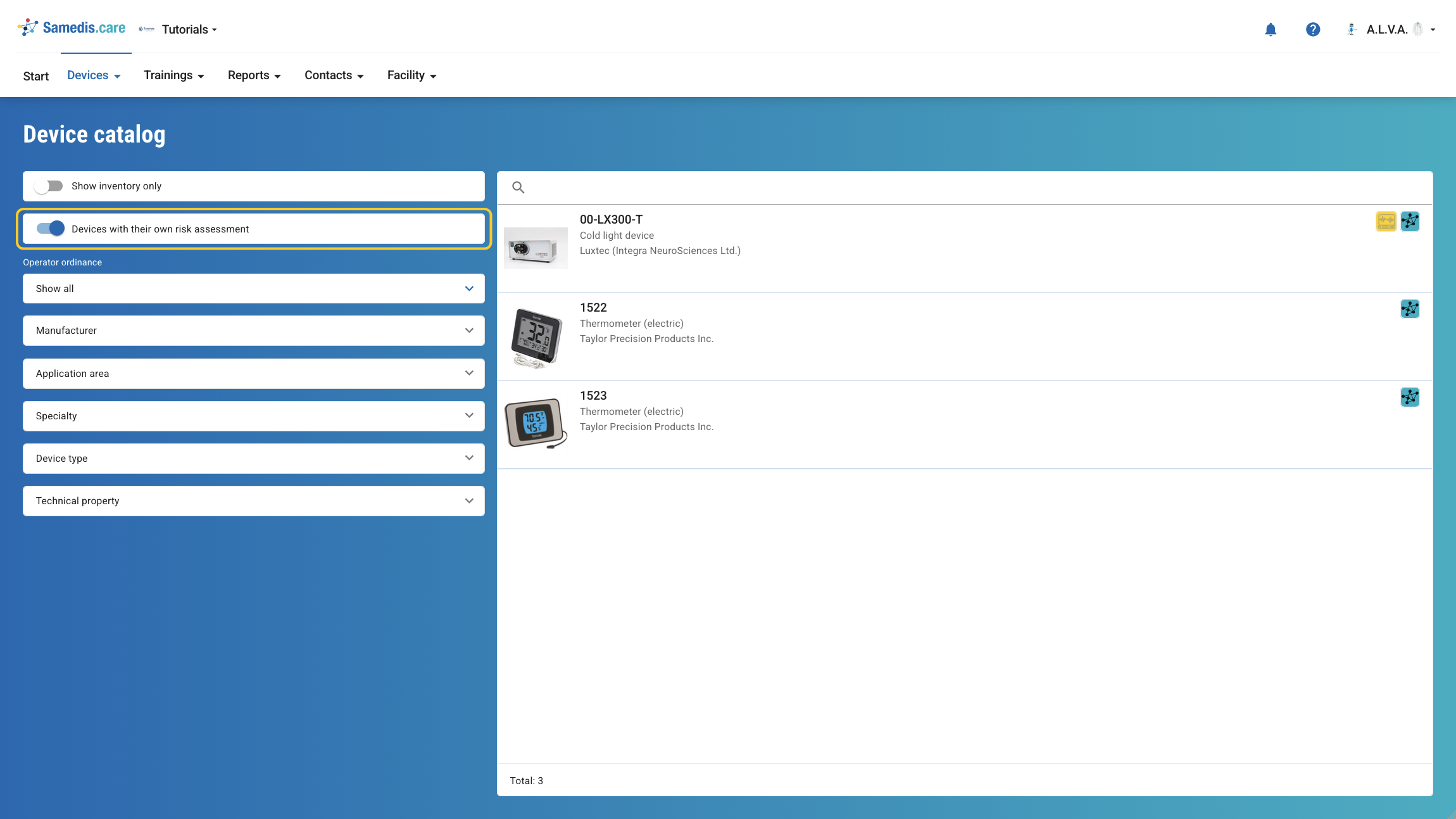
2.4. Filter
With the filter Devices with their own risk assessment, you can specifically display all devices with an adjusted application risk in the device catalog.
3. Device details
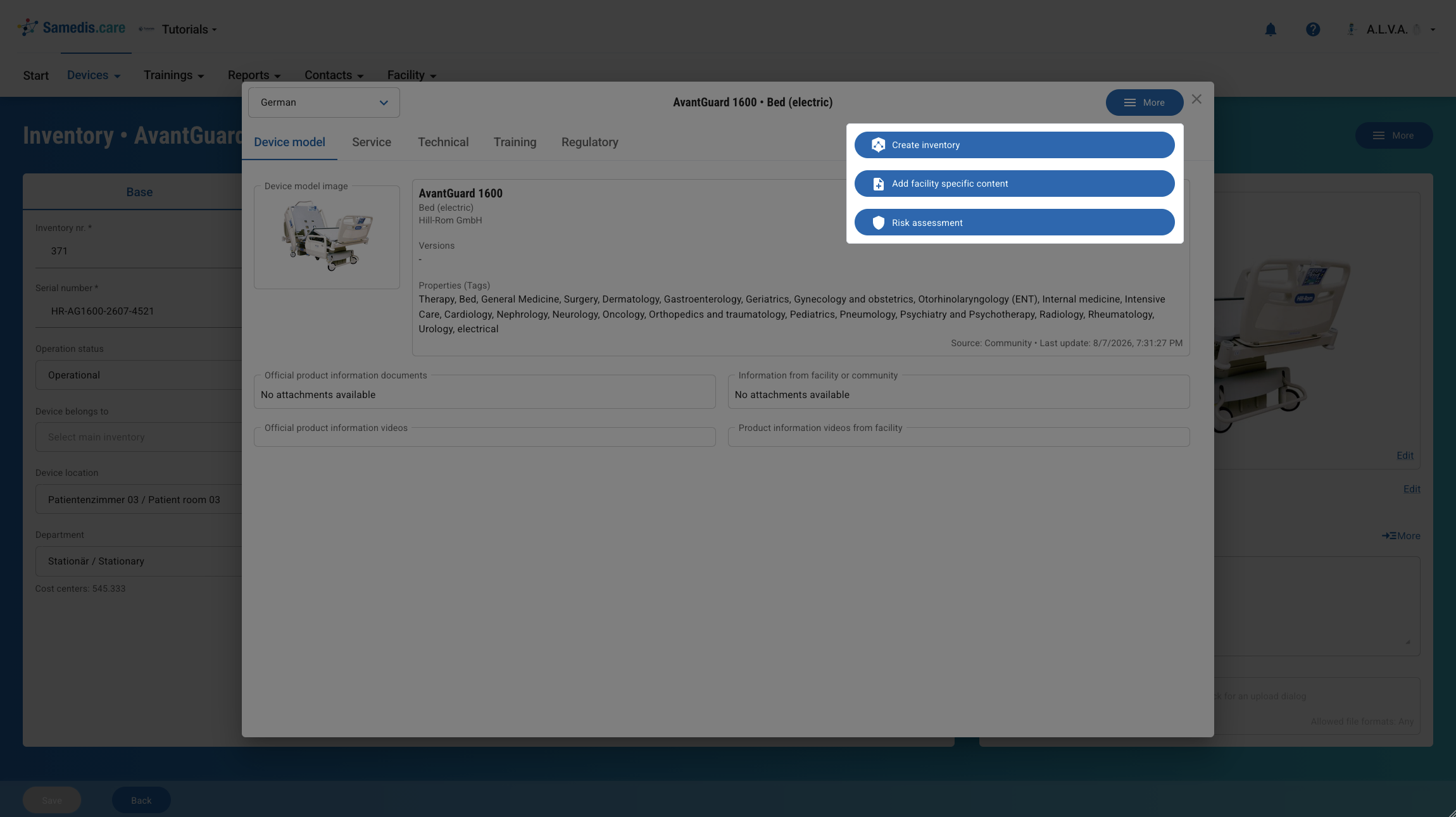
Alternatively, you can perform the risk assessment for the device type directly from the device details of a device in your inventory.
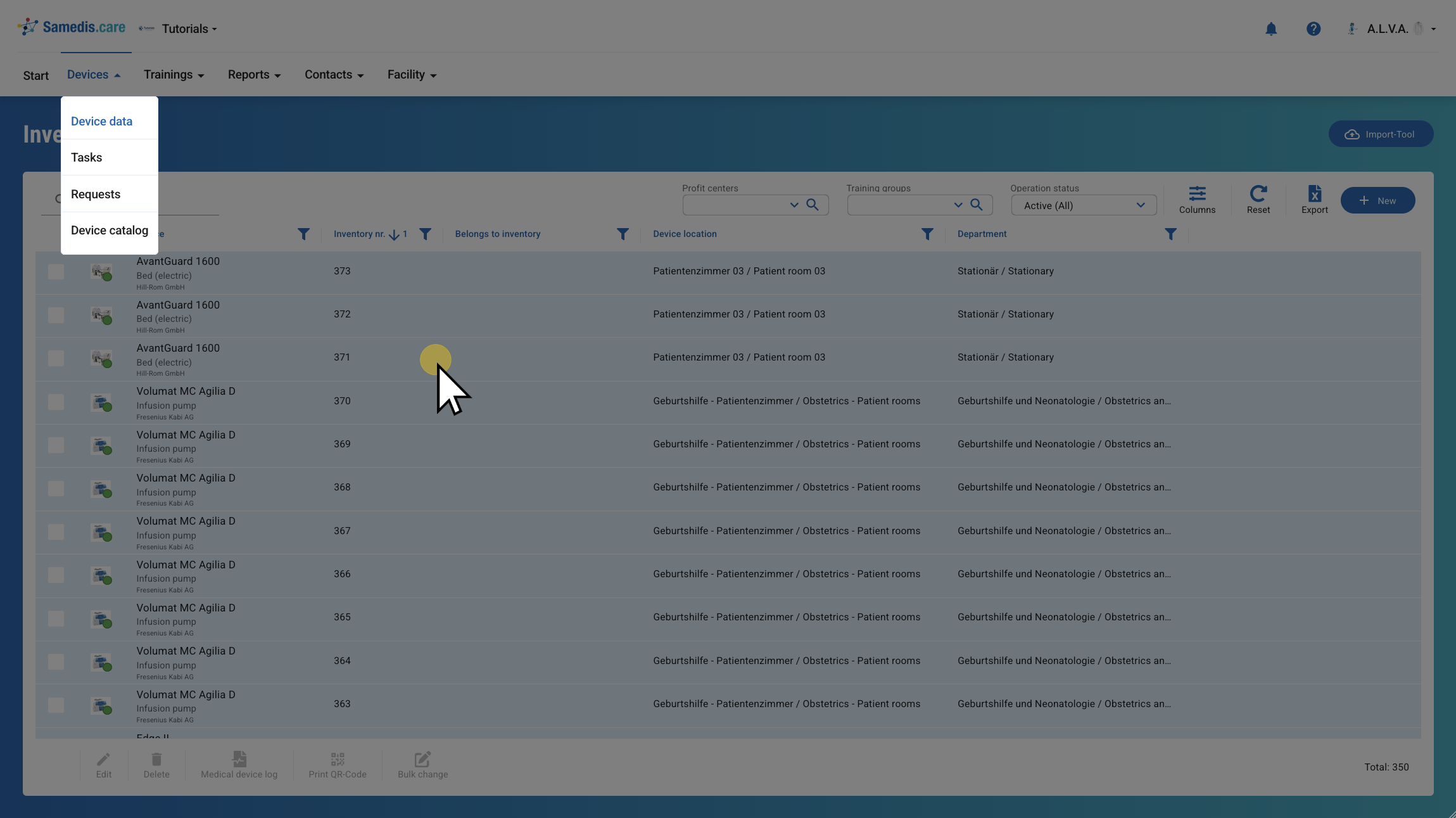
3.1. More
Open your device and then click More.
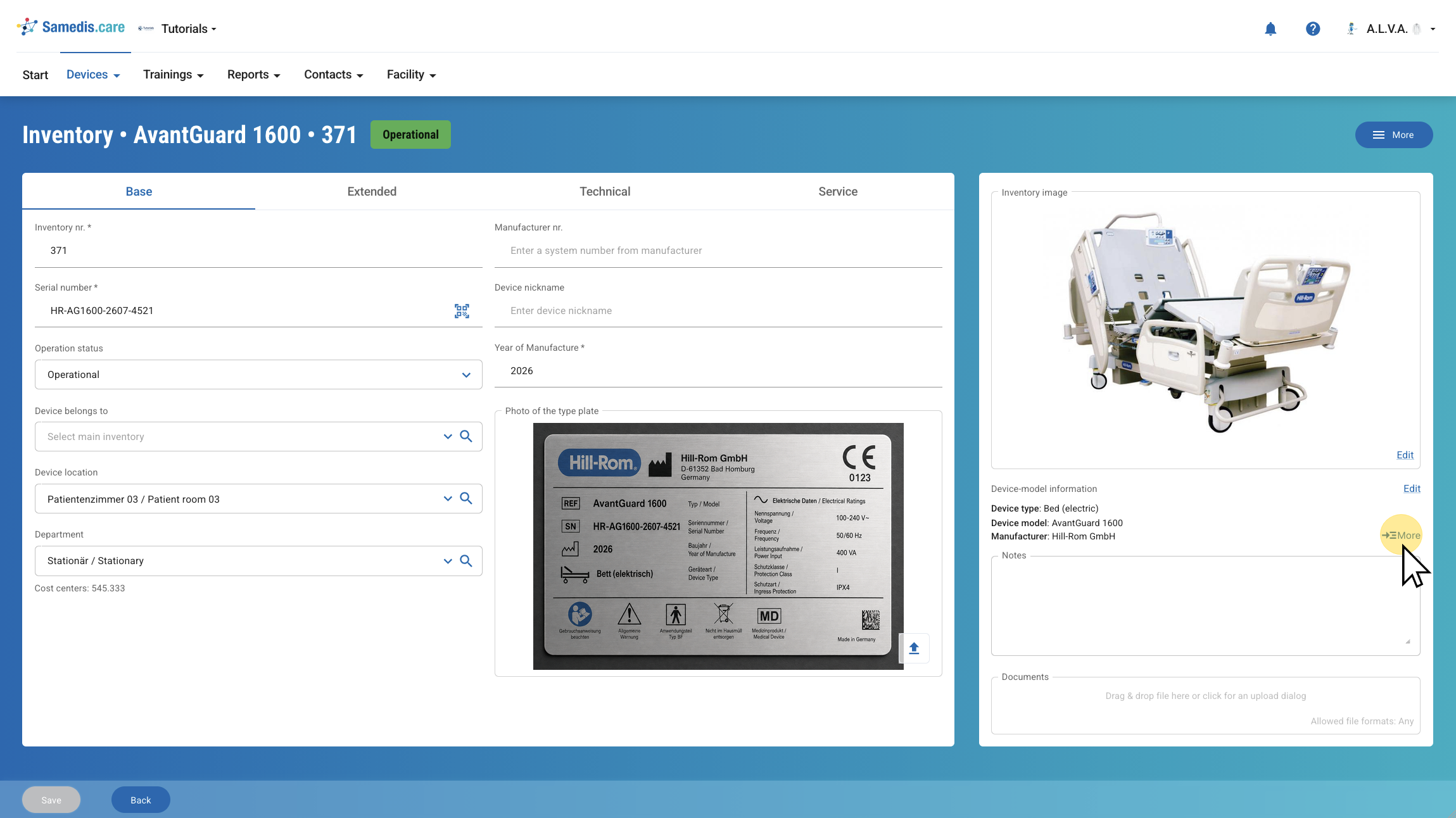
3.2. Device Catalog
You will now see the device entry in the Device catalog. The remaining steps are the same as described above.