Create & manage contacts
In this tutorial, we’ll take a look at how to access your contacts in Samedis.care, display public manufacturer contacts, and add new contacts.
1. Contact overview
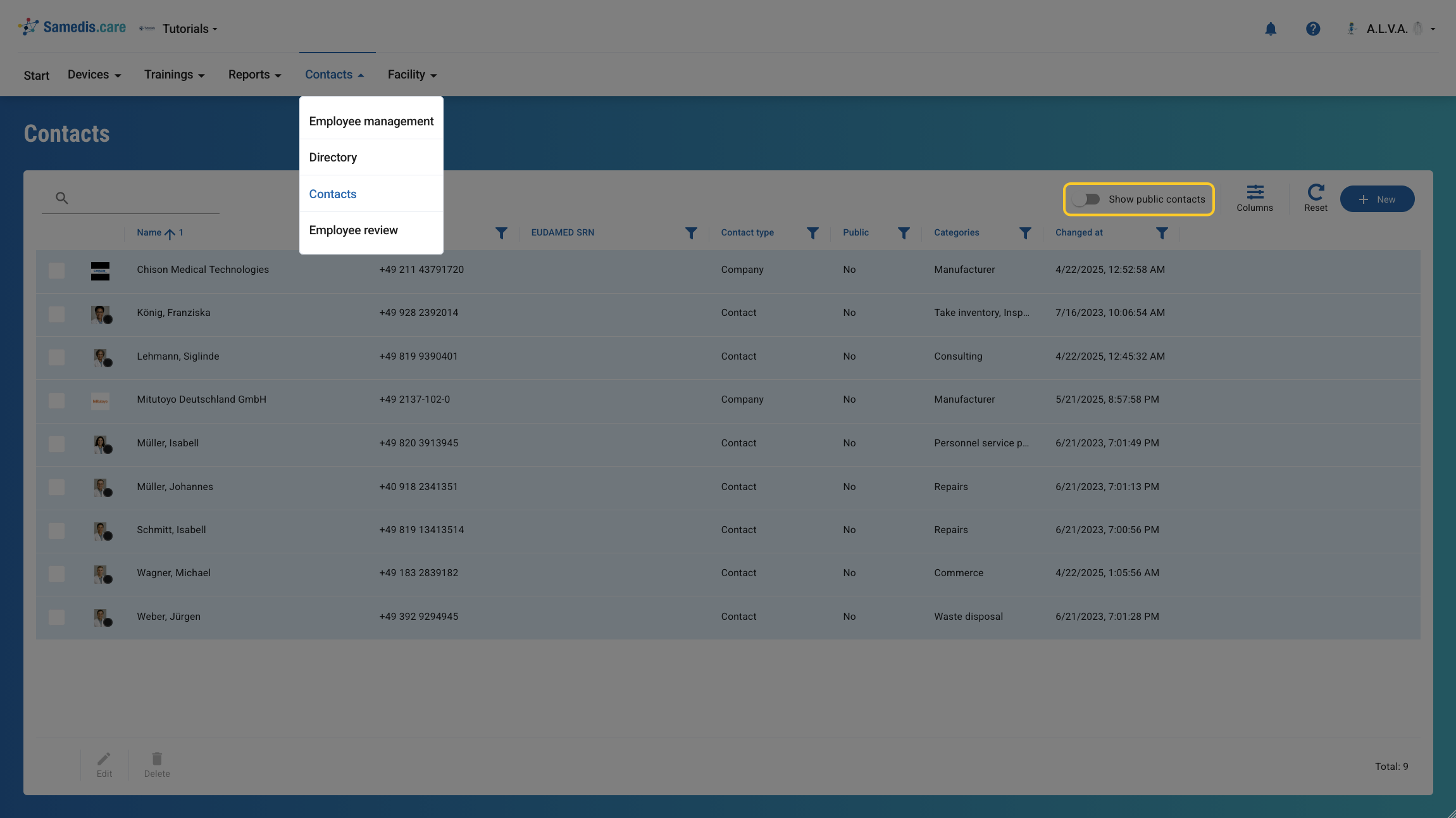
When you open the Contacts section, your personal contact list is displayed first. If you enable Show public contacts, contacts from our global catalog will be displayed alongside your own entries.
2. Create contact
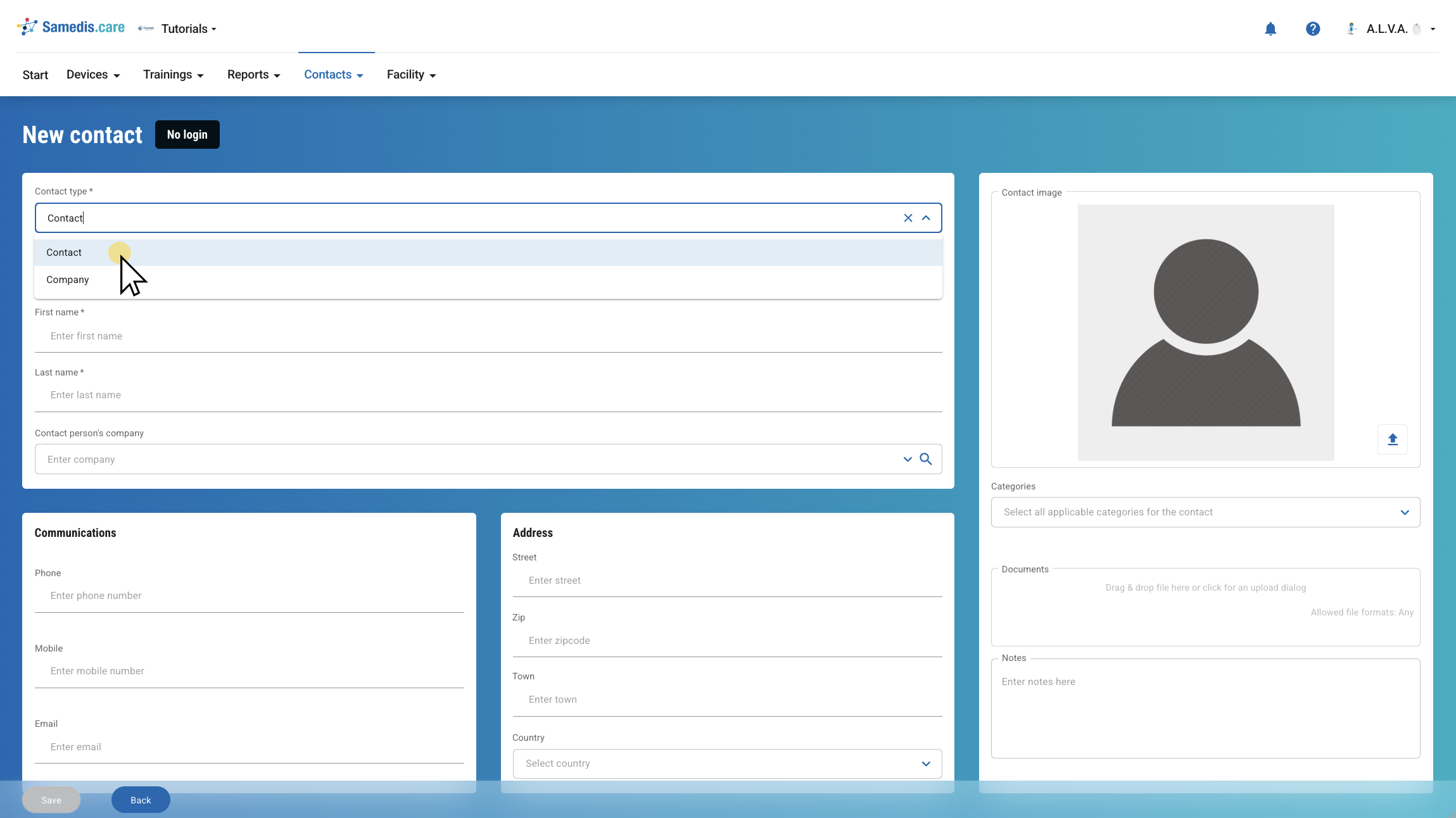
To add a new contact, click + New.
Then select whether the contact is a person (Contact) or a Company and enter all relevant information.