Open medical device log
By keeping your documentation in Samedis.care, you can easily meet important legal requirements. This includes maintaining a medical device log, which is automatically created for your devices in Samedis.care and continuously updated.
In this tutorial, we’ll take a look at where to find your medical device logs and how to access them.
1. Device data
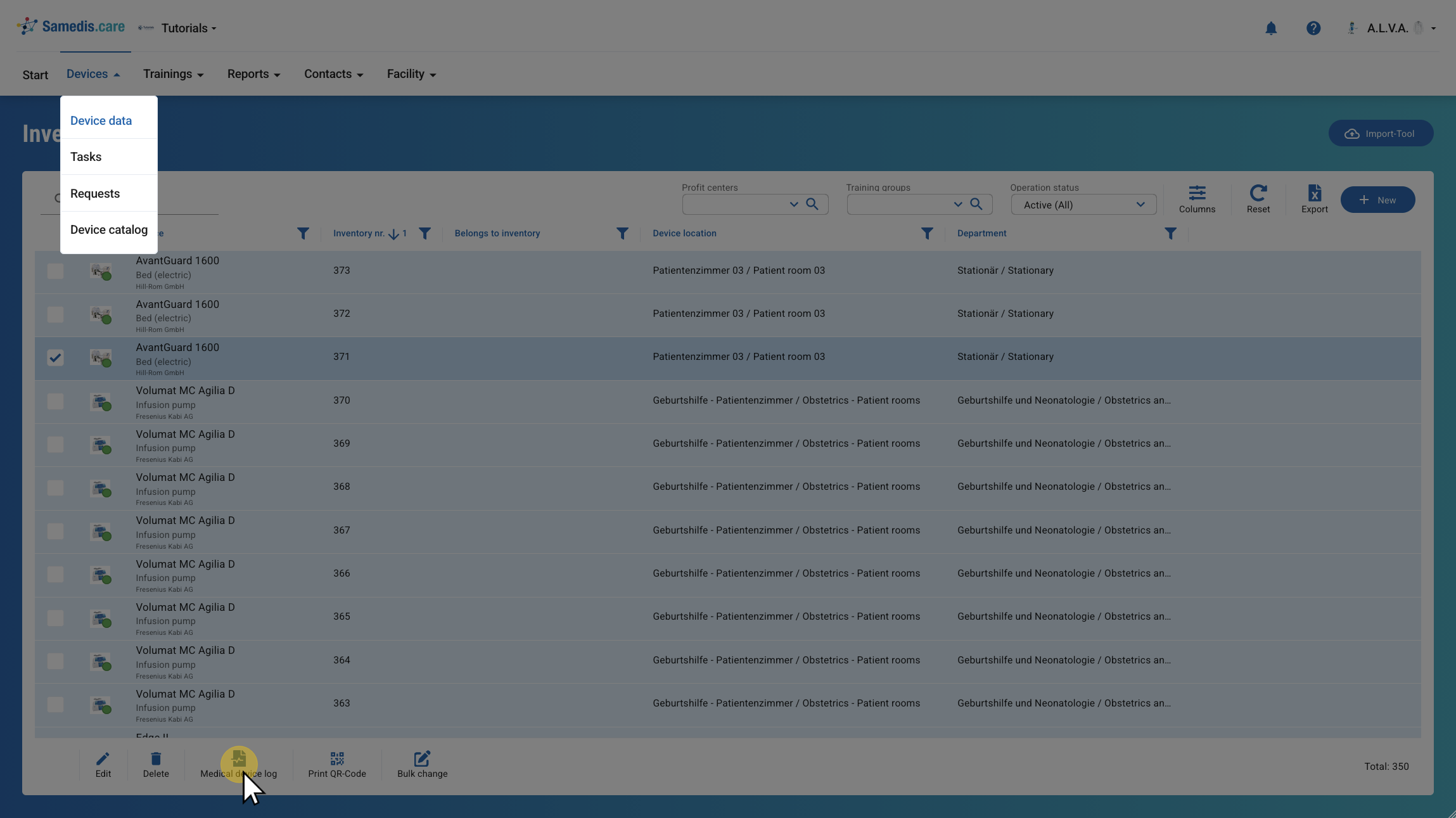
Select the desired device and click Medical device log. It will then open as a PDF file.
Tip
If you select multiple devices at once, the corresponding medical device logs will be compiled into a single PDF file.
2. Device details
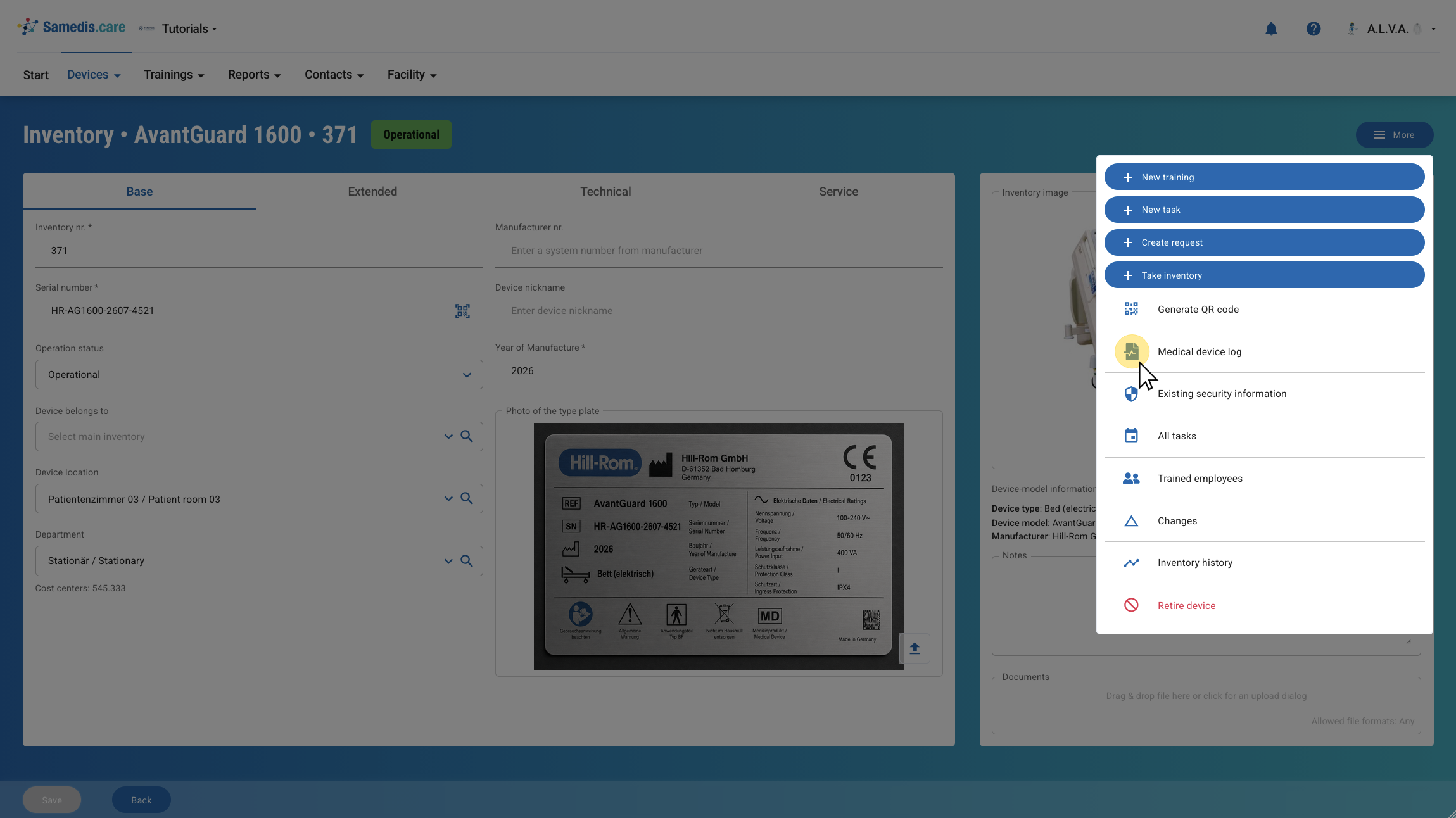
Alternatively, open the desired device and click Medical device log under More.