Create new device
Record your devices quickly and simply.
1. New
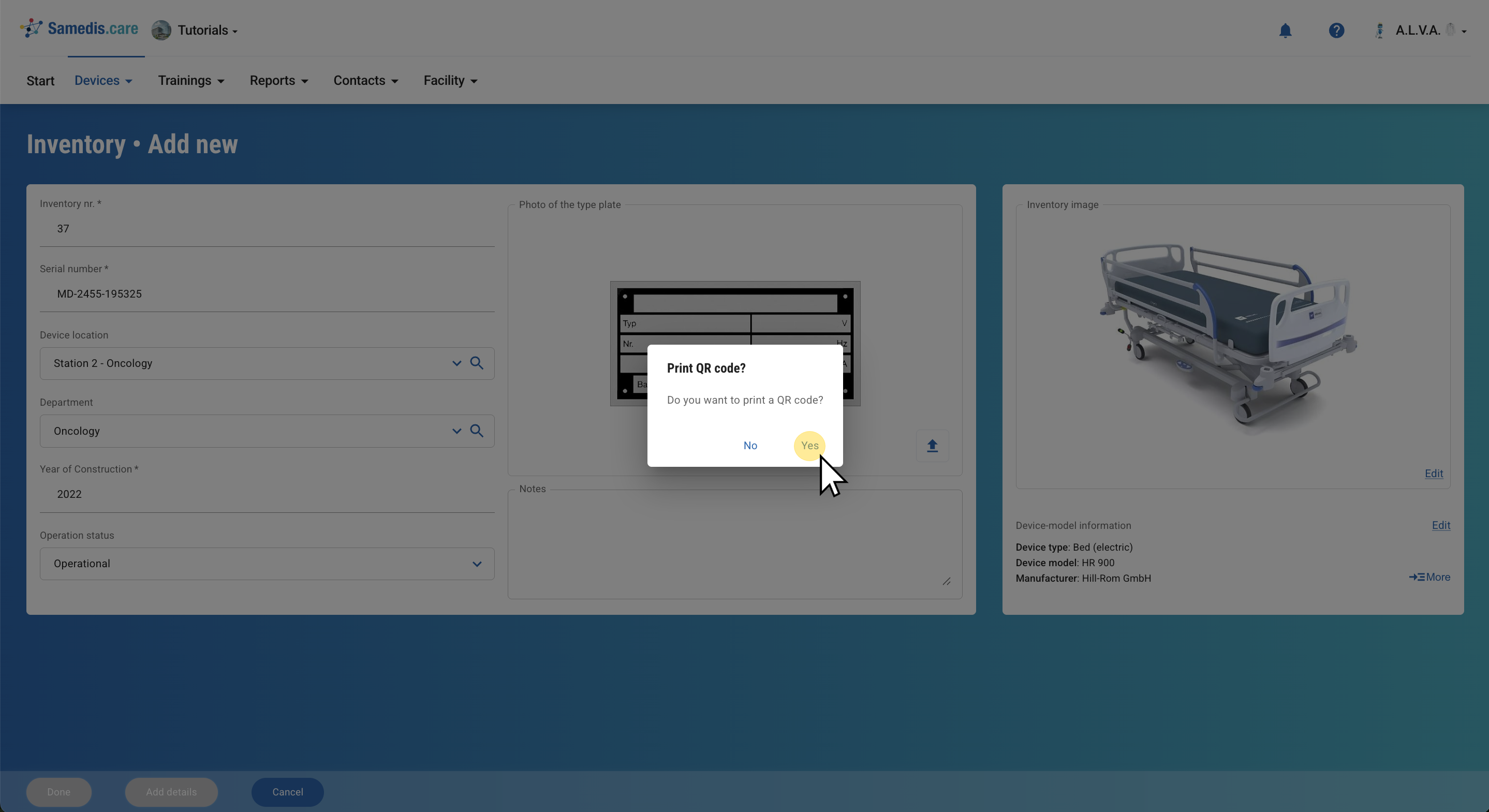
Click on + New to inventory a new device.
2. Select device model
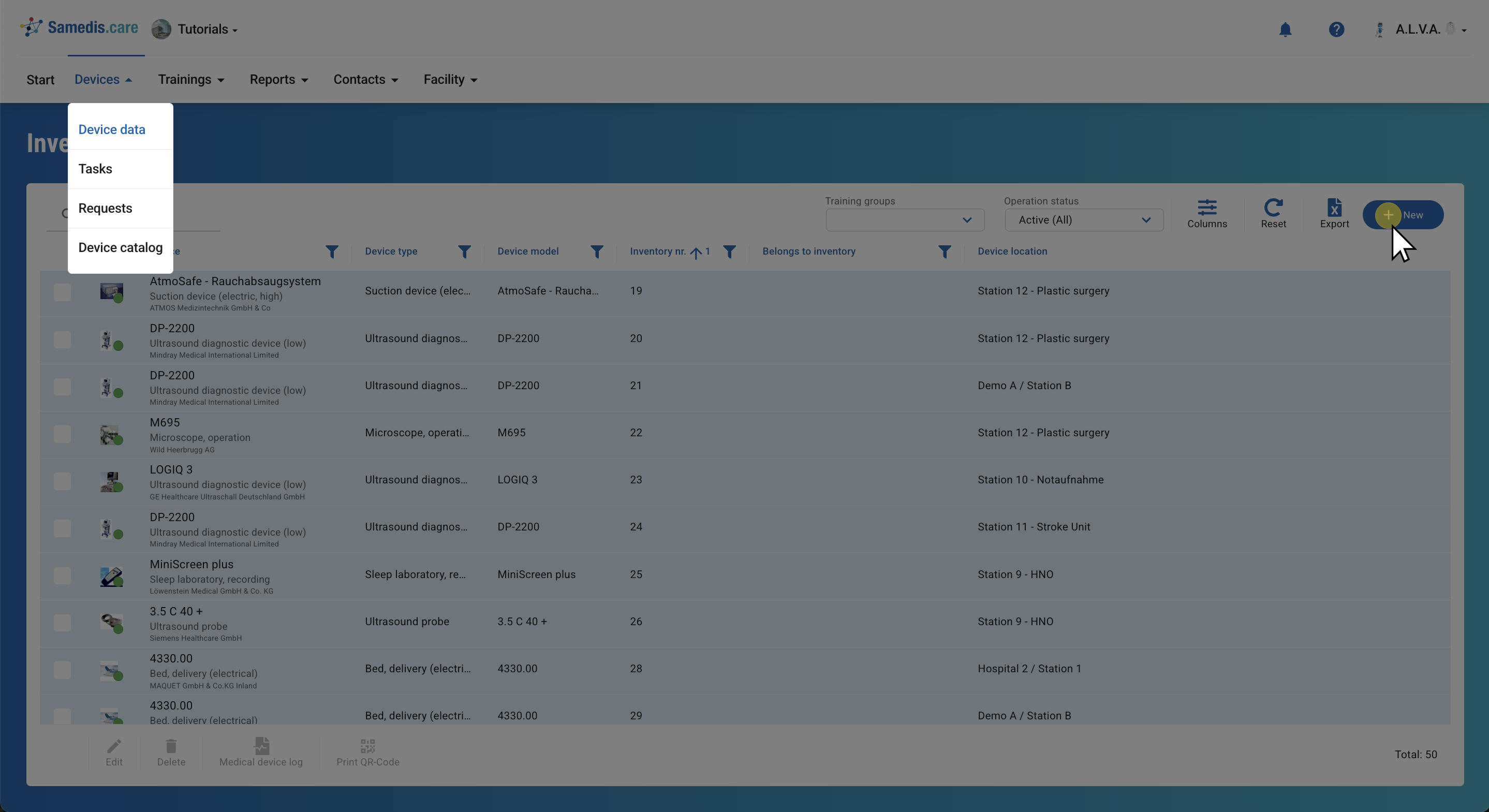
Now select the appropriate device model from our device catalog and click Next.
Tip
If the device model is not in the catalog, you can proceed without selecting a device type. Click “Continue without device model”. We will then ensure that the correct device model is created and assigned.
3. Enter basic information
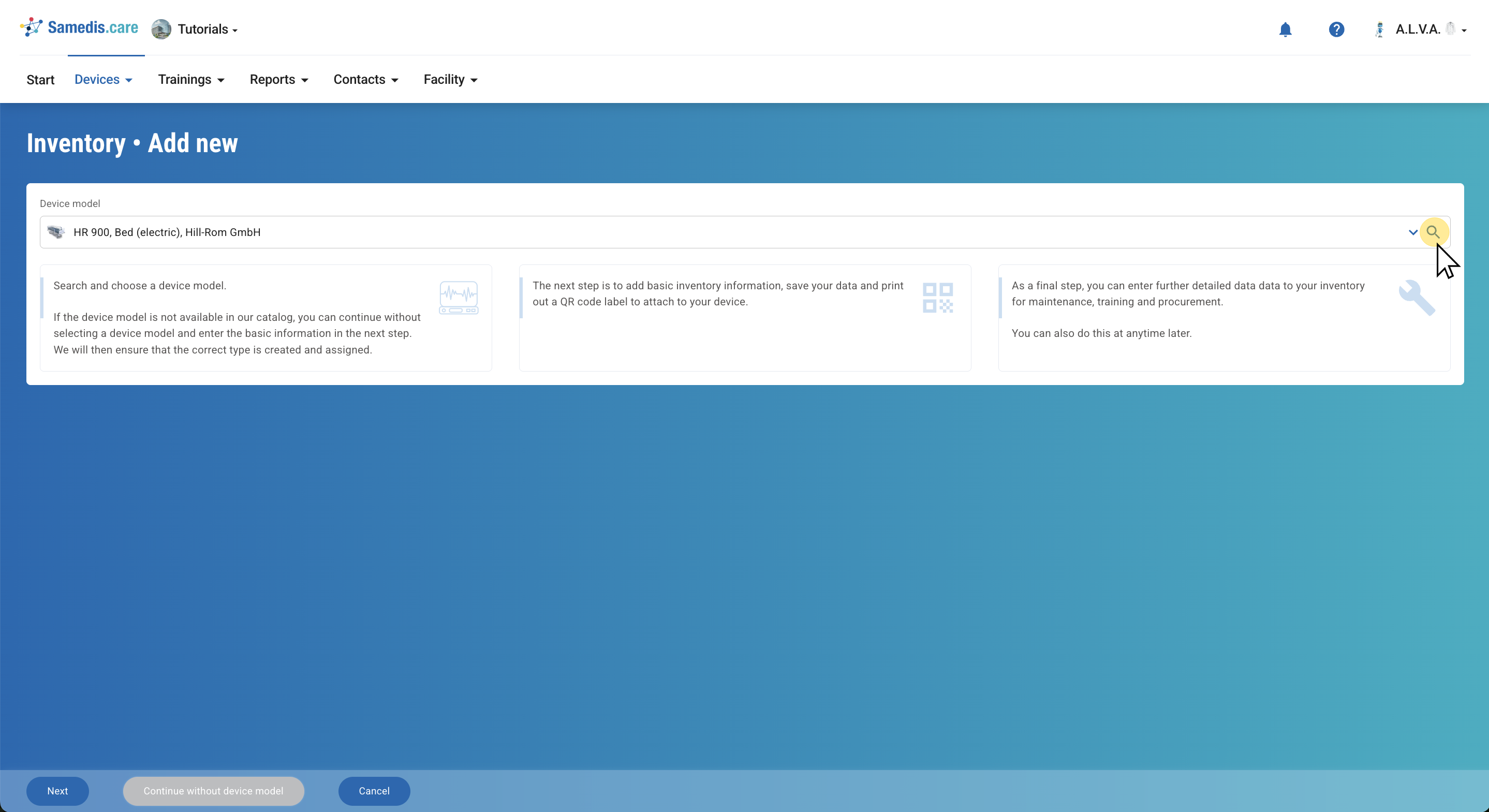
Now enter the basic information of your device by filling in the provided fields. Then click Done.
Tip
If you want to add more information about your device, click “Add details”.
4. Print QR code
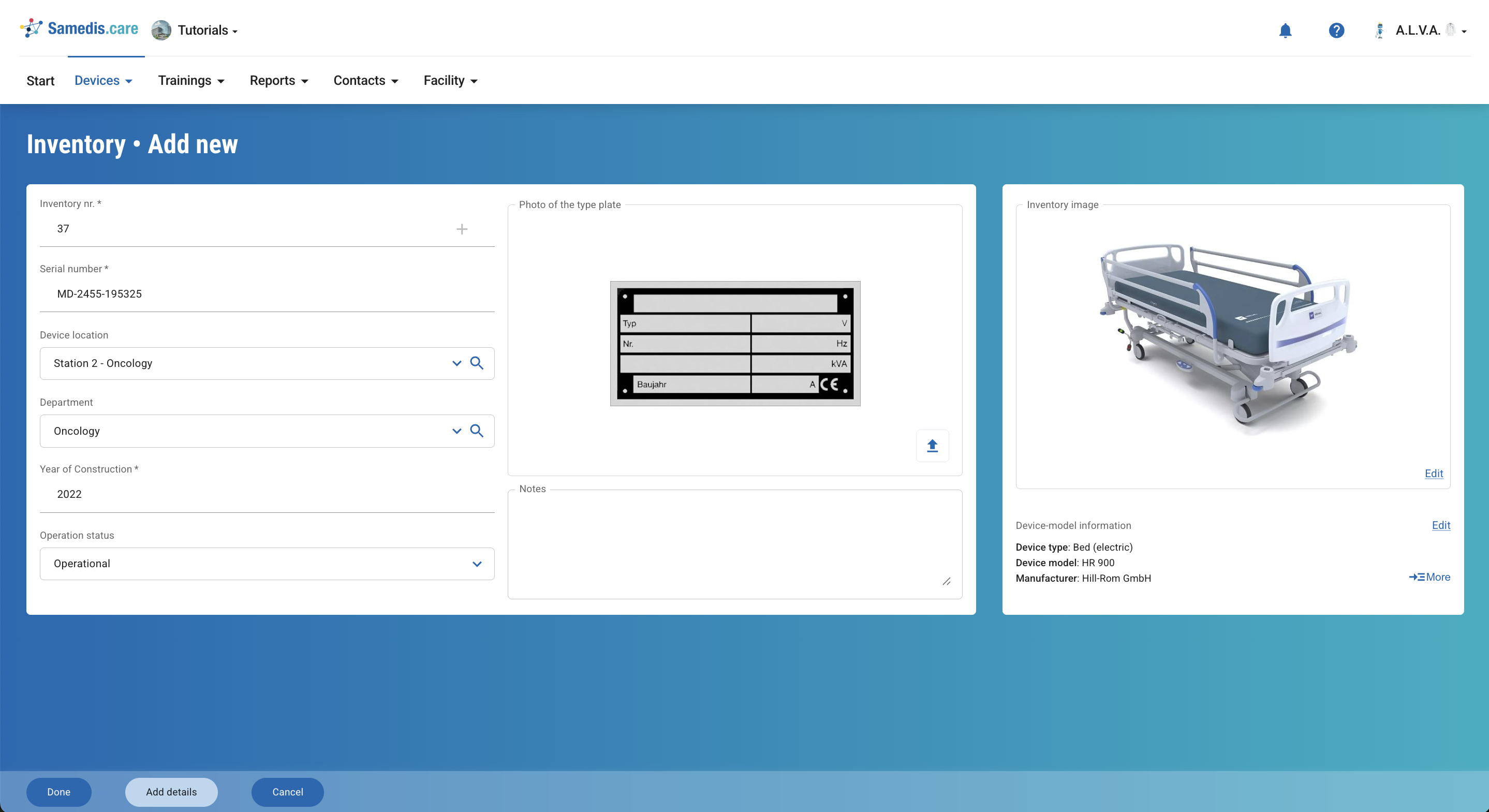
Finally, you have the option to print the QR code associated with the device. Click Yes to print the QR code directly. Alternatively, if you click No, you will be taken to the overview of your devices where you can print the QR code at any time.