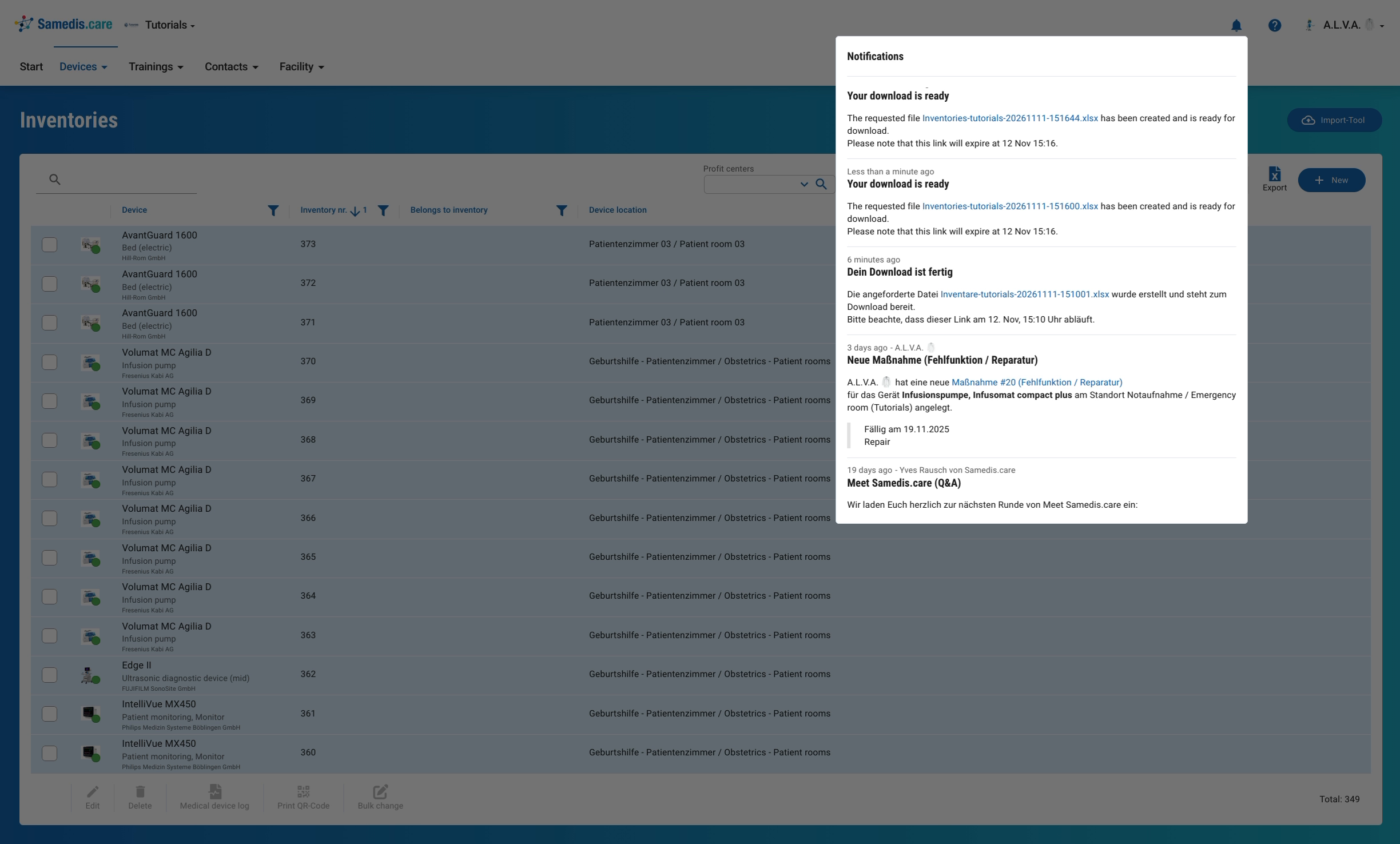
Notifications
In this tutorial, we look at how Samedis.care keeps you up to date with notifications.
1. Notification
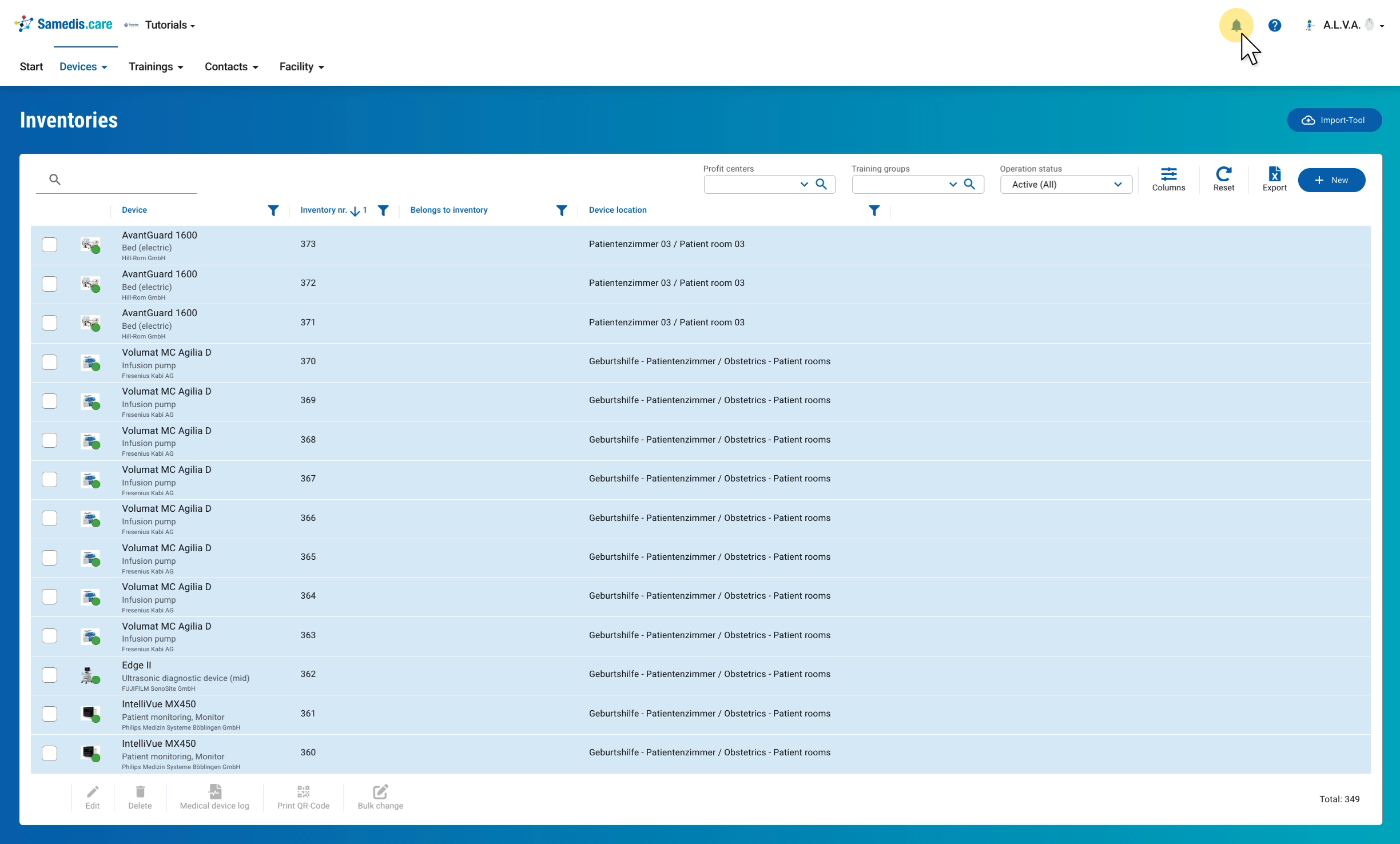
When there’s news for you, you’ll receive a notification via the bell at the top right. Clicking it opens the overview.
Tip
So that you don’t miss anything, you’ll also receive an email.
2. Overview
Depending on your area of responsibility, you’ll receive different messages, for example when an export is ready for download, a new request has come in or a new task has been created. Samedis.care also informs you here about general topics such as updates or events. Links in the messages take you directly to the matching entry.