Reset password
In this tutorial, we’ll look at how to reset your password in Samedis.care.
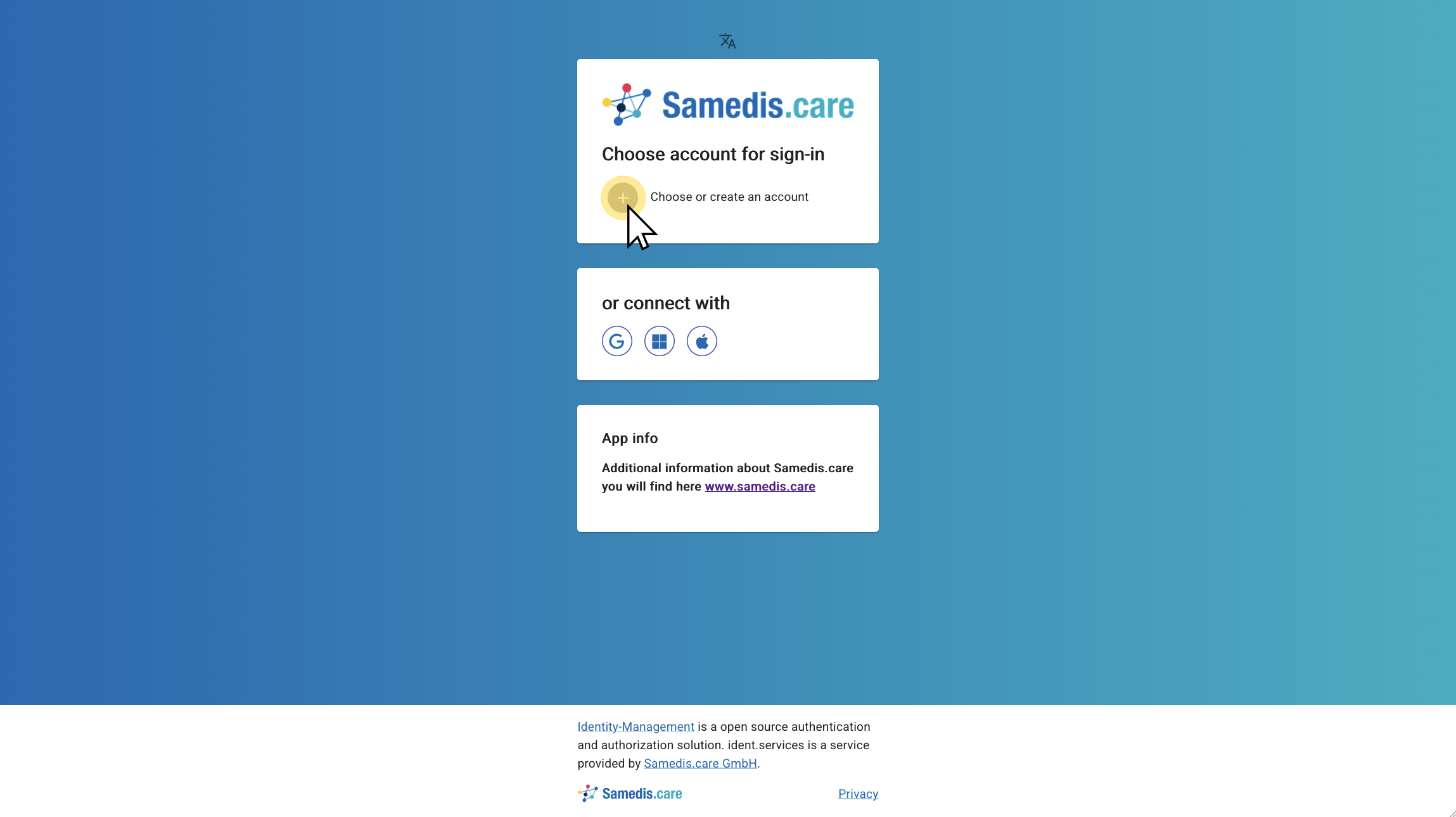
1. Sign in
First, open the Samedis.care sign-in page and click Choose or create an account. For more information about signing in or creating an account, see the tutorial Create account.
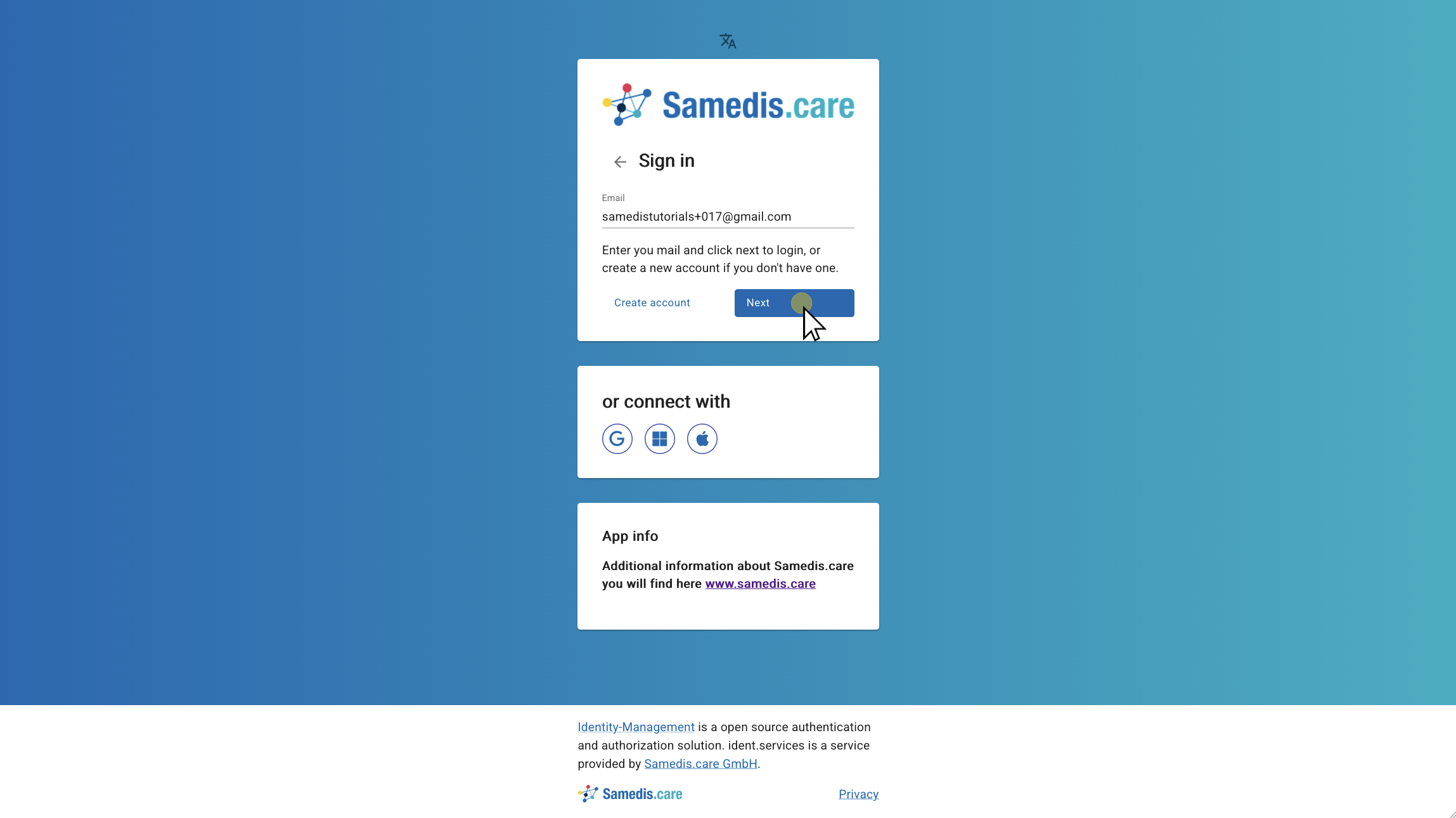
2. Enter email address
Enter the email address of your Samedis.care account and click Next.
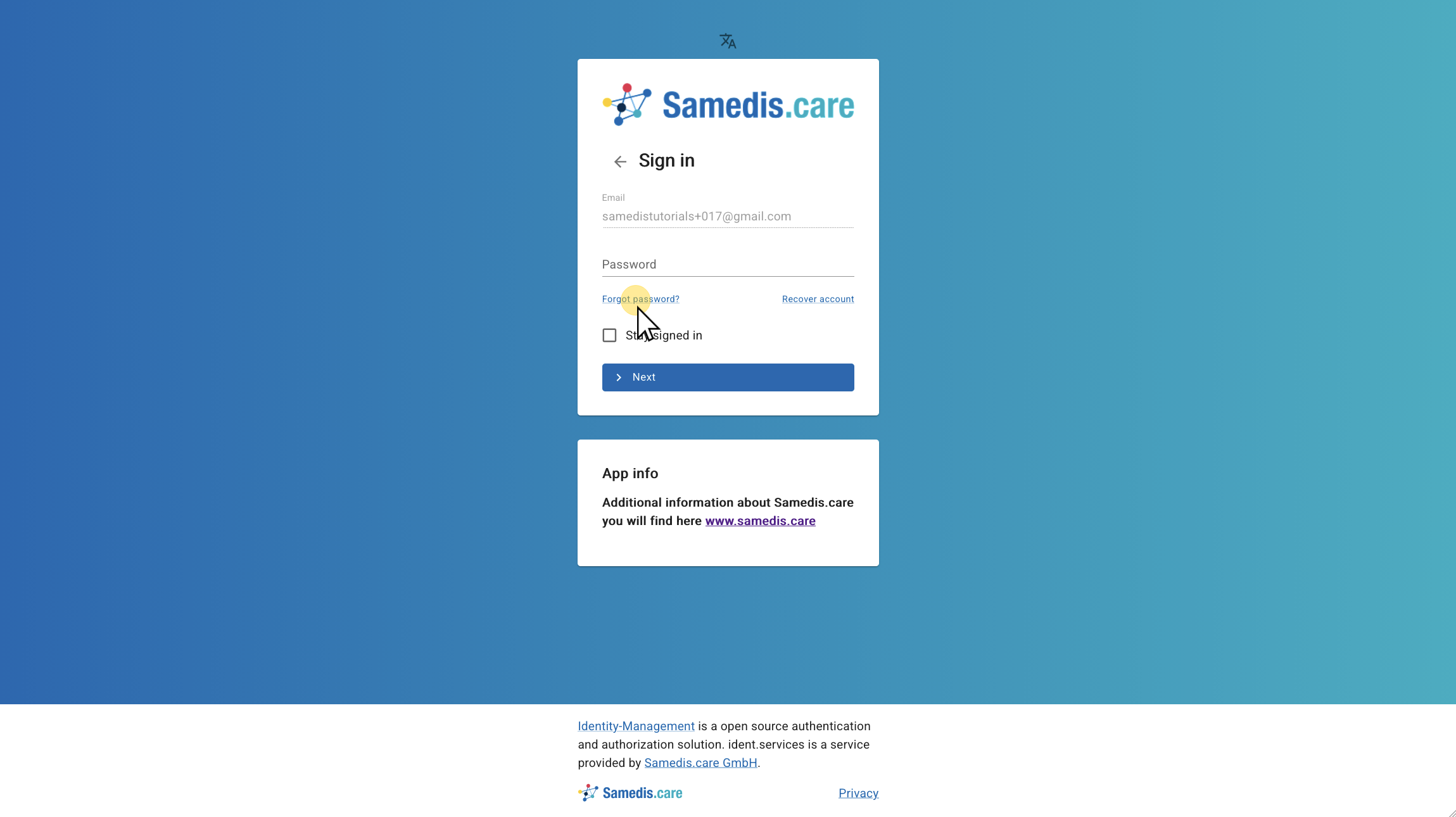
3. Forgot password
Then, click Forgot password?.
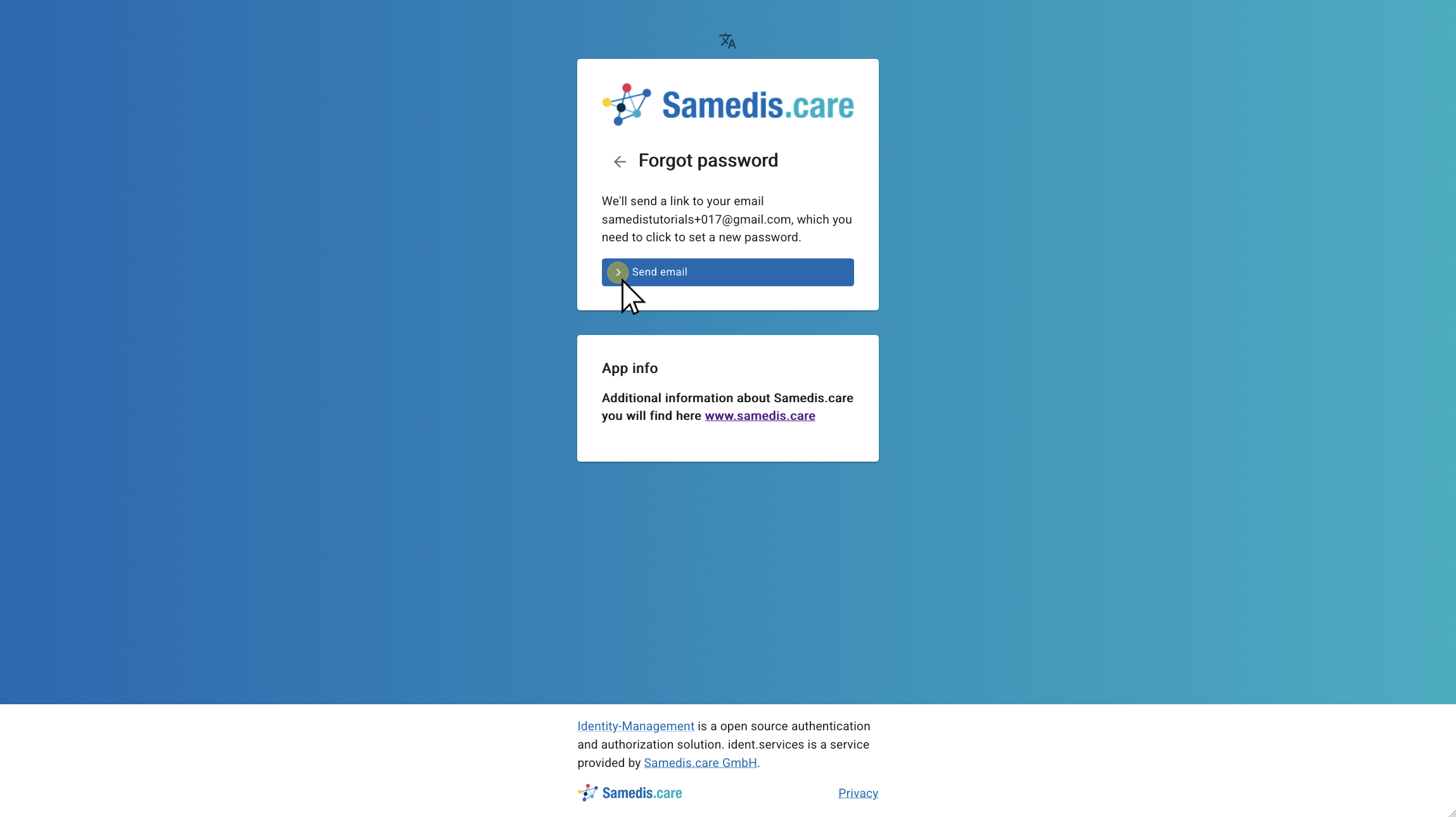
4. Send email
Now request a password reset email to be sent to your inbox.
Warning
Please note that the password reset link is only valid for 24 hours.
5. Email Inbox
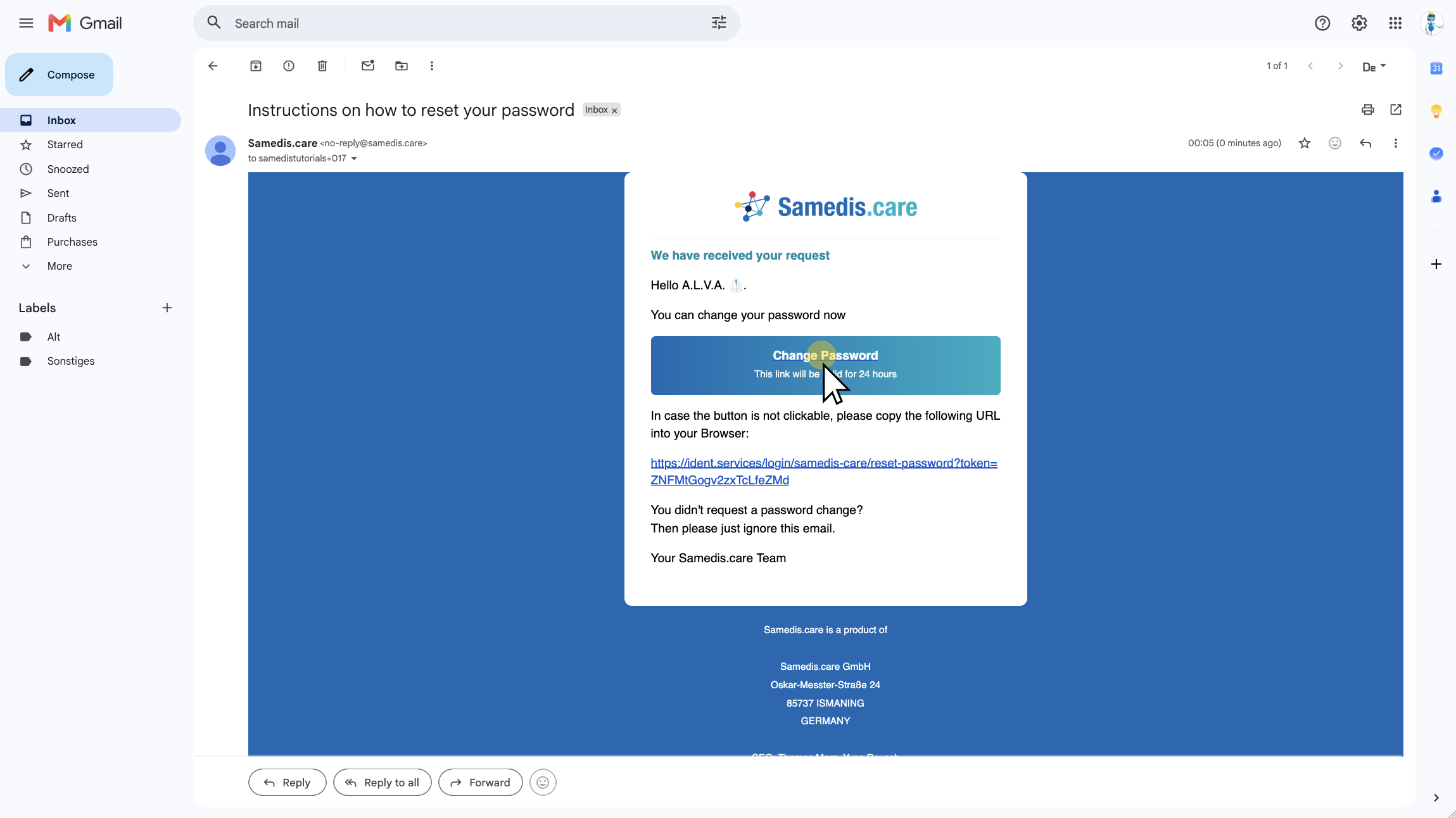
Next, go to your email inbox, open the email, and click Change Password.
6. Set a new password
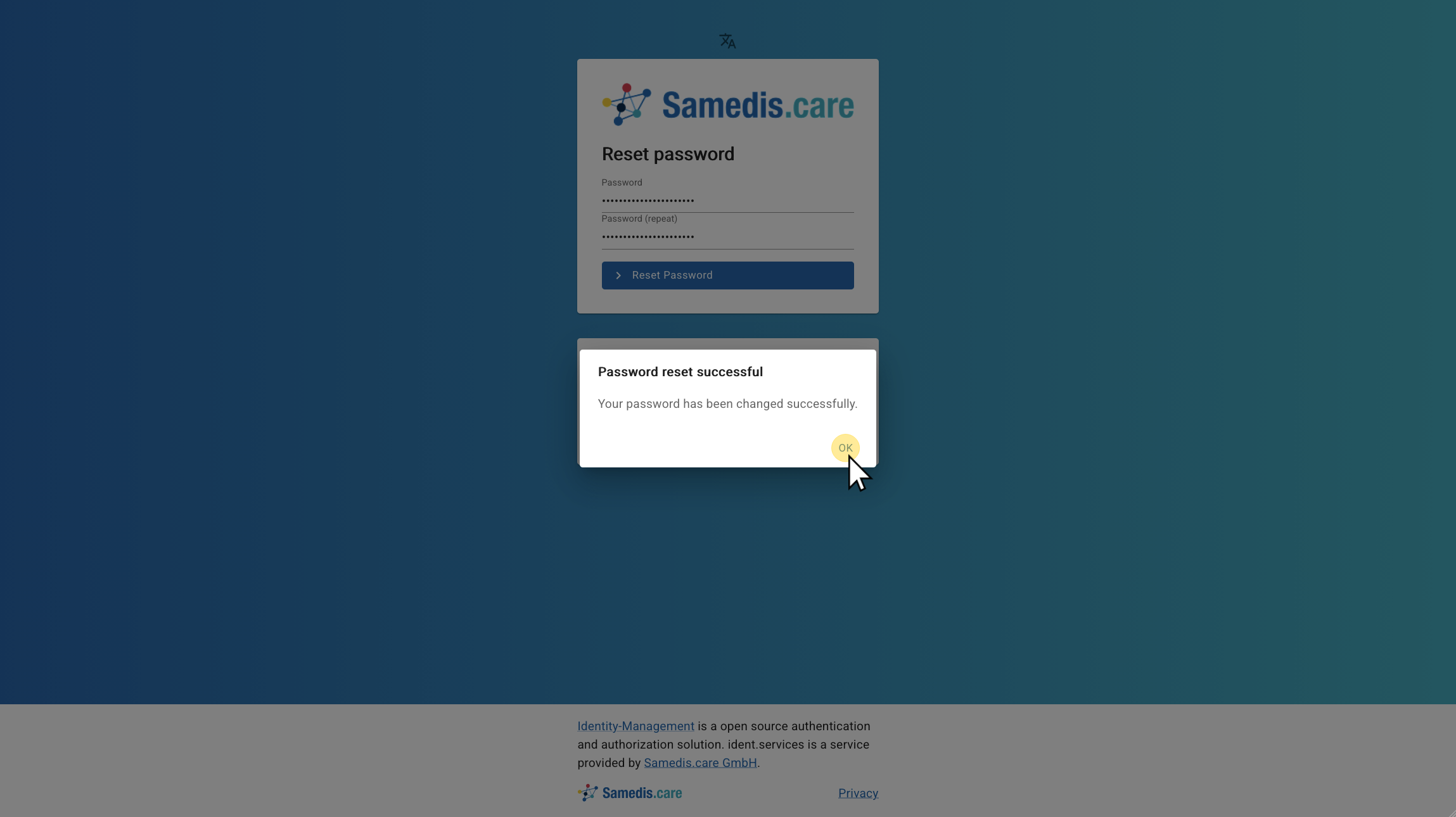
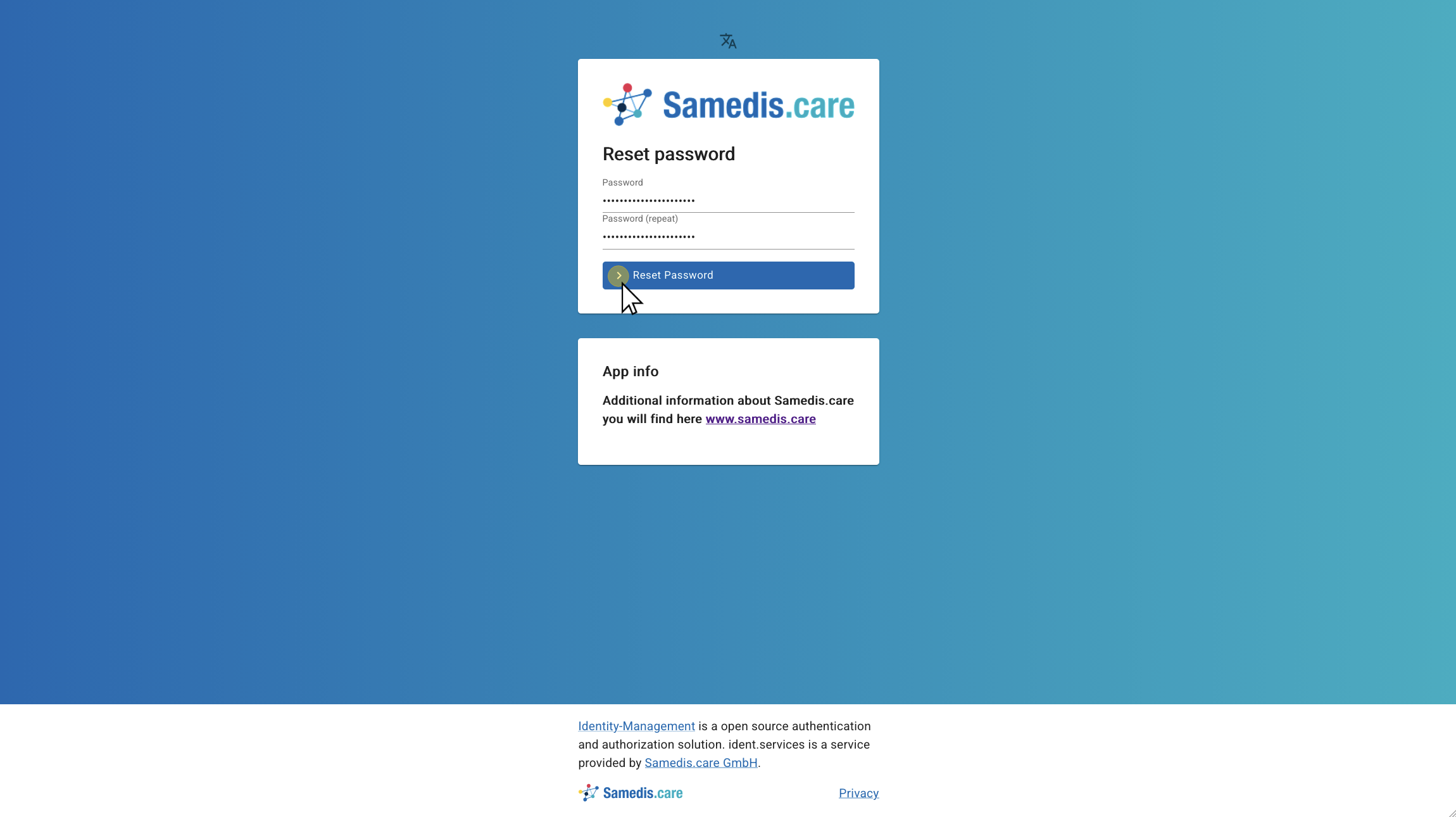
Now enter your new password and click Reset Password.
7. Password successfully reset
Your password has been successfully reset. You can now sign in as usual using your new password.