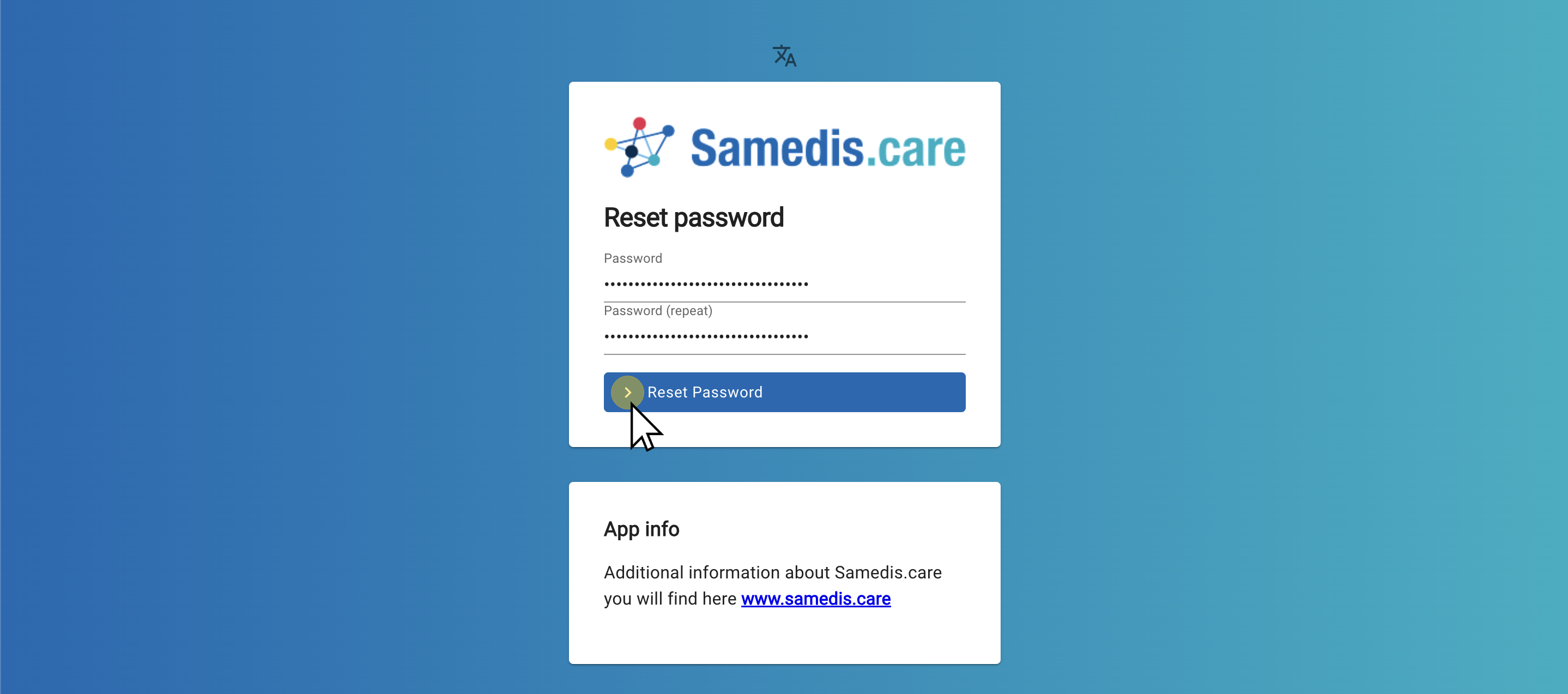
Reset password
Forgot your password? No worries! Simply reset it.
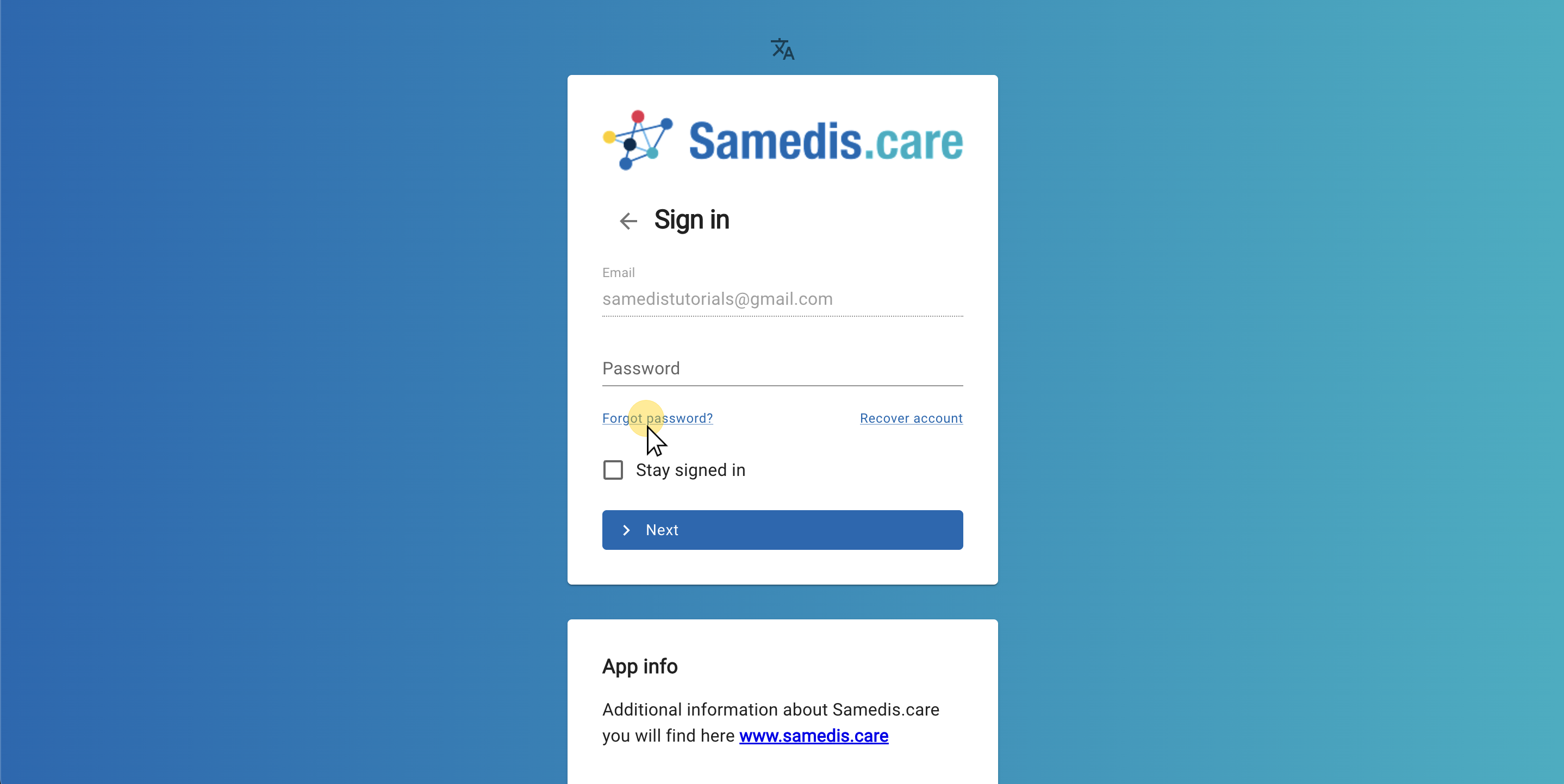
1. Password reset
Click on Forgot password? on the login screen.
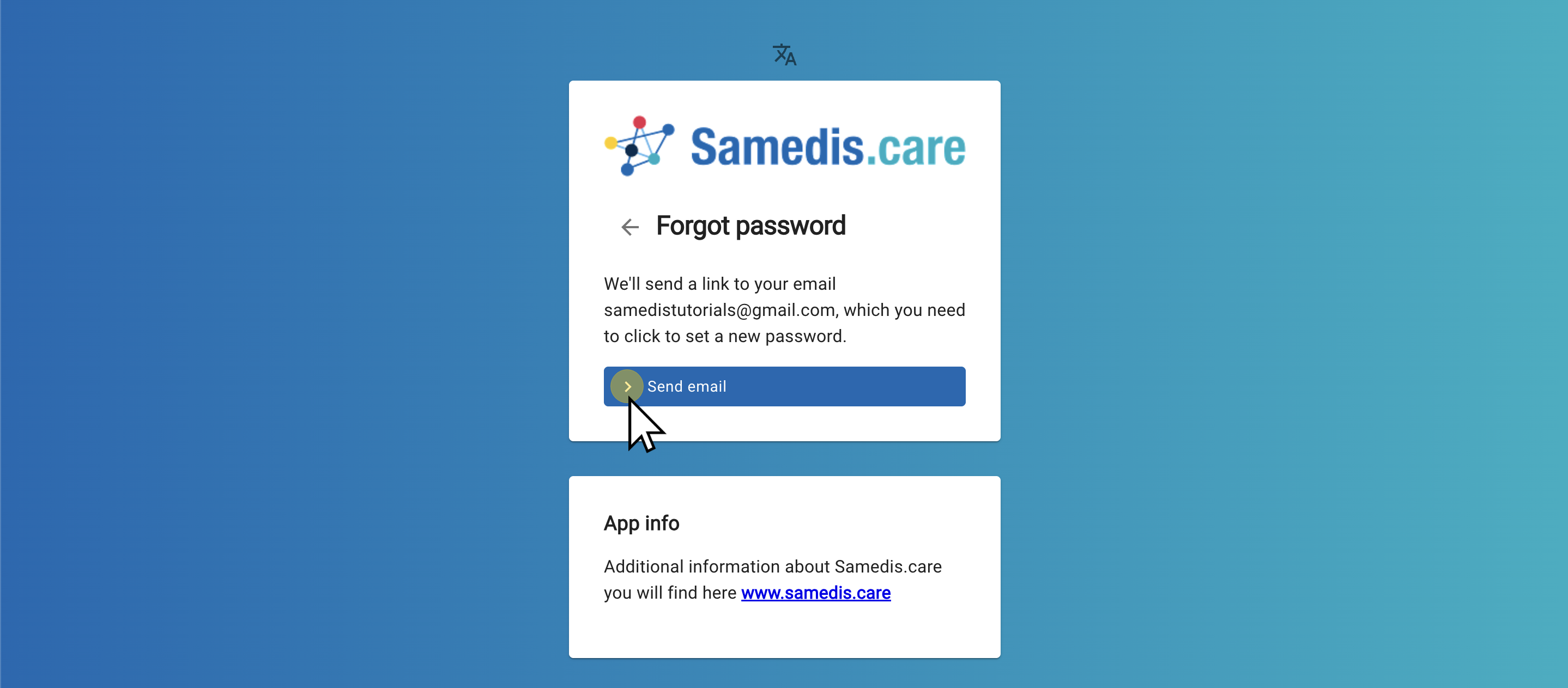
2. Request an email
Then request an e-mail with a link to reset your password.
Note
The link to reset your password is only valid for 72 hours.
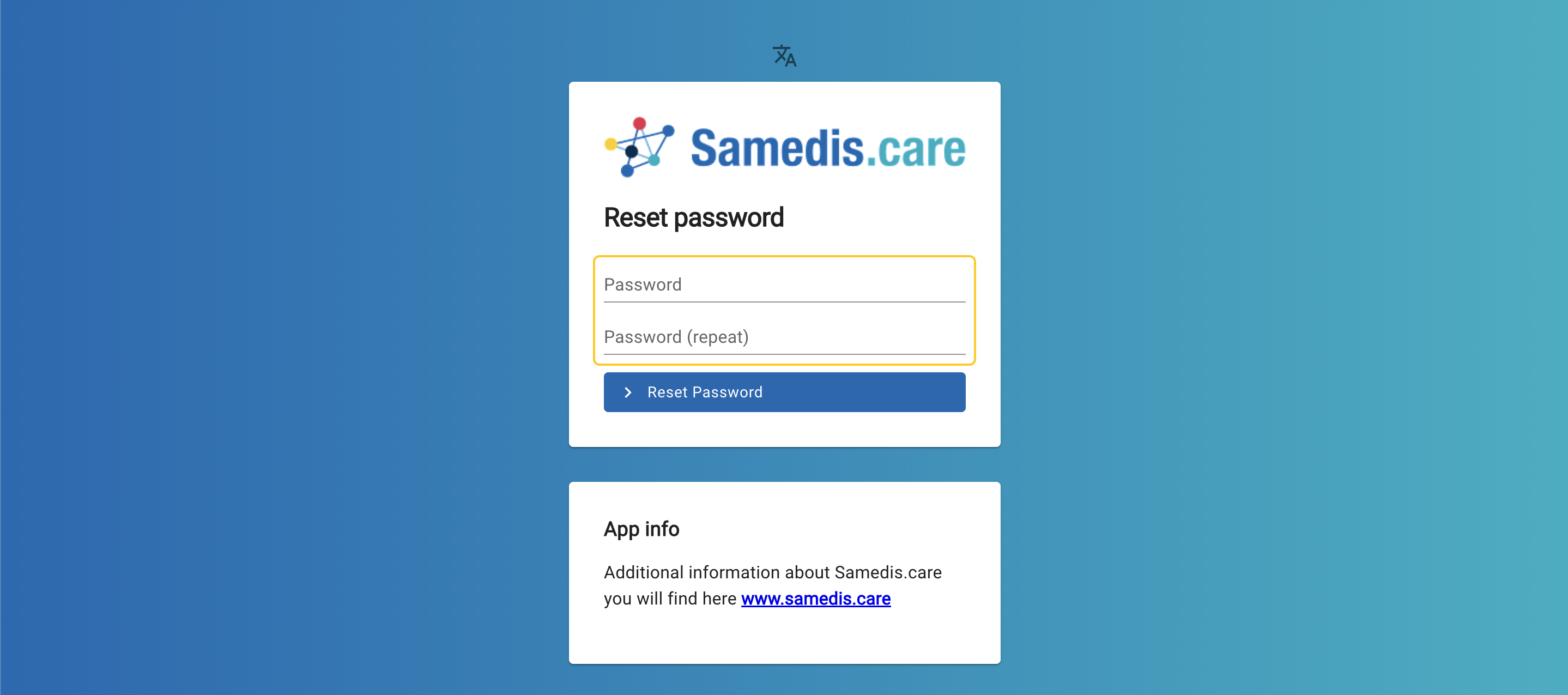
3. Set a new password
Click on the link in the email to change your password. Then enter your new password.
4. Confirm your new password
Confirm your new password. You will then be able to log in as usual with your new password.