Delete
In this tutorial, we’ll look at how to remove entries in Samedis.care.
1. Select
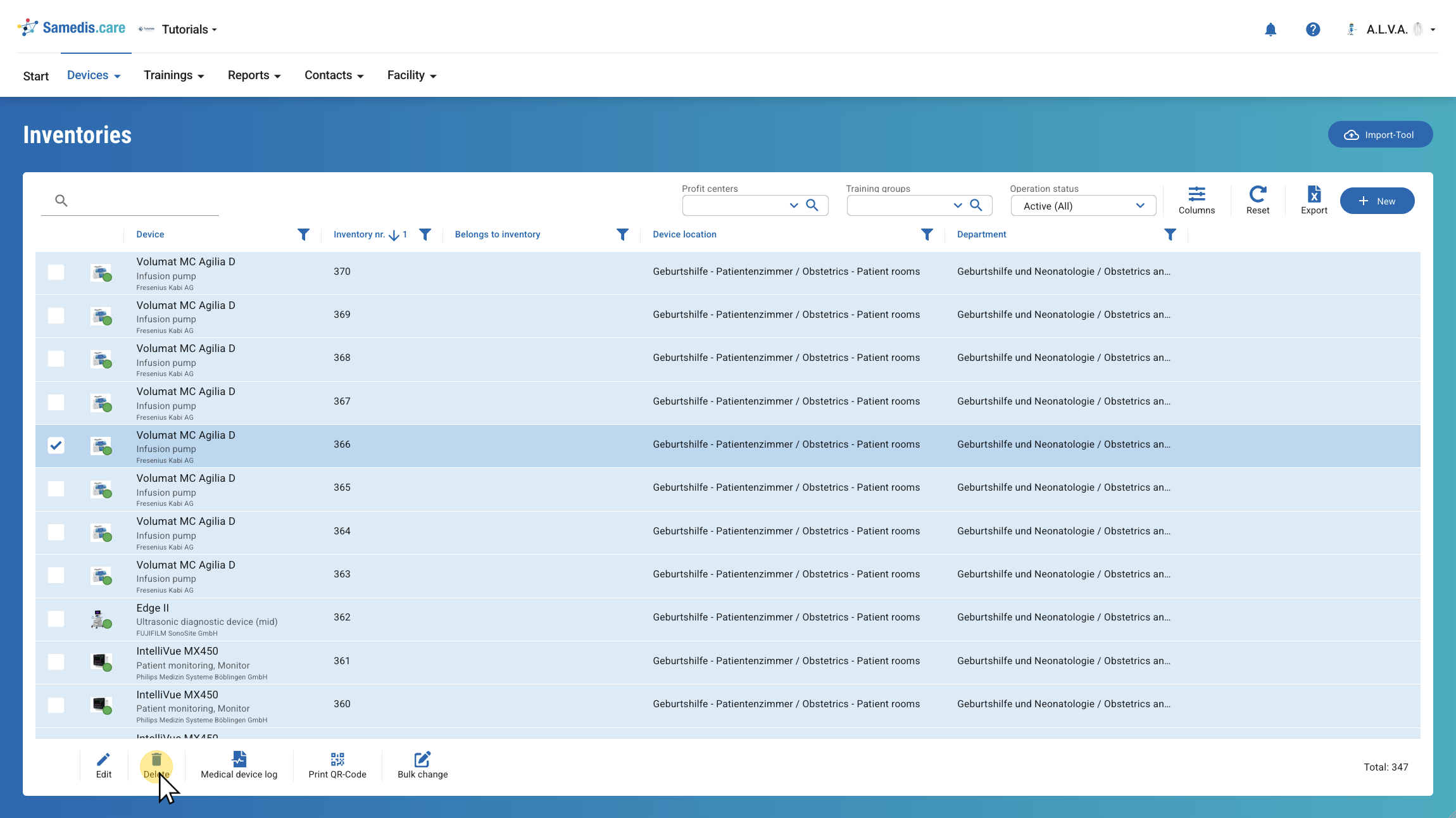
First, select the entries you want to remove.
Then, click on Delete.
Note
You can select one or more entries.
Warning
If you want to delete a device or a staff member, you must first delete all associated tasks or instructions.
2. Delete
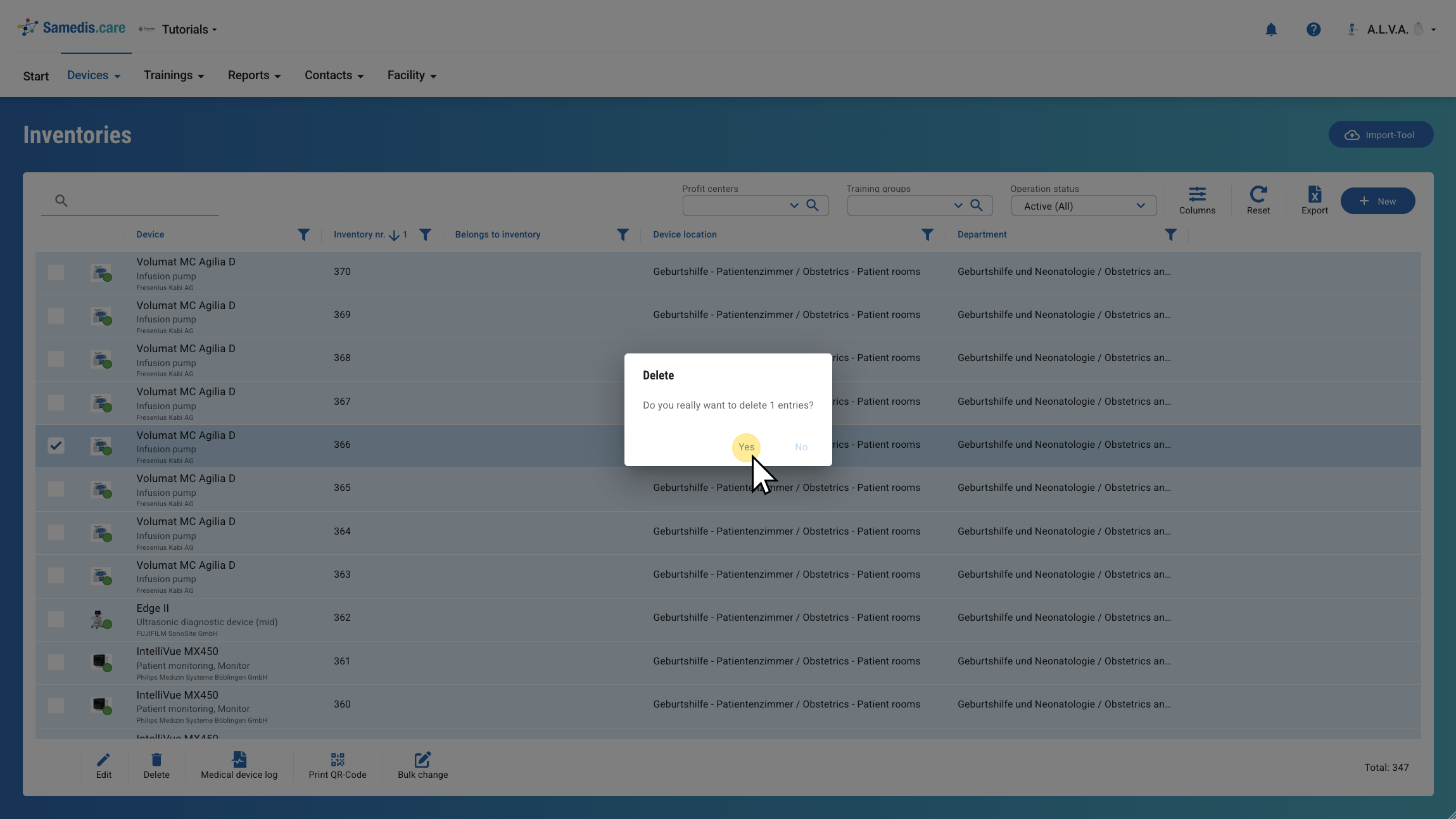
Confirm your selection with Yes to permanently delete the entries.
Note
To prevent accidental deletion, you must confirm your selection again before the data is permanently deleted.