Delete
Easily delete incorrect or no longer needed information.
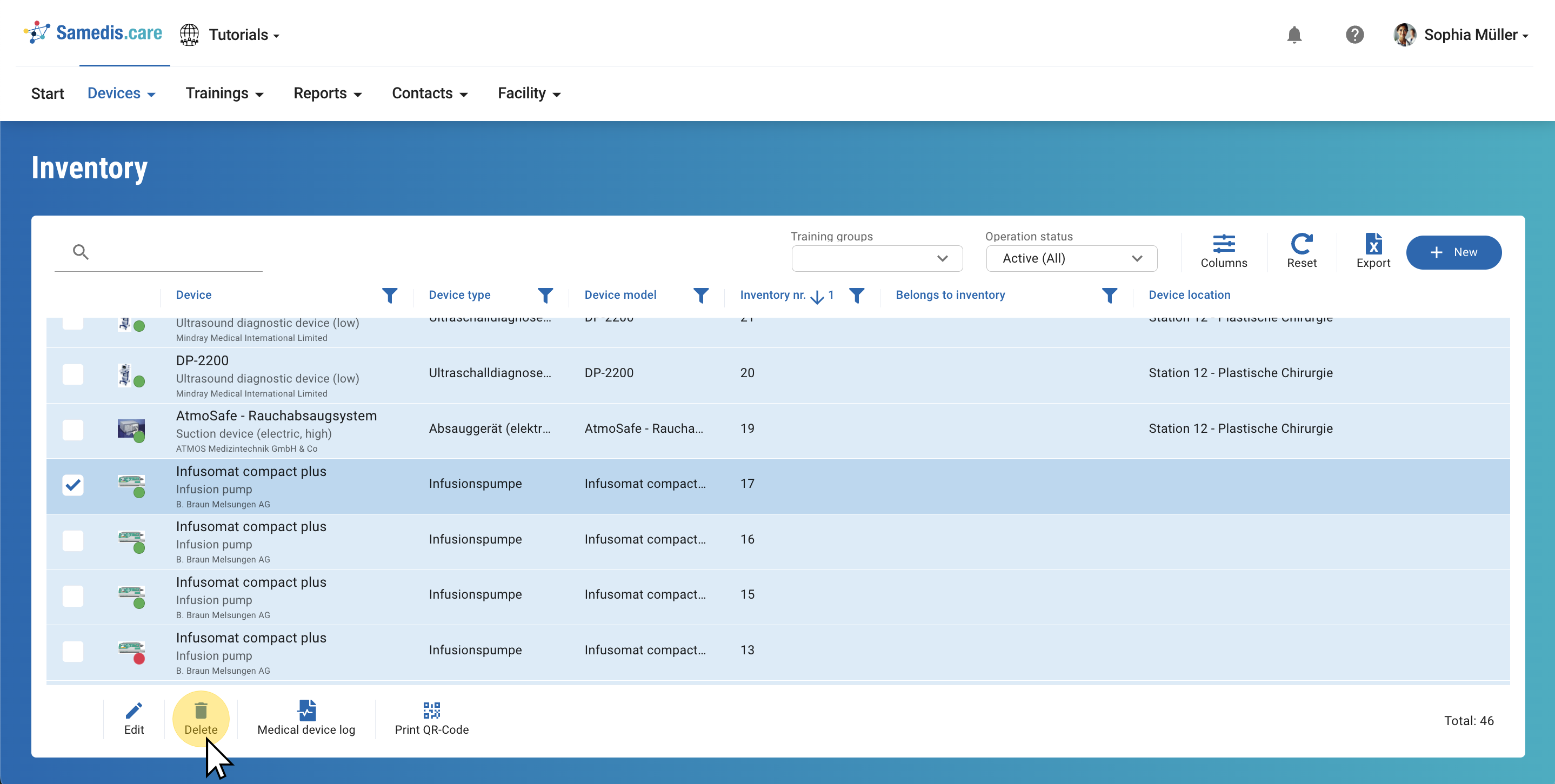
1. Select
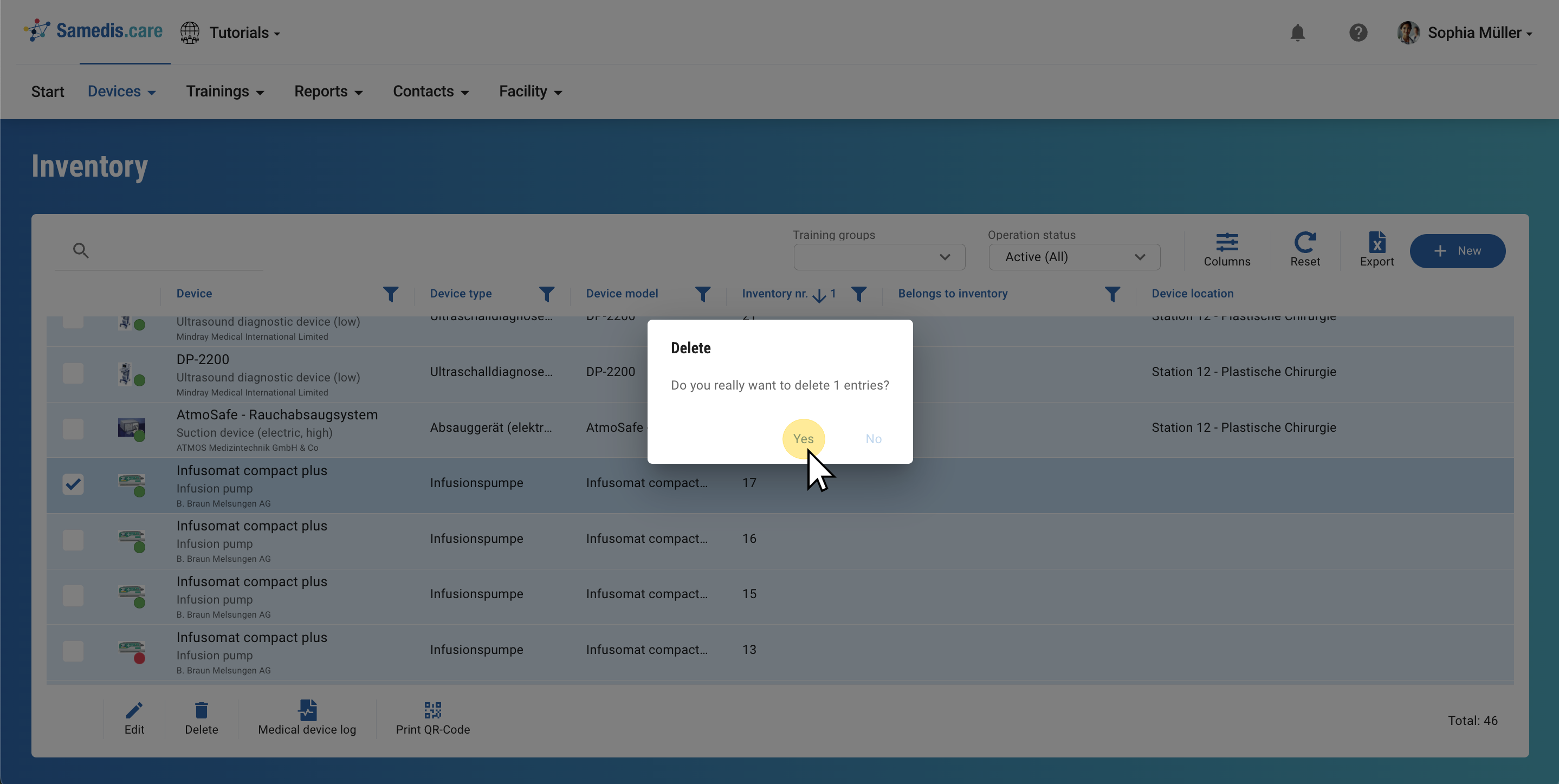
Mark the entries you want to remove.
Then, click on Delete.
Note
If you want to delete a device or a staff member, you must first delete all associated measures or instructions.
2. Delete
Confirm your selection with Yes to permanently delete the entries.
Tip
To prevent accidental deletion, you must confirm your selection again before the data is permanently deleted.