Export
In this tutorial, we’ll look at how to export data from Samedis.care to a file.
1. Choose export format
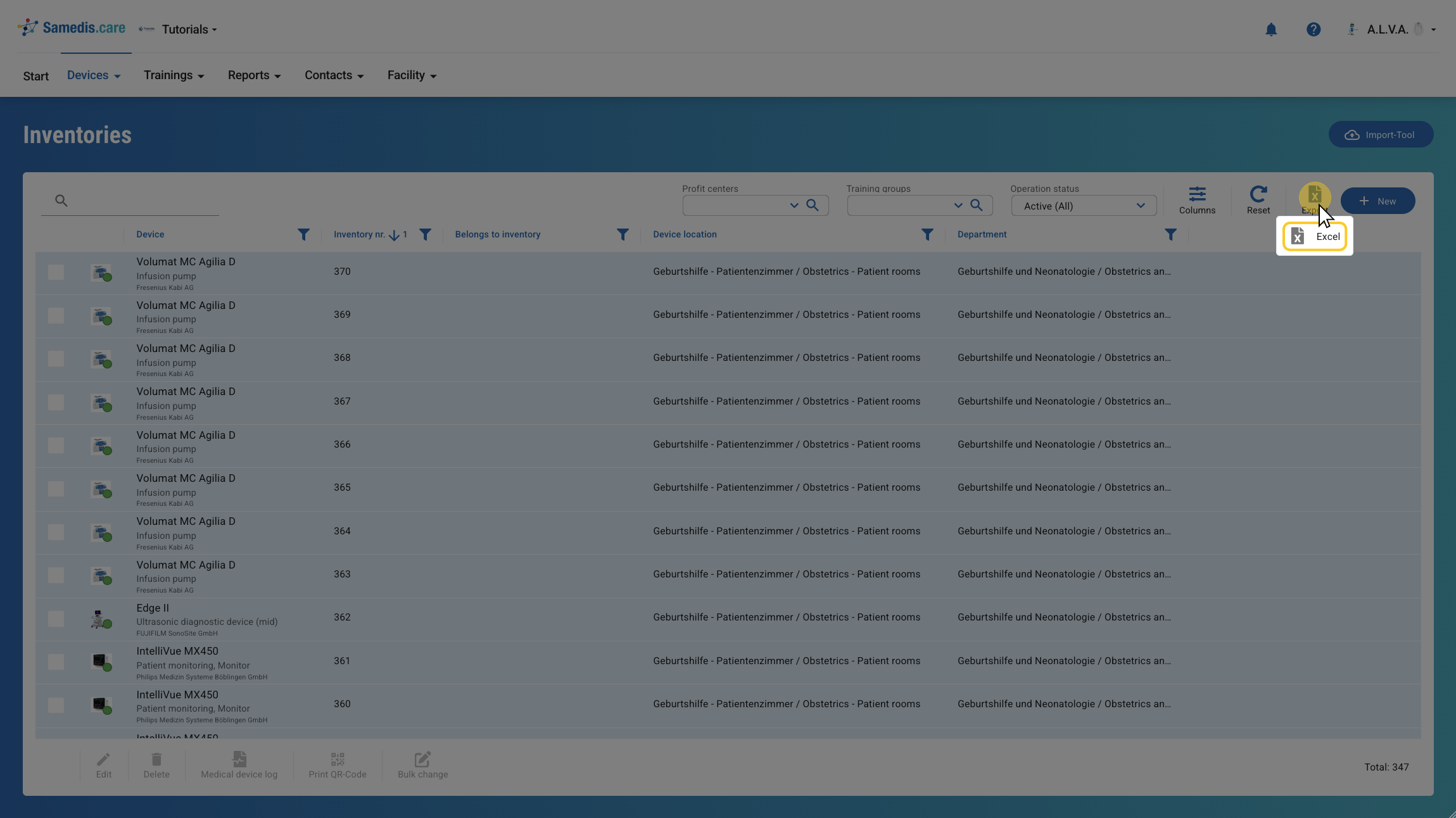
Click Export and select your preferred format to start the export.
Tip
The export file is created based on your view, containing all displayed columns in the same order.
2. Start export
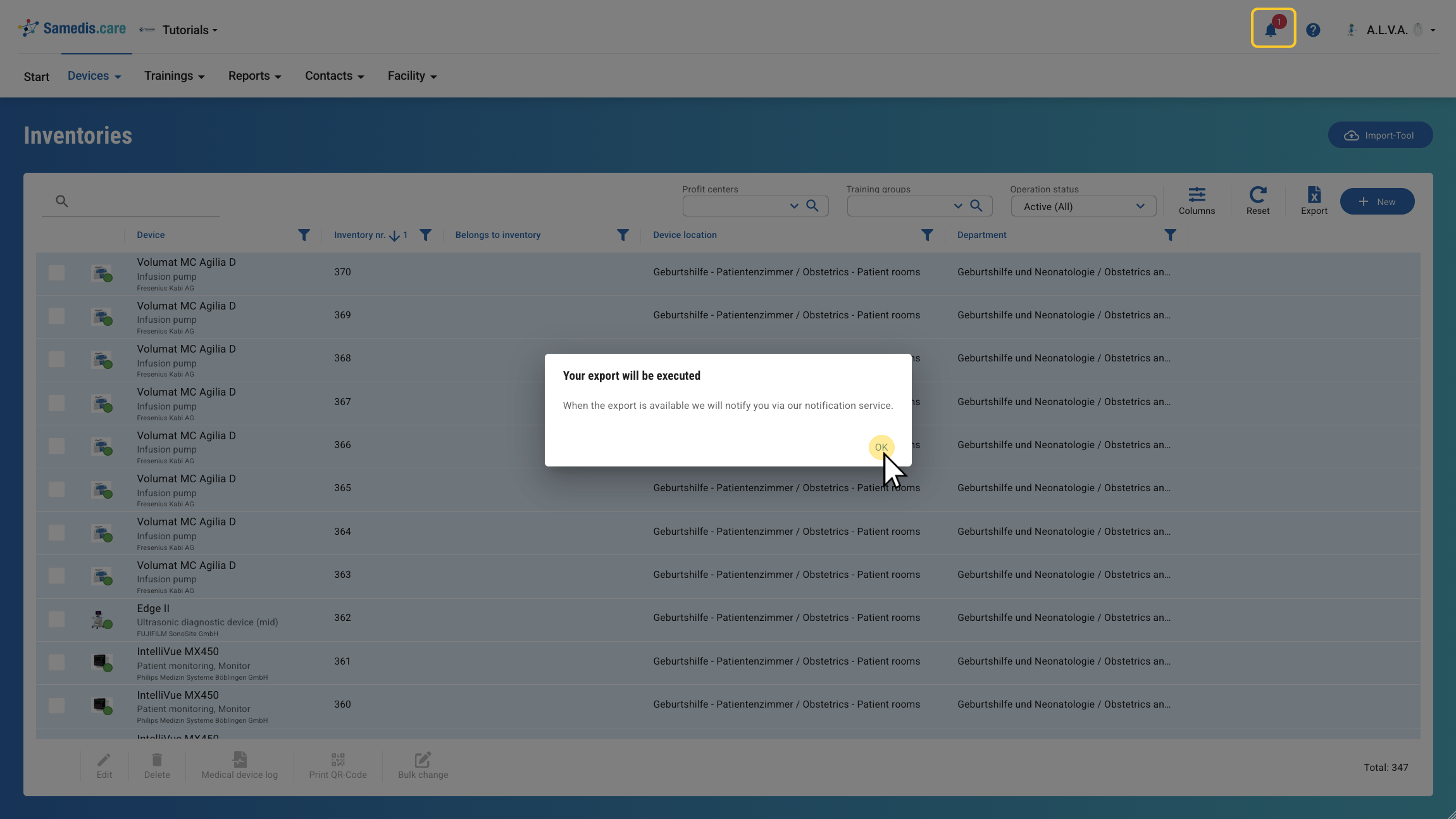
Your export file is being created. Once it’s ready, you will receive a notification 🔔.
3. Download file
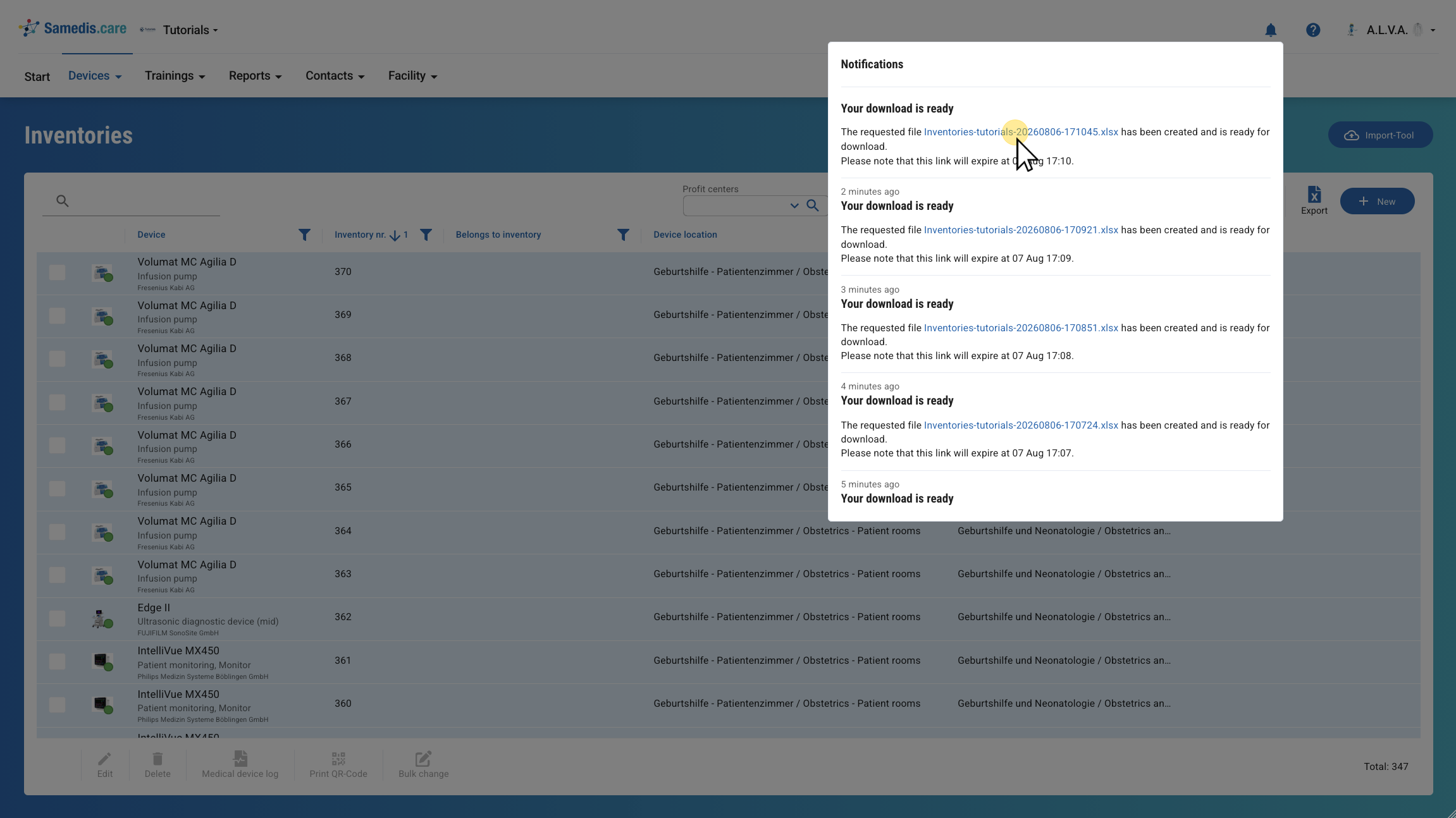
Click on the file name to start the download.