Export
Do you need your data outside of Samedis.care? With the export function you can easily output them in a file.
1. Choose export format
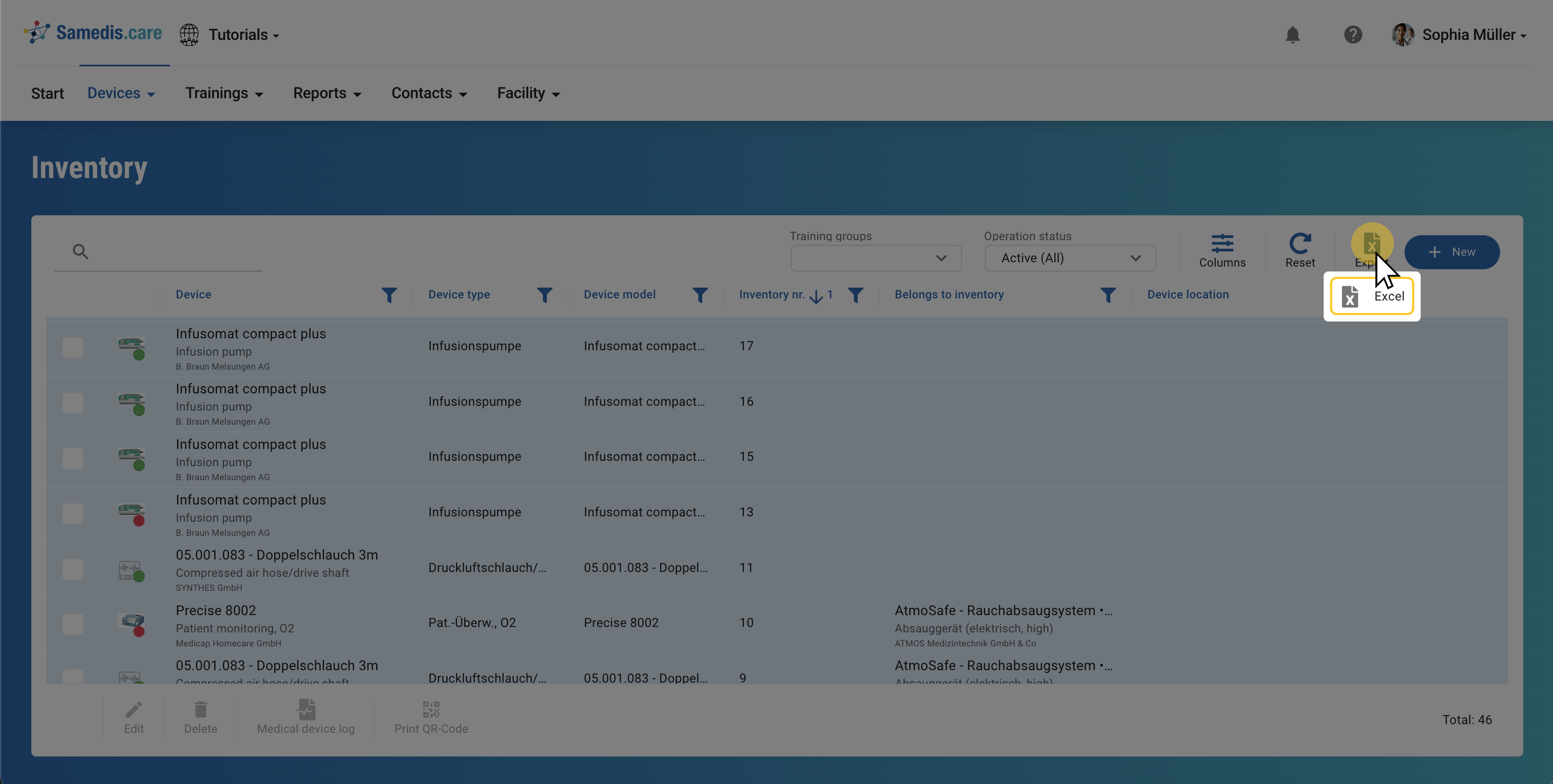
Click Export and select your preferred format to start exporting.
Tip
The export file is created based on your view, containing all displayed columns in the same order.
2. Start export
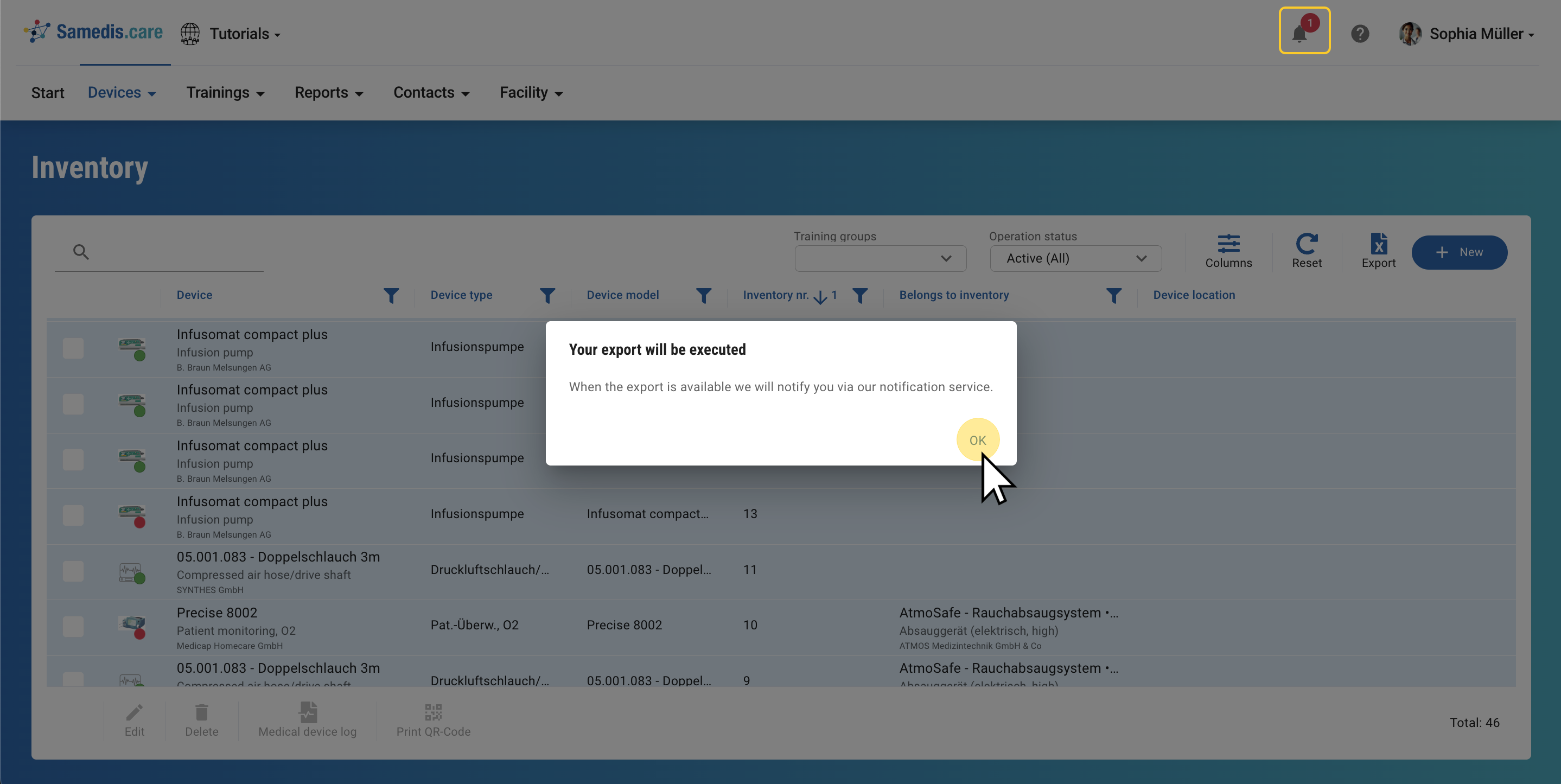
Your export file is being created. Once it’s ready, you will receive a notification 🔔.
3. Download file
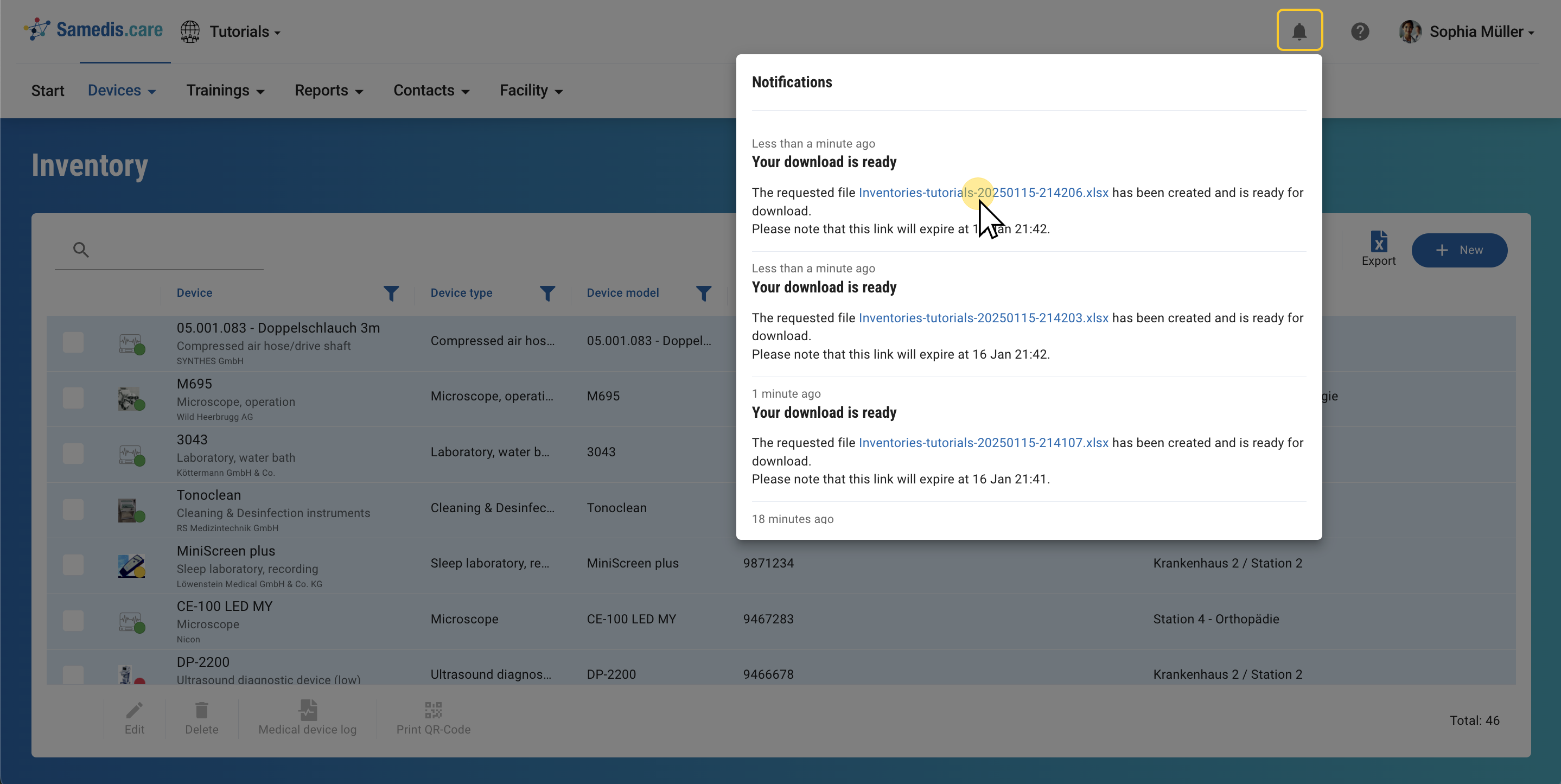
Click on the file to start the download.