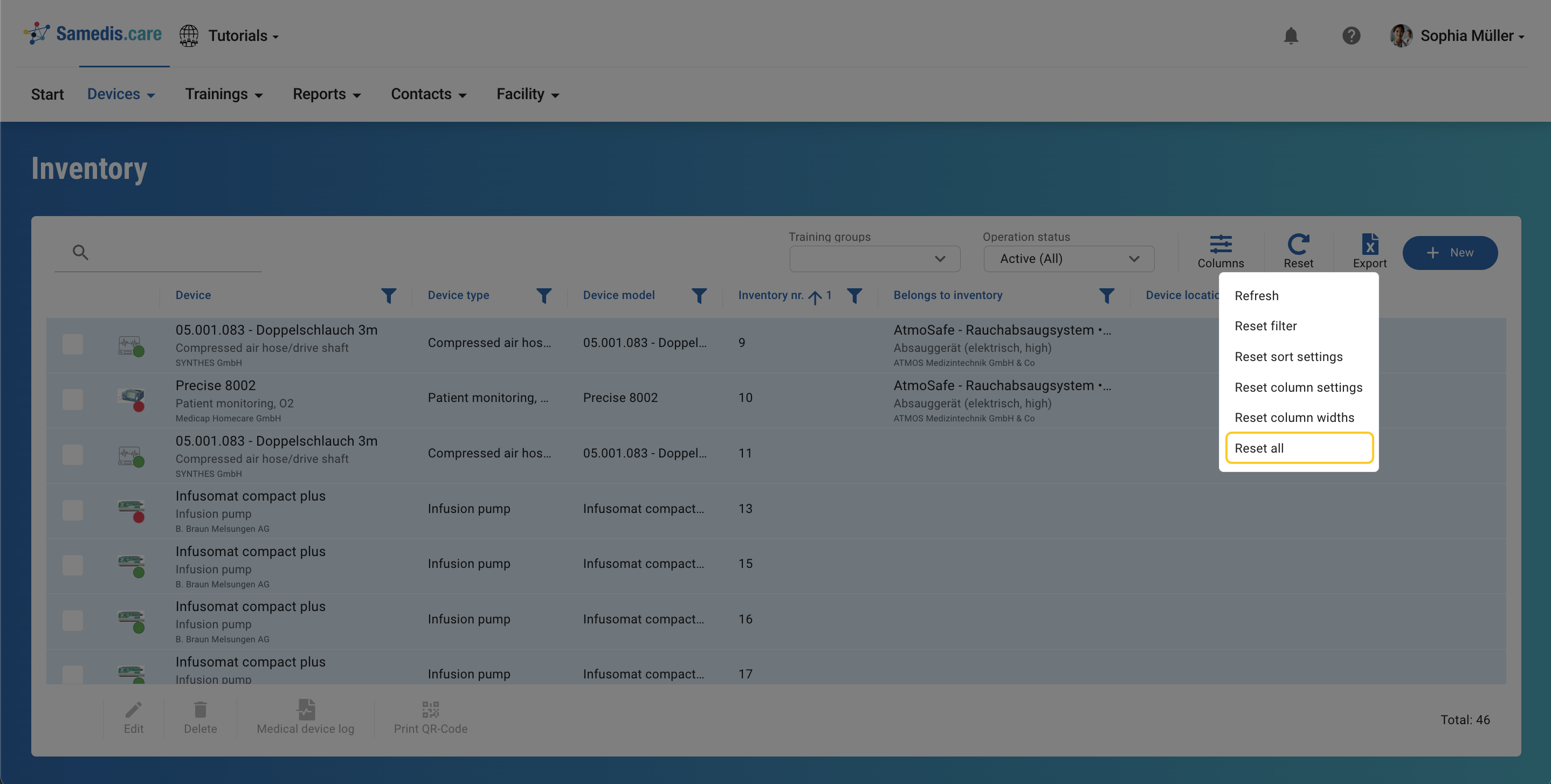
Reset
You can use the reset function to remove filters, sorting and search terms.
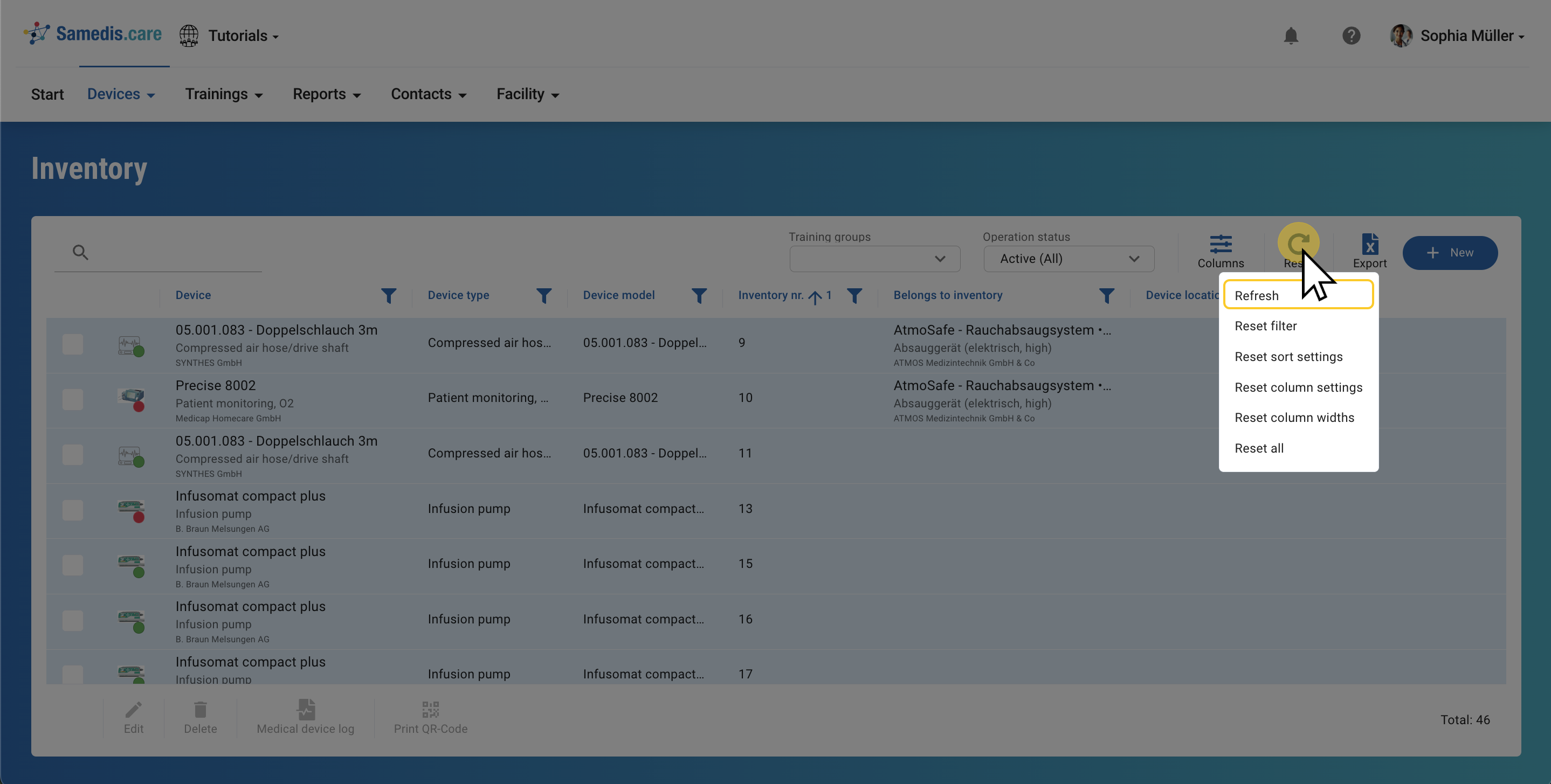
1. Refresh
With the Refresh option you can reload your view to ensure it’s up to date.
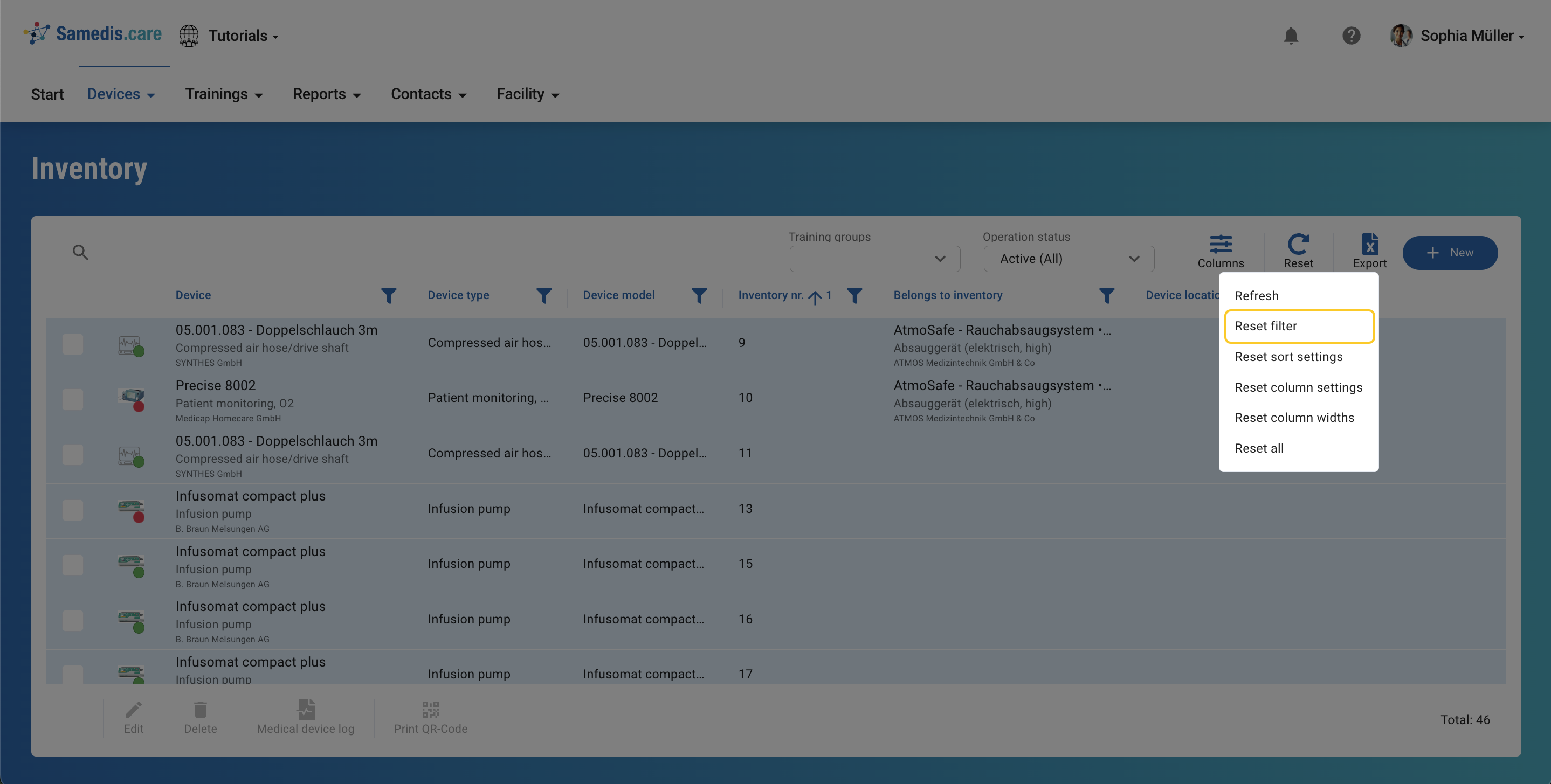
2. Reset filter
By using the Reset filter function you can undo all previously applied filter settings.
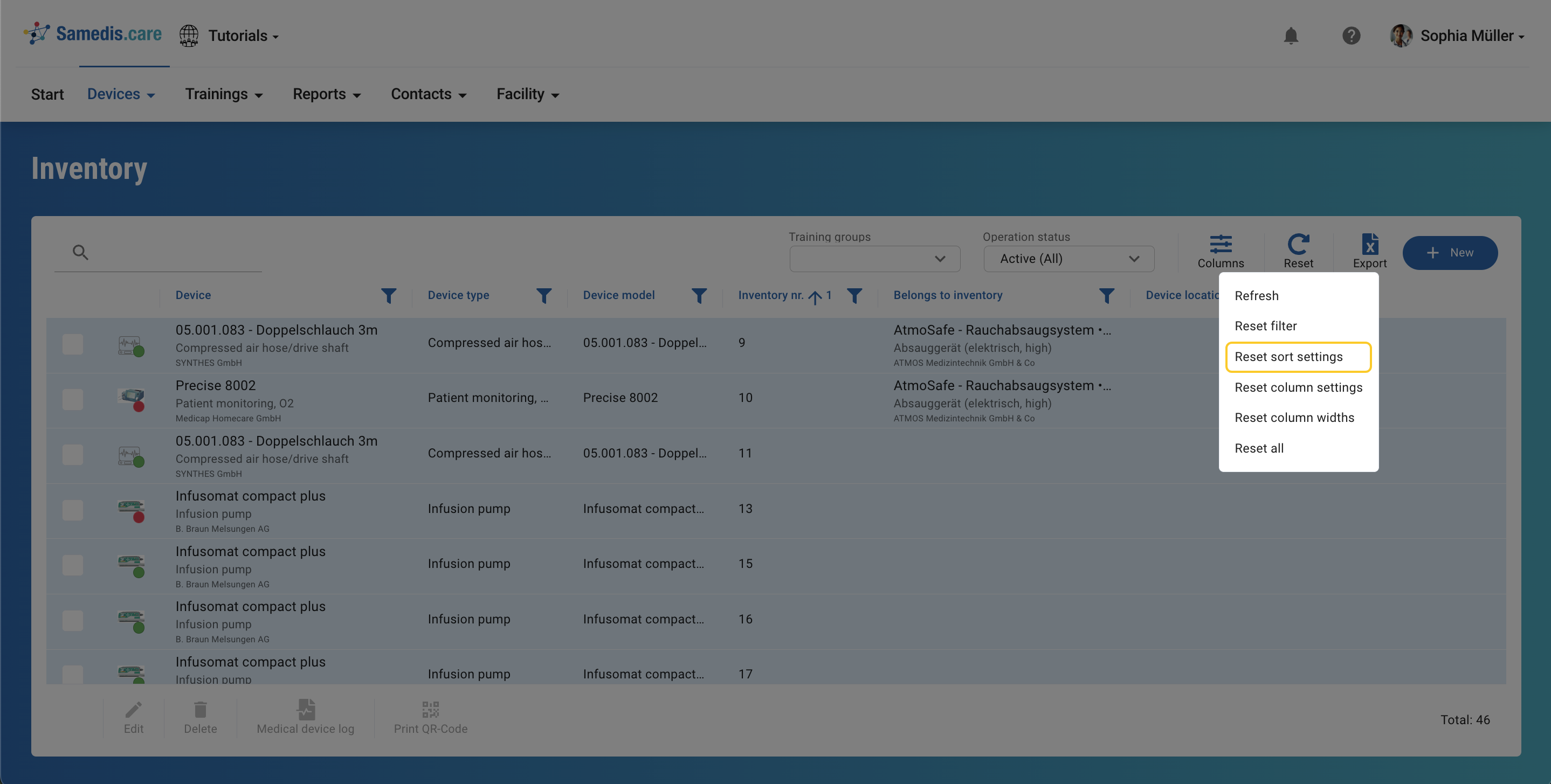
3. Reset sort settings
The Reset sort settings option allows you to reset all previous changes to the sorting to their default values.
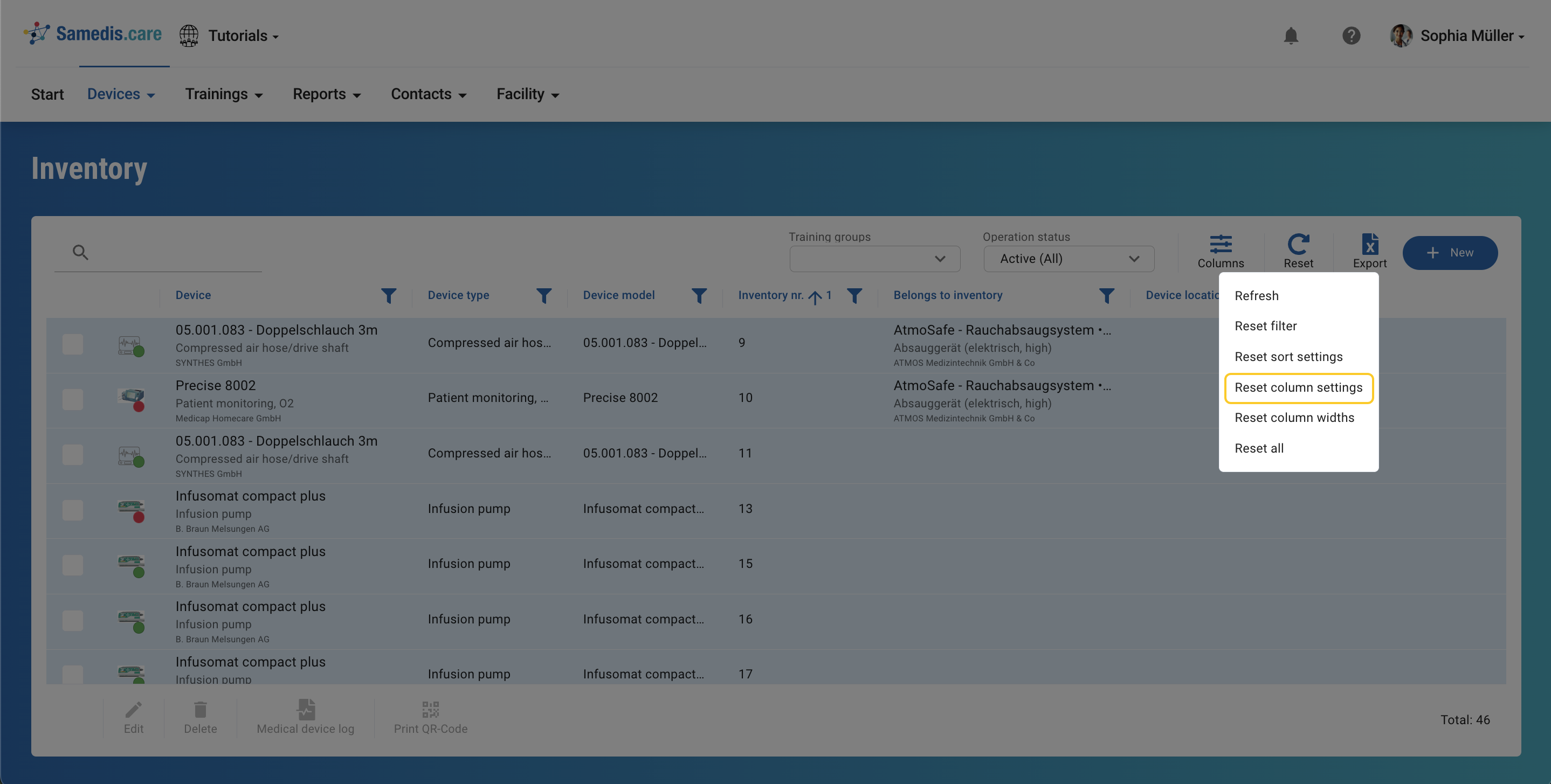
4. Reset column settings
This function allows you to undo all changes made to your columns.
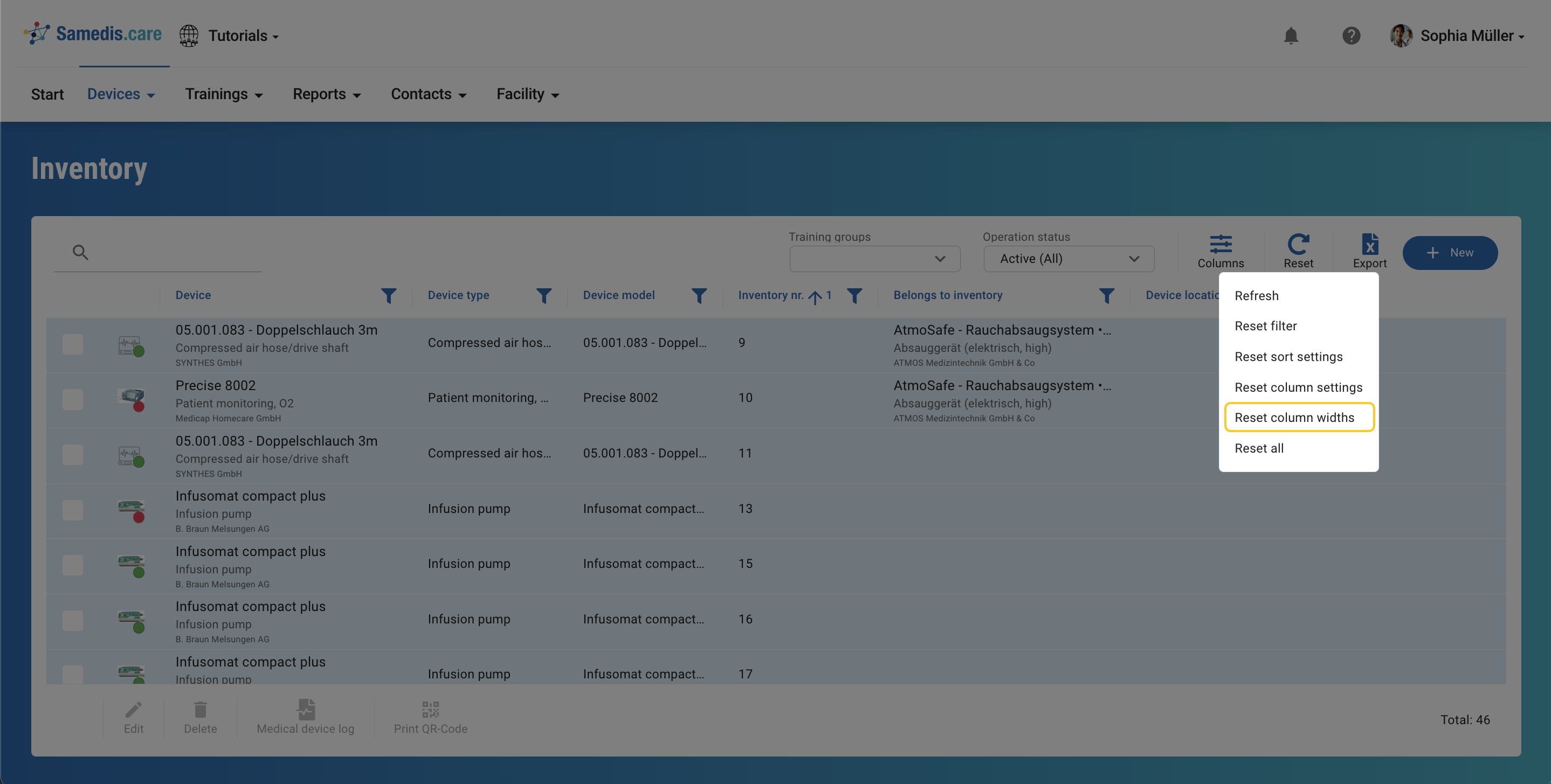
5. Reset column widths
With this setting you can reset the width of your columns to their original size.
6. Reset all
By selecting the Reset all option you can undo all adjustments made to the appearance and sorting.