Show and hide columns
In this tutorial, we’ll look at how to customize the view in Samedis.care by showing and hiding columns or pinning them.
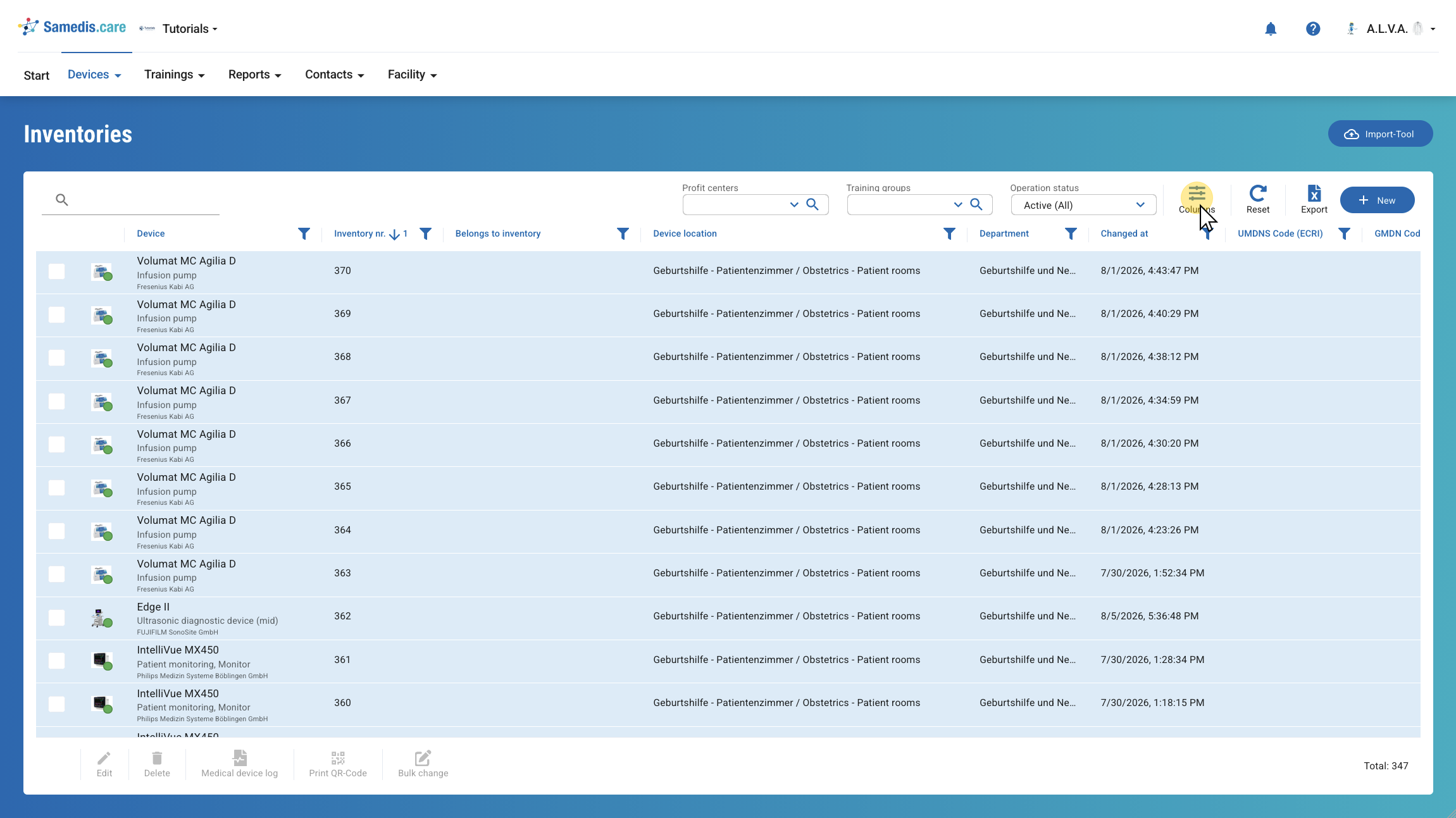
1. Columns
First, click Columns. You will then see all available columns that you can select for your view.
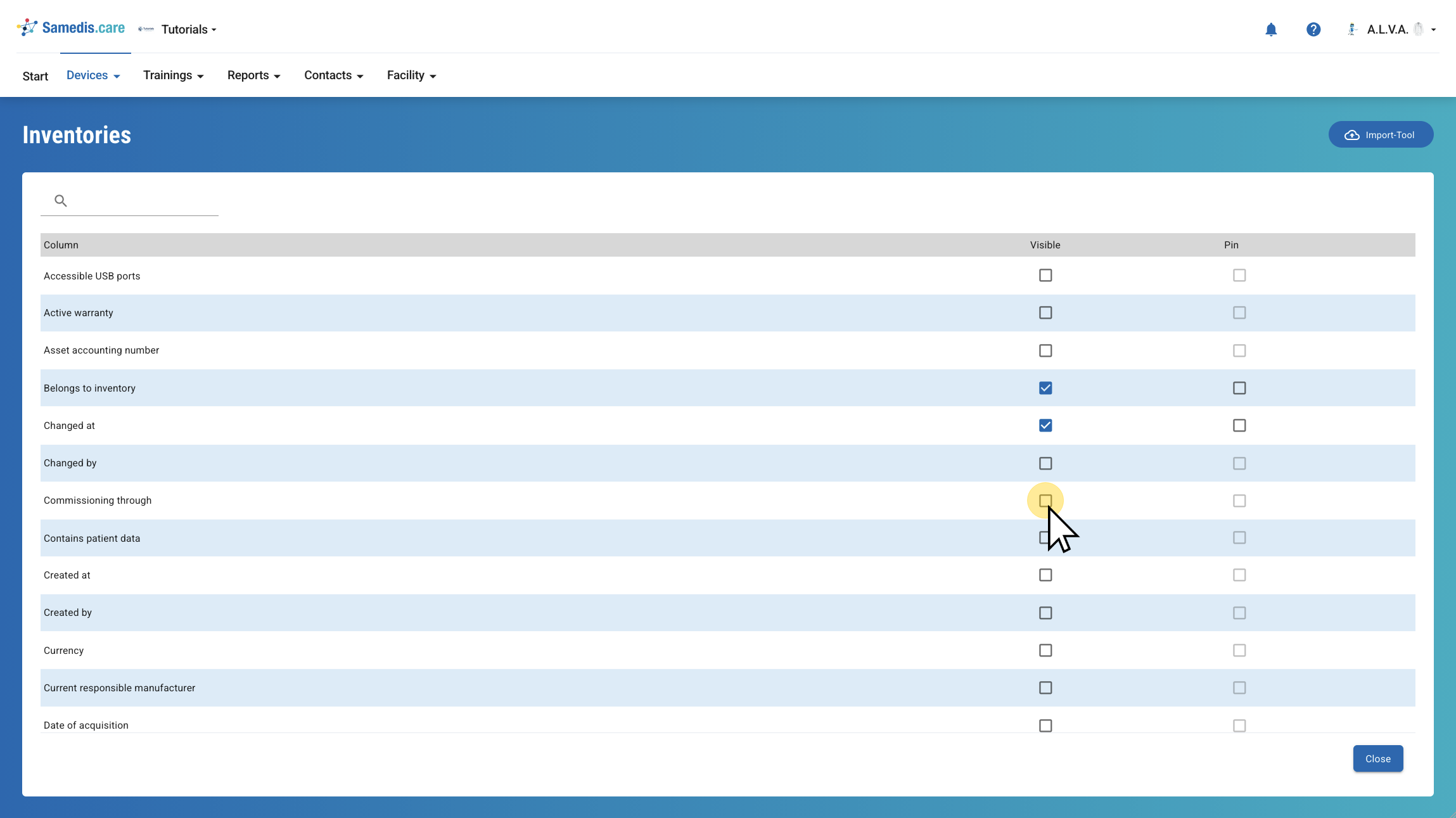
2. Show columns
Next, select the Visible checkbox for the columns you want to display in your view.
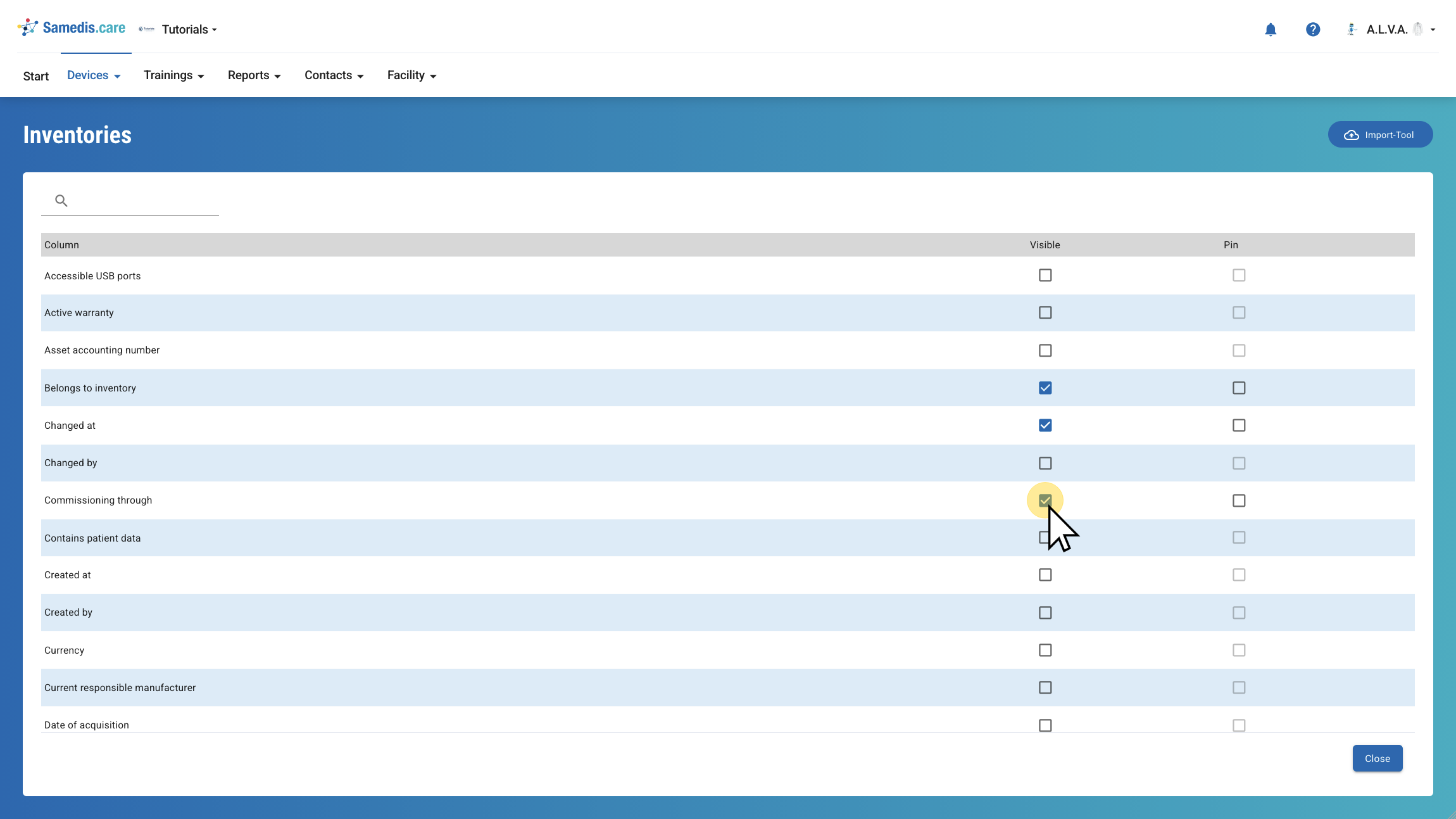
3. Hide columns
Click the checkbox again to hide the column.
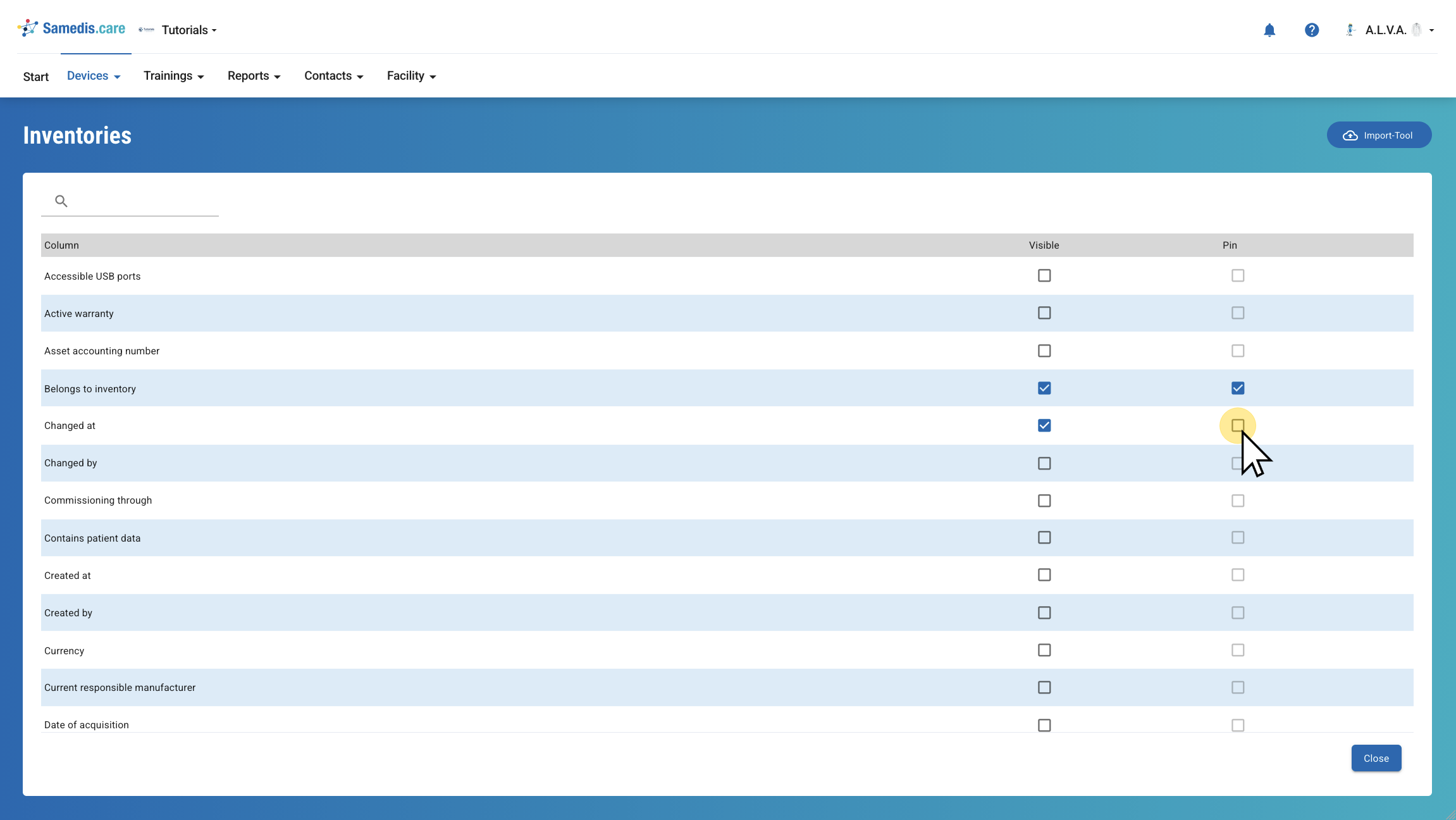
4. Pin columns
Under Pin, you can choose which columns should remain pinned to the left side of your view.
Then click Close to return to the overview.
Tip
You can only pin the columns that are visible.