Sort and filter
In this tutorial, we’ll look at how to sort columns in Samedis.care and filter records based on specific criteria.
1. Sort
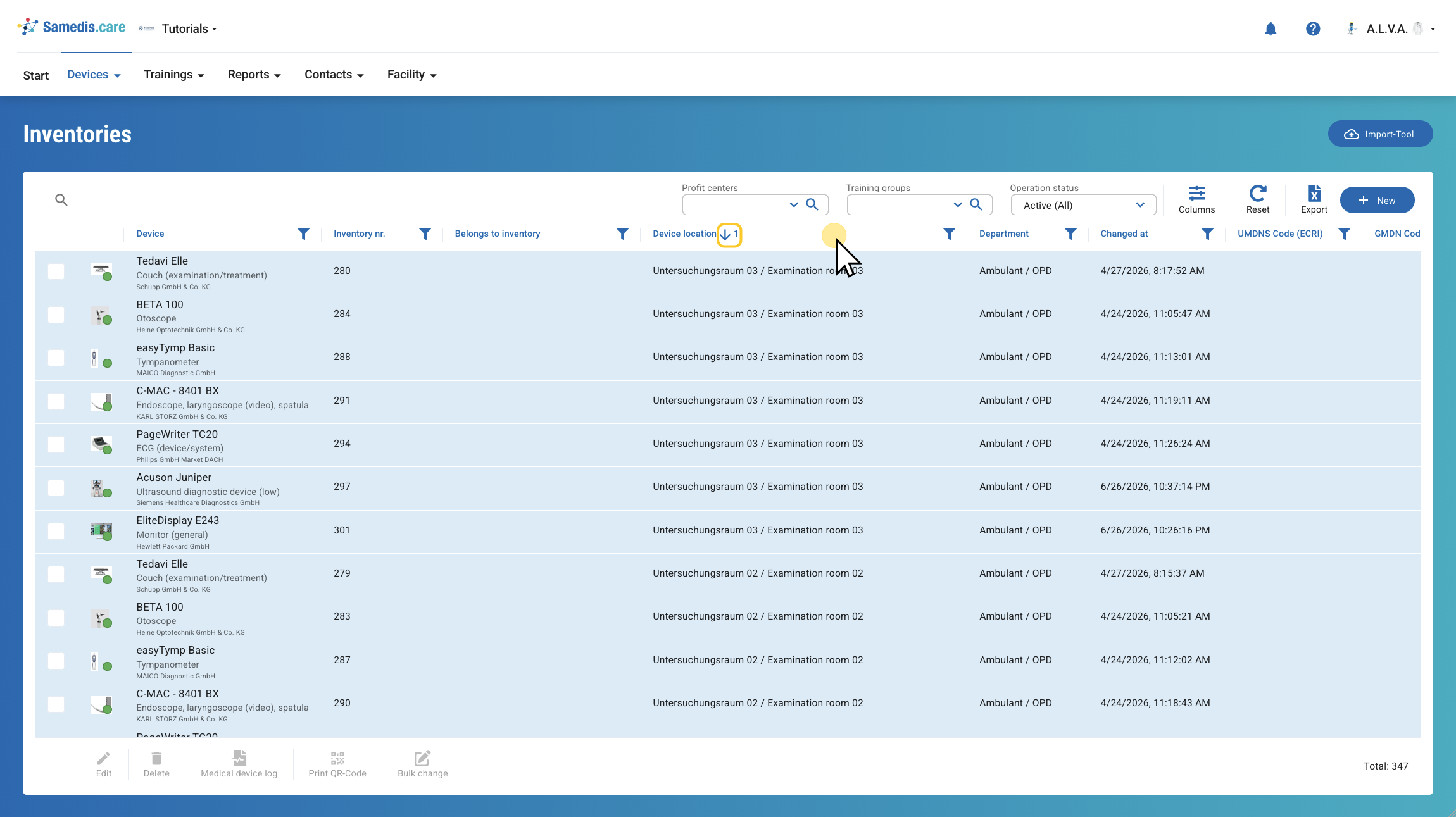
Click on the column title to sort it:
1x click = ascending ⬆︎
2x clicks = descending ⬇︎
3x clicks = remove sorting.
2. Filter
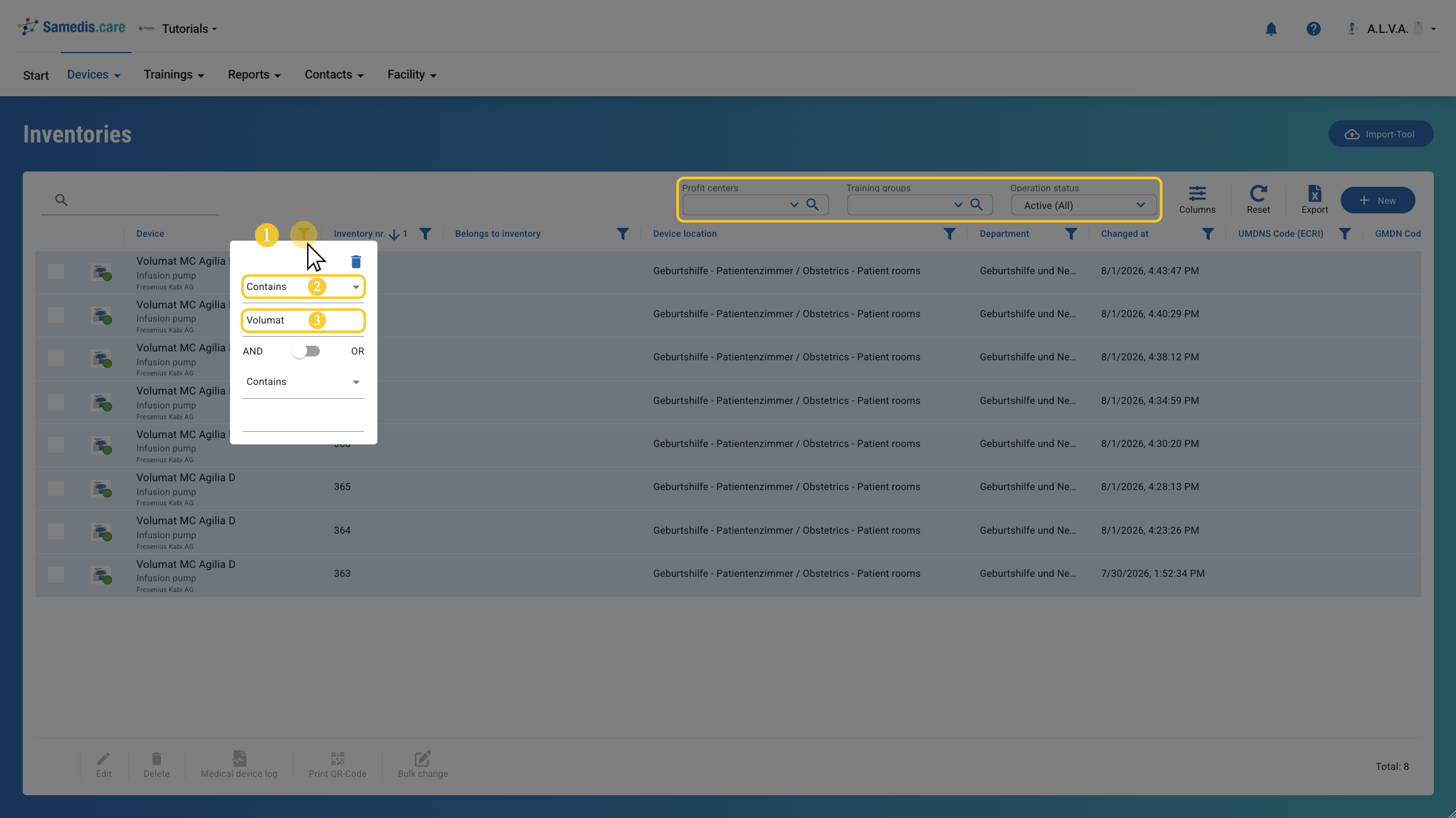
You can filter your views to display only specific entries. To do so, click on the filter icon (1), select the preferred filter option (2), and enter a filter term (3). Alternatively you can also use the predefined filter options to the right of the search bar.
Tip
The filter options can vary depending on the column.