Select and edit
In this tutorial, we’ll look at how to edit entries in Samedis.care and perform bulk changes.
1. Select
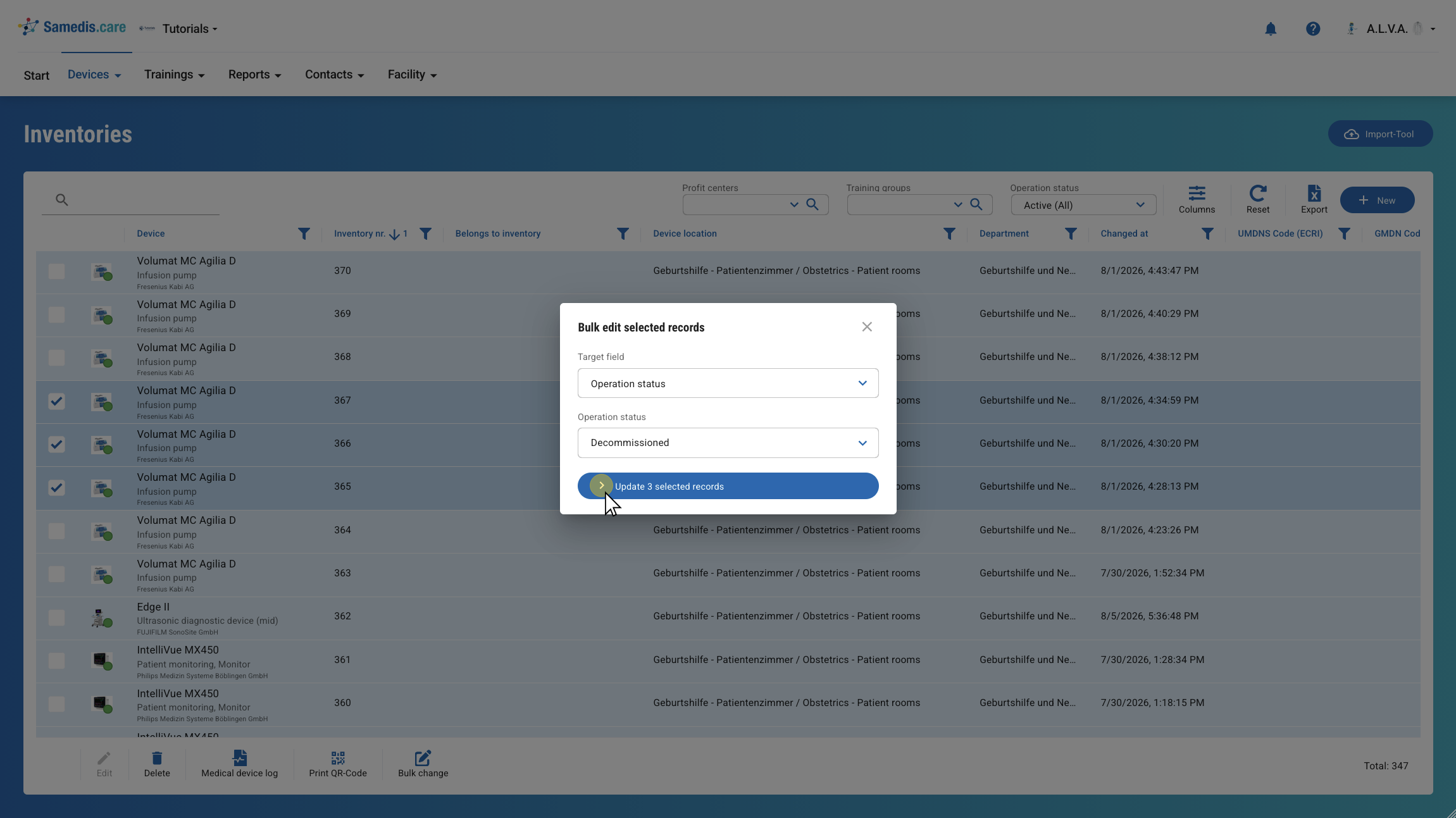
First, select the entry you want to edit.
Tip
You can only select one entry at a time for editing.
2. Edit
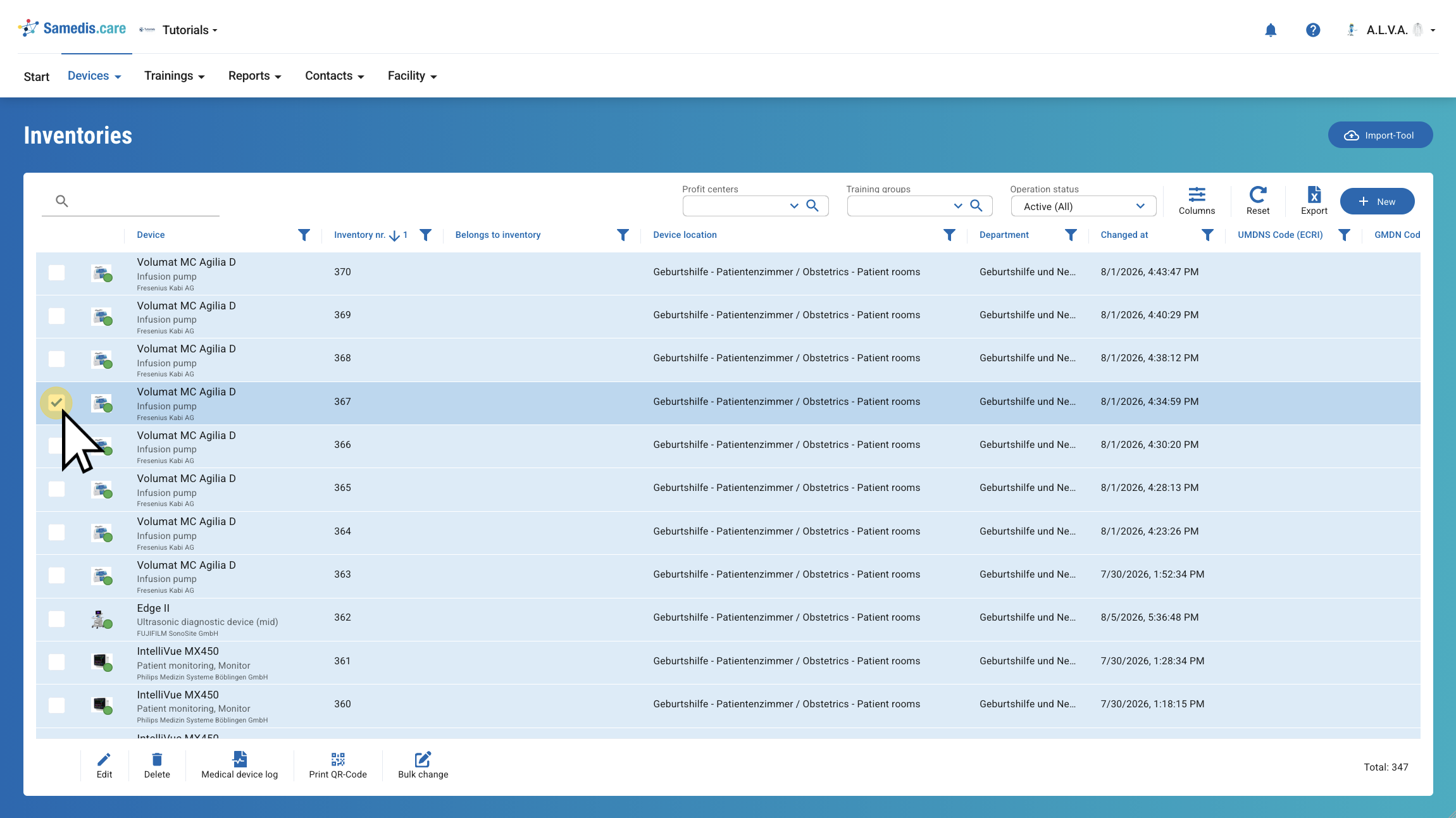
To open and edit the selected entry click on Edit or perform a double-click.
3. Bulk Changes
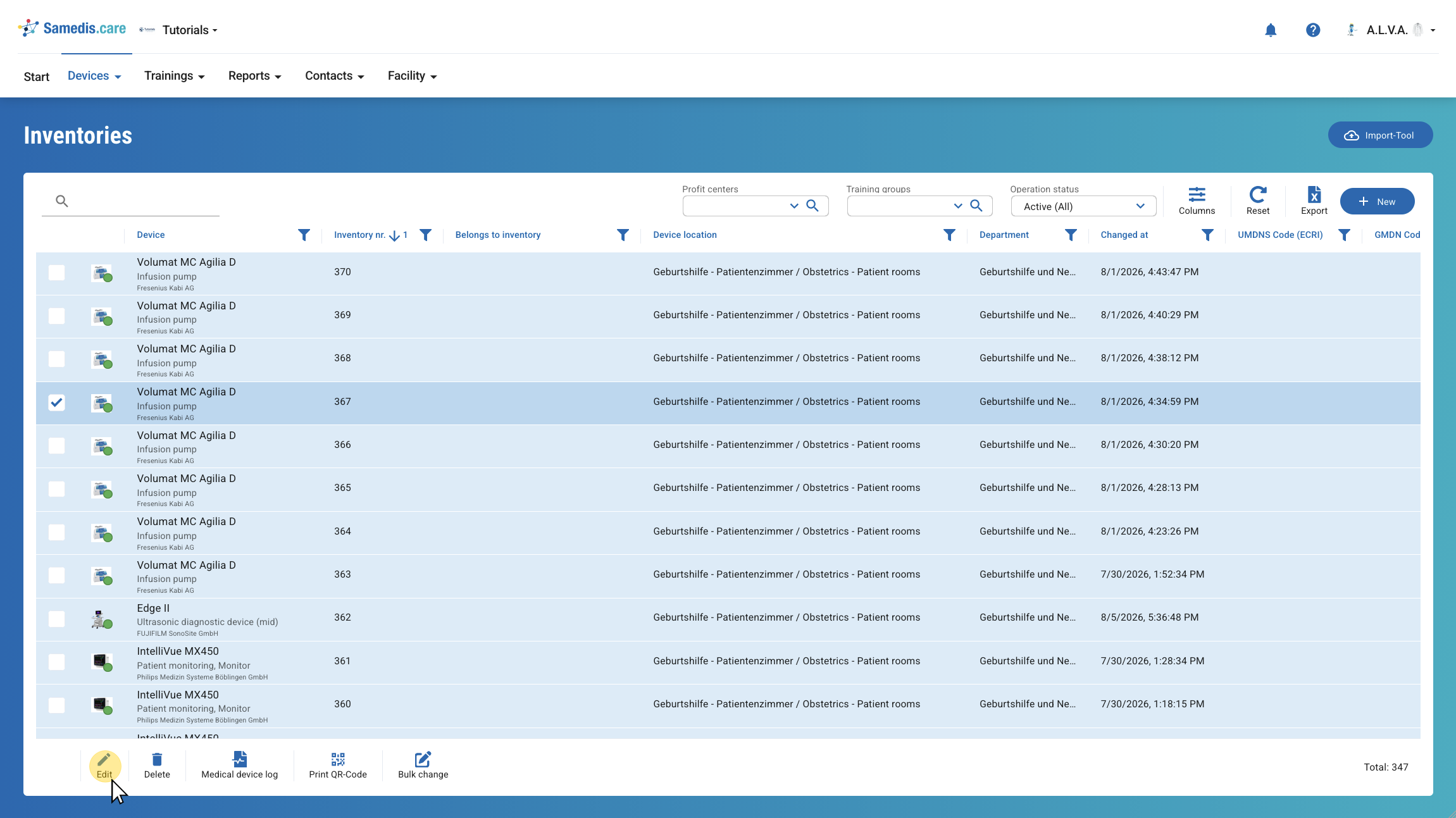
If you want to edit multiple entries at once, you can use the Bulk change feature. First, select all the entries you want to edit, then click Bulk change.
3.1. Target field
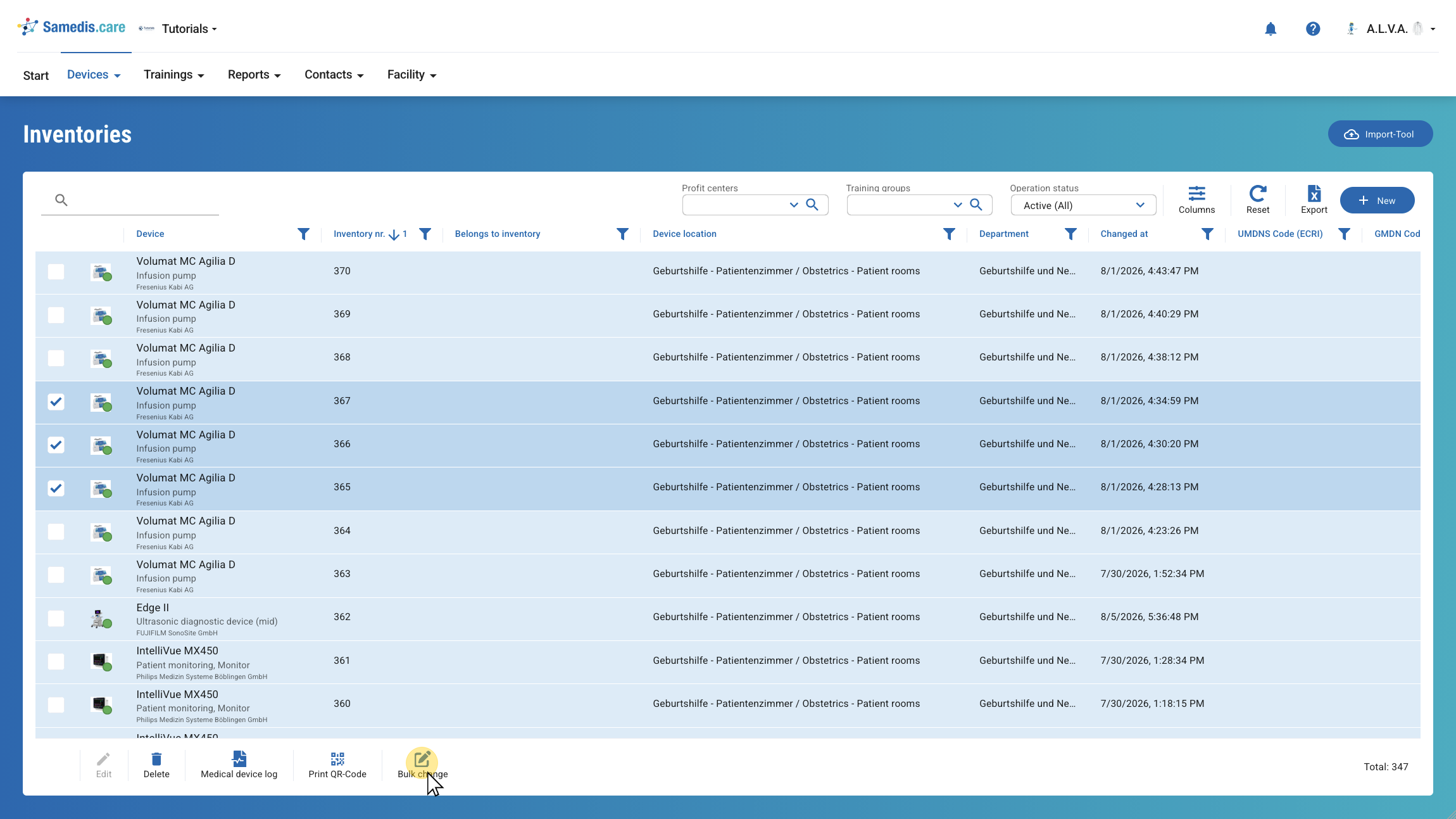
Now select the target field where you want to apply the change.
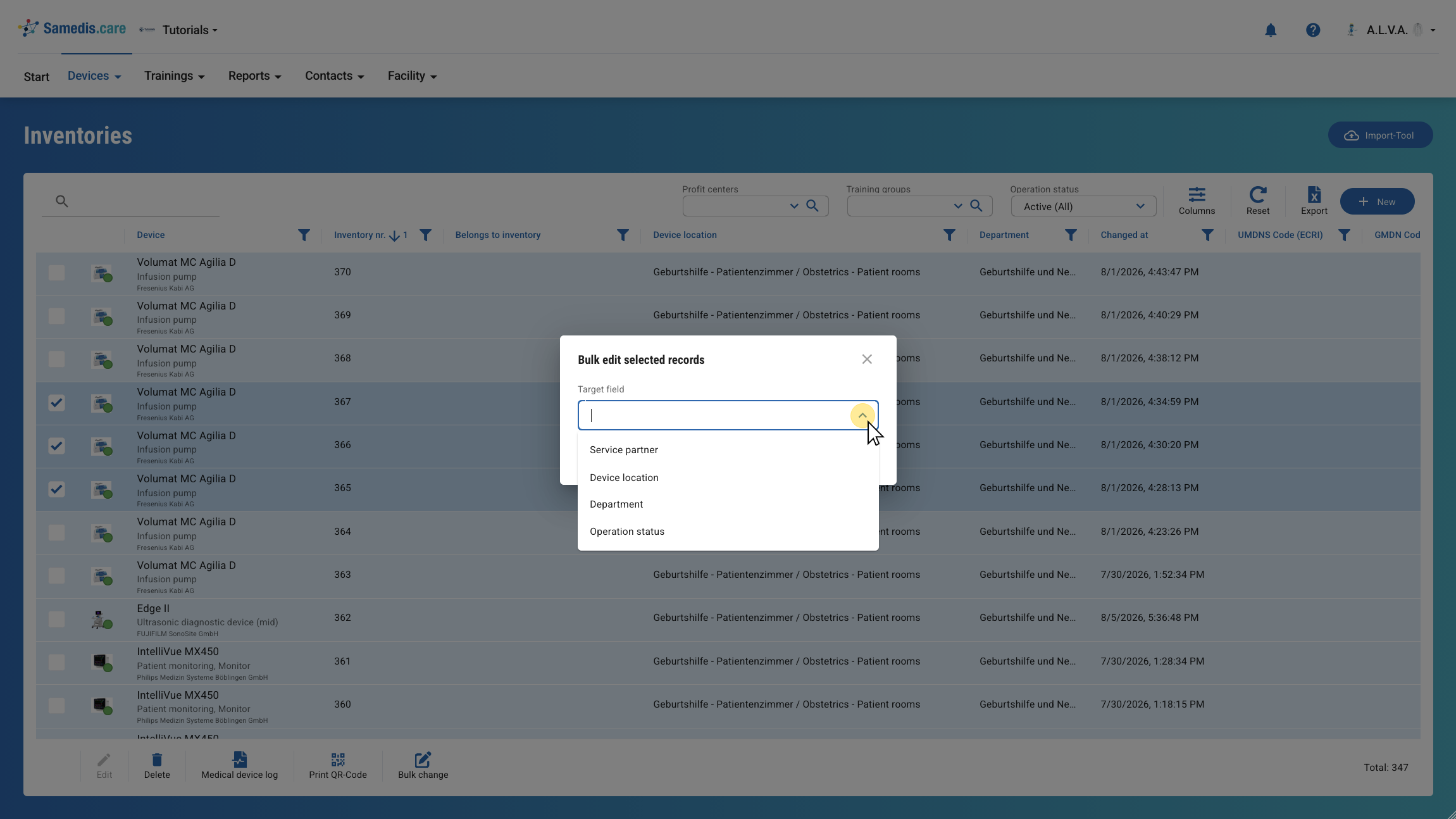
3.2. Update selected records
Depending on the selected target field, an additional selection field will be displayed. Select the desired change and then click Update selected records.