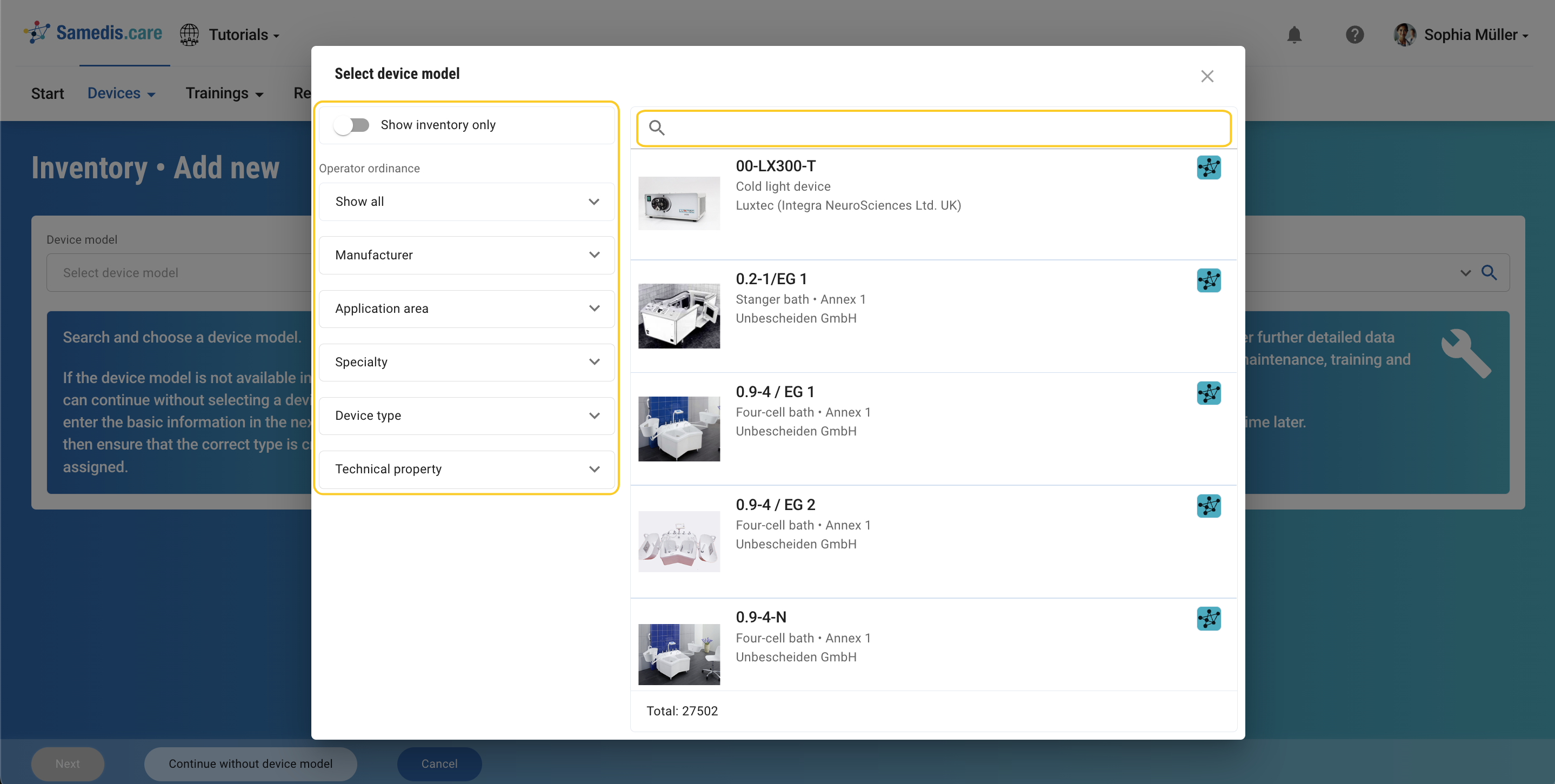
search function
In Samedis.care the search function 🔍 allows you to effortlessly find the entries you’re looking for.
1. Quick search
With the quick search, you can search the selected view for any information or entries.
Tip
Note that your input will be searched across all columns and information, which may result in the displayed search results being more comprehensive than expected.
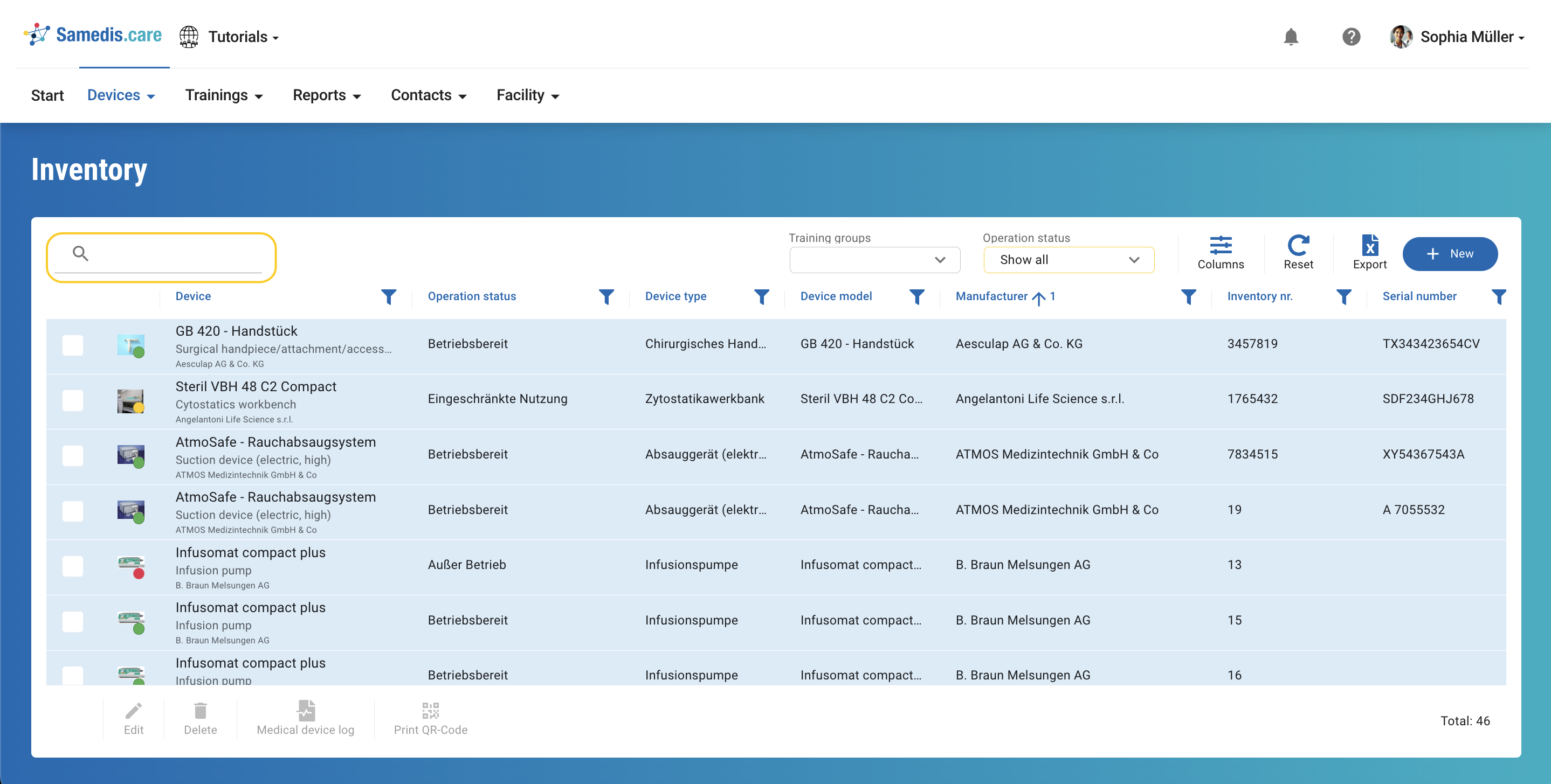
2. Advanced search
By clicking on the magnifying glass icon 🔍 located to the right of a selection field you can access the advanced search. In the dialog window you can refine your search using keywords and filters.