Next steps
After creating your account and setting up your facility, it’s time to bring it to life.
In just 5 steps, we’ll explain what you need to do to make device and training management in your facility simple, digital, and legally compliant.
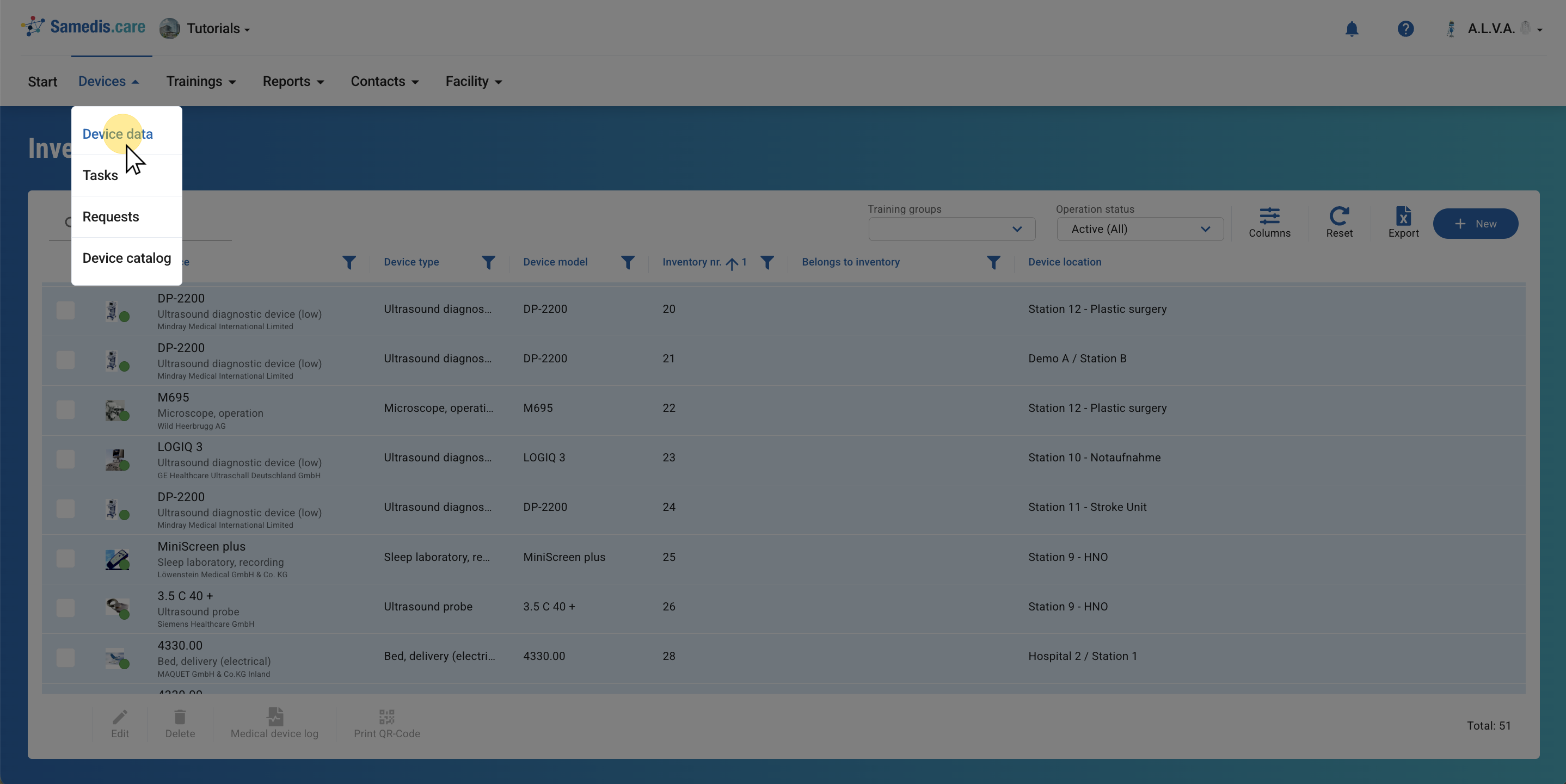
1. Record devices
First, record all medical devices in your facility.
For more information on adding new devices, refer to the Create new device tutorial.
Tip
You have the option to assign locations and/or departments within your facility to your devices. Everything you need for this can be found in the tutorials Manage device locations and Manage departments.
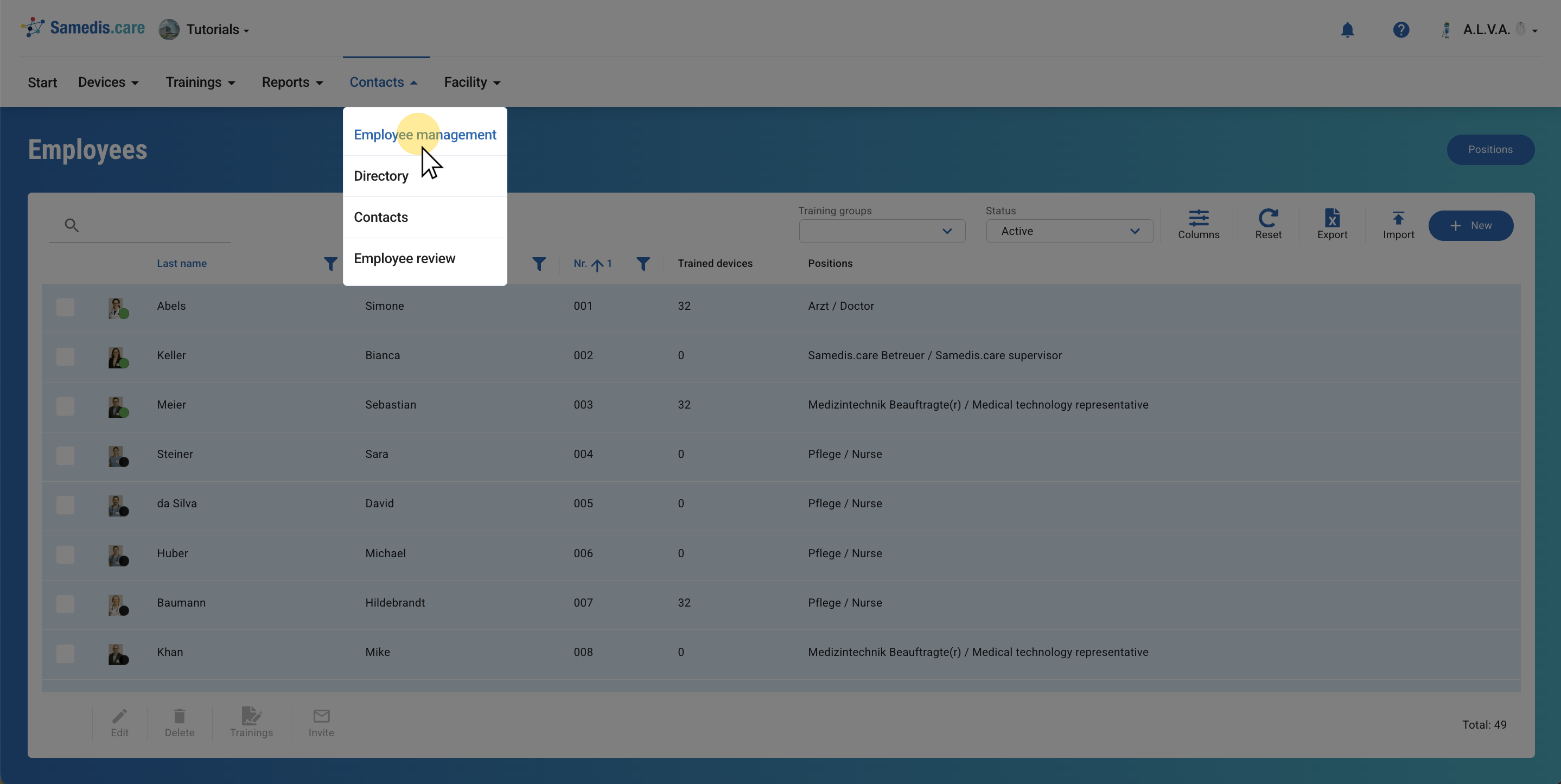
2. Create employees
Enter all employees into Samedis.care.
Refer to the tutorials Add new employee or Import employee list for further instructions.
Tip
You can edit your entries at any time later. However, make sure you have entered the name, employee number, start date and email address so that you can work with these entries smoothly in the next steps.
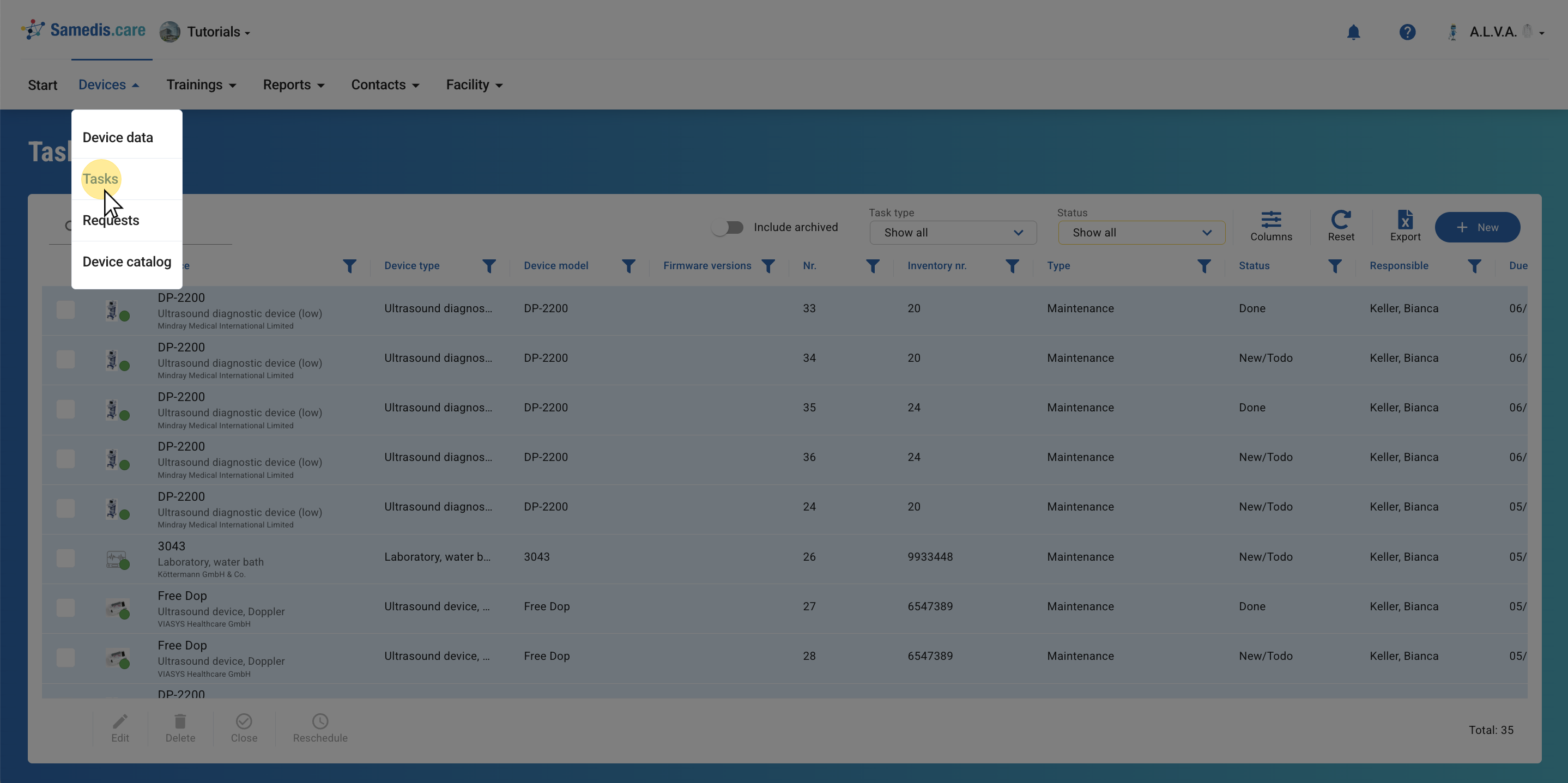
3. Plan tasks
Schedule tasks accordingly for various actions of your devices, such as maintenance, inspections and examinations.
Learn more in the tutorial Add new task.
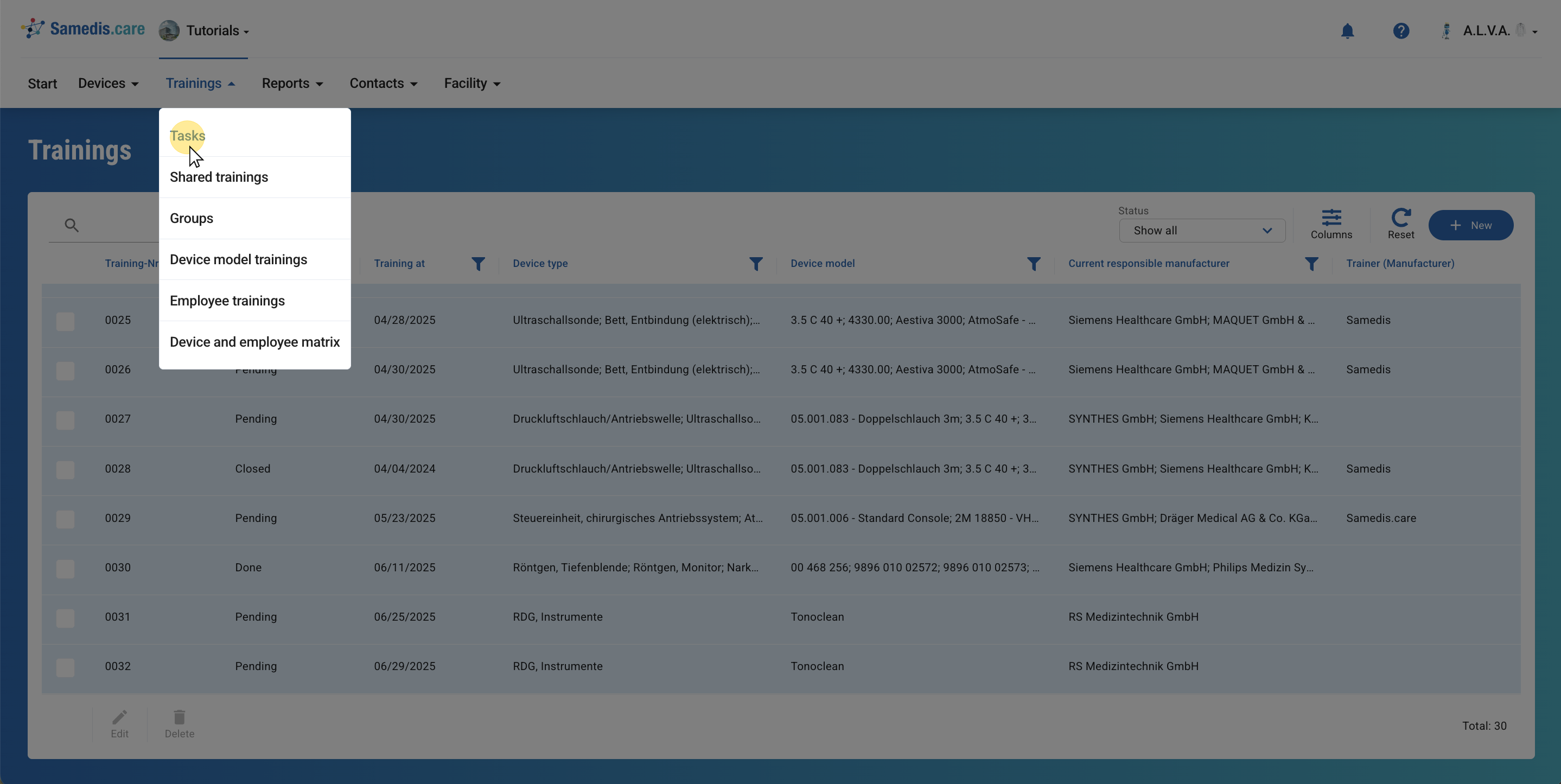
4. Document trainings
Document all existing or upcoming trainings within your facility.
Learn how to do this in detail in our Document training tutorial.
Tip
Utilize groups when many of your employees require the same trainings or instructions. In the “Create training group” tutorial, we show you how to set up groups and save time when using Samedis.care.
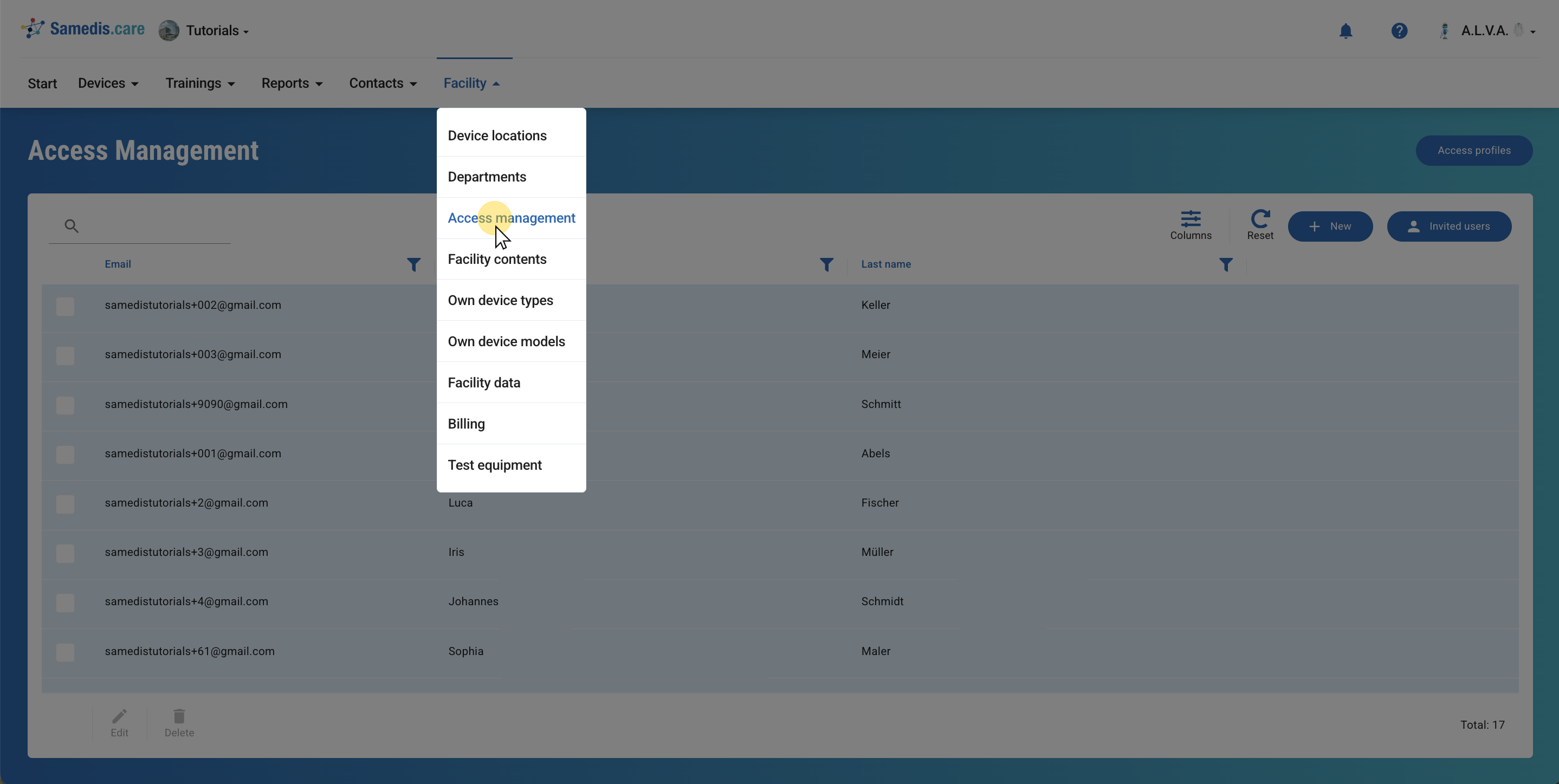
5. Authorize individuals
In Samedis.care you can authorize both internal and external individuals (such as device coordinators, station managers, employees, service partners, etc.) to collaborate. Through the Access management, you have the ability to invite employees or contacts directly.
Tip
Additional information on authorizing individuals can be found in the tutorial Invite & set access rights.