Received an invitation?
In this tutorial, we’ll take a look at how to accept an invitation to an existing Samedis.care facility and how to join it.
1. Accept invitation
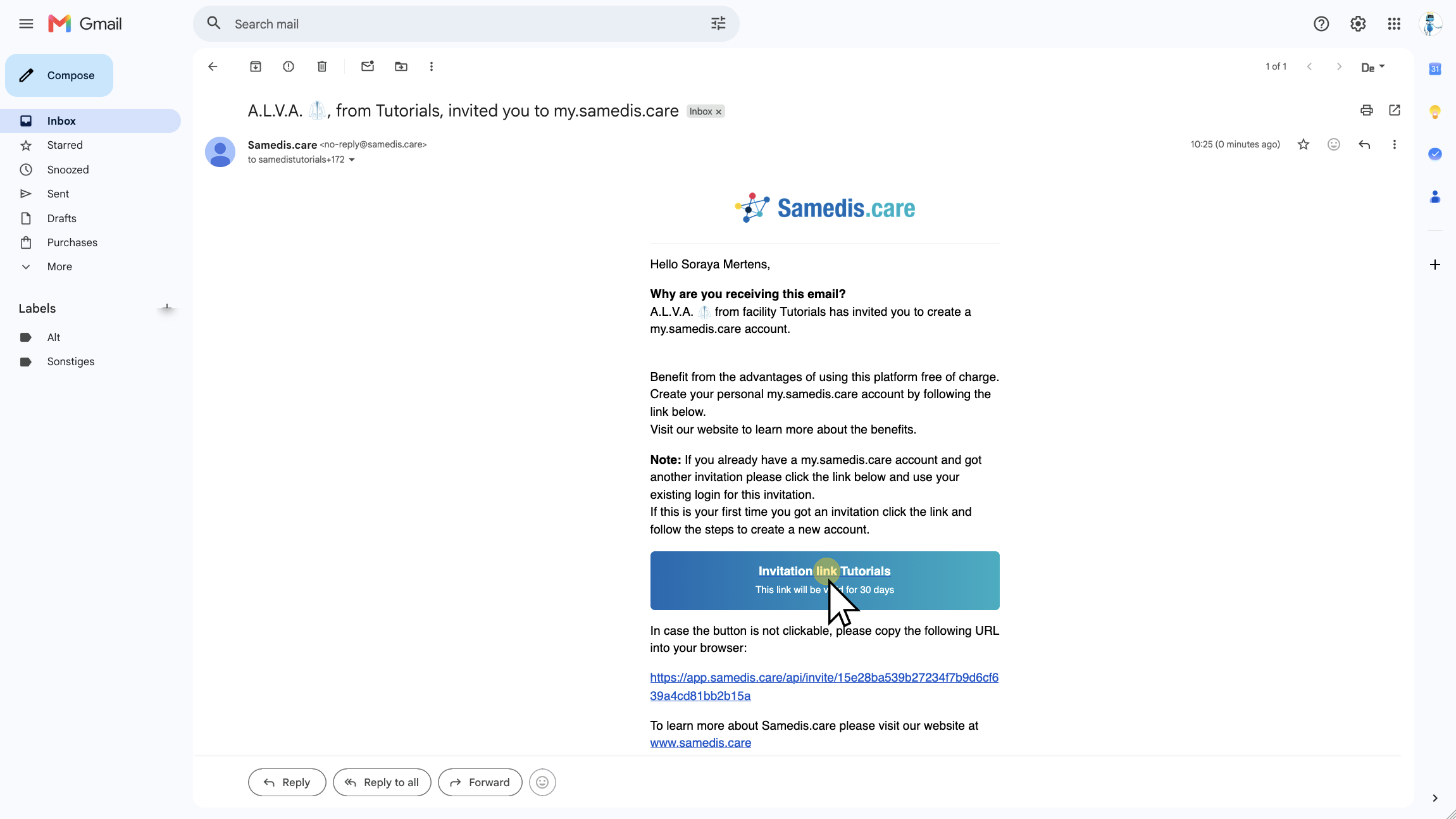
To accept your invitation, open the email and click the invitation link.
2. Sign in
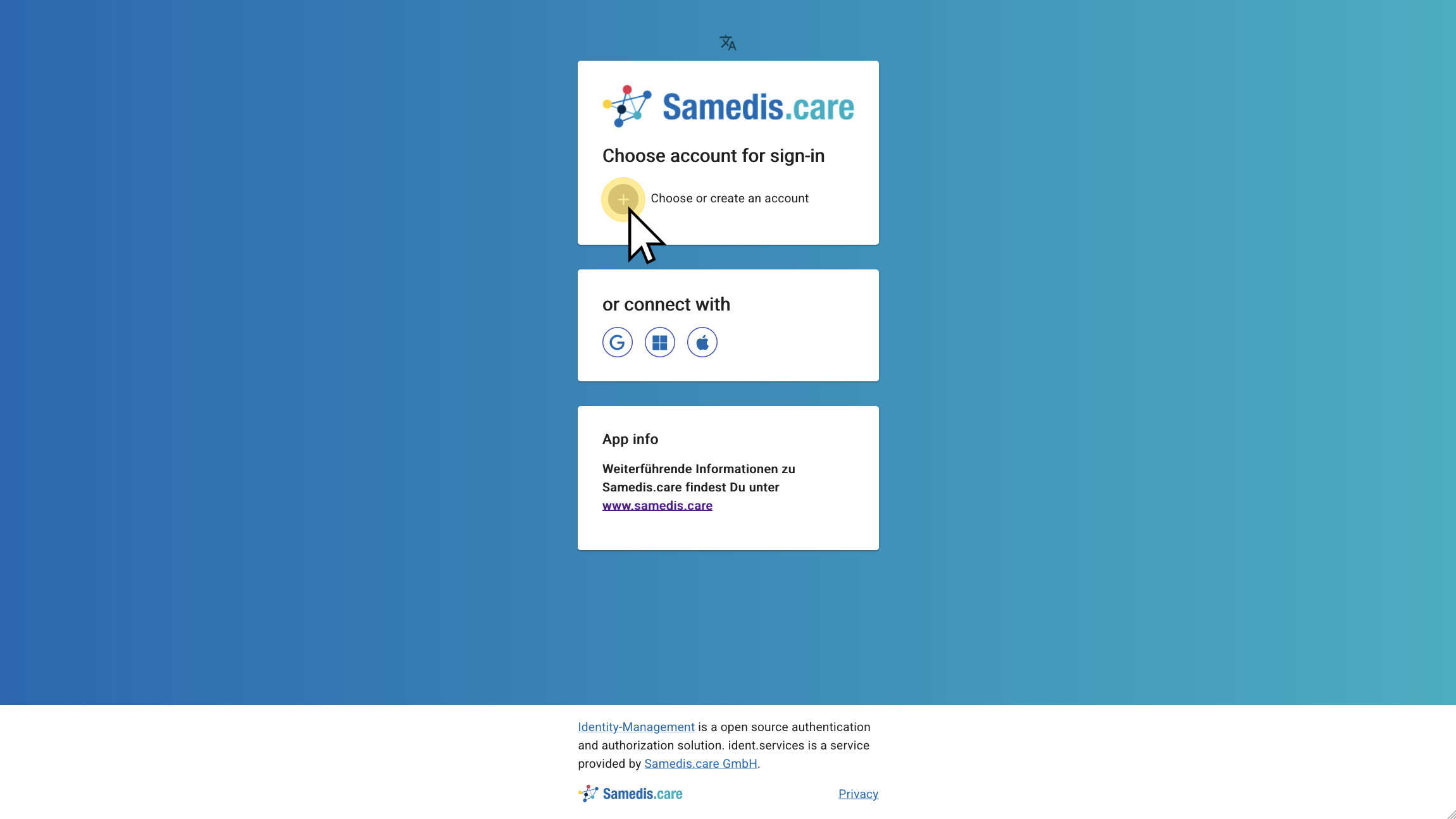
Next, click on Choose or create an account and sign in with your existing Samedis.care account. If you don’t have an account yet, the tutorial Create account explains how to set one up.
3. Welcome to Samedis.care
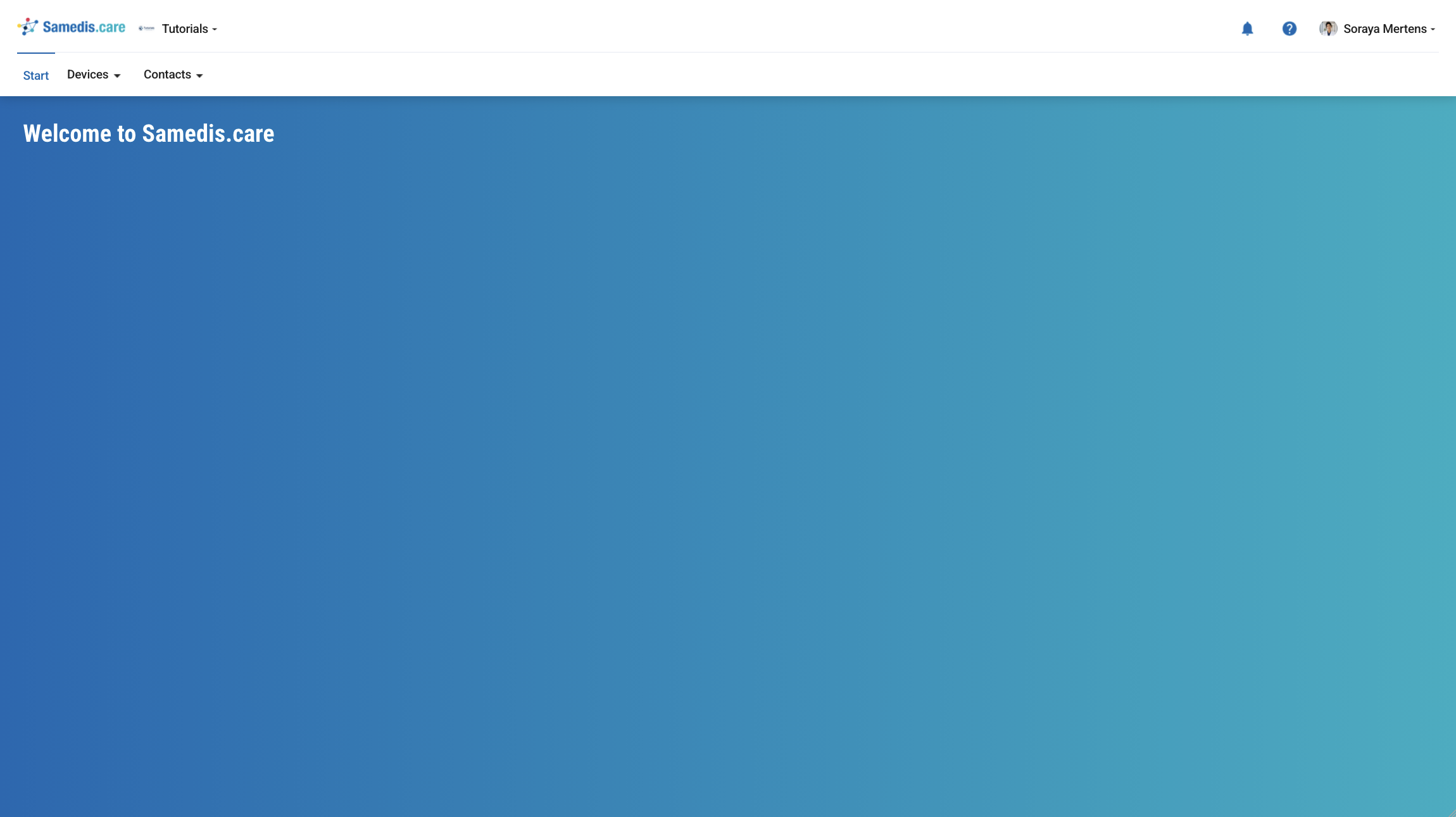
After signing in, you will be automatically redirected to the homepage of the facility that invited you.
Tip
The menu items you see depend on the access rights assigned to you in your facility.