Create account
Create your free Samedis.care account in just a few steps and get access to all features.
1. Website
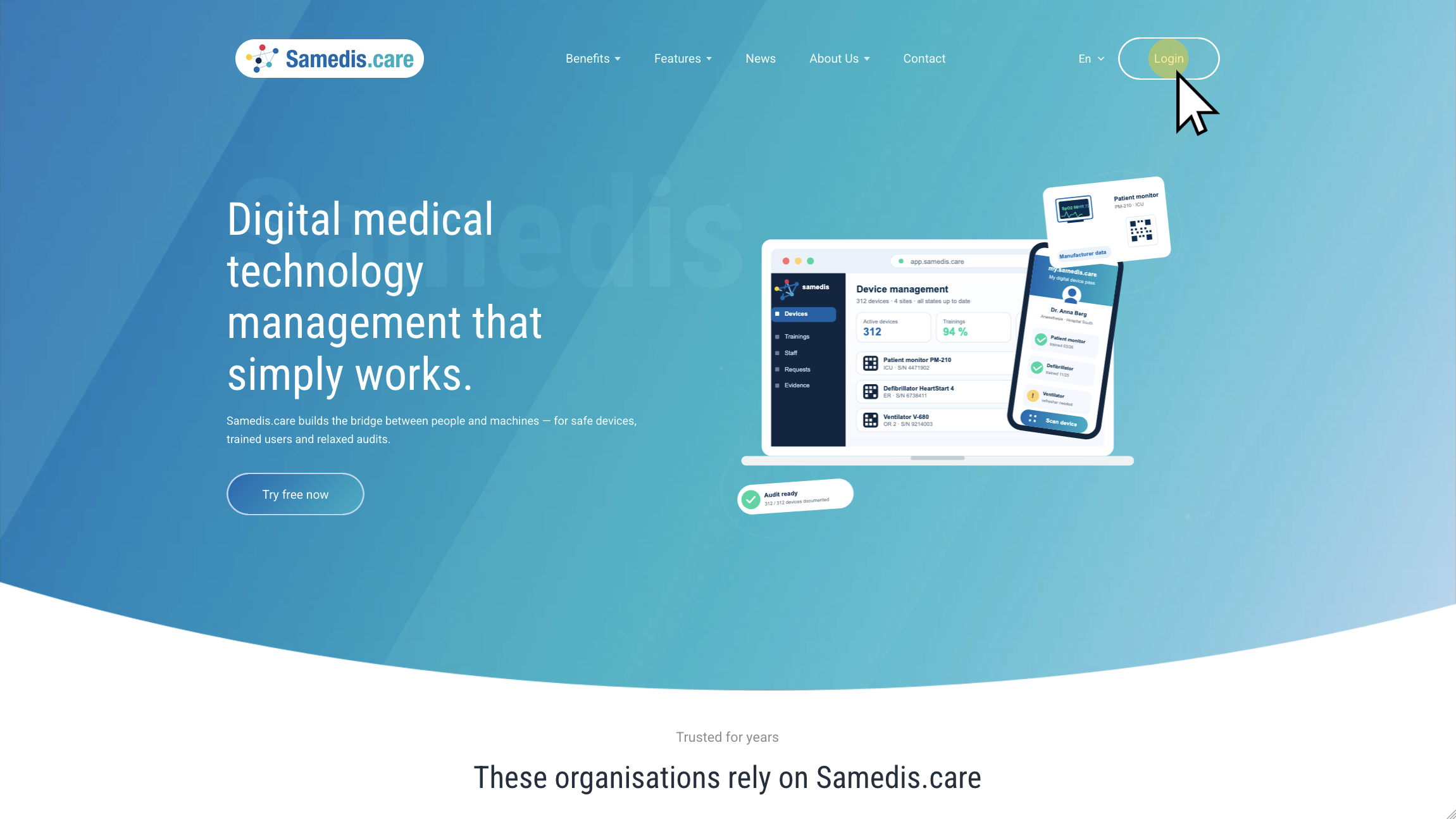
Open the Samedis.care website and click Login. Alternatively, you can access the login page directly via app.samedis.care.
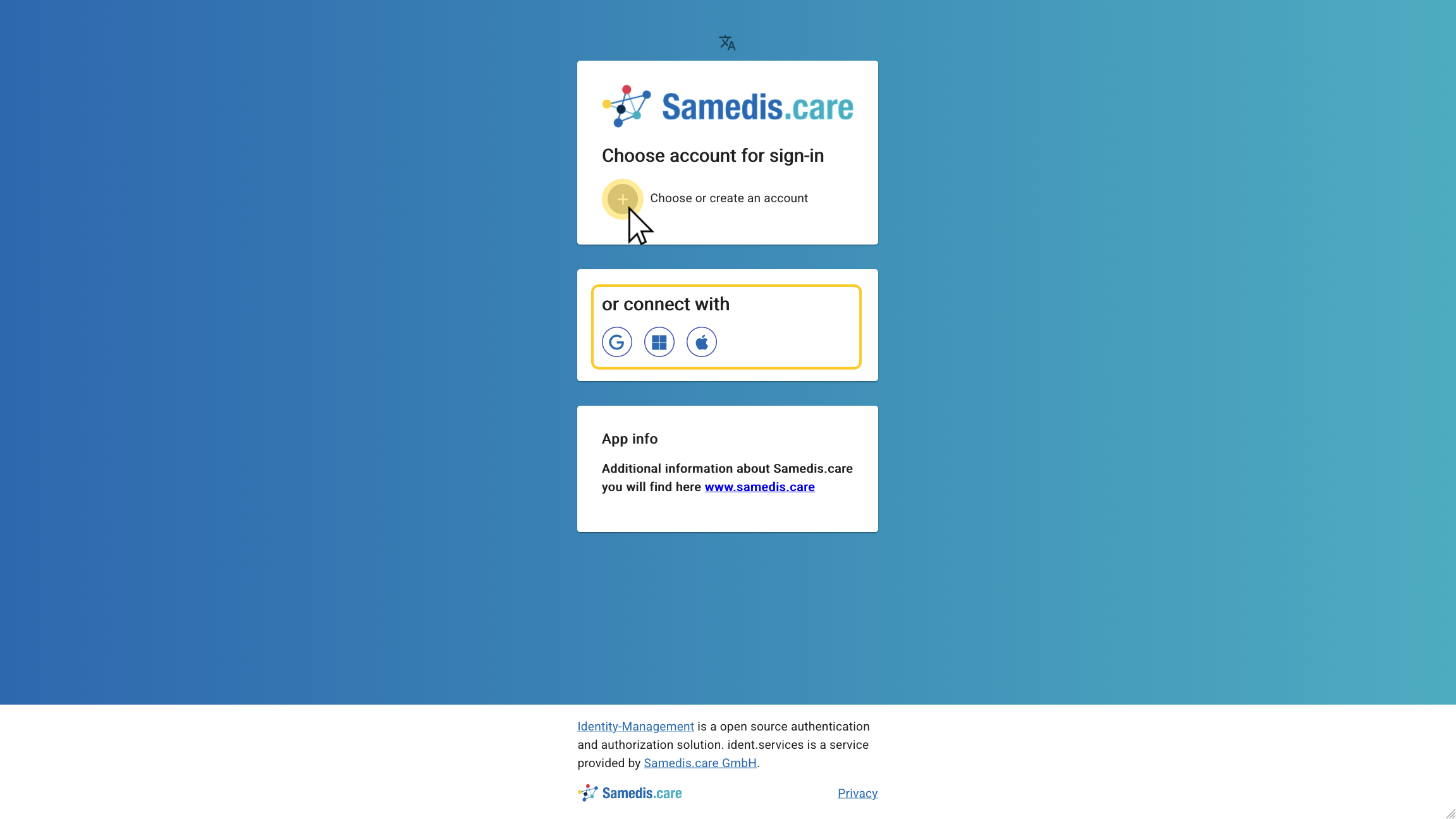
2. Choose or create an account
Click Choose or create an account to create a new account. Alternatively, you can also sign in with your Google, Microsoft, or Apple account.
Tip
If your organization uses Entra ID (formerly Azure Active Directory), you can also sign in to Samedis.care with your Microsoft 365 account. In some cases, your organization’s IT department may need to approve Samedis.care as an application for sign-in before you can use this option. If you have any questions, please contact the Samedis.care support team or your organization’s IT department.
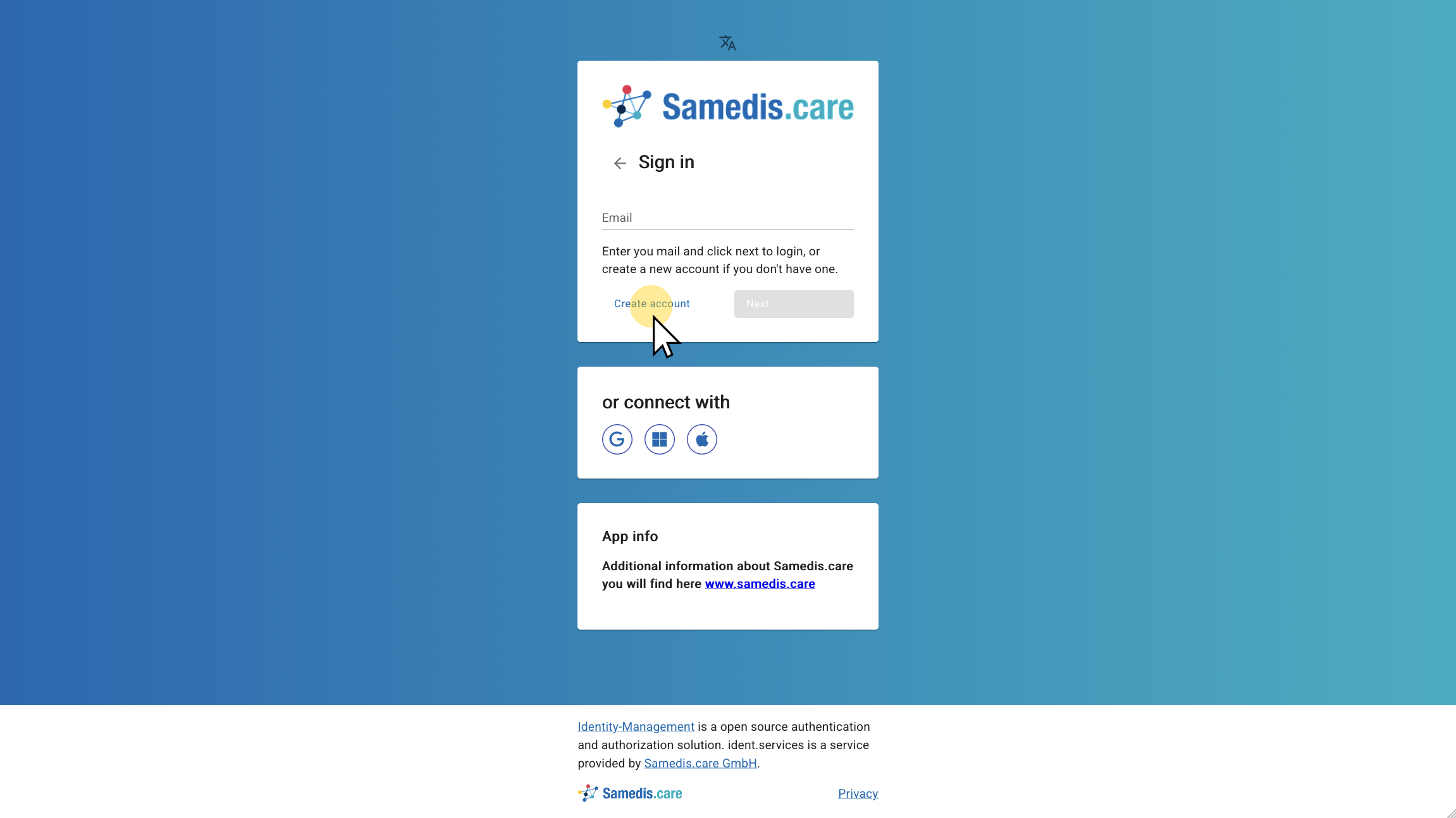
3. Create account
Next, click on Create account.
Tip
You do not need to create another account if you want to access multiple organizations. A single account is sufficient.
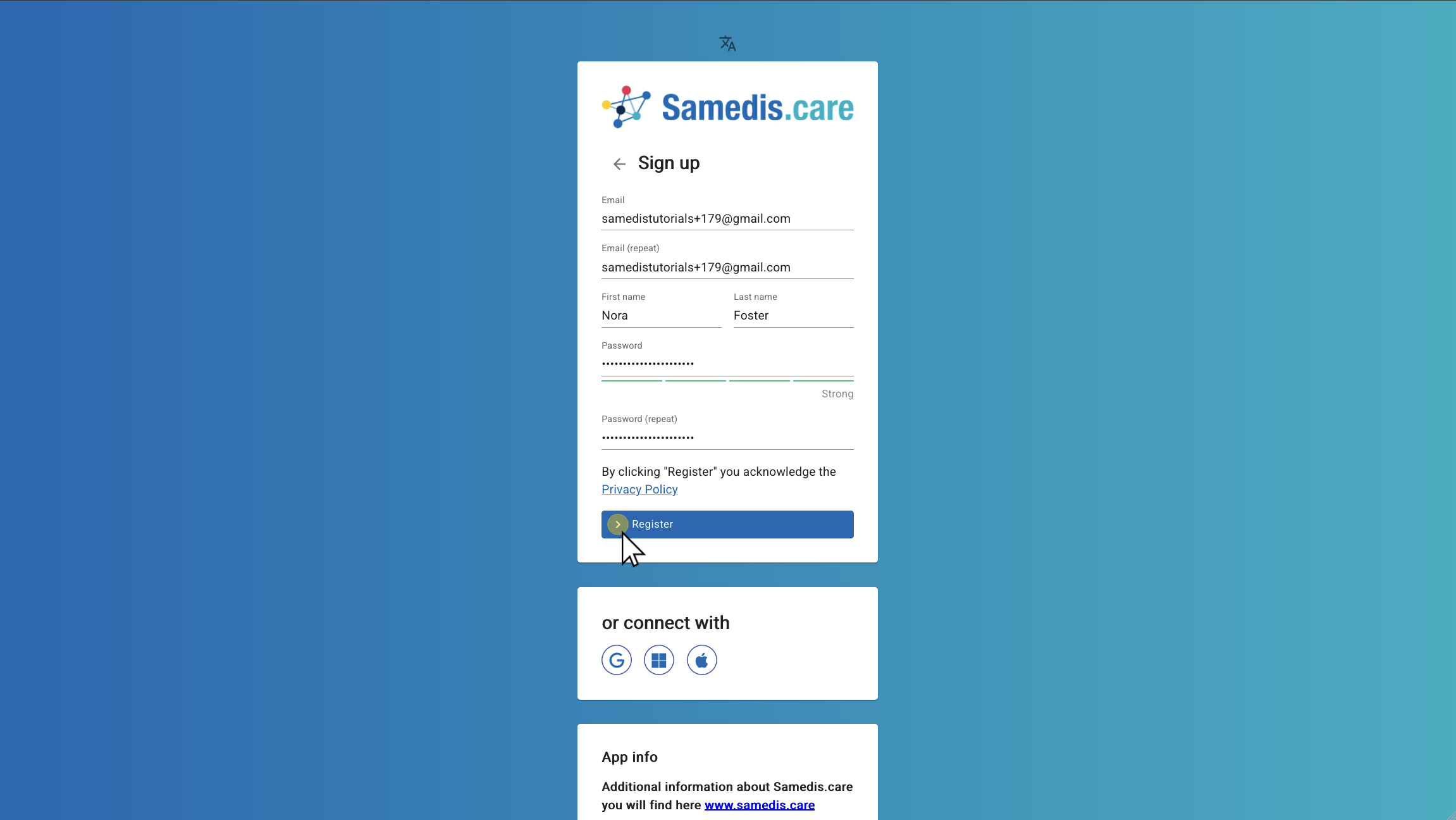
4. Register
Enter your email address, first and last name and create a password for your account.
Then click Register.
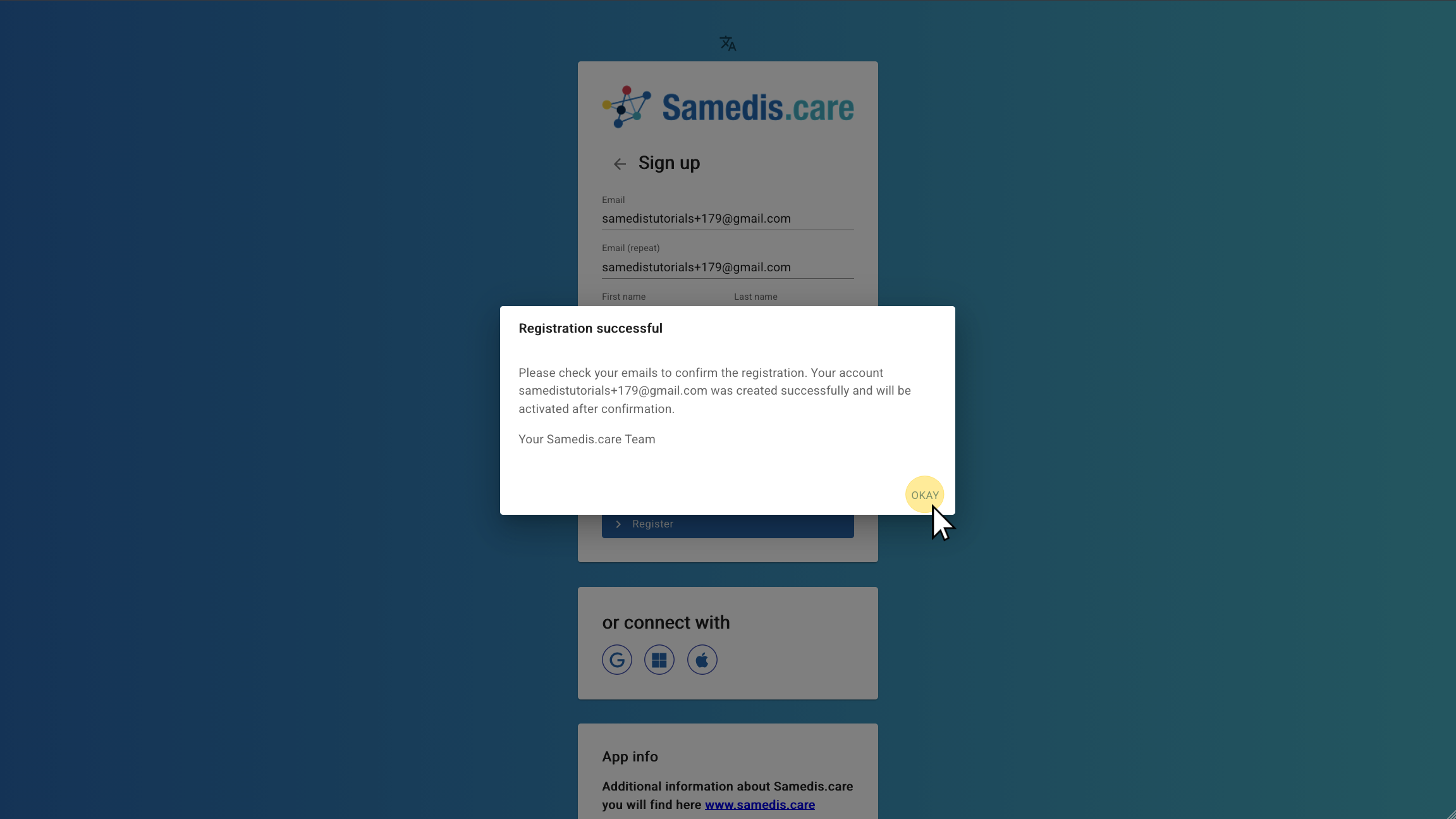
5. Registration successful
You will now receive an email to confirm your registration. Open your email inbox to continue.
Tip
If you don’t receive an email, please check your spam or junk mail folder.
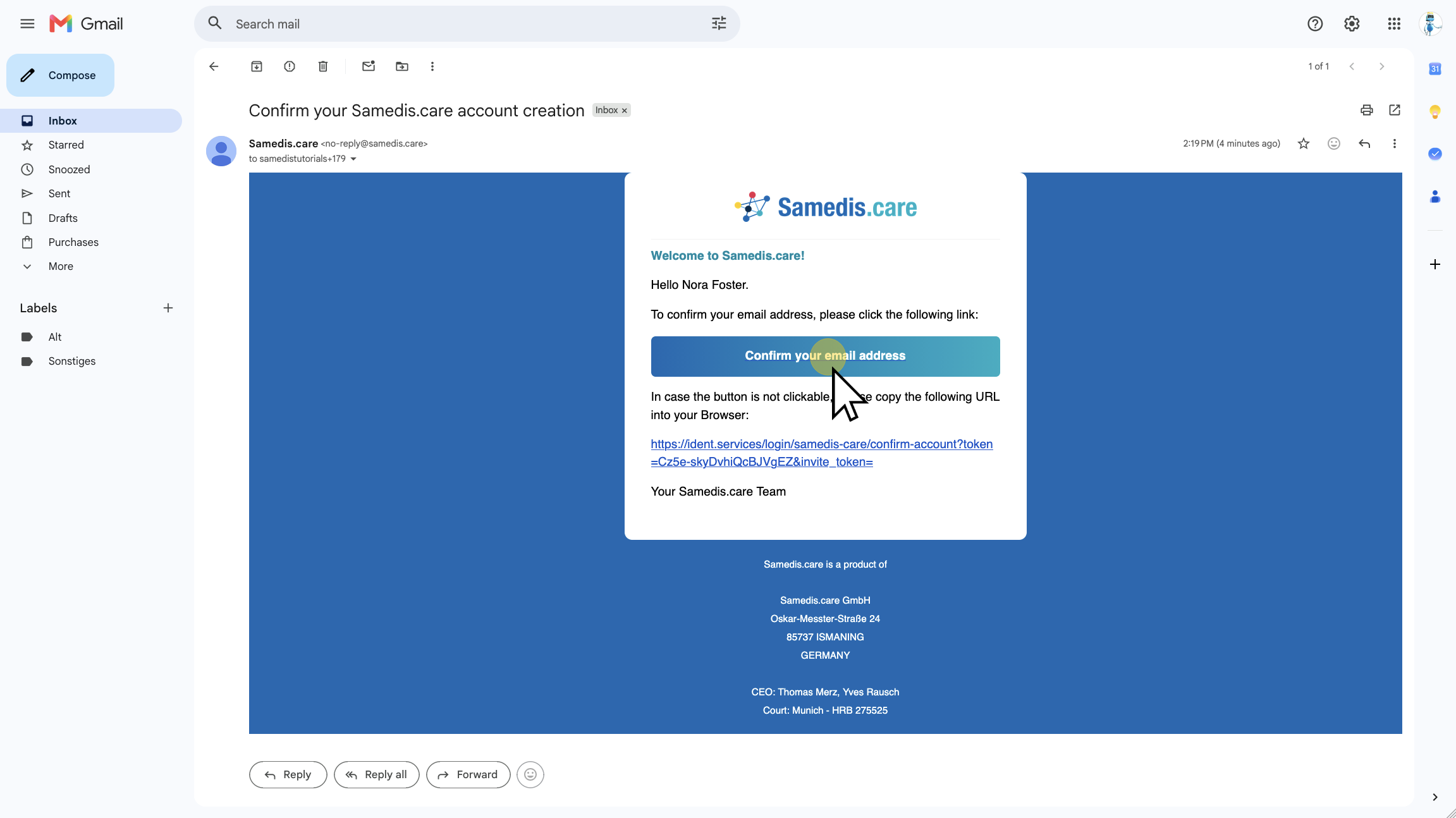
6. Confirm your email address
Now click Confirm your email address.
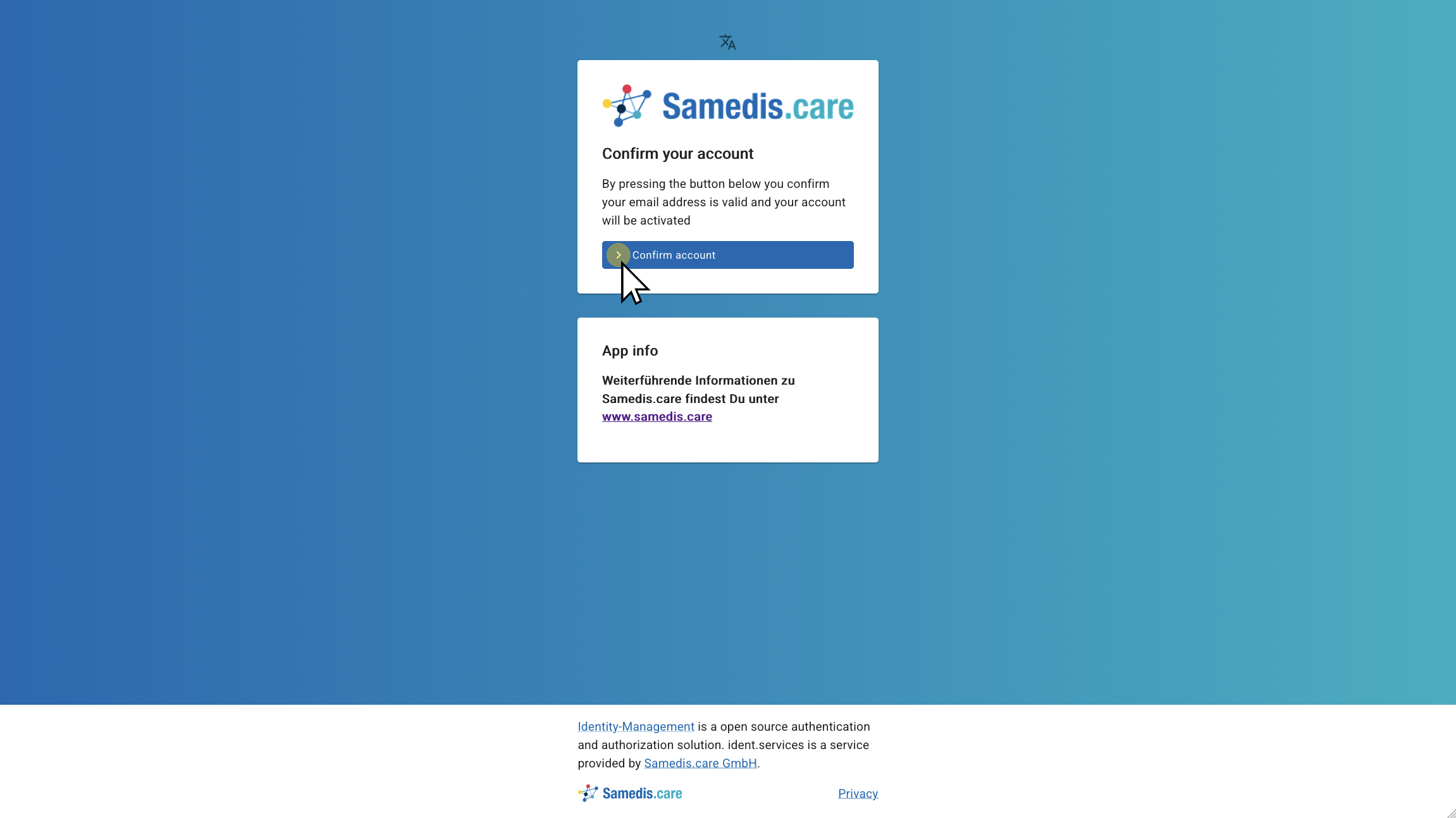
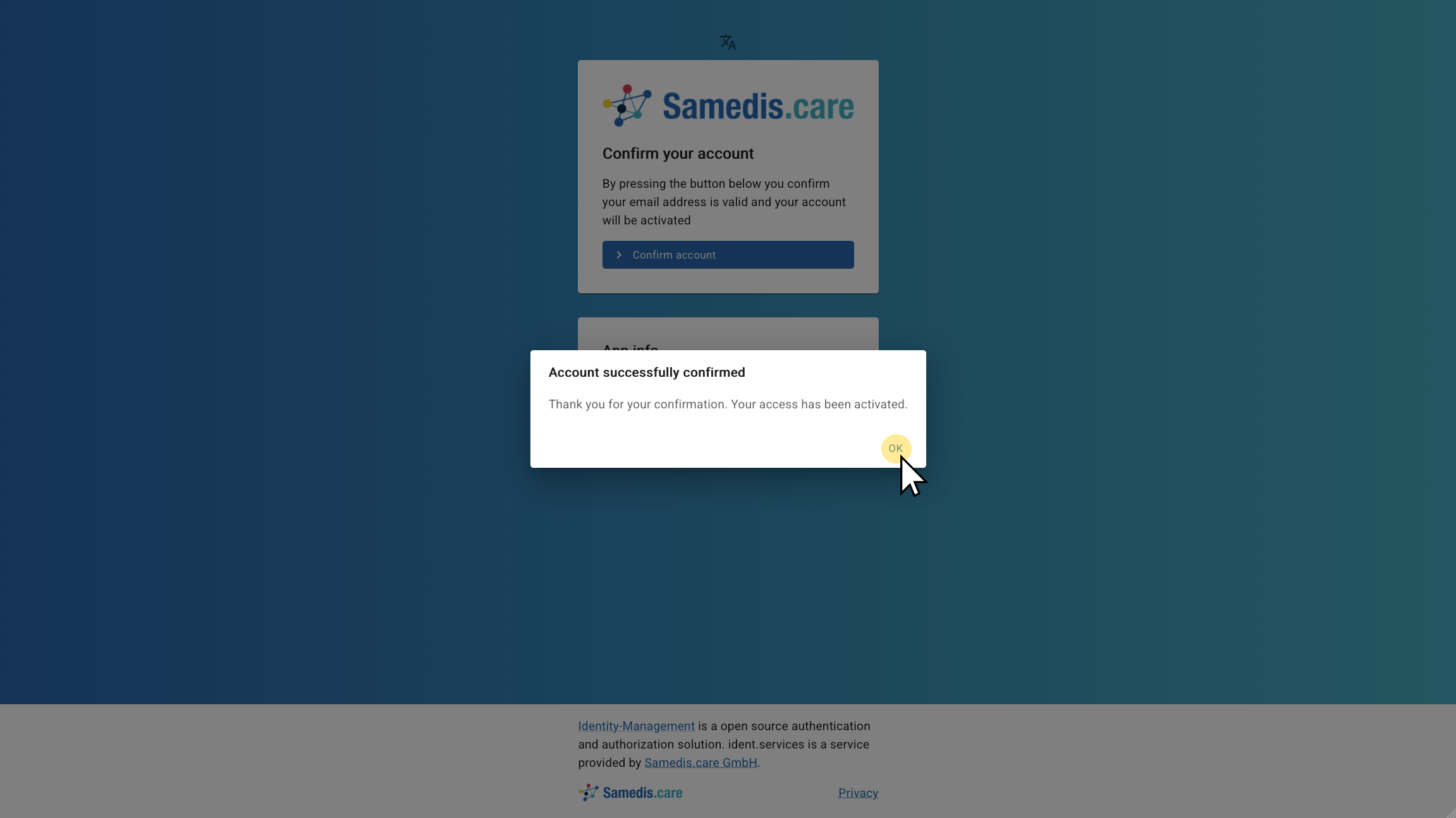
7. Confirm account
In the next step, a new page will open. Click Confirm account to complete your registration.
8. Account successfully confirmed
Your account has been successfully verified. You can now return to the login page.
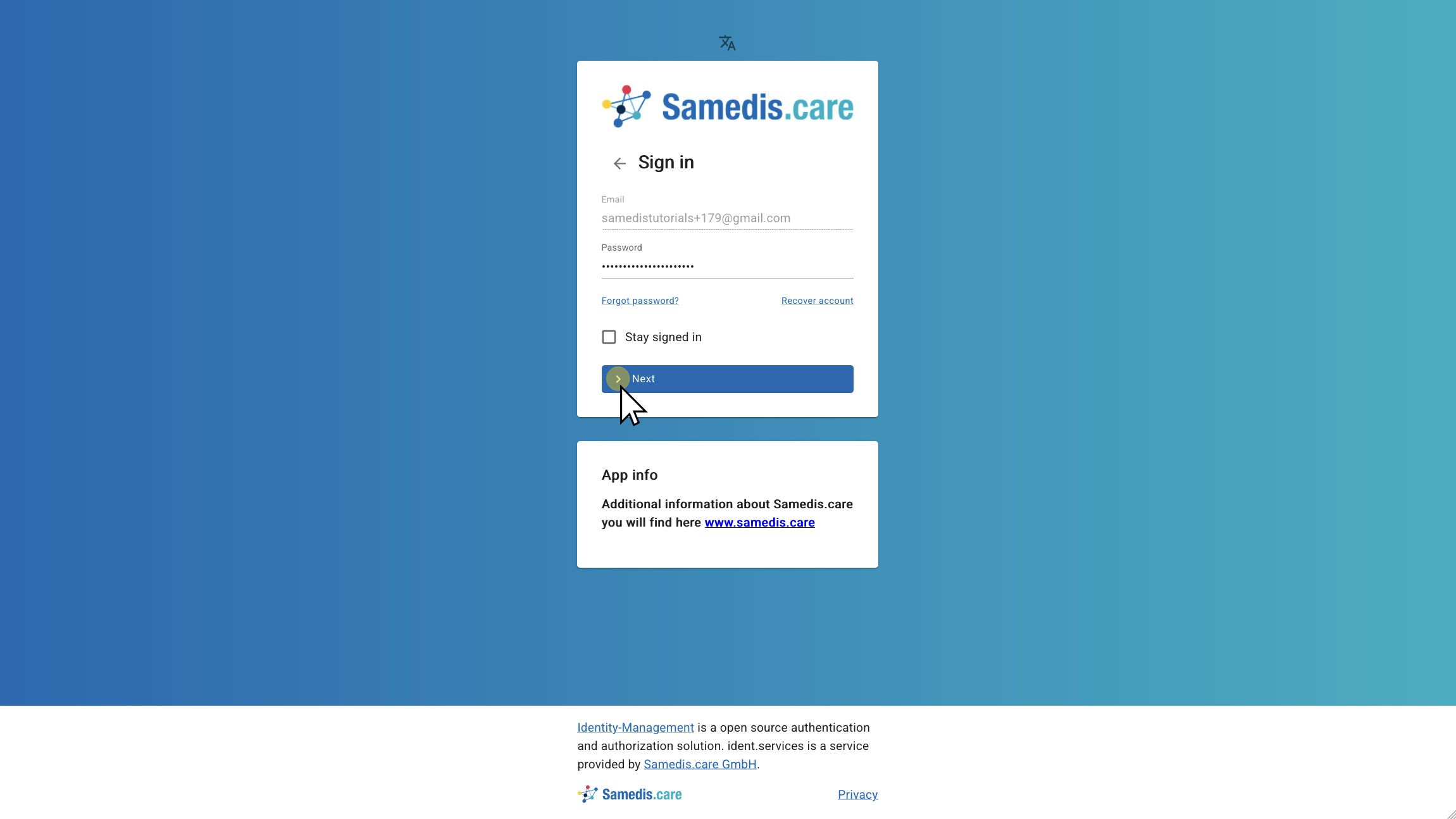
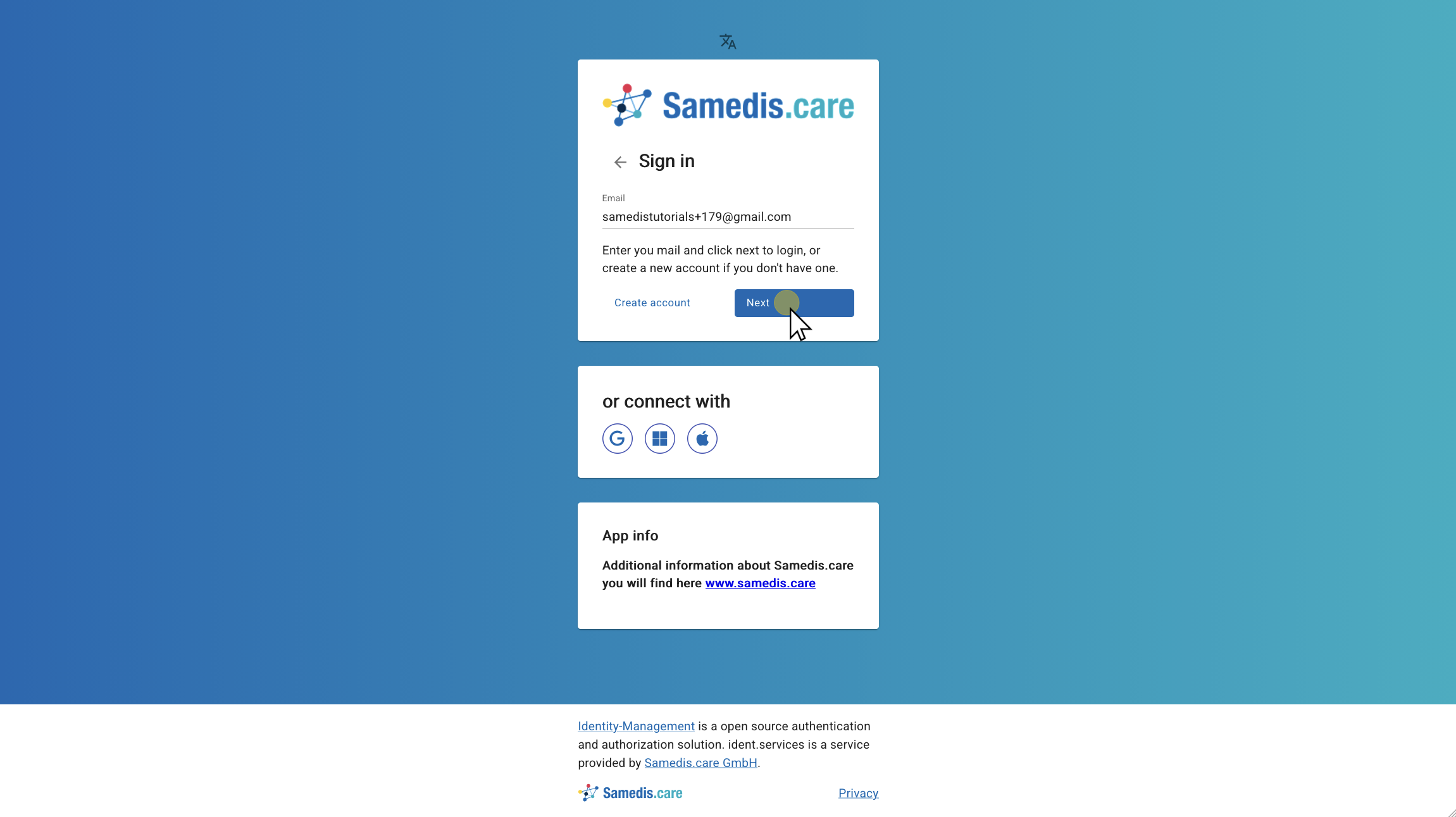
9. Sign in
Enter your email address there and click Next.
10. Enter password
Enter your password now and click Next to log in.
Warning
If you activate Stay signed in, you won’t need to sign in again next time.
However, only use this feature on your personal devices to prevent anyone else from accessing your account.