Create account
Create a free Samedis.care account in just a few steps to access all the features of Samedis.care.
1. Website
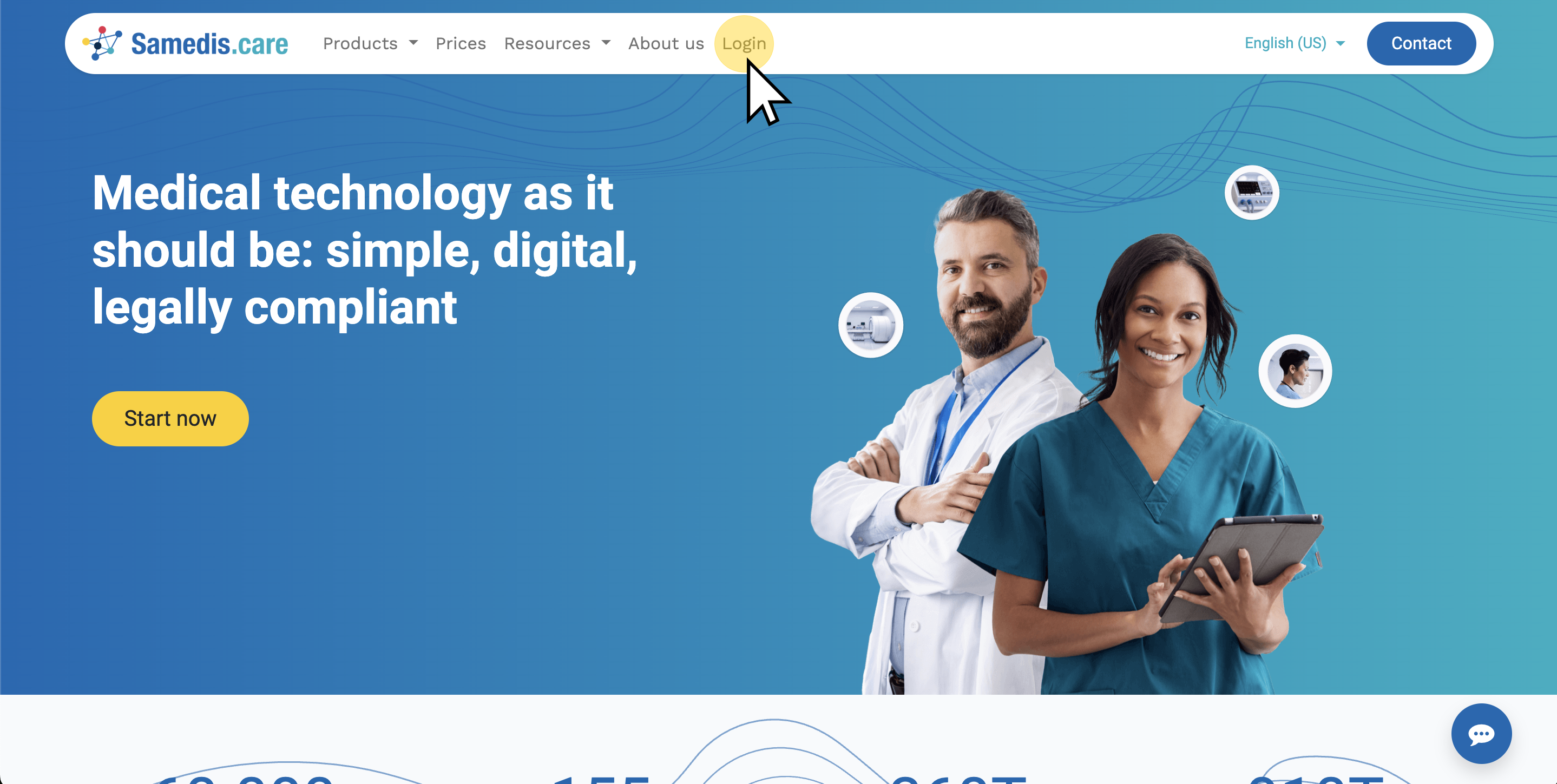
Open our website and click on Login to go to https://app.samedis.care.
2. Create new account
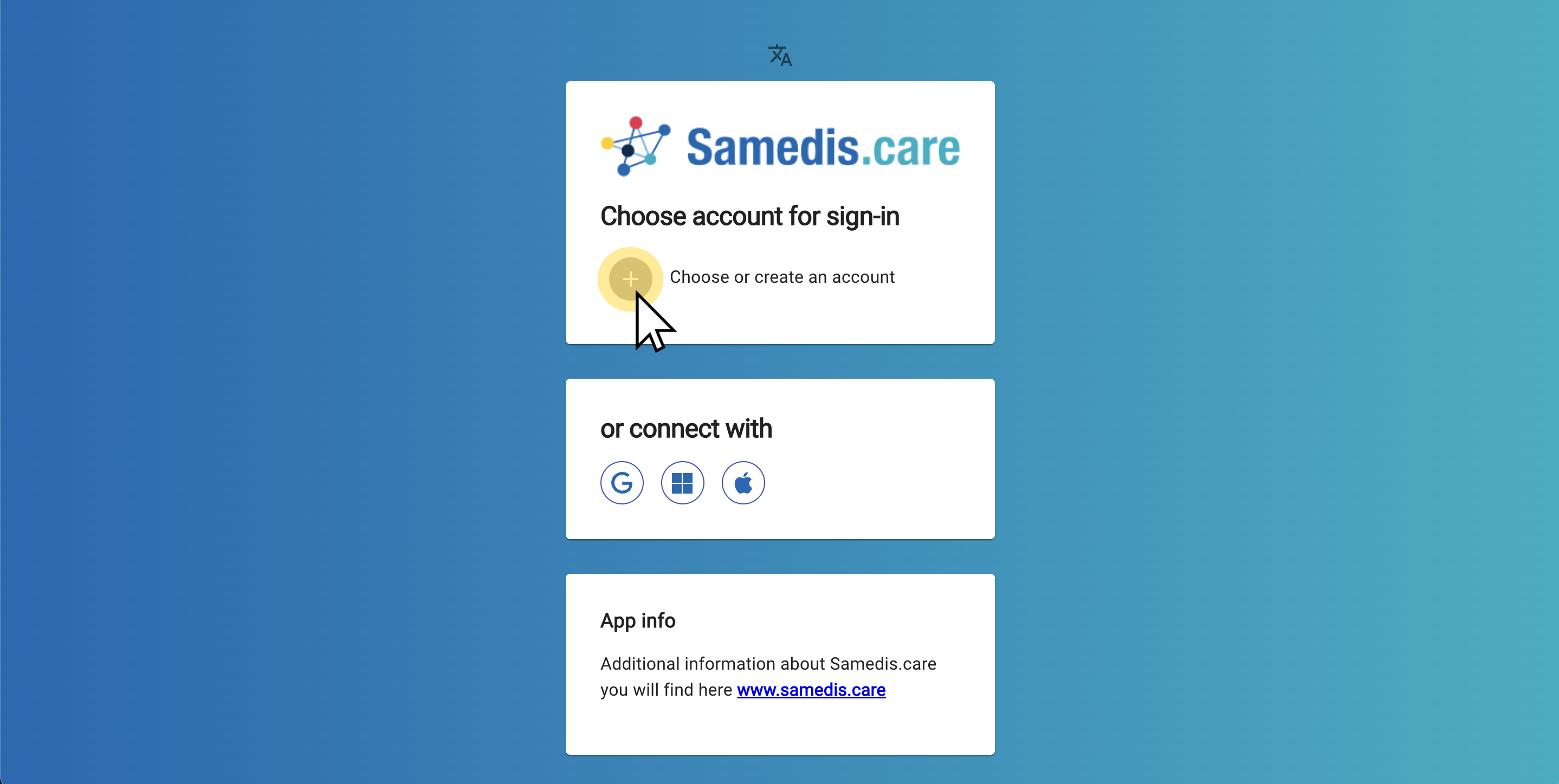
Click on Choose or create an account to create your own account.
Alternatively, you can also sign in using Gmail, Microsoft 365, or Apple Login.
Tip
You only need one account, even if you want to access multiple facilities in Samedis.care.
3. Enter email address
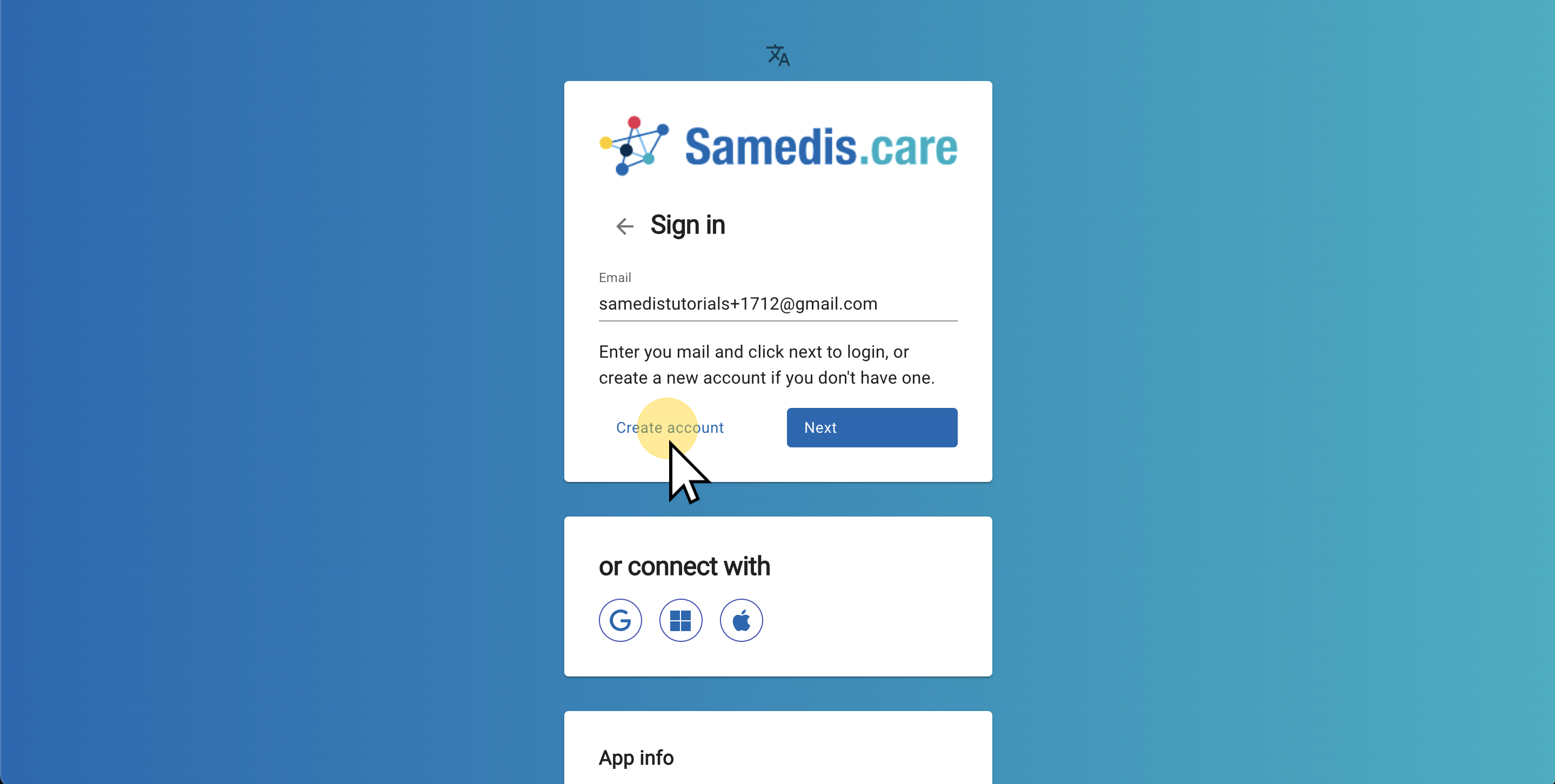
Enter your email address and click on Create account.
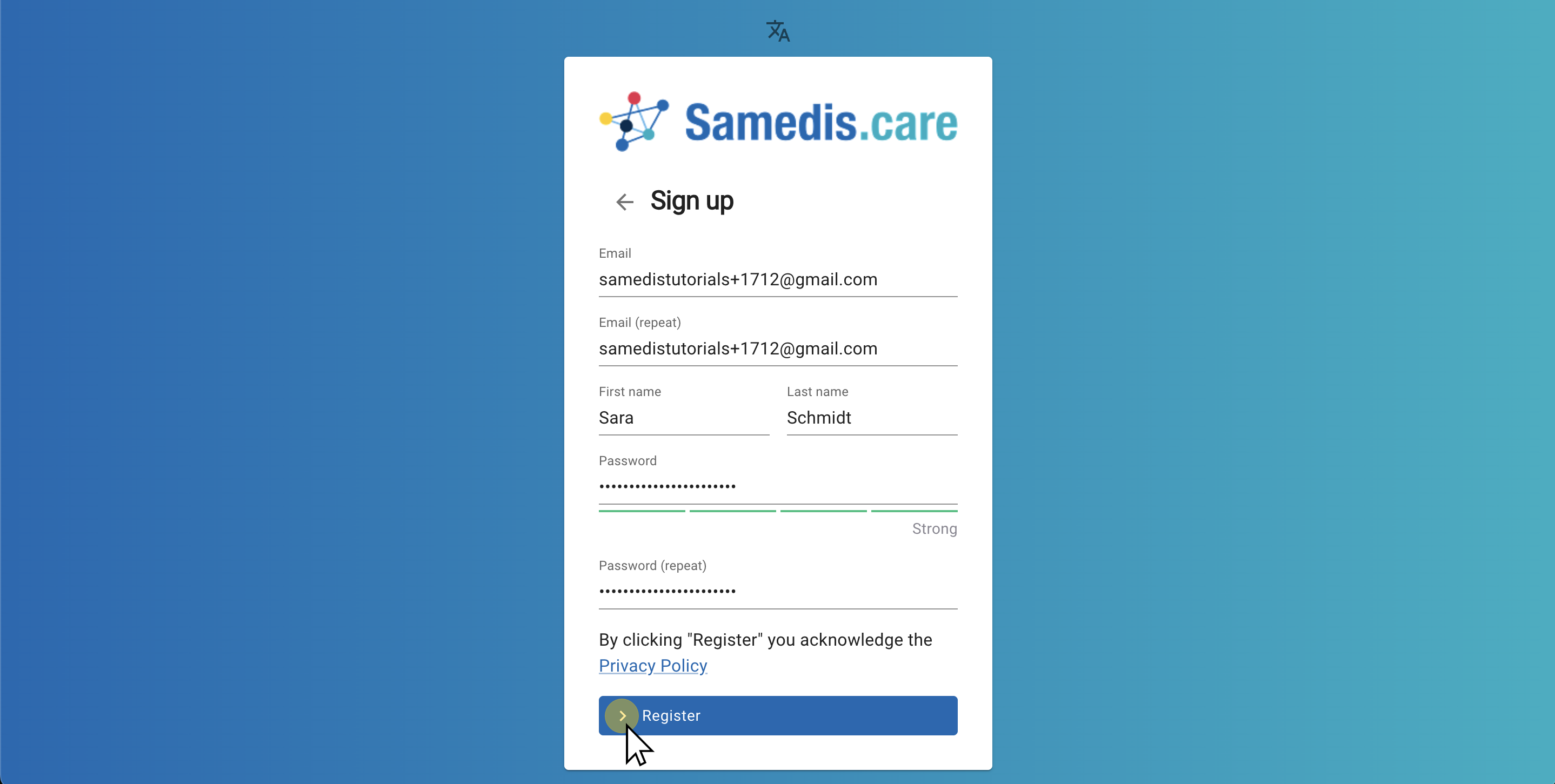
4. Register
Now fill in all the fields and choose a password.
Then click on Register.
5. Confirm account
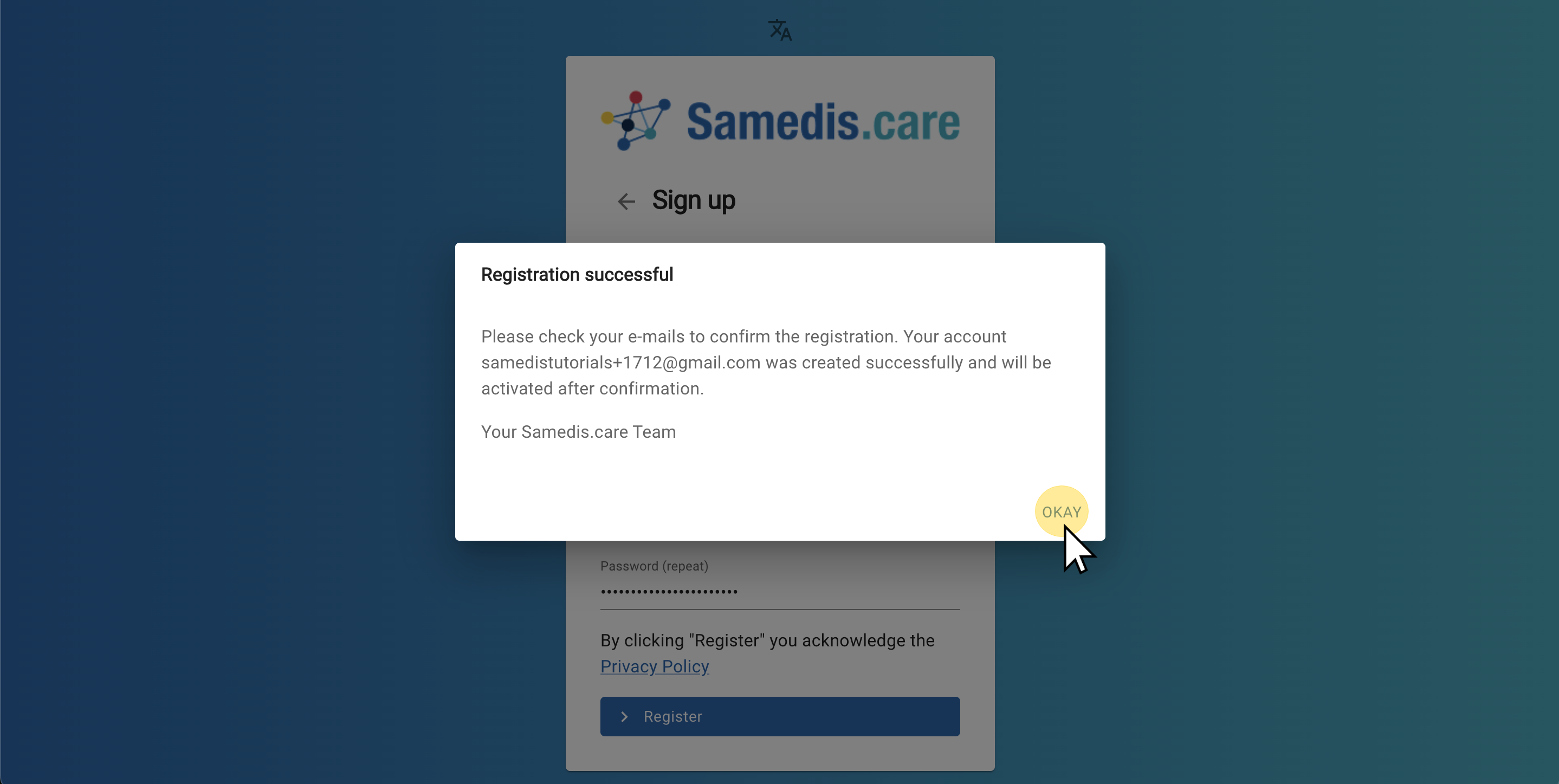
You must now confirm your registration once. To do this, go to your email inbox and click on the link in the email.
Note
Organizations that use Entra ID (aka Azure Active Directory) for their employees can also log in via Microsoft 365. Under certain circumstances, it may be necessary for an IT employee at the organization to first approve Samedis.care as an application for one-time login. If you have any questions about this, please contact our support team and the IT department at your organization.
Tip
If you don’t receive an email, please check your spam or junk mail folder.
6. Sign in
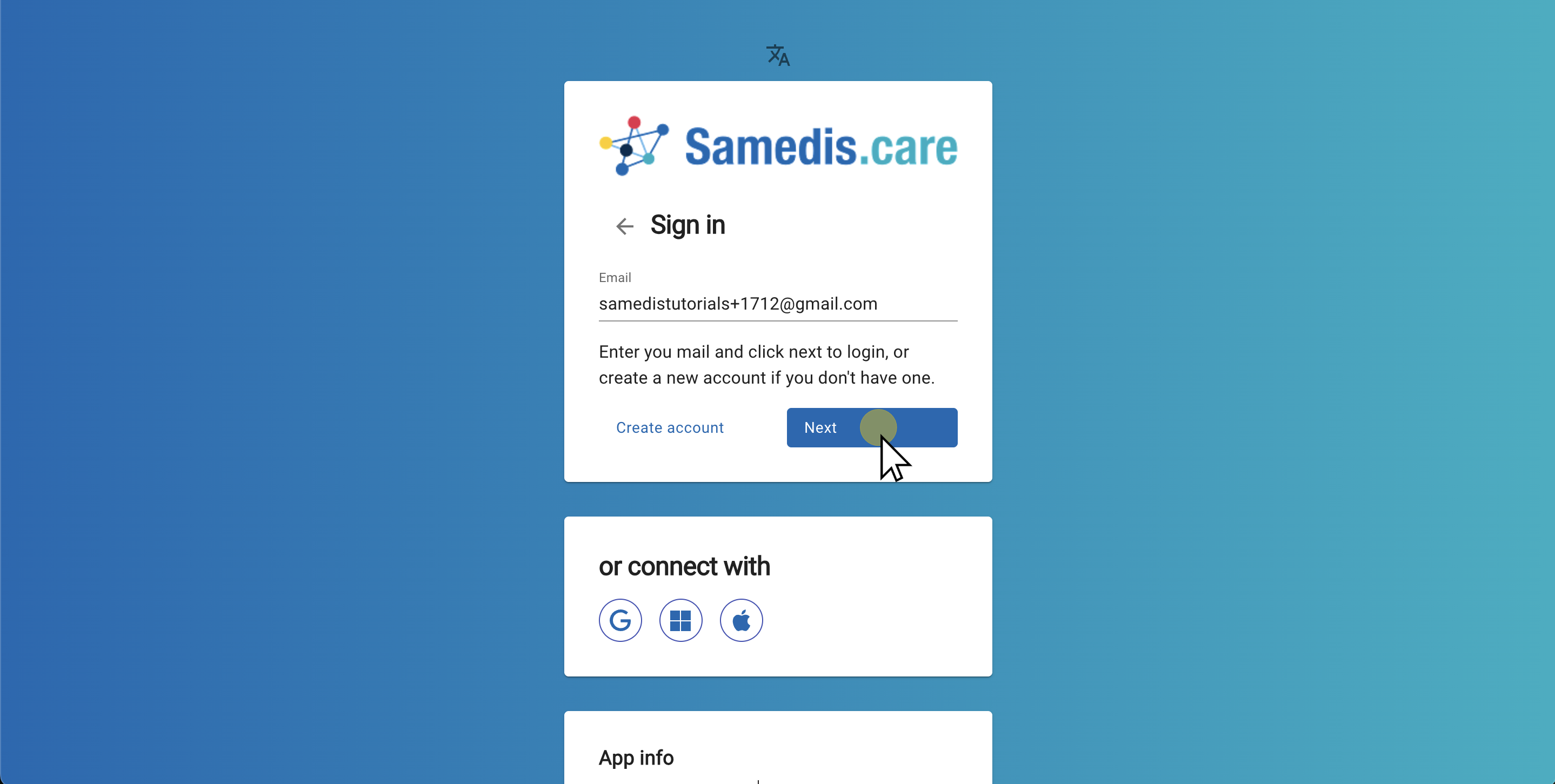
After confirming your account, you can return to the login screen.
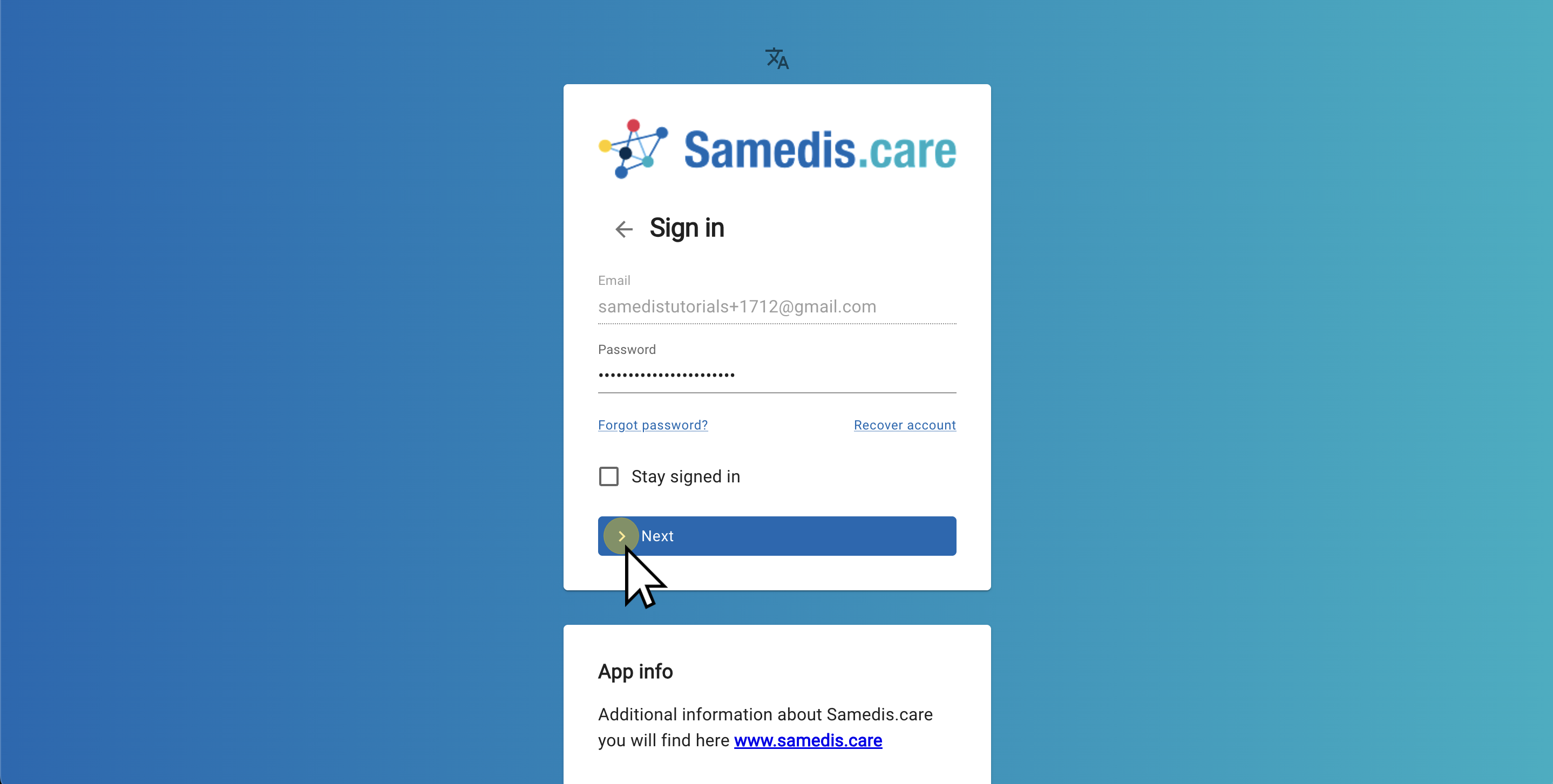
Enter your email address and click on Next.
7. Enter password
Now enter your password.
Click on Next to complete the login.
Note
If you activate ‘Stay signed in,’ you won’t need to sign in again next time. However, only use this feature on your personal devices to prevent anyone else from accessing your account.
Tip
Forgot Password?
Simply click on ‘Forgot password?’. We will then send you an email through which you can reset your password.